
1. บทนำ
Thank you for choosing the Jectse Digital Voice Recorder Watch. This portable wristband device is designed for convenient audio recording in various settings, including lectures, meetings, and personal notes. It features advanced noise reduction, voice-activated recording, and a timestamp function for precise record-keeping. Its sleek design and long battery life make it an ideal companion for students, professionals, and anyone needing reliable audio capture.

The Jectse Digital Voice Recorder Watch is discreet and portable, suitable for various recording needs.
2. เนื้อหาบรรจุภัณฑ์
กรุณาตรวจสอบแพ็คเกจสำหรับรายการต่อไปนี้:
- Digital Voice Recorder Watch
- สายชาร์จ USB
- Earbuds (3.5mm jack)
- คู่มือการใช้งาน

The package includes the Digital Voice Recorder Watch, USB charging cables, and earbuds for playback.
3. สินค้าหมดview
Familiarize yourself with the components of your Jectse Digital Voice Recorder Watch:
- ปุ่มบันทึก: เริ่มและหยุดการบันทึก
- สวิตช์ไฟ: เปิดหรือปิดอุปกรณ์
- พอร์ต USB: สำหรับการชาร์จและถ่ายโอนข้อมูล
- ไมโครโฟน: มีฟังก์ชันบันทึกเสียงในตัว
- แจ็คหูฟัง: For connecting earbuds for private playback.
- ไฟแสดงสถานะ: Displays device status (recording, charging, low battery).
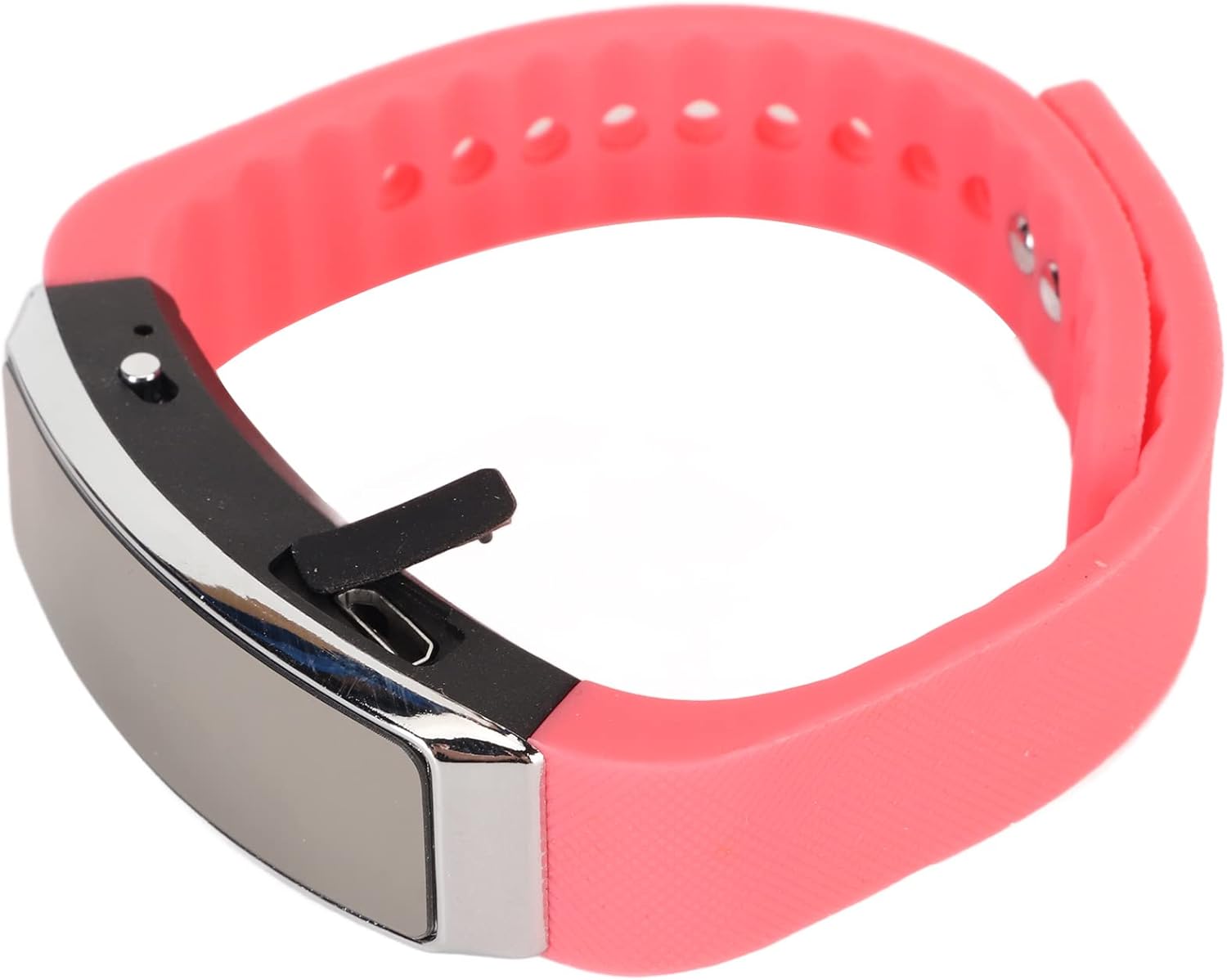
ด้านข้าง view of the recorder watch, highlighting its compact design and accessible controls.

สูงสุด view of the recorder watch, showcasinด้วยสุนทรียภาพที่ทันสมัย
4. การตั้งค่า
4.1. การชาร์จอุปกรณ์
- Connect the small end of the USB charging cable to the USB port on the recorder watch.
- Connect the larger end of the USB cable to a USB power adapter (not included), computer USB port, or other compatible charging device.
- The indicator light will show the charging status. A full charge typically takes a few hours.

The USB port for charging and data transfer is located on the side of the device, protected by a small flap.
4.2. Setting Time and Date (Timestamp)
เพื่อให้แน่ใจว่าเวลาถูกต้องแม่นยำamps on your recordings, connect the device to a computer. The device will automatically synchronize its time and date with your computer's system time. No manual adjustment is typically required.
5. คู่มือการใช้งาน
5.1. เปิด/ปิดเครื่อง
- To power on: Slide the power switch to the 'ON' position. The indicator light will briefly illuminate.
- To power off: Slide the power switch to the 'OFF' position. The device will save any active recording before shutting down.
5.2. Voice Activated Recording
The device supports voice-activated recording, which means it will automatically start recording when sound is detected and pause when there is silence, conserving battery and memory.
- ตรวจสอบให้แน่ใจว่าอุปกรณ์เปิดอยู่
- The recorder will automatically enter voice-activated recording mode. The indicator light may flash or change color to indicate active recording.
- To stop recording, slide the power switch to the 'OFF' position. The recording will be saved automatically.
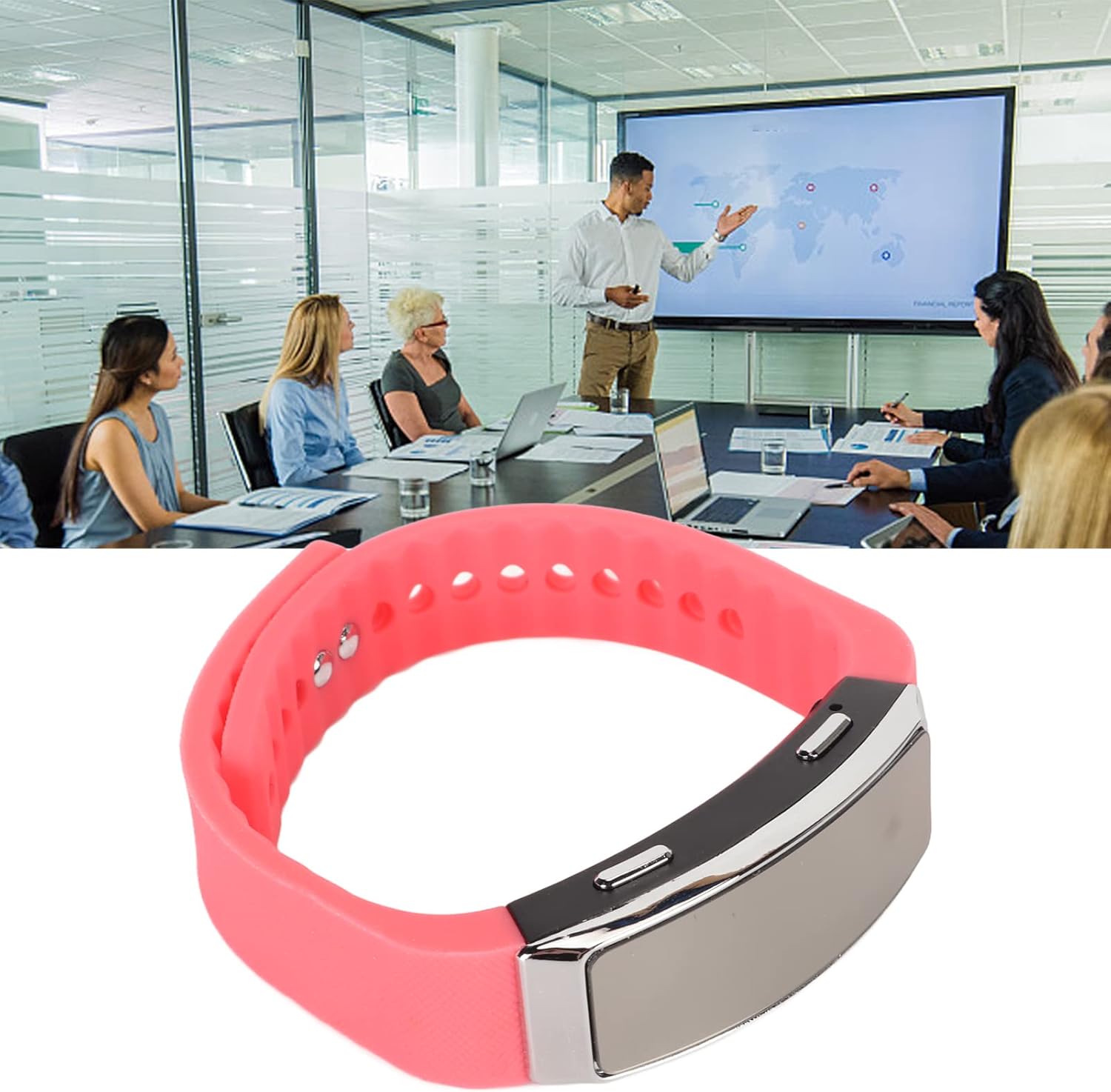
The voice recorder watch is ideal for capturing important discussions in meetings.
5.3. การเล่น
To listen to your recordings:
- ตรวจสอบให้แน่ใจว่าอุปกรณ์ปิดอยู่
- Plug the included earbuds into the headphone jack on the recorder watch.
- Slide the power switch to the 'ON' position. The device will automatically enter playback mode.
- Use the control buttons (if available on the earbuds or device, refer to specific model instructions) to navigate through recordings, adjust volume, or pause/play.
5.4. Connecting to PC/Transferring Files
- ตรวจสอบให้แน่ใจว่าอุปกรณ์ปิดอยู่
- Connect the recorder watch to your computer using the USB charging cable.
- The computer should recognize the device as a removable disk.
- Open the device folder to access your recorded audio files (typically in WAV format).
- คุณสามารถคัดลอก ย้าย หรือลบ fileตามความจำเป็น
6. การบำรุงรักษา
- การทำความสะอาด: ใช้ผ้านุ่มและแห้งเช็ดทำความสะอาดอุปกรณ์ หลีกเลี่ยงการใช้สารเคมีรุนแรงหรือวัสดุที่มีฤทธิ์กัดกร่อน
- พื้นที่จัดเก็บ: เก็บอุปกรณ์ไว้ในที่แห้งและเย็น หลีกเลี่ยงแสงแดดโดยตรงและอุณหภูมิที่สูงหรือต่ำเกินไป
- การดูแลแบตเตอรี่ เพื่อยืดอายุการใช้งานแบตเตอรี่ ควรหลีกเลี่ยงการคายประจุแบตเตอรี่จนหมดบ่อยๆ ควรชาร์จอุปกรณ์เป็นประจำ แม้ว่าจะไม่ได้ใช้งานเป็นเวลานานก็ตาม
7 การแก้ไขปัญหา
- อุปกรณ์ไม่เปิด: ตรวจสอบให้แน่ใจว่าแบตเตอรี่ชาร์จเต็มแล้ว เสียบปลั๊กเข้ากับแหล่งจ่ายไฟแล้วลองอีกครั้ง
- ไม่สามารถบันทึกได้: Check if the device has sufficient memory. Transfer fileไปที่คอมพิวเตอร์เพื่อเพิ่มพื้นที่ว่าง
- คุณภาพเสียงไม่ดี: Ensure the microphone is not obstructed. Record in a quieter environment or closer to the sound source. The built-in noise reduction feature helps, but extreme noise can still affect quality.
- ไม่สามารถเชื่อมต่อกับคอมพิวเตอร์ได้: Try a different USB port or cable. Ensure the device is powered off before connecting.
8. ข้อมูลจำเพาะ
| คุณสมบัติ | รายละเอียด |
|---|---|
| ยี่ห้อ | เจคเซ่ |
| หมายเลขรุ่น | Jectsetqeg4s2wir-11 |
| ความจุของหน่วยความจำ | 8GB |
| อายุการใช้งานแบตเตอรี่ (การบันทึกต่อเนื่อง) | 20 ชั่วโมง |
| เวลาสแตนด์บาย | นานถึง 30 วัน |
| ปัจจัยรูปแบบไมโครโฟน | บิวท์อิน |
| รูปแบบเสียง | วาฟ |
| ฮาร์ดแวร์อินเตอร์เฟซ | ยูเอสบี |
| แจ็คหูฟัง | 3.5 มิลลิเมตร |
| อุปกรณ์ที่รองรับ | เครื่องคอมพิวเตอร์ส่วนบุคคล |
| คุณสมบัติพิเศษ | Voice Activated, Noise Reduction, Timestamp |
9. การรับประกันและการสนับสนุน
The Jectse Digital Voice Recorder Watch comes with a standard manufacturer's warranty. For specific warranty details, returns, or technical support, please refer to the product packaging or contact your retailer. Keep your purchase receipt as proof of purchase.
10. ข้อมูลด้านความปลอดภัยที่สำคัญ
- อย่าให้เครื่องสัมผัสกับอุณหภูมิที่สูงหรือต่ำเกินไป แสงแดดโดยตรง หรือความชื้นสูง
- หลีกเลี่ยงการทำอุปกรณ์หล่นหรือกระแทกอย่างรุนแรง
- เก็บให้พ้นจากมือเด็ก
- ห้ามถอดประกอบหรือซ่อมแซมอุปกรณ์ด้วยตนเอง การกระทำดังกล่าวจะทำให้การรับประกันเป็นโมฆะ
- กำจัดอุปกรณ์และแบตเตอรี่อย่างมีความรับผิดชอบตามกฎระเบียบท้องถิ่น