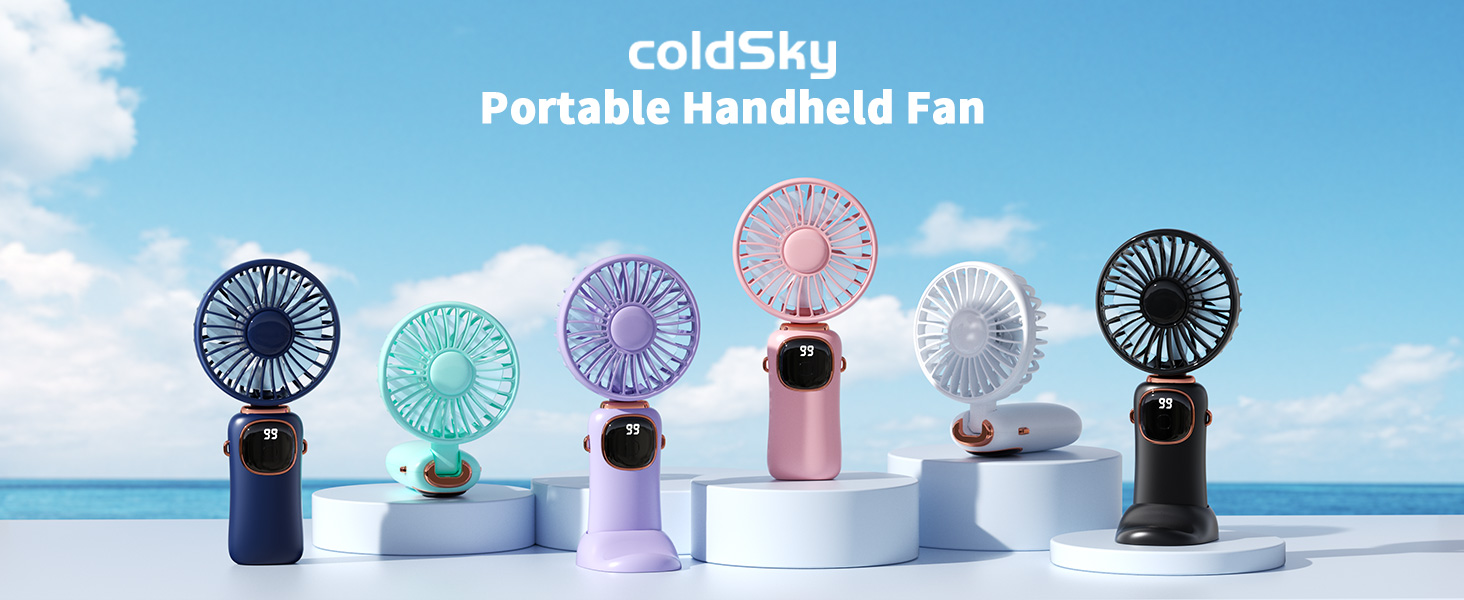
Thank you for choosing the coldSky Portable Handheld Fan. This versatile 3-in-1 fan is designed to provide powerful and quiet cooling wherever you go. With its 4000mAh rechargeable battery, 5 adjustable speeds, and smart digital display, it's perfect for travel, makeup application, commuting, or office use. Please read this manual carefully before use to ensure optimal performance and safety.
Avoid exposing the fan to extreme temperatures or direct sunlight for prolonged periods.
เนื้อหาแพ็คเกจ
กรุณาตรวจสอบแพ็คเกจสำหรับรายการต่อไปนี้:
coldSky Portable Handheld Fan (Model XY-88)
สายคล้องคอ
ฐานกันลื่น
สายชาร์จ Type-C
คู่มือการใช้งาน
สินค้าเกินview และคุณสมบัติที่สำคัญ
3-in-1 Multifunction Design
The coldSky fan offers versatile usage modes: handheld, desk, and neck fan. Its 90° foldable design allows for easy adjustment of airflow direction, adapting to various scenarios and personal preferences.
Image: The coldSky fan demonstrating its three modes: handheld, desk, and worn around the neck with a lanyard.
จอแสดงผลดิจิตอลอัจฉริยะ
Equipped with an intelligent digital screen, the fan clearly displays the remaining battery life and current wind speed level. This feature helps you monitor usage and recharge proactively.
Image: Close-up of the coldSky fan's digital display, indicating battery percentagและความเร็วพัดลมปัจจุบัน
Powerful and Quiet Operation
The fan features a high-quality brushless motor and a 7-blade design, delivering powerful airflow across 5 adjustable speeds. Silent motor technology ensures reduced noise, making it suitable for work, sleep, or relaxation.
ภาพ: ระเบิด view of the coldSky fan, highlighting its brushless motor and 7-blade design for efficient airflow.
อายุการใช้งานแบตเตอรี่ยาวนาน
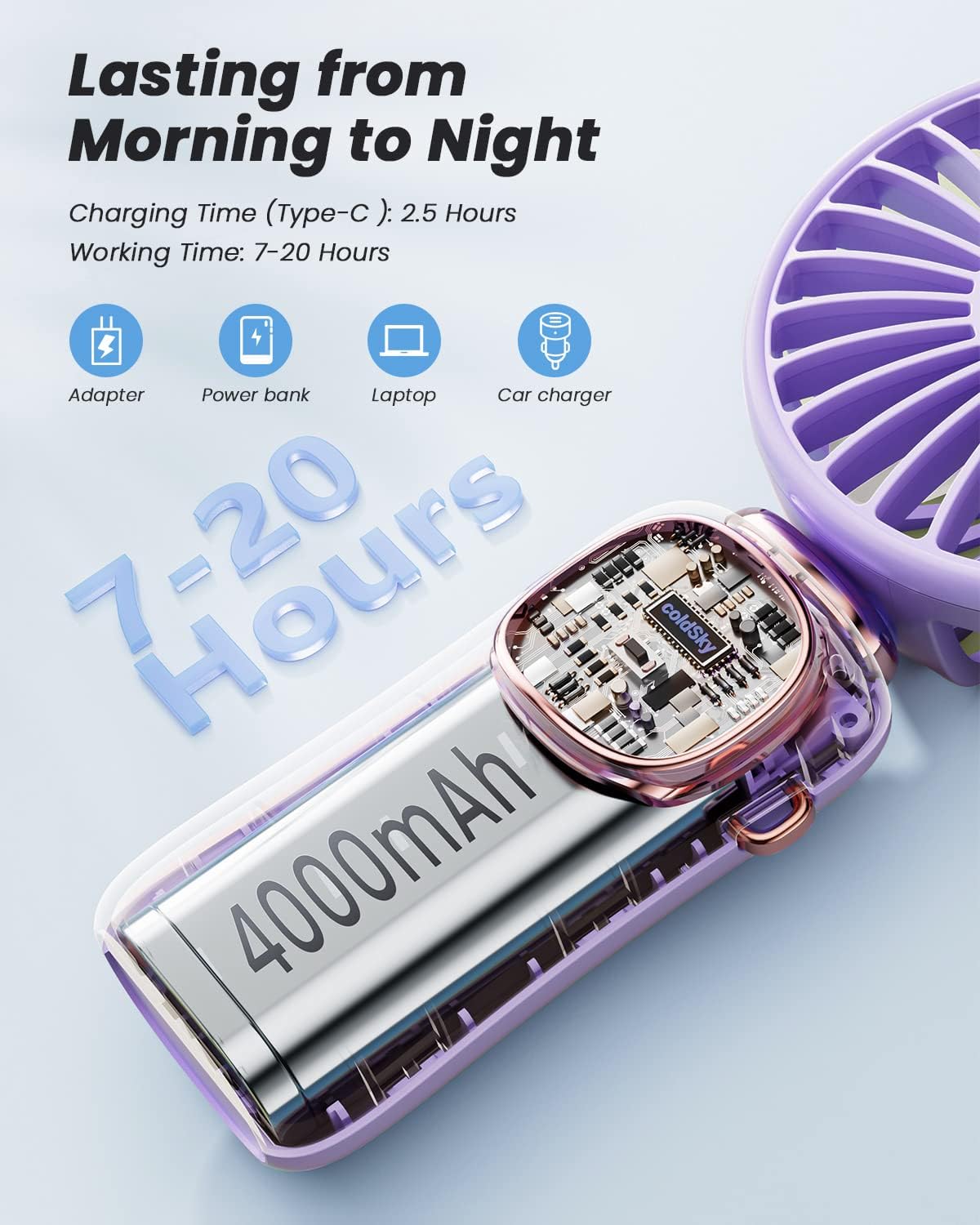
With a built-in 4000mAh battery and power-saving technology, the fan provides 7-20 hours of continuous cooling on a single charge, depending on the speed setting. It supports multiple charging methods including adapter, power bank, laptop, and car charger.
Image: The coldSky fan's internal 4000mAh battery and various compatible charging methods (adapter, power bank, laptop, car charger).
การตั้งค่า
ค่าใช้จ่ายเริ่มต้น: Before first use, fully charge the fan using the provided Type-C cable. The digital display will show 100% when fully charged.
การติดสายคล้อง: Thread the lanyard through the designated loop on the side of the fan handle. Secure it firmly.
Using the Non-slip Base: For desk use, insert the fan handle into the non-slip base. Ensure it is stable on a flat surface.
คำแนะนำการใช้งาน
เปิด/ปิดเครื่อง: Press the power button once to turn the fan on. The digital display will light up, showing battery percentage and current speed. Press and hold the power button for 2 seconds to turn the fan off.
การปรับความเร็ว: While the fan is on, press the power button repeatedly to cycle through the 5 available speed settings (1-5). The digital display will show the current speed.
กลไกการพับ: The fan head can be folded 90 degrees. Gently push the fan head to adjust its angle for handheld, desk, or neck fan use.
กำลังชาร์จพัดลม
เมื่อแบตเตอรี่เปอร์เซ็นต์tage on the digital display is low, it's time to recharge your fan.
Connect the Type-C end of the charging cable to the fan's charging port.
Connect the USB-A end to a compatible power source (e.g., USB adapter, power bank, laptop, car charger).
การทำความสะอาด: Ensure the fan is turned off and unplugged before cleaning. Use a soft, dry cloth to wipe the exterior. For the fan blades, carefully use a cotton swab or a soft brush to remove dust. Do not use water or harsh chemicals.
Check battery level on the digital display. Recharge if necessary. Ensure the power button is pressed firmly.
การไหลเวียนของอากาศอ่อน
Increase the speed setting. Check for any obstructions in the fan grille and clean if needed.
พัดลมมีเสียงผิดปกติ
Ensure no foreign objects are caught in the fan blades. If the noise persists, discontinue use and contact customer support.
พัดลมไม่ชาร์จ
Verify the charging cable is securely connected to both the fan and the power source. Try a different charging cable or power adapter.
ข้อมูลจำเพาะ
คุณสมบัติ
รายละเอียด
ยี่ห้อ
เย็นSky
ชื่อรุ่น
XY-88
ความจุของแบตเตอรี่
4000mAh ลิเธียมโพลิเมอร์
เวลาในการชาร์จ
ประมาณ 2.5 ชั่วโมง
เวลาทำงาน
7-20 ชั่วโมง (ขึ้นอยู่กับความเร็ว)
ระดับความเร็ว
5
ประเภทมอเตอร์
ไร้แปรงถ่าน
ระดับเสียง
20 เดซิเบล
ขนาดสินค้า
ลึก 1.37 นิ้ว x กว้าง 3.54 นิ้ว x สูง 7.28 นิ้ว
น้ำหนักสินค้า
0.43 ปอนด์ (6.9 ออนซ์)
พอร์ตชาร์จ
ประเภทซี
คุณสมบัติพิเศษ
Adjustable Tilt, Foldable, LED Digital Display
การรับประกันและการสนับสนุนลูกค้า
coldSky products are manufactured to the highest quality standards. For any questions, concerns, or warranty claims, please contact coldSky customer support through your original purchase platform or visit the official coldSky webเว็บไซต์สำหรับข้อมูลการติดต่อ
Ask a question about this manual
Ask about setup, troubleshooting, compatibility, parts, safety, or missing instructions. Manuals+ will review the question and use this page’s manual context to help answer it.