
การแนะนำ
This manual provides instructions for the Flutesan Portable Bluetooth Item Finder. Please read this manual carefully before using the device to ensure proper operation and to maximize its functionality. This device utilizes Bluetooth technology for proximity tracking, not satellite-based GPS.
สินค้าเกินview
The Flutesan Portable Bluetooth Item Finder is a compact device designed to help locate misplaced items such as keys, wallets, pets, and luggage. It connects to your smartphone via Bluetooth, allowing you to track items within a certain range and trigger an alarm.
คุณสมบัติหลัก:
- การเชื่อมต่อบลูทูธ: Connects wirelessly to your smartphone for proximity tracking.
- การออกแบบที่กะทัดรัด: Small size (approximately 1.5 x 1.5 x 0.3 inches) with an integrated keychain loop for easy attachment.
- ฟังก์ชั่นปลุก: Triggers an audible alarm on the device to help locate items.
- ชัตเตอร์กล้องระยะไกล: Can function as a remote button for your smartphone camera.

Image: A collection of eight Flutesan Bluetooth item finders, black in color, with one attached to a gold keychain. These devices are designed to be compact and easily attachable to various items.
เนื้อหาแพ็คเกจ
- Flutesan Portable Bluetooth Item Finder (8 units)
- คู่มือการใช้งาน (เอกสารนี้)
ข้อมูลจำเพาะ
| คุณสมบัติ | รายละเอียด |
|---|---|
| ขนาด | ประมาณ 1.5 x 1.5 x 0.3 นิ้ว (3.8 x 3.8 x 0.76 ซม.) |
| น้ำหนัก | Approximately 2.89 ounces (82 grams) per unit |
| การเชื่อมต่อ | บลูทูธ |
| อุปกรณ์ที่รองรับ | สมาร์ทโฟน (iOS และ Android) |
| วัสดุ | ยาง |
| แหล่งพลังงาน | Button Cell Battery (CR2032, not included) |

Image: A diagram illustrating the dimensions of the item finder (5.2 cm length, 3.1 cm width, 1.1 cm thickness) and a visual guide on how to open the case to replace the CR2032 battery.
คำแนะนำการตั้งค่า
- ติดตั้งแบตเตอรี่: Open the device casing (refer to the diagram in the Specifications section) and insert a CR2032 button cell battery. Ensure correct polarity. Close the casinก. อย่างปลอดภัย
- ดาวน์โหลดแอป: ค้นหา the recommended companion application on your smartphone's app store (e.g., "iSearching" or similar, as implied by common Bluetooth trackers). Follow the on-screen instructions to download and install the app.
- เปิดใช้งานบลูทูธ: ตรวจสอบให้แน่ใจว่าได้เปิดใช้งาน Bluetooth บนสมาร์ทโฟนของคุณแล้ว
- จับคู่อุปกรณ์: Open the installed app. Follow the in-app instructions to add a new device. Typically, you will need to press and hold the button on the item finder until it beeps or a light flashes, indicating it's in pairing mode. Select the device from the list in the app to complete pairing.
- ปรับแต่งการตั้งค่า: Within the app, you can rename your device (e.g., "Keys," "Wallet," "Pet Collar") and adjust alert settings.

Image: A visual guide showing the six main steps for using the item finder: downloading the app, ensuring Bluetooth compatibility, binding the device, clicking the alarm in the app, the device beeping, and finally locating the item.
คำแนะนำการใช้งาน
Locating an Item:
- Ensure your smartphone's Bluetooth is active and the item finder is within range.
- เปิดแอปพลิเคชันคู่หูบนสมาร์ทโฟนของคุณ
- Select the desired item finder from your list of paired devices.
- Tap the "Alarm" or "Find" button within the app. The item finder will emit an audible beep, helping you pinpoint its location.
- To stop the alarm, tap the "Stop" button in the app or press the button on the item finder.
Anti-Loss Alert:
The app can be configured to alert you if the item finder moves out of Bluetooth range from your smartphone. This feature helps prevent items from being left behind.
- Enable the "Anti-Loss" or "Disconnection Alert" feature in the app settings for each device.
- If the connection is lost, both your phone and the item finder may emit an alert.

Image: A small dog with a Flutesan item finder attached to its collar, demonstrating a common use case for pet tracking. The device is discreetly placed on the collar.

Image: A collage showing multiple applications of the item finder: placed inside a wallet, attached to a set of keys, hanging from a handbag, and positioned near a camera, illustrating its versatility.
ฟังก์ชั่นกล้องระยะไกล
The item finder can also serve as a remote shutter button for your smartphone's camera.
- เปิดแอปกล้องในสมาร์ทโฟนของคุณ
- Ensure the item finder is connected via Bluetooth.
- Press the button on the item finder. This will trigger your phone's camera to take a photo.
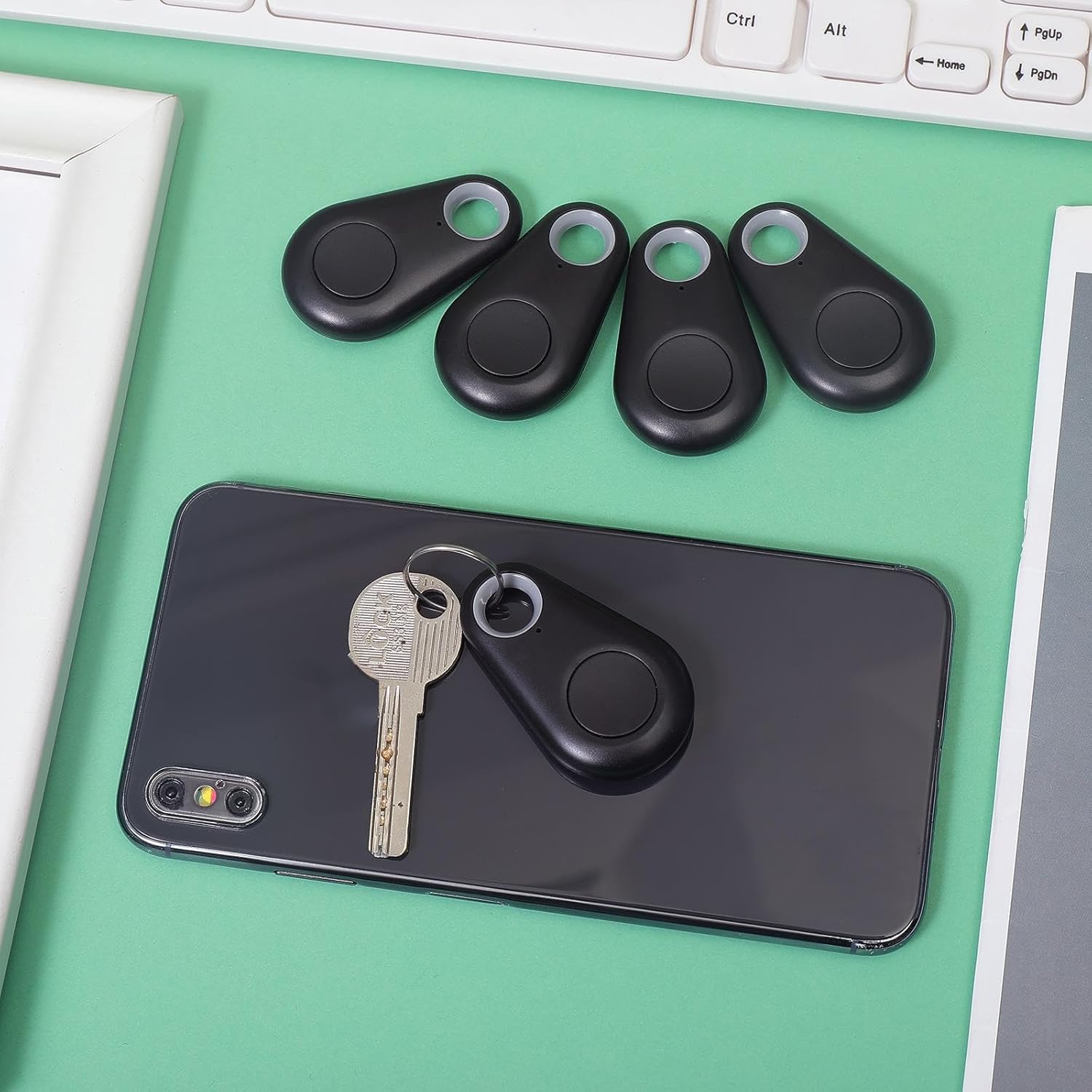
Image: A family enjoying a meal, with a smartphone set up on a tripod, capturing a group photo using the item finder as a remote shutter, highlighting its convenience for selfies and group shots.
การซ่อมบำรุง
การเปลี่ยนแบตเตอรี่:
The device uses a CR2032 button cell battery. When the alarm sound becomes weak or the device fails to connect, it's time to replace the battery.
- เปิดอุปกรณ์อย่างระมัดระวังasing. Refer to the diagram in the Specifications section for guidance.
- ถอดแบตเตอรี่ CR2032 เก่าออก
- ใส่แบตเตอรี่ CR2032 ใหม่ โดยตรวจสอบให้แน่ใจว่าด้านบวก (+) หันขึ้นด้านบน
- ปิด casinก. อย่างปลอดภัย
การทำความสะอาด:
เช็ดอุปกรณ์ด้วยผ้าแห้งนุ่มๆ หลีกเลี่ยงการใช้สารเคมีรุนแรงหรือน้ำยาทำความสะอาดที่มีฤทธิ์กัดกร่อน
พื้นที่จัดเก็บ:
เก็บอุปกรณ์ไว้ในที่แห้งและเย็นเมื่อไม่ใช้งาน ถอดแบตเตอรี่ออกหากเก็บไว้นานเพื่อป้องกันการรั่วไหล
การแก้ไขปัญหา
- Device not connecting to smartphone:
- ตรวจสอบให้แน่ใจว่าได้เปิดใช้งาน Bluetooth บนสมาร์ทโฟนของคุณแล้ว
- Make sure the item finder has a fresh battery and is powered on.
- Bring the item finder closer to your smartphone.
- รีสตาร์ทแอปแล้วลองจับคู่ใหม่อีกครั้ง
- If issues persist, try restarting your smartphone.
- Alarm is too quiet or not sounding:
- Replace the battery in the item finder.
- Check the volume settings within the companion app.
- Device frequently disconnects:
- Ensure the device is within the effective Bluetooth range (typically up to 75 feet/23 meters in open areas, less indoors).
- Minimize obstructions between the device and your smartphone.
- ตรวจสอบสัญญาณรบกวนจากอุปกรณ์ไร้สายอื่นๆ
- Ensure your smartphone's operating system and the companion app are up to date.
- Remote camera function not working:
- Ensure the item finder is connected via Bluetooth.
- Some camera apps may not fully support external Bluetooth shutters. Try using your phone's default camera app.
การรับประกันและการสนับสนุน
For warranty information or technical support, please refer to the contact details provided with your purchase or visit the official Flutesan webไซต์นี้ โปรดเก็บหลักฐานการซื้อไว้เพื่อใช้ยืนยันการรับประกัน