
1. บทนำ
Welcome to the user manual for your new Taurus Homeland Laser Robot Vacuum Cleaner. This intelligent cleaning device is designed to provide efficient and thorough cleaning for your home, utilizing advanced ElegantLaser technology for precise navigation and mapping. Please read this manual carefully before using the product to ensure proper operation, maintenance, and safety.
ข้อมูลด้านความปลอดภัย
ปฏิบัติตามหลักเกณฑ์ด้านความปลอดภัยต่อไปนี้เสมอ:
- Do not allow children to operate the robot vacuum cleaner.
- Ensure the charging base is placed on a flat, stable surface against a wall, with no obstacles within 1 meter in front and 0.5 meters on either side.
- Keep the robot away from water or wet surfaces to prevent electric shock.
- Do not use the robot to clean liquids, burning objects, or large, sharp debris.
- Regularly check and clean the brushes and sensors to maintain optimal performance.
- Only use the original power adapter and charging base provided with the product.
- หากสายไฟชำรุด จะต้องเปลี่ยนโดยผู้ผลิตหรือตัวแทนบริการที่มีคุณสมบัติเหมาะสม
2. สินค้าหมดview
Familiarize yourself with the components of your Taurus Homeland Laser Robot Vacuum Cleaner.
เนื้อหาแพ็คเกจ
- Taurus Homeland Laser Robot Vacuum Cleaner
- ฐานชาร์จ
- อะแดปเตอร์แปลงไฟ
- รีโมทคอนโทรล
- แปรงด้านข้าง (2 คู่)
- แปรงหลัก
- ถังทิ้งขยะ
- ถังน้ำพร้อมผ้าถูพื้น
- เครื่องมือทำความสะอาด
- คู่มือการใช้งาน
ส่วนประกอบของหุ่นยนต์


3. การตั้งค่า
การแกะกล่องและการวางตำแหน่งเริ่มต้น
- นำส่วนประกอบทั้งหมดออกจากบรรจุภัณฑ์อย่างระมัดระวัง
- Choose a suitable location for the charging base. It should be placed against a wall on a hard, level surface. Ensure there are no obstacles within 1 meter (3.3 feet) in front of the base and 0.5 meters (1.6 feet) on either side to allow the robot to dock easily.
- Connect the power adapter to the charging base and plug it into a wall outlet. Ensure the indicator light on the charging base illuminates.
การติดตั้งแปรงด้านข้าง
Turn the robot over. Align the side brushes with the corresponding slots (L and R) on the bottom of the robot and press them down until they click into place.
การชาร์จเบื้องต้น
Place the robot onto the charging base, ensuring the charging contacts on the robot align with those on the base. The robot will begin charging automatically. For first-time use, it is recommended to fully charge the robot before its initial cleaning cycle (approximately 4-5 hours).
App Setup and Wi-Fi Connection
To unlock the full potential of your robot, download the dedicated mobile application.

- ค้นหา the 'Taurus Homeland' app in your smartphone's app store (Google Play Store for Android or Apple App Store for iOS).
- ดาวน์โหลดและติดตั้งแอปพลิเคชัน
- Follow the in-app instructions to create an account and connect your robot vacuum cleaner to your home Wi-Fi network. Ensure your Wi-Fi network is 2.4GHz.
- Once connected, you can control the robot, schedule cleanings, and view cleaning maps from your smartphone.
4. คู่มือการใช้งาน
การเปิด/ปิดเครื่อง
- เปิดเครื่อง: Press and hold the power button on the robot or the remote control until the indicator lights illuminate.
- หมดแรง: Press and hold the power button on the robot or the remote control until the indicator lights turn off.
การเริ่มวงจรการทำความสะอาด
Press the power button on the robot or the 'Clean' button on the remote control/app to start an automatic cleaning cycle. The robot will begin mapping and cleaning your home using its ElegantLaser navigation.


โหมดการทำความสะอาด
The robot offers 10 different cleaning modes, accessible via the remote control or the mobile app:
- อัตโนมัติ: Standard cleaning mode, the robot intelligently navigates and cleans the entire area.
- เลือกห้อง: Clean specific rooms identified on the app's map.
- ปริมณฑล: ทำความสะอาดตามผนังและขอบเฟอร์นิเจอร์
- เกลียว: ทำความสะอาดบริเวณที่ต้องการอย่างเข้มข้นด้วยรูปแบบการหมุนวนเป็นเกลียว
- คู่มือ: Control the robot's movement manually using the remote control or app.
- กลับบ้าน: Robot returns to the charging base.
- พลังสูงสุด: เพิ่มพลังดูดเพื่อการทำความสะอาดที่ล้ำลึกยิ่งขึ้น
- Restricted Zone: Define areas on the app map that the robot should avoid.
- Restricted Wall: Create virtual walls on the app map to block off areas.
- การทำความสะอาดเฉพาะจุด: ทำความสะอาดบริเวณเล็กๆ เฉพาะจุดอย่างเข้มข้น
การใช้แอปพลิเคชันบนมือถือ
แอปนี้มีตัวเลือกการควบคุมและการปรับแต่งที่ครอบคลุม:

- การทำแผนที่: The robot creates a real-time map of your home, which is displayed in the app.
- Zone Restriction: Draw virtual boundaries or no-go zones on the map to prevent the robot from entering certain areas.
- การกำหนดตารางเวลา: กำหนดตารางการทำความสะอาดรายวันหรือรายสัปดาห์สำหรับการทำความสะอาดอัตโนมัติ
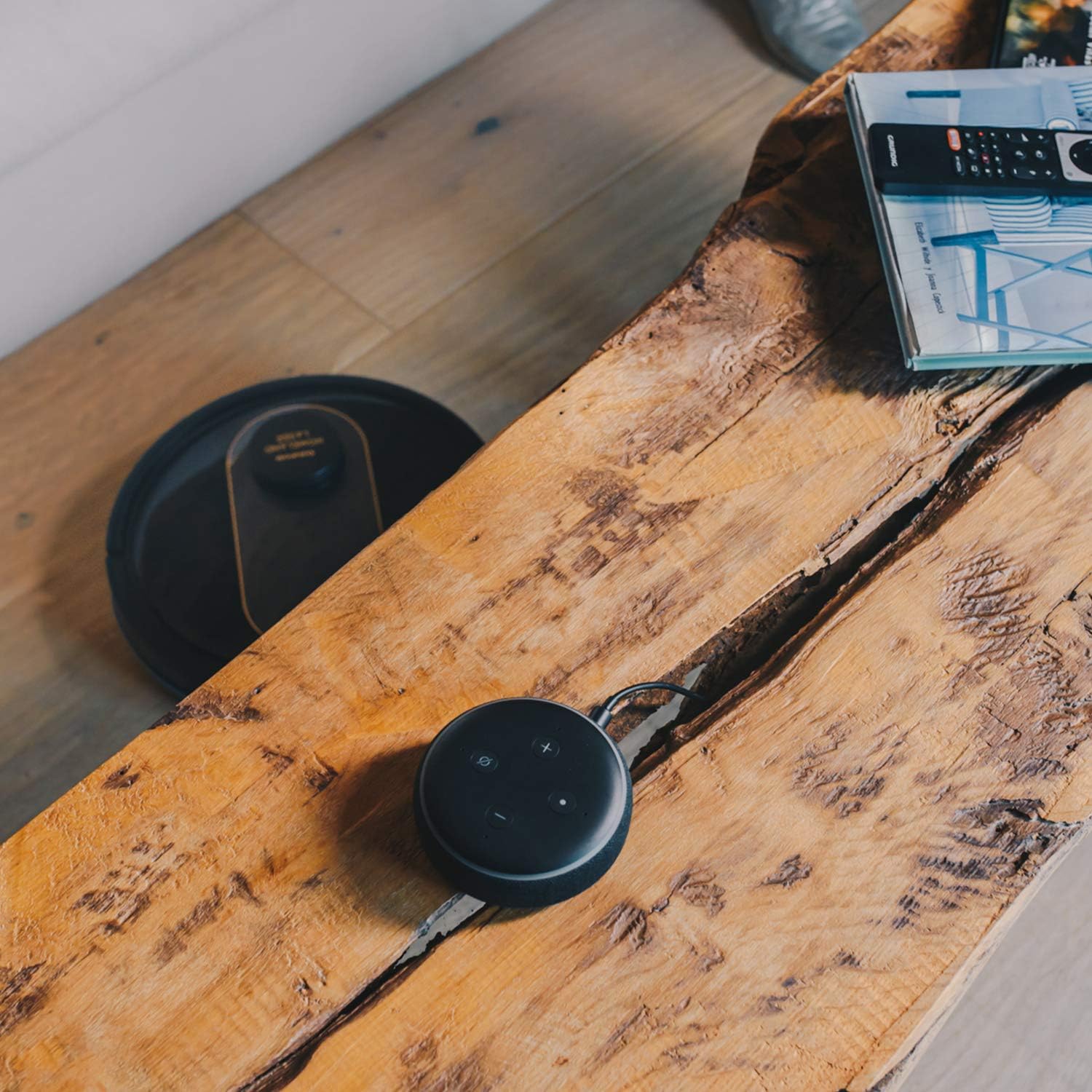
- การควบคุมด้วยเสียง: Compatible with Alexa and Google Assistant for convenient voice commands (e.g., "Alexa, start cleaning").
ฟังก์ชั่นการถู
To use the mopping function, fill the water tank with clean water and attach the mop cloth. Insert the water tank into the robot. The robot will then vacuum and mop simultaneously. Do not use detergents or harsh chemicals in the water tank.
5. การบำรุงรักษา
การบำรุงรักษาตามปกติจะช่วยให้หุ่นยนต์ดูดฝุ่นของคุณทำงานได้อย่างเหมาะสมที่สุดและยืดอายุการใช้งาน
การล้างถังขยะ
The dustbin should be emptied after each cleaning cycle or when the 'dustbin full' indicator (if available) illuminates. Press the dustbin release button, pull out the dustbin, open its lid, and discard the debris.
การทำความสะอาดตัวกรอง
The HEPA filter should be cleaned weekly. Remove the filter from the dustbin and tap it gently over a trash can to remove dust. Do not wash the HEPA filter with water; if it becomes heavily soiled, replace it.
แปรงทำความสะอาด
- แปรงหลัก: Remove the main brush cover and lift out the main brush. Use the provided cleaning tool to remove hair and debris tangled around the brush. Clean the brush compartment.
- แปรงด้านข้าง: Periodically check the side brushes for tangled hair or debris. If necessary, remove them and clean them. Replace worn or damaged side brushes.
การทำความสะอาดเซนเซอร์และหน้าสัมผัสการชาร์จ
Wipe the cliff sensors (located on the bottom of the robot), wall sensors (on the front bumper), and charging contacts (on the robot and charging base) with a clean, dry cloth. This ensures proper navigation and charging.
การทำความสะอาดถังน้ำและผ้าม็อบ
After mopping, empty any remaining water from the tank. Remove the mop cloth and wash it thoroughly. Allow both the tank and cloth to air dry completely before reassembling.
6 การแก้ไขปัญหา
หากคุณพบปัญหาเกี่ยวกับเครื่องดูดฝุ่นหุ่นยนต์ โปรดดูปัญหาและวิธีแก้ไขทั่วไปต่อไปนี้:
| ปัญหา | สาเหตุที่เป็นไปได้ | สารละลาย |
|---|---|---|
| หุ่นยนต์ไม่เปิดเครื่อง | แบตเตอรี่อ่อน; กดปุ่มเปิด/ปิดไม่ถูกต้อง | Place robot on charging base; Press and hold power button for a few seconds. |
| หุ่นยนต์ไม่ชาร์จเงิน | หน้าสัมผัสการชาร์จสกปรก อะแดปเตอร์ไฟไม่ได้เชื่อมต่อ | Clean charging contacts on robot and base; Ensure power adapter is securely plugged in. |
| หุ่นยนต์ติดขัดบ่อยครั้ง | มีสิ่งกีดขวางมากเกินไป เซ็นเซอร์ตรวจจับหน้าผาทำงานผิดปกติ | กำจัดสิ่งกีดขวางออกจากเส้นทางการทำความสะอาด; ทำความสะอาดเซ็นเซอร์ตรวจจับขอบหน้าผา |
| ประสิทธิภาพการทำความสะอาดไม่ดี | ถังขยะเต็ม; แปรงพันกัน; ตัวกรองอุดตัน. | เทถังเก็บฝุ่น; ทำความสะอาดแปรงหลักและแปรงด้านข้าง; ทำความสะอาดหรือเปลี่ยนแผ่นกรอง |
| ปัญหาการเชื่อมต่อแอป | รหัสผ่าน Wi-Fi ไม่ถูกต้อง; เราเตอร์อยู่ไกลเกินไป; เครือข่าย Wi-Fi 5GHz | ป้อนรหัสผ่าน Wi-Fi อีกครั้ง; เลื่อนหุ่นยนต์ให้ใกล้เราเตอร์มากขึ้น; ตรวจสอบให้แน่ใจว่าใช้ Wi-Fi ความถี่ 2.4GHz |
| หุ่นยนต์มีเสียงผิดปกติ | เศษวัสดุในแปรงหรือล้อ พัดลมอุดตัน | Inspect and clean main brush, side brushes, and wheels; Check for obstructions in the suction path. |
If the problem persists after trying these solutions, please contact Taurus customer support.
7. ข้อมูลจำเพาะ
Key technical specifications for the Taurus Homeland Laser Robot Vacuum Cleaner:
| คุณสมบัติ | ข้อมูลจำเพาะ |
|---|---|
| ยี่ห้อ | ราศีพฤษภ |
| ชื่อรุ่น | Homeland Laser |
| หมายเลขรุ่น | 948895000 |
| สี | สีดำ/สีทอง |
| ขนาด (กว้าง x ยาว x สูง) | 32L x 32W x 10H cm (approx. 7.6 cm height for cleaning under furniture) |
| น้ำหนักสินค้า | 2.7 กิโลกรัม |
| เล่มที่tage | 240 โวลต์ |
| วัสดุ | พลาสติก |
| พลังดูด | 1800 พีเอ |
| ประเภทแบตเตอรี่ | ลิเธียมไอออน |
| อายุการใช้งานแบตเตอรี่ | สูงสุด 120 นาที |
| ประเภทตัวกรอง | แผ่นกรอง HEPA |
| การเชื่อมต่อ | Wi-Fi (2.4GHz), Smartphone App, Alexa & Google Assistant compatible |
| โหมดการทำความสะอาด | 10 (Auto, Select Room, Perimeter, Spiral, Manual, Return to Home, Max Power, Restricted Zone, Restricted Wall, Spot Cleaning) |
8. การรับประกันและการสนับสนุน
Your Taurus Homeland Laser Robot Vacuum Cleaner comes with a manufacturer's warranty. Please refer to the warranty card included in your product packaging for specific terms and conditions, including the warranty period and coverage details.
การสนับสนุนลูกค้า
For technical assistance, troubleshooting beyond this manual, or warranty claims, please contact Taurus customer support. Contact information can typically be found on the official Taurus webไซต์หรือบนบรรจุภัณฑ์ผลิตภัณฑ์ของคุณ
We recommend registering your product on the Taurus webเข้าชมเว็บไซต์เพื่อรับข้อมูลอัปเดตและการสนับสนุน