
1. บทนำ
The ZINGYOU ZY-905 is a high-fidelity USB condenser microphone designed for various applications including gaming, recording, live streaming, and online video creation. It features a 16mm electret condenser transducer and noise reduction technology to deliver clear, rich sound with a wide frequency response of 40Hz-14kHz. This microphone is engineered for direct plug-and-play compatibility with macOS and Windows laptops and PCs, eliminating the need for additional sound cards or phantom power.

Image 1: The ZINGYOU ZY-905 microphone, illustrating its cardioid polar pattern and key technical specifications such as mic-core diameter, sensitivity, frequency response, sampling rate, and maximum SPL.
2. อะไรอยู่ในกล่อง
Verify that all components are present in your ZINGYOU ZY-905 USB microphone kit:
- ZINGYOU ZY-905 USB Condenser Microphone
- ขาตั้งขาตั้งกล้อง
- Metal Shock Mount
- สาย USB
- คู่มือการใช้งาน
- บัตรรับประกัน
3. คู่มือการติดตั้ง
3.1. การประกอบ
- Attach the metal shock mount to the tripod stand.
- Securely screw the ZY-905 microphone into the metal shock mount.
- Connect the provided USB cable to the microphone's port.
Image 2: The ZINGYOU ZY-905 microphone with its adjustable tripod stand, highlighting its 240° adjustable angle for sound source capture and 360° rotation for optimal positioning.
3.2. การเชื่อมต่อกับคอมพิวเตอร์ของคุณ
The ZY-905 microphone is designed for plug-and-play operation with macOS and Windows operating systems. No additional drivers or phantom power are required.
- Connect the USB cable from the microphone to an available USB 2.0 port on your laptop or PC.
- Observe the small blue indicator light on the microphone. If it flashes, the computer is recognizing the microphone but it is not yet ready for use.
- Once the blue indicator light remains steadily on, the microphone has been successfully detected and is ready for normal operation.
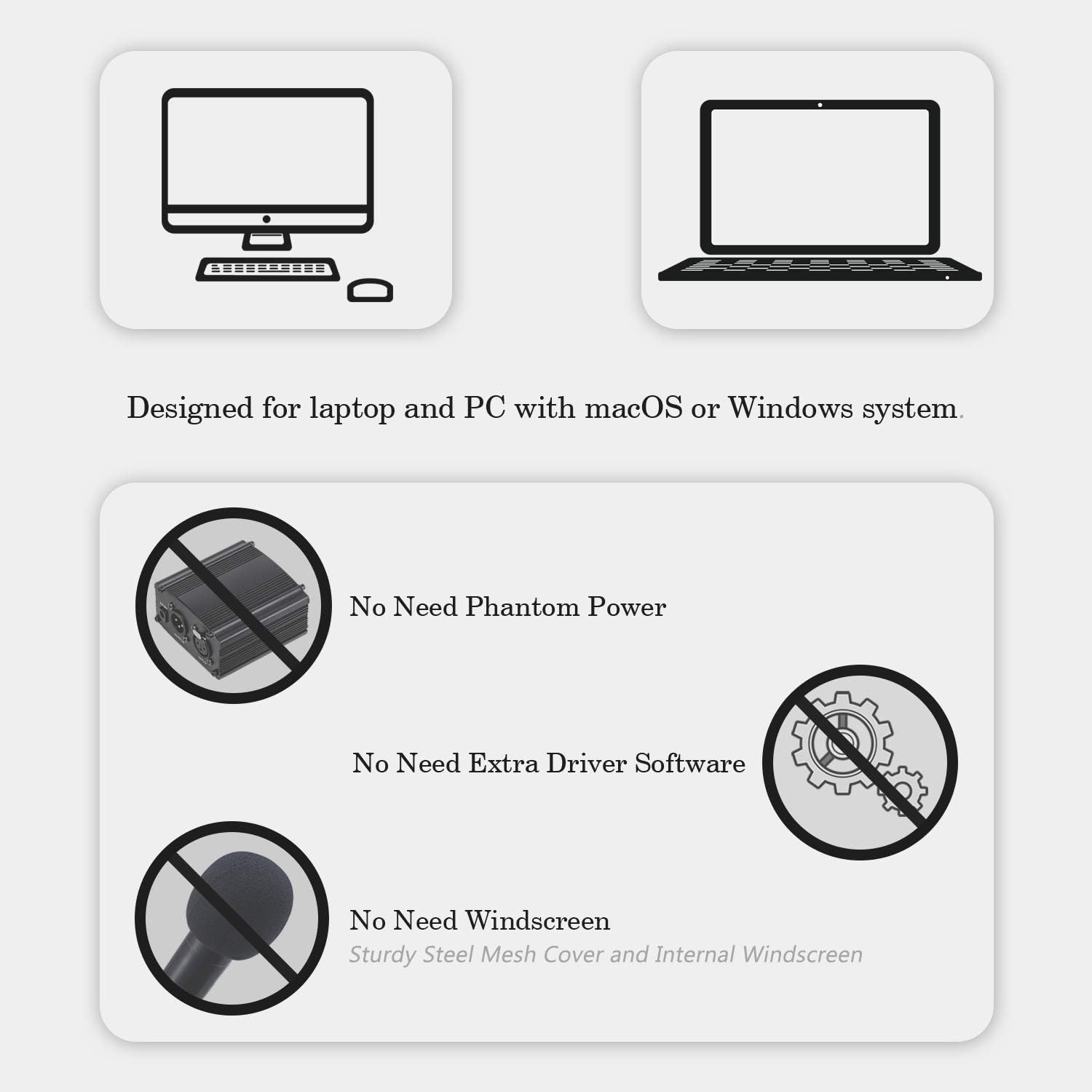
Image 3: Visual representation of the ZINGYOU ZY-905 microphone's compatibility with laptops and PCs running macOS or Windows, emphasizing that no phantom power or additional driver software is required.
3.3. System Settings (Windows/macOS)
After connecting, you may need to select the ZINGYOU ZY-905 as your default input device in your computer's sound settings or within your recording/communication software.
- หน้าต่าง: ไปที่ การตั้งค่า > ระบบ > เสียง > อินพุต and select 'ZINGYOU ZY-905' from the dropdown menu.
- MacOS: ไปที่ ค่ากำหนดของระบบ > เสียง > อินพุต and select 'ZINGYOU ZY-905'.
4. คู่มือการใช้งาน
The ZY-905 microphone is optimized for capturing vocals and speech with clarity. Its cardioid polar pattern primarily picks up sound from the front, minimizing background noise from the sides and rear.
4.1. การจัดวางไมโครโฟนอย่างเหมาะสม
For best results, position the microphone directly in front of the sound source (e.g., your mouth) at a distance of 6-12 inches (15-30 cm). Experiment with distance to find the ideal balance between vocal presence and ambient noise rejection.

Image 4: An illustration demonstrating the ZINGYOU ZY-905 microphone's effective range and directionality when capturing a user's voice.
4.2. สถานการณ์การใช้งาน
- การบันทึก: Use with your preferred digital audio workstation (DAW) or recording software for clear vocal and instrument recordings.
- การเล่นเกม: Enhance in-game communication with clear voice capture.
- Live Streaming & Video Calls: Provide professional-quality audio for live broadcasts, online meetings, and video conferencing.
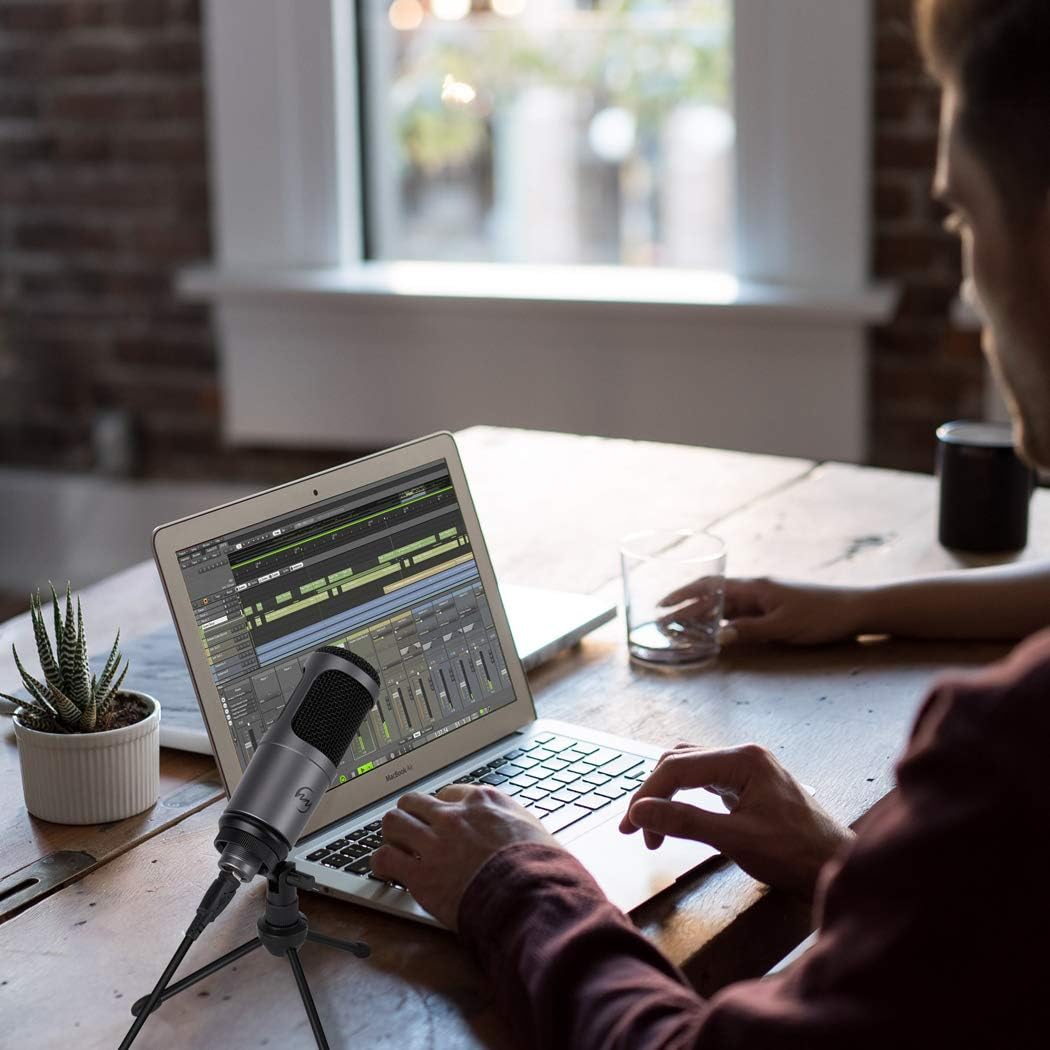
Image 5: A user actively recording audio using the ZINGYOU ZY-905 USB microphone connected to a laptop, demonstrating its application in a recording setup.

Image 6: A user engaged in gaming, utilizing the ZINGYOU ZY-905 USB microphone with a desktop computer for clear in-game communication.

Image 7: A user participating in a video call or live stream, showcasing the ZINGYOU ZY-905 USB microphone in use with a desktop computer for clear audio transmission.
5. การบำรุงรักษา
To ensure the longevity and optimal performance of your ZINGYOU ZY-905 microphone:
- รักษาไมโครโฟนให้สะอาดโดยเช็ดเบาๆ ด้วยผ้าแห้งนุ่ม
- หลีกเลี่ยงการให้ไมโครโฟนสัมผัสกับอุณหภูมิที่สูงหรือความชื้นสูงหรือแสงแดดโดยตรง
- ควรเก็บไมโครโฟนไว้ในที่ปลอดภัยเมื่อไม่ได้ใช้งาน เพื่อป้องกันความเสียหายทางกายภาพ
- Do not attempt to disassemble the microphone, as this may void the warranty.
6 การแก้ไขปัญหา
- Microphone not recognized by computer:
Ensure the USB cable is securely connected to both the microphone and the computer. Try a different USB port. Check the blue indicator light; if it's flashing, the computer is still recognizing it. Wait for it to be solid blue. - No sound input:
Verify that the ZINGYOU ZY-905 is selected as the default input device in your computer's sound settings and within your application (e.g., recording software, communication app). Check the input volume levels in your system settings. - Poor sound quality or buzzing noise:
Ensure the microphone is positioned correctly and not too far from the sound source. Avoid placing the microphone near sources of electromagnetic interference (e.g., power cables, unshielded electronics). - Using with a phone:
The ZY-905 is designed for PC/Mac. To use it with a phone, an additional 'OTG adapter' is required and is ไม่รวมอยู่ in this package. Ensure you have a compatible OTG adapter for your specific phone model. - Incompatibility with specific software (e.g., Pro Tools):
While the microphone is plug-and-play for general use, some professional audio software (DAWs) may require specific configurations or may not fully support generic USB microphones. Consult your software's documentation for compatible hardware.
7. ข้อมูลจำเพาะ
| ชื่อรุ่น | ZY-905 |
| ประเภทไมโครโฟน | ไมโครโฟนคอนเดนเซอร์ USB |
| รูปแบบขั้ว | ทิศทางเดียว (Cardioid) |
| Mic-core Diameter | 16mm Electret Condenser |
| การตอบสนองความถี่ | 40เฮิรตซ์-14กิโลเฮิรตซ์ |
| ความไวต่อความรู้สึก | -51dB (0dB=1V/Pa at 1kHz) |
| Sampลิงอัตรา | 16บิต/48กิโลเฮิรตซ์ |
| สูงสุด SPL | 130dB (ที่ 1kHz ≤ 1% THD) |
| การเชื่อมต่อ | ยูเอสบี 2.0 |
| อุปกรณ์ที่รองรับ | Laptop, Personal Computer (macOS, Windows) |
| วัสดุ | โลหะ |
| สี | สีเทาสเลท |
| ขนาดรายการ (ยาว x กว้าง x สูง) | 8.46 x 4.92 x 2.17 นิ้ว |
| น้ำหนักสินค้า | 1.06 ปอนด์ |
8. การรับประกันและการสนับสนุน
ZINGYOU provides comprehensive customer support for the ZY-905 USB microphone:
- 7-Day No Reason Refund: หากคุณไม่พอใจกับสินค้าที่ซื้อไป คุณอาจมีสิทธิ์ได้รับเงินคืนภายใน 7 วัน
- เปลี่ยนสินค้าได้ภายใน 30 วัน: In case of product defects or issues, a replacement can be provided within 30 days of purchase.
- บริการรับประกัน 1 ปี: The microphone is covered by a 1-year warranty against manufacturing defects.
- 24h Friendly Customer Service & E-mail Support: For any questions or assistance, please do not hesitate to contact our customer service team. Refer to the warranty card or product packaging for contact details.