
การแนะนำ
This manual provides detailed instructions for the setup, operation, maintenance, and troubleshooting of your ARRIS SURFboard SBR-AC3200P AC3200 Wi-Fi Router. The SBR-AC3200P is designed to deliver high-speed Wi-Fi performance for various home networking needs, including gaming, streaming, and general internet use. It features tri-band concurrent operation and integrated RipCurrent G.hn Powerline technology for extended network coverage.
เนื้อหาแพ็คเกจ
- SURFboard WiFi Router SBR-AC3200P
- สายเคเบิลอีเทอร์เน็ต
- สายไฟ AC
- คู่มือเริ่มต้นอย่างรวดเร็ว
การตั้งค่า
1. การเชื่อมต่อทางกายภาพ
Before powering on your router, ensure all necessary cables are connected securely. Refer to the diagram below for port identification.
ภาพ: ด้านหลัง view of the ARRIS SURFboard SBR-AC3200P AC3200 Wi-Fi Router. From left to right, the ports include the Power input, two USB ports (one USB 2.0, one USB 3.0), a blue WAN port for connecting to a modem, four yellow LAN ports (1-4) for wired devices, and a small recessed Reset button.
- เชื่อมต่อกับโมเด็ม: Connect one end of the provided Ethernet cable to the WAN port (blue) on the back of the SBR-AC3200P router and the other end to your cable/DSL/fiber modem.
- เชื่อมต่อพลังงาน: Plug the AC power cord into the Power input on the router and then into an electrical outlet. The router will begin its startup sequence.
- เปิดเครื่อง: Wait for the router's indicator lights to stabilize. Refer to the Operating section for LED indicator meanings.
2. การกำหนดค่าเริ่มต้น
คุณสามารถตั้งค่าเราเตอร์ของคุณได้โดยใช้ web browser or the dedicated mobile application.
- การใช้ Web เบราว์เซอร์:
- Connect a computer to one of the router's LAN ports (yellow) using an Ethernet cable, or connect wirelessly to the default Wi-Fi network (SSID and password typically found on a label on the router).
- เปิด web เปิดเบราว์เซอร์และป้อนที่อยู่ IP เริ่มต้นของเราเตอร์ (เช่น
192.168.0.1or192.168.1.1) into the address bar. Consult the Quick Start Guide for the exact IP address and default login credentials. - Follow the on-screen instructions to set up your internet connection and customize your Wi-Fi network name (SSID) and password.
- ใช้แอพมือถือ: Download the ARRIS SURFboard Manager app from your device's app store. Follow the in-app instructions to set up and manage your router.
การดำเนินงาน
ไฟ LED แสดงสถานะ
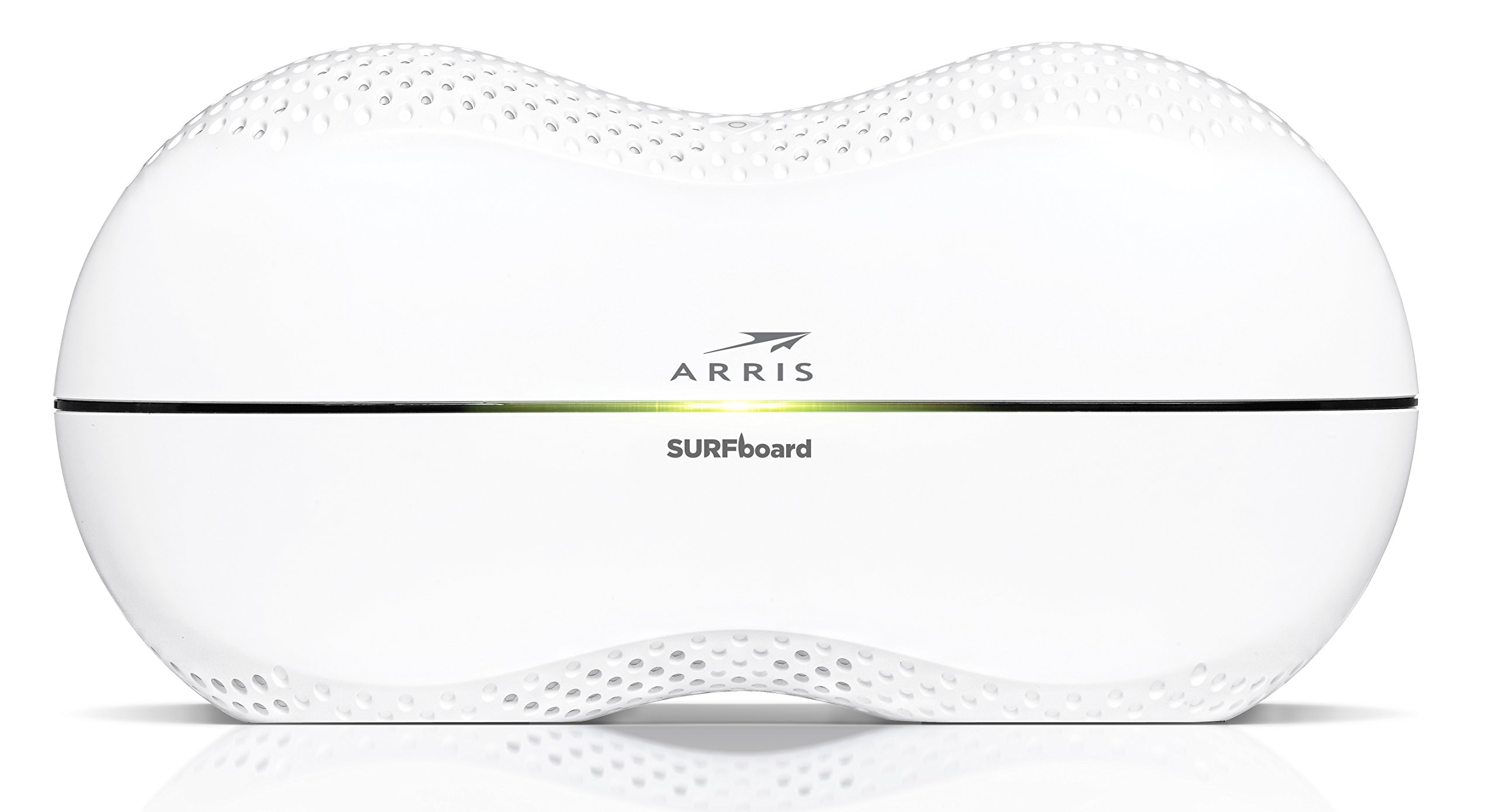
The front panel of the SBR-AC3200P features several LED indicators that provide status information:
- กำลังไฟ LED: ระบุสถานะพลังงานของอุปกรณ์
- ไฟ LED อินเทอร์เน็ต: แสดงสถานะการเชื่อมต่ออินเทอร์เน็ต
- Wi-Fi LEDs (2.4 GHz and 5 GHz): Indicate the activity of the wireless networks.
- RipCurrent LED: Displays the status of the G.hn Powerline network.
Refer to the Quick Start Guide for specific color and blinking patterns and their meanings.
การเชื่อมต่ออุปกรณ์
- อุปกรณ์ไร้สาย: ค้นหา your customized Wi-Fi network name (SSID) on your device and enter the password you created during setup.
- อุปกรณ์แบบมีสาย: Connect devices such as computers, gaming consoles, or smart TVs to the LAN ports (yellow) on the back of the router using Ethernet cables.
RipCurrent G.hn Technology
The SBR-AC3200P integrates RipCurrent G.hn Powerline technology, allowing you to expand your network coverage using your home's existing electrical wiring. This feature enables compatible SURFboard RipCurrent Wi-Fi Hotspots and network extenders (sold separately) to connect to your network through any electrical outlet, providing seamless Wi-Fi extension throughout your home.
การซ่อมบำรุง
- อัพเดตเฟิร์มแวร์: Periodically check the ARRIS support website for firmware updates. Keeping your router's firmware up-to-date ensures optimal performance, security, and access to new features. Firmware updates are typically performed through the router's web interface or the mobile app.
- การทำความสะอาด: Keep the router in a clean, dust-free environment. Use a soft, dry cloth to clean the exterior. Do not use liquid cleaners or abrasive materials. Ensure ventilation openings are not blocked.
- การรีเซ็ตเราเตอร์: If you experience persistent issues, you may need to reset the router. A soft reset (power cycle) can often resolve minor problems. For a factory reset, locate the recessed Reset button on the back of the router. Use a paperclip or similar pointed object to press and hold the button for approximately 10-15 seconds until the LEDs indicate a reset. คำเตือน: A factory reset will erase all custom settings, including your Wi-Fi name and password, reverting the router to its default factory settings.
การแก้ไขปัญหา
- ไม่มีการเชื่อมต่ออินเทอร์เน็ต:
- ตรวจสอบว่าโมเด็มของคุณทำงานถูกต้องและมีการเชื่อมต่ออินเทอร์เน็ตที่ใช้งานได้
- ตรวจสอบการเชื่อมต่อสายอีเธอร์เน็ตทั้งหมดระหว่างโมเด็มและพอร์ต WAN ของเราเตอร์
- Restart both your modem and router by unplugging them from power for 30 seconds and then plugging them back in, starting with the modem.
- ความเร็ว Wi-Fi ช้า หรือการเชื่อมต่อหลุดบ่อย:
- Ensure the router is placed in a central location, away from obstructions and interference sources (e.g., microwaves, cordless phones).
- ตรวจสอบการอัปเดตเฟิร์มแวร์
- Consider using RipCurrent extenders to improve coverage in dead zones.
- Perform a factory reset if issues persist after other troubleshooting steps.
- ไม่สามารถเข้าถึงการตั้งค่าเราเตอร์ได้:
- ตรวจสอบให้แน่ใจว่าอุปกรณ์ของคุณเชื่อมต่อกับเครือข่ายของเราเตอร์ (แบบมีสายหรือไร้สาย)
- Verify the correct IP address for the router's web อินเทอร์เฟซ
- ล้างแคชเบราว์เซอร์ของคุณหรือลองใช้เบราว์เซอร์อื่น
ข้อมูลจำเพาะ
| คุณสมบัติ | คำอธิบาย |
|---|---|
| ยี่ห้อ | อาร์ริส |
| ชื่อรุ่น | SBR-AC3200P |
| ไร้มาตรฐาน | 802.11ac |
| ระดับย่านความถี่ | Tri-Band (N450 + AC1350 + AC1350) |
| อัตราการถ่ายโอนข้อมูล | สูงสุด 3200 เมกะบิตต่อวินาที |
| พอร์ตอีเทอร์เน็ต | พอร์ตอีเทอร์เน็ตกิกะบิต 4 พอร์ต |
| พอร์ต USB | พอร์ต USB 1 จำนวน 2.0 พอร์ต, พอร์ต USB 1 จำนวน 3.0 พอร์ต |
| คุณสมบัติพิเศษ | RipCurrent G.hn Powerline Technology, Wi-Fi Beamforming |
| โปรโตคอลความปลอดภัย | WPA2, WPA3 |
| วิธีการควบคุม | แอป |
| น้ำหนักสินค้า | 3.8 ปอนด์ |
ข้อมูลการรับประกัน
The ARRIS SURFboard SBR-AC3200P AC3200 Wi-Fi Router comes with a รับประกันจำกัด 2 ปี. For detailed terms and conditions, please refer to the warranty documentation included with your product or visit the official ARRIS support webเว็บไซต์.
สนับสนุน
For further assistance, technical support, or to access additional resources, please visit the official ARRIS support website. You can find FAQs, updated documentation, and contact information for customer service.