
Micca MPLAY-HD Mini
Micca MPLAY-HD Mini Digital Media Player User Manual
Model: MPLAY-HD Mini
1. บทนำ
The Micca MPLAY-HD Mini is a compact 1080P Full-HD digital media player designed to play videos, music, and photo slideshows from USB drives or microSD cards on your television or projector. It offers universal compatibility with both modern and older displays through HDMI and analog audio/video connections. Its automatic playback and resume features enhance user convenience, making it suitable for various environments including home, office, or RV use.
2. สินค้าหมดview
Familiarize yourself with the components and ports of your MPLAY-HD Mini player.

รูปที่ 2.1: Micca MPLAY-HD Mini player with its remote control.
รูปที่ 2.2: Rear panel connections including HDMI output and AV output.
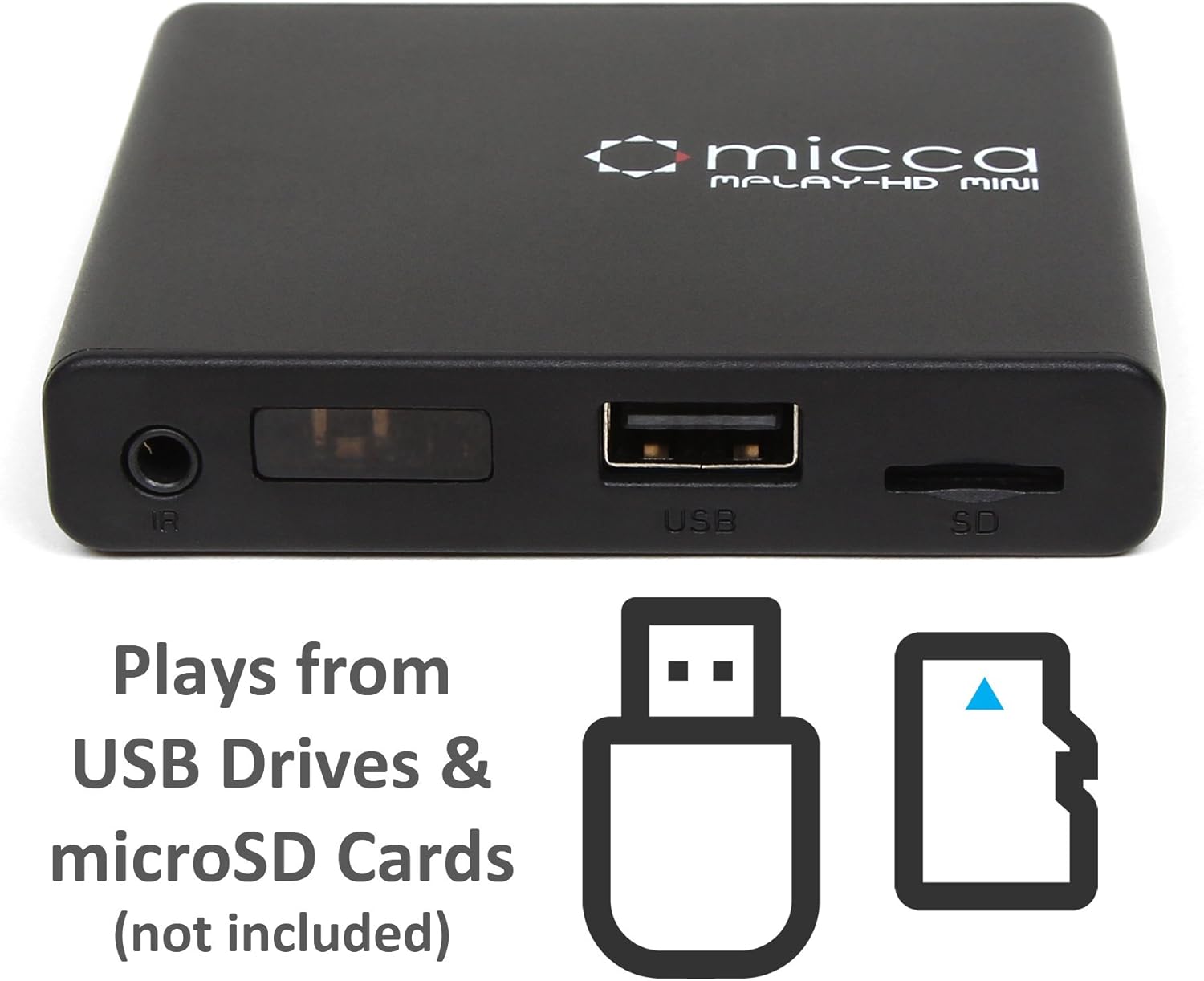
รูปที่ 2.3: Side panel with USB port and microSD card slot.
2.1. แผงด้านหน้า/ด้านข้าง
- ตัวรับสัญญาณ IR: รับสัญญาณจากรีโมทคอนโทรล
- พอร์ต USB: Connect USB flash drives or external hard drives.
- ช่องเสียบการ์ด MicroSD: Insert microSD cards for media playback.
2.2. แผงด้านหลัง
- เอาท์พุต HDMI: Connect to an HDMI-enabled TV or projector for high-definition video and audio.
- สัญญาณ AV: Connect to older TVs or displays using the included AV cable for standard definition video and stereo audio.
- กำลังไฟเข้า DC 5V: เชื่อมต่ออะแดปเตอร์ไฟฟ้าที่ให้มา
3. การตั้งค่า
Follow these steps to set up your Micca MPLAY-HD Mini player.
- เชื่อมต่อกับทีวี:
- For High Definition: Connect an HDMI cable (not included) from the MPLAY-HD Mini's HDMI output to an HDMI input on your TV or projector.
- For Standard Definition: Connect the included AV cable from the MPLAY-HD Mini's AV output to the corresponding composite video (yellow) and stereo audio (red/white) inputs on your TV.
- เชื่อมต่อพลังงาน: Plug the provided power adapter into the DC 5V input on the MPLAY-HD Mini, then plug the adapter into a wall outlet. The player will power on automatically.
- แทรกสื่อ: Insert your USB flash drive or external hard drive into the USB port, or your microSD card into the microSD card slot. Ensure media is formatted as FAT32, NTFS, or exFAT.
- เลือกอินพุต: On your TV, select the correct input source (e.g., HDMI 1, AV) that corresponds to where you connected the MPLAY-HD Mini.
- รีโมทคอนโทรล: ใส่แบตเตอรี่ AAA สองก้อน (ไม่ได้รวมอยู่ในชุด) ลงในรีโมทคอนโทรล
4. คู่มือการใช้งาน
This section details how to navigate and play media on your device.
4.1. การนำทางเมนูหลัก
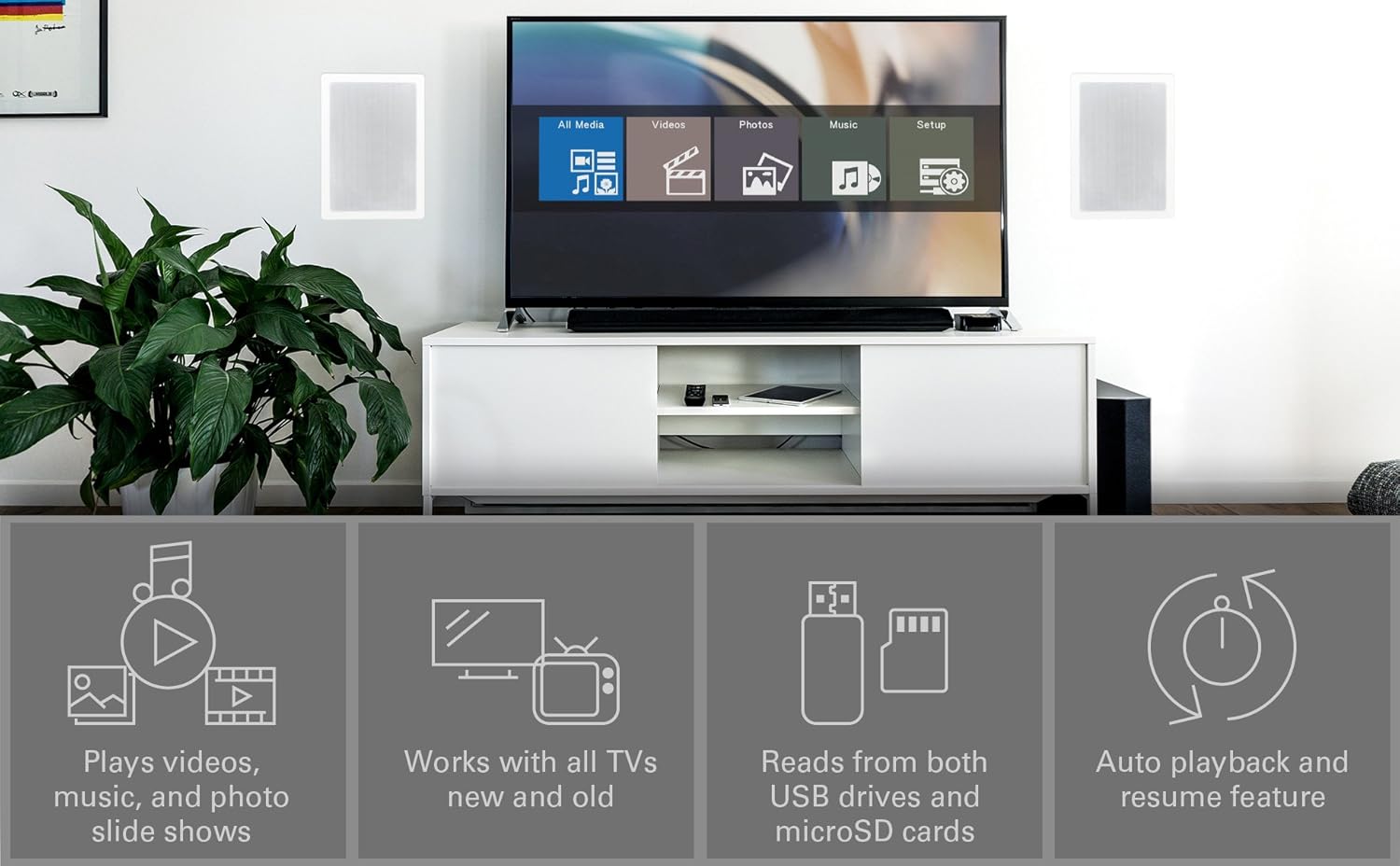
Upon powering on, the player will display a main menu with options such as "All Media", "Videos", "Photos", "Music", and "Setup". Use the arrow keys on the remote to navigate and the "OK" button to select.

รูปที่ 4.1: Example of the main menu interface on a connected display.
4.2. การเล่นสื่อ Files
- From the main menu, select the desired media type (e.g., "Videos").
- Navigate through your connected USB drive or microSD card to locate the desired file หรือโฟลเดอร์
- Press "OK" to select and play the file.
- Use the remote control buttons for playback functions: Play/Pause, Stop, Fast Forward, Rewind, Next/Previous Track.
The MPLAY-HD Mini supports automatic playback, which can be configured in the settings to start playing media immediately after power on. It also features a resume capability, allowing you to continue watching a video from where you left off.
4.3. รูปแบบสื่อที่รองรับ
The player supports a wide range of media formats:
- วีดีโอ: MKV, AVI, MOV, MP4, ISO with MPEG4 or H.264/AVC encoding, up to 1920x1080p resolution and 30fps.
- เสียง: ไฟล์เสียง MP3, WMA, OGG, FLAC, APE, AAC
- รูปถ่าย: JPG, JPEG, BMP, GIF, PNG
- คำบรรยาย: SRT, SSA, SMI, SUB.
หมายเหตุสำคัญ: The MPLAY-HD Mini does ไม่ support HEVC/H.265, 10-bit MKV, and 4K videos.
5. การบำรุงรักษา
การดูแลอย่างเหมาะสมจะช่วยให้อุปกรณ์ของคุณมีอายุการใช้งานยาวนานและมีประสิทธิภาพเหมาะสมที่สุด
- การทำความสะอาด: ใช้ผ้านุ่มและแห้งเช็ดทำความสะอาดภายนอกเครื่องเล่น ห้ามใช้น้ำยาทำความสะอาดหรือสเปรย์
- การระบายอากาศ : ควรวางเครื่องเล่นไว้ในบริเวณที่มีอากาศถ่ายเทสะดวกเพื่อป้องกันความร้อนสูงเกินไป ห้ามปิดกั้นช่องระบายอากาศใดๆ
- พื้นที่จัดเก็บ: เมื่อไม่ได้ใช้งานเป็นเวลานาน ให้ถอดปลั๊กอะแดปเตอร์ไฟและเก็บเครื่องเล่นไว้ในที่แห้งและเย็น
- การดูแลพอร์ต: Keep USB and microSD card slots free from dust and debris.
6 การแก้ไขปัญหา
โปรดดูส่วนนี้เพื่อดูวิธีแก้ไขปัญหาทั่วไป
6.1. ไม่มีไฟเลี้ยง / ไม่มีหน้าจอแสดงผล
- Ensure the power adapter is securely connected to the player and a working power outlet.
- Verify that your TV is set to the correct input source (HDMI or AV).
- Check all cable connections between the player and the TV.
6.2. ไม่มีเสียง
- Check the volume level on your TV and the player.
- Ensure audio cables (HDMI or AV stereo) are correctly connected.
- วีดีโอบางส่วน files may have unsupported audio codecs. Try playing a different file.
6.3. รีโมทคอนโทรลไม่ตอบสนอง
- Ensure fresh AAA batteries are correctly inserted into the remote.
- Point the remote directly at the IR receiver on the front of the player.
- Remove any obstructions between the remote and the player.
- Consider updating the firmware if available, as some remote issues (e.g., fast forward functionality) have been addressed in updates.
6.4. สื่อ Files Not Playing / Recognized
- Verify that the media file format is supported (refer to Section 4.3).
- Ensure the USB drive or microSD card is properly inserted and recognized by the player.
- ตรวจสอบ file system of your USB drive/microSD card (FAT32, NTFS, exFAT are supported).
- Large USB drives (128GB or larger) might take longer to be recognized or display files.
- ทำให้มั่นใจ files are not corrupted. Try playing them on a computer.
6.5. อัพเดตเฟิร์มแวร์
Periodically check the official Micca website for firmware updates. Firmware updates can improve performance, add features, and resolve known issues. Instructions for updating firmware are typically provided on the Micca support page for your specific model.
7. ข้อมูลจำเพาะ
| ยี่ห้อ | มิกก้า |
| ชื่อรุ่น | MPLAY-HD Mini |
| ปณิธาน | 1080p (Full-HD) |
| เทคโนโลยีการเชื่อมต่อ | HDMI, ยูเอสบี |
| ประเภทขั้วต่อ | HDMI, AV (Composite Video + Stereo Audio) |
| การจัดเก็บข้อมูลสื่อ | USB Drives, MicroSD Cards |
| รองรับ File ระบบ | FAT32, NTFS, exFAT |
| การเข้ารหัสวิดีโอ | MPEG4, H.264/AVC (up to 1080p 30fps) |
| ขนาด | 2.98 x 2.55 x 0.59 นิ้ว |
| น้ำหนักสินค้า | 3 ออนซ์ |
| สี | สีดำ |
| ประเภทตัวควบคุม | รีโมทคอนโทรล |
8. การสนับสนุนและการรับประกัน
For technical support, warranty information, or further assistance, please visit the official Micca website or contact Micca customer service. Details can typically be found on the product packaging or the manufacturer's webเว็บไซต์.
Official Micca Webเว็บไซต์: miccatron.com
Ask a question about this manual
Ask about setup, troubleshooting, compatibility, parts, safety, or missing instructions. Manuals+ will review the question and use this page’s manual context to help answer it.