
1. บทนำ
The Awei Y200 Wireless Bluetooth Speaker delivers high-fidelity stereo sound and rich bass in a portable design. This manual provides comprehensive instructions for setting up, operating, maintaining, and troubleshooting your speaker to ensure optimal performance and longevity.

ด้านหน้า view of the Awei Y200 Wireless Bluetooth Speaker, showcasing its yellow top panel with touch controls and a yellow mesh grille.
2. เนื้อหาบรรจุภัณฑ์
โปรดตรวจสอบว่าสินค้าทั้งหมดมีอยู่ในแพ็คเกจของคุณ:
- Awei Y200 Wireless Bluetooth Speaker
- สายชาร์จ USB
- สายสัญญาณเสียง AUX
- คู่มือการใช้งาน
3. สินค้าหมดview
Familiarize yourself with the speaker's physical features:
- อินเทอร์เฟซ: Includes AUX input, Micro-SD card slot, and a Type-A (USB) port for versatile connectivity.
- ปุ่ม: Intuitive touch controls located on the top panel for power, volume adjustment, track navigation, and call management.
- ฐาน: Equipped with a non-slip base to ensure stability on various surfaces.

A detailed diagram pointing out the speaker's interfaces (AUX, Micro-SD, Type-A), touch control buttons, and non-slip base.
4. การตั้งค่า
4.1 การชาร์จลำโพง
- เชื่อมต่อสายชาร์จ USB ที่ให้มาเข้ากับพอร์ตชาร์จของลำโพง
- เสียบปลายอีกด้านหนึ่งของสาย USB เข้ากับแหล่งพลังงาน USB ที่ใช้งานร่วมกันได้ (เช่น อะแดปเตอร์ติดผนัง พอร์ต USB ของคอมพิวเตอร์)
- The charging indicator light will illuminate, indicating that the speaker is charging.
4.2 การเปิด/ปิดเครื่อง
- To power on, press and hold the power button on the top panel until you hear an audible prompt.
- หากต้องการปิดเครื่อง ให้กดปุ่มเปิด/ปิดค้างไว้จนกว่าลำโพงจะปิดลง
5. คู่มือการใช้งาน
5.1 การจับคู่บลูทูธ
- Ensure the speaker is powered on. It will automatically enter Bluetooth pairing mode, indicated by a flashing light or audible prompt.
- On your mobile device (smartphone, tablet, laptop), enable Bluetooth in its settings.
- ค้นหา available Bluetooth devices and select "Awei Y200" from the list.
- A confirmation sound will indicate successful pairing. The speaker is now ready for audio playback.
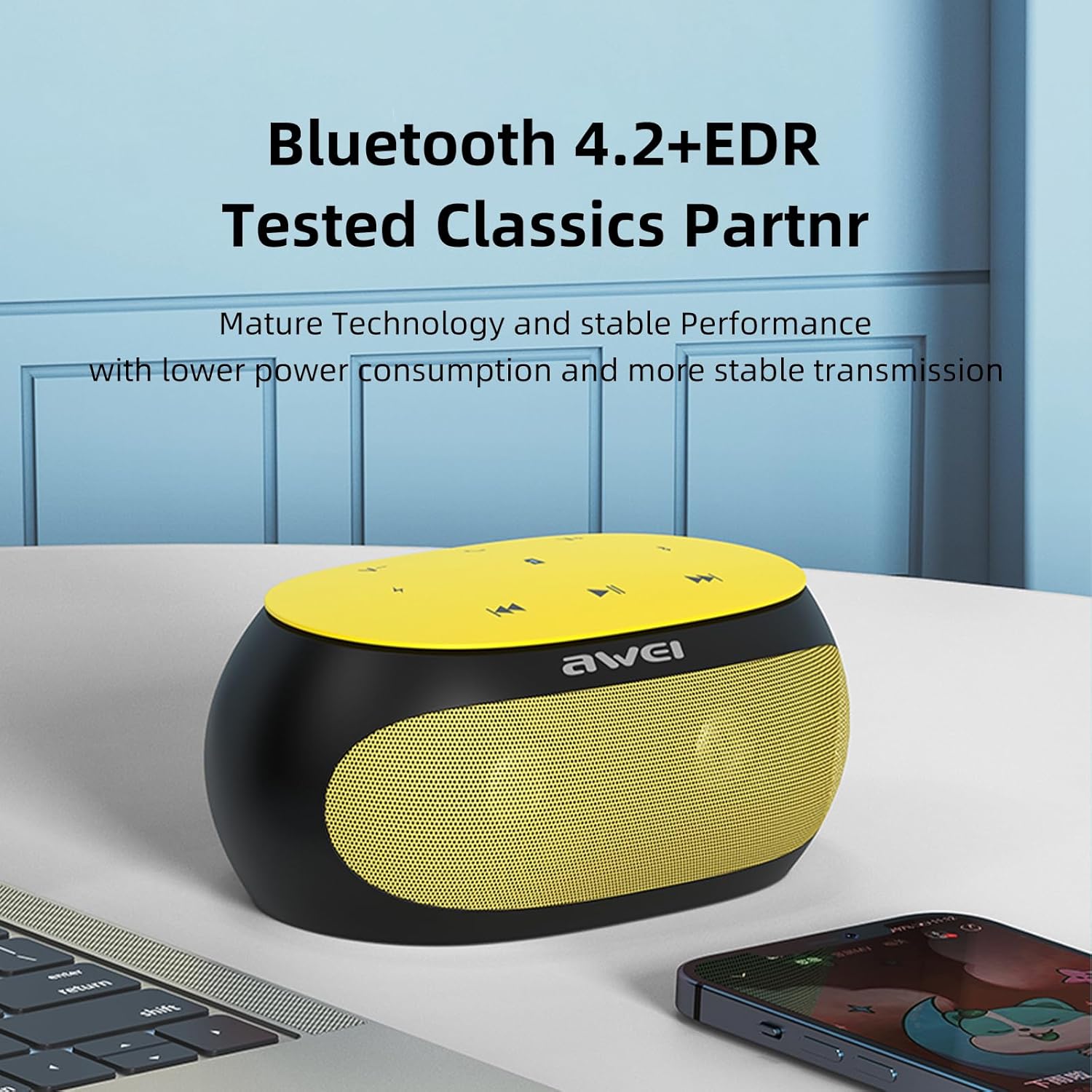
The Awei Y200 speaker, featuring Bluetooth 4.2+EDR for stable and low-power wireless connectivity.
5.2 การเล่นเพลง
- โหมดบลูทู ธ : Once paired, play music from your connected device. Use the speaker's touch controls for play/pause, next/previous track, and volume adjustment.
- โหมดการ์ด TF: Insert a TF (Micro-SD) card containing audio fileเสียบการ์ด TF ลงในช่องที่กำหนด ลำโพงจะเปลี่ยนไปใช้โหมดการ์ด TF โดยอัตโนมัติและเริ่มเล่น
- โหมด AUX: Connect an audio device using a 3.5mm AUX cable to the speaker's AUX port. The speaker will switch to AUX mode for wired audio input.
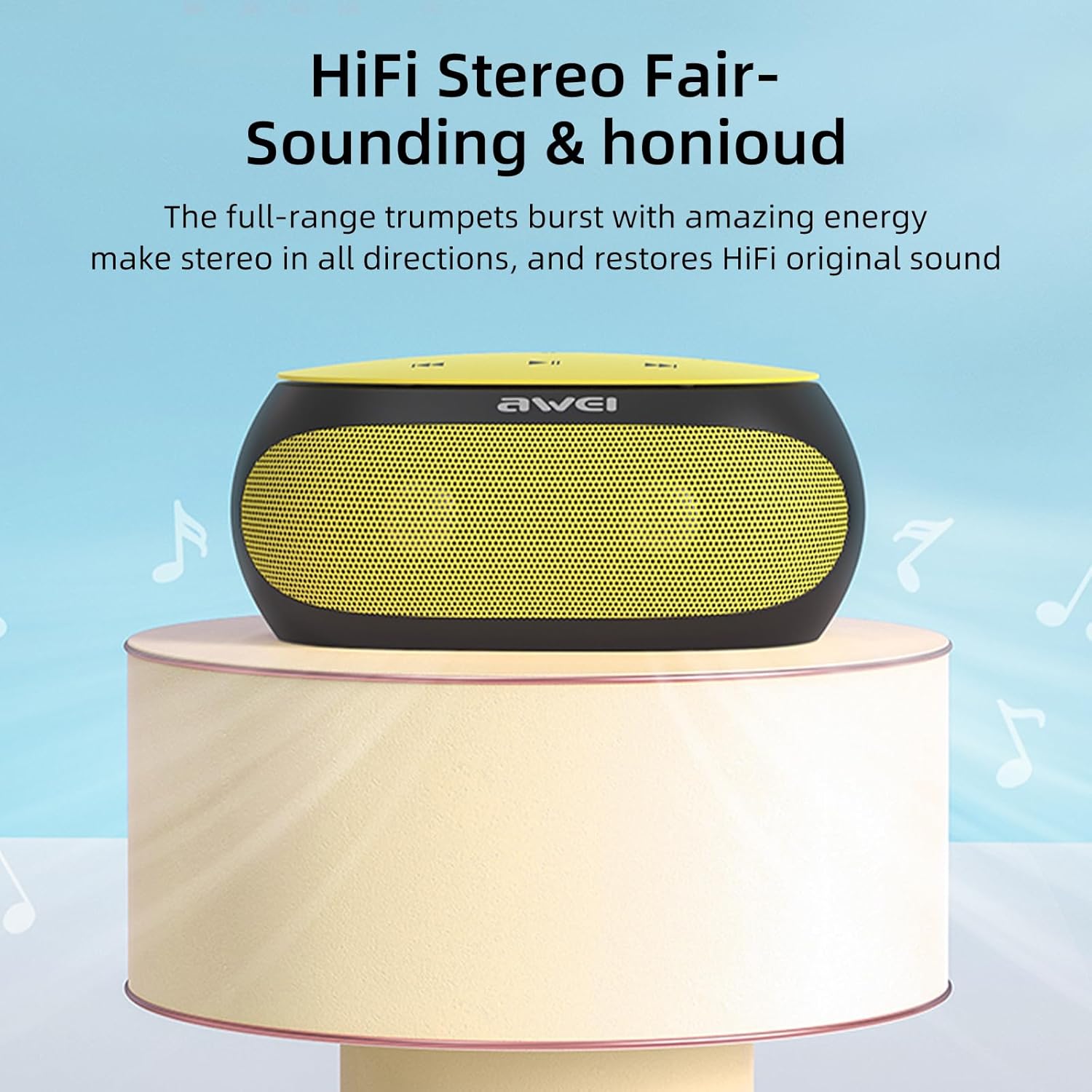
The Awei Y200 speaker positioned to emphasize its HiFi stereo sound capabilities, restoring original audio quality.
5.3 การโทรแบบแฮนด์ฟรี
- When a call comes in while connected via Bluetooth, press the call button on the speaker to answer the incoming call.
- กดปุ่มโทรอีกครั้งเพื่อวางสาย
- The built-in dual microphones ensure clear communication during calls.

The Awei Y200 speaker next to a smartphone, illustrating its hands-free call function with built-in dual microphones.
5.4 Touch Controls Overview
- ปุ่มเปิด/ปิด: กดค้างไว้เพื่อเปิดหรือปิดลำโพง
- ปุ่มเล่น/หยุดชั่วคราว: แตะเพื่อเล่นหรือหยุดการเล่นเสียงชั่วคราว
- เพิ่มระดับเสียง / แทร็กถัดไป: แตะเพื่อเพิ่มระดับเสียง กดค้างไว้เพื่อข้ามไปยังเพลงถัดไป
- ลดระดับเสียง/เพลงก่อนหน้า: แตะเพื่อลดระดับเสียง กดค้างไว้เพื่อไปยังเพลงก่อนหน้า
- ปุ่มโทรออก: Tap to answer an incoming call or end an ongoing call.
6. การบำรุงรักษา
- Keep the speaker dry and away from moisture or liquids.
- Clean the speaker with a soft, dry cloth. Avoid using harsh chemicals, solvents, or abrasive cleaners.
- อย่านำลำโพงไปวางไว้ในที่ที่มีอุณหภูมิสูงหรือต่ำเกินไป
- ควรหลีกเลี่ยงการทำลำโพงตกหรือการกระแทกอย่างแรง
- เมื่อไม่ได้ใช้งานเป็นเวลานาน ควรเก็บลำโพงไว้ในที่แห้งและเย็น
7 การแก้ไขปัญหา
- ลำโพงไม่เปิดเครื่อง:
- Ensure the battery is sufficiently charged. Connect the speaker to a power source using the USB charging cable. - ไม่สามารถจับคู่ผ่านบลูทูธ:
- Ensure the speaker is in Bluetooth pairing mode (indicated by a flashing light or audible prompt).
- ตรวจสอบว่าได้เปิดใช้งานบลูทูธบนอุปกรณ์ของคุณแล้ว
- Move the speaker closer to your device to ensure it is within range.
- Try clearing previous Bluetooth connections on your device and attempt pairing again. - ไม่มีเสียง:
- Check the volume levels on both the speaker and your connected device.
- Ensure the correct input mode (Bluetooth, TF Card, or AUX) is selected.
- If using AUX mode, verify that the audio cable is securely connected at both ends. - คุณภาพเสียงไม่ดี:
- Ensure the speaker is within the optimal Bluetooth range of your device.
- ตรวจสอบว่ามีสัญญาณรบกวนจากอุปกรณ์ไร้สายอื่นๆ หรือไม่
- Try playing audio from a different source or using a different audio file เพื่อตัดปัญหาที่เกิดจากแหล่งที่มาออกไป
8. ข้อมูลจำเพาะ
| คุณสมบัติ | ข้อมูลจำเพาะ |
|---|---|
| แบบอย่าง | Y200 |
| ยี่ห้อ | อาเว่ย |
| เทคโนโลยีการเชื่อมต่อ | บลูทูธ |
| เทคโนโลยีการสื่อสารไร้สาย | บลูทูธ |
| เวอร์ชันบลูทูธ | 4.2 + EDR |
| โหมดเอาต์พุตเสียง | สเตอริโอ |
| กำลังขับสูงสุดของลำโพง | 10 วัตต์ |
| เอาท์พุต วัดtage | 4.5 วัตต์ |
| ลำโพง Ampลิฟิเคชันประเภท | คล่องแคล่ว |
| อิมพีแดนซ์ | 4 โอห์ม |
| วิธีการควบคุม | สัมผัส |
| แหล่งพลังงาน | ใช้พลังงานจากแบตเตอรี่ |
| อายุการใช้งานแบตเตอรี่โดยเฉลี่ย | 6 ชั่วโมง |
| เวลาในการชาร์จ | 2 ชั่วโมง |
| ขนาดสินค้า | 21D x 10W x 8.5H เซนติเมตร |
| น้ำหนักสินค้า | 0.56 กิโลกรัม |
| ประเภทวัสดุ | พลาสติก |
| ระยะสูงสุด | 33 ฟุต |
| ส่วนประกอบที่รวมอยู่ | ลำโพง |
| อุปกรณ์ที่รองรับ | แล็ปท็อป, สมาร์ทโฟน, แท็บเล็ต, โทรทัศน์ |
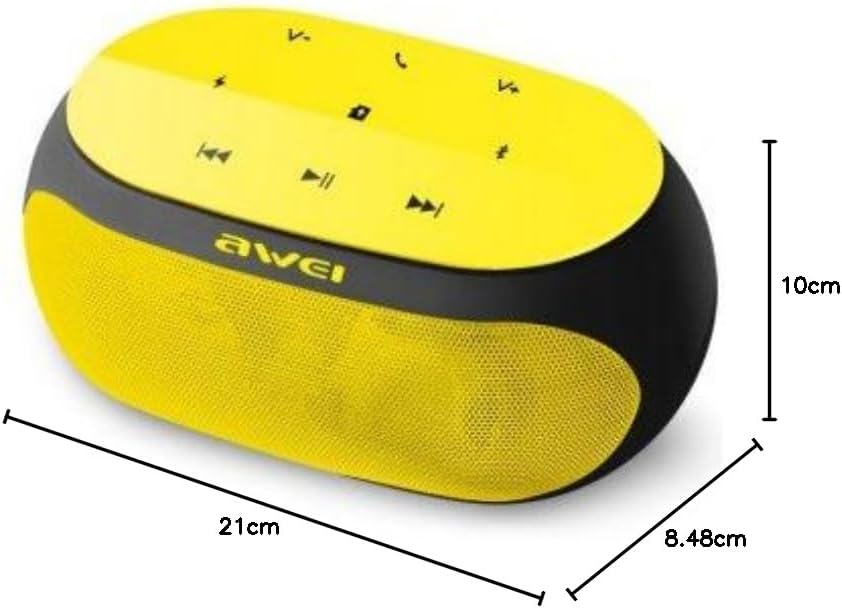
An image displaying the physical dimensions of the Awei Y200 speaker: 21cm length, 10cm width, and 8.48cm height.
9. ข้อมูลการรับประกัน
The Awei Y200 Wireless Bluetooth Speaker comes with a full warranty. For specific terms, conditions, and duration of your warranty, please refer to the documentation provided at the time of purchase or contact your retailer.
10. การสนับสนุน
Should you require further assistance, encounter issues not covered in this manual, or have any questions regarding your Awei Y200 speaker, please contact Awei customer support or the retailer from whom you purchased the product. Please have your product model number (Y200) and purchase details ready when seeking support.