
การแนะนำ
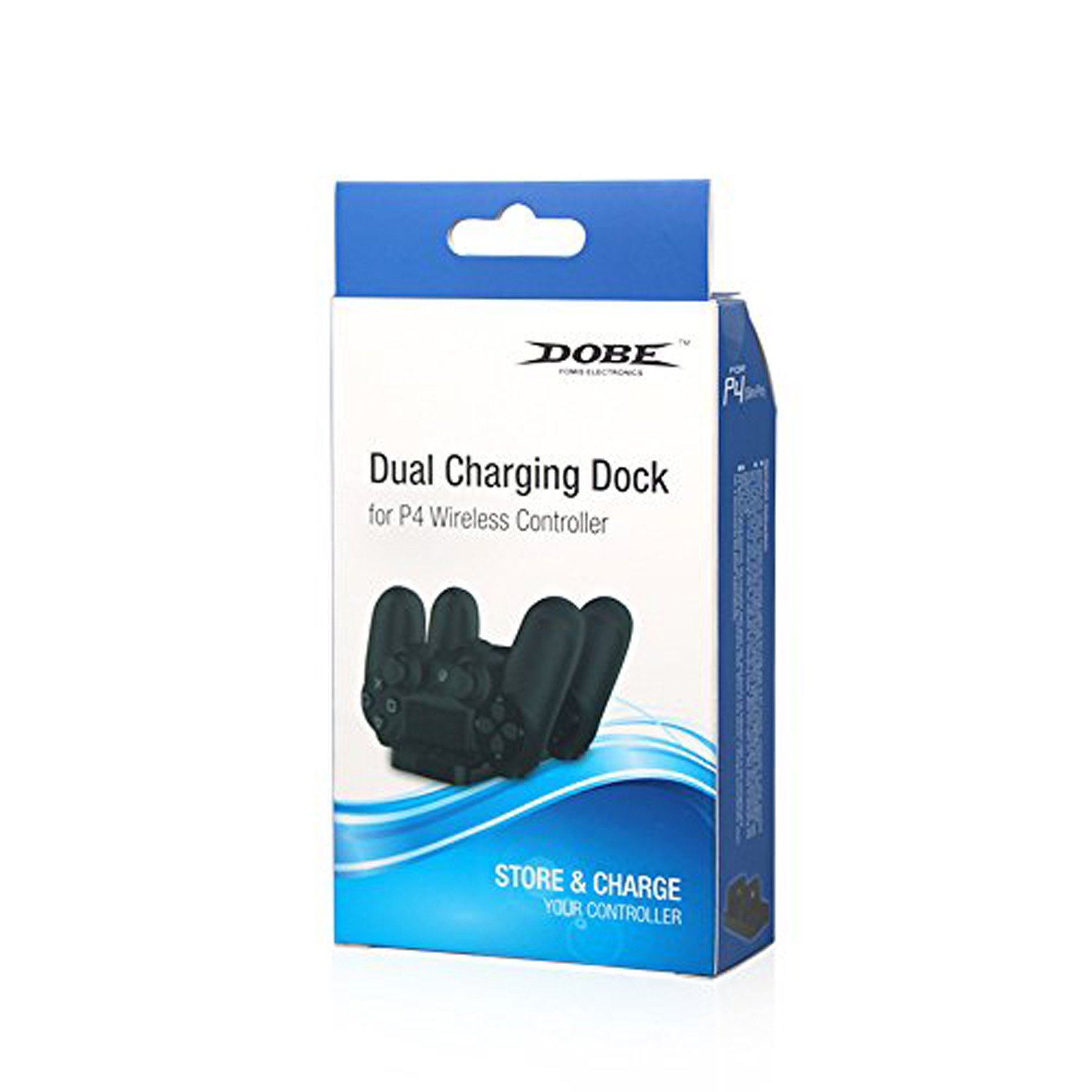
The DOBE FOMIS ELECTRONICS PS4 Dual Charging Dock is designed to provide a convenient and efficient solution for charging your PlayStation 4 wireless controllers. This dock allows for simultaneous charging of two PS4 controllers, featuring a charging light indicator to display the charging status. Its compact and lightweight design ensures ease of use and portability. The standard DC5V input voltage allows for flexible power sourcing via a PS4 console USB port, computer USB port, or other compatible 5V power adapters.
ข้อมูลด้านความปลอดภัย
- Keep the charging dock away from water, moisture, and extreme temperatures.
- ห้ามพยายามถอดประกอบหรือดัดแปลงอุปกรณ์ เพราะอาจทำให้การรับประกันเป็นโมฆะและเกิดความเสียหาย
- Use only the provided charging cable or a compatible DC5V USB cable.
- ตรวจสอบให้แน่ใจว่ามีการระบายอากาศที่เหมาะสมรอบ ๆ แท่นชาร์จในระหว่างการใช้งาน
- เก็บให้พ้นจากมือเด็ก
เนื้อหาแพ็คเกจ
กรุณาตรวจสอบเนื้อหาในแพ็คเกจเพื่อให้แน่ใจว่ามีสินค้าครบทั้งหมด:
- 1 x DOBE FOMIS ELECTRONICS PS4 Dual Charging Dock
- สายชาร์จ (USB) 1 เส้น
การตั้งค่า
- แกะกล่องแท่นชาร์จ: Carefully remove the charging dock and its accessories from the packaging.
- เชื่อมต่อพลังงาน: Insert the small end of the provided charging cable into the DC5V input port on the back of the charging dock.
- เชื่อมต่อกับแหล่งพลังงาน: Plug the USB-A end of the charging cable into a compatible DC5V USB power source, such as a PS4 console USB port, a computer USB port, or a 5V USB wall adapter (not included).
- การจัดวาง: วางแท่นชาร์จบนพื้นผิวที่มั่นคงและเรียบ
คำแนะนำการใช้งาน
- เสียบตัวควบคุม: Gently align the charging port of your PS4 wireless controller with one of the charging slots on the dock. Push down firmly until the controller is securely seated.
- ไฟแสดงสถานะการชาร์จ: The charging light indicator on the dock will illuminate to show that the controller is charging. The specific color or behavior of the light indicates the charging status (e.g., red for charging, blue/green for fully charged, or off when not charging/fully charged, refer to controller manual for exact light behavior).
- การชาร์จพร้อมกัน: You can charge two PS4 controllers simultaneously by inserting them into both available slots.
- ถอดตัวควบคุมออก: Once charging is complete, gently lift the controller from the charging slot.

การซ่อมบำรุง
- การทำความสะอาด: Use a soft, dry cloth to wipe the surface of the charging dock. Do not use liquid cleaners or abrasive materials.
- พื้นที่จัดเก็บ: When not in use, store the charging dock in a cool, dry place, away from direct sunlight and dust.
- การดูแลสายเคเบิล: หลีกเลี่ยงการงอหรือบิดสายชาร์จมากเกินไปเพื่อป้องกันความเสียหาย
การแก้ไขปัญหา
| ปัญหา | สาเหตุที่เป็นไปได้ | สารละลาย |
|---|---|---|
| ตัวควบคุมไม่ชาร์จ |
|
|
| ไฟแสดงสถานะการชาร์จไม่ทำงาน |
|
|
ข้อมูลจำเพาะ
- หมายเลขรุ่น: Dobe PS4
- อินพุต Voltage: กระแสตรง5โวลต์
- ความจุในการชาร์จ: 2 x PS4 Controllers simultaneously
- ขนาดผลิตภัณฑ์ (ยาวxกว้างxสูง): 20 x 12 x 4 ซม.
- น้ำหนักสินค้า: 0.28 กรัม
- ประเทศต้นกำเนิด: จีน
- ผู้ผลิต: Dobe, yinghong information co ltd, Guangdong, China
- ส่วนประกอบที่รวมอยู่: 1 สายชาร์จ
การรับประกันและการสนับสนุน
For product support or warranty inquiries, please contact your retailer or the manufacturer directly. While this product does not explicitly state a manufacturer's warranty in the provided information, extended warranty options may be available from third-party providers, such as the "1 Year Extended Warranty by Onsitego" mentioned during purchase. Please retain your proof of purchase for any warranty claims.
หากต้องการความช่วยเหลือเพิ่มเติม คุณสามารถไปที่ DOBE FOMIS ELECTRONICS Store.