
పరిచయం
This manual provides essential information for setting up, operating, maintaining, and troubleshooting your HP 17.3" Touchscreen Laptop, model 17-cp3602nr. Please read this guide thoroughly to ensure proper use and to maximize the lifespan of your device.
ప్యాకేజీ విషయాలు
ప్యాకేజీలో అన్ని అంశాలు ఉన్నాయని నిర్ధారించుకోండి:
- HP 17.3" Touchscreen Laptop (Model 17-cp3602nr)
- AC పవర్ అడాప్టర్ మరియు త్రాడు
- త్వరిత ప్రారంభ మార్గదర్శి (చేర్చబడి ఉంటే)

Image: The HP 17.3" Touchscreen Laptop and its included power adapter.
సెటప్
1. ప్రారంభ పవర్ ఆన్ మరియు ఛార్జింగ్
- Connect the AC power adapter to the laptop's AC smart pin port and then to a power outlet.
- ల్యాప్టాప్ మూత తెరవండి. ల్యాప్టాప్ స్వయంచాలకంగా పవర్ ఆన్ కావచ్చు లేదా మీరు కీబోర్డ్పై ఉన్న పవర్ బటన్ను నొక్కాల్సి రావచ్చు.
- ప్రారంభ వినియోగానికి ముందు బ్యాటరీ పూర్తిగా ఛార్జ్ అయ్యేలా అనుమతించండి, అయితే మీరు ఛార్జింగ్ చేస్తున్నప్పుడు సెటప్ను ప్రారంభించవచ్చు.
2. విండోస్ 11 సెటప్
Follow the on-screen instructions to complete the Windows 11 Home setup. This typically includes:
- మీ ప్రాంతం మరియు కీబోర్డ్ లేఅవుట్ను ఎంచుకోవడం.
- Wi-Fi నెట్వర్క్కి కనెక్ట్ చేస్తోంది.
- Microsoft ఖాతాతో సైన్ ఇన్ చేయడం లేదా సృష్టించడం.
- పిన్ లేదా పాస్వర్డ్ను సెటప్ చేయడం.
- గోప్యతా సెట్టింగ్లను కాన్ఫిగర్ చేస్తోంది.
3. ఫింగర్ప్రింట్ రీడర్ సెటప్
During or after Windows setup, you can configure the fingerprint reader for secure login. Navigate to సెట్టింగ్లు > ఖాతాలు > సైన్-ఇన్ ఎంపికలు and follow the prompts to add your fingerprint.

Image: Close-up of the backlit keyboard and the integrated fingerprint reader on the HP laptop.
ఆపరేటింగ్ సూచనలు
Using the Touchscreen Display
The 17.3" HD+ (1600 x 900) display supports touch input. You can interact with Windows 11 and applications directly on the screen using gestures similar to a tablet or smartphone. Ensure your screen is clean for optimal touch responsiveness.
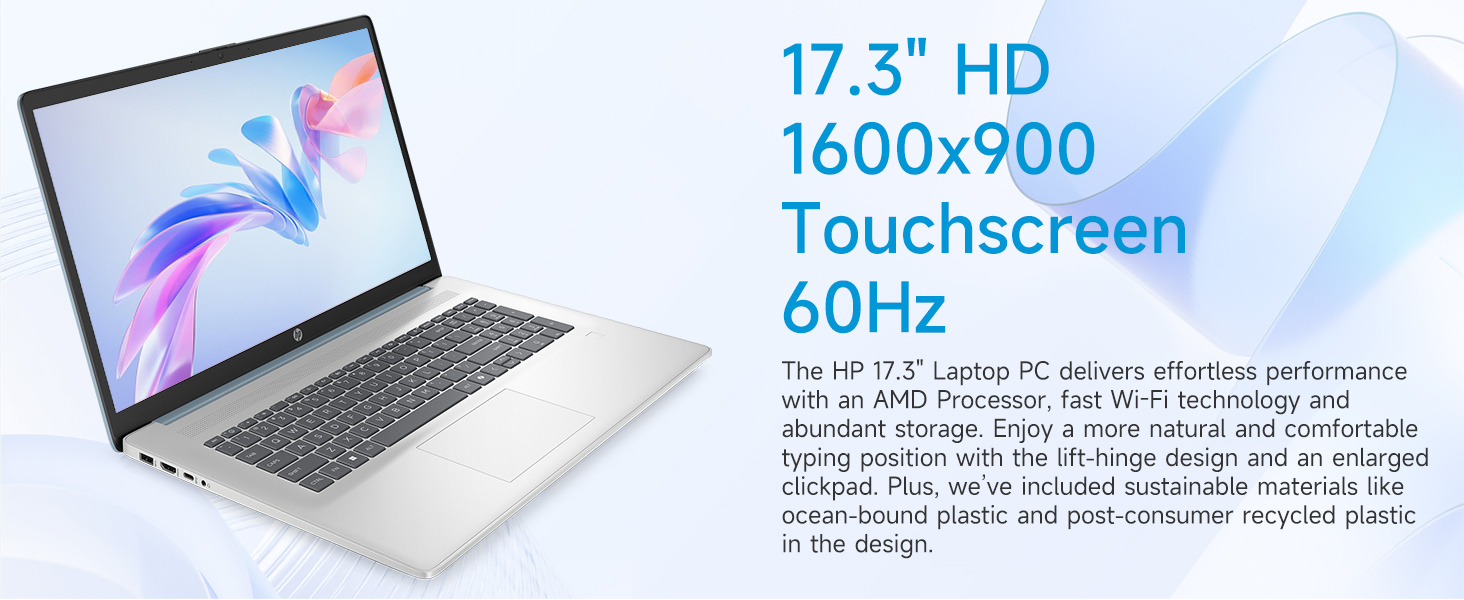
Image: The 17.3-inch touchscreen display of the HP laptop, illustrating its touch capabilities.
కీబోర్డ్ మరియు టచ్ప్యాడ్
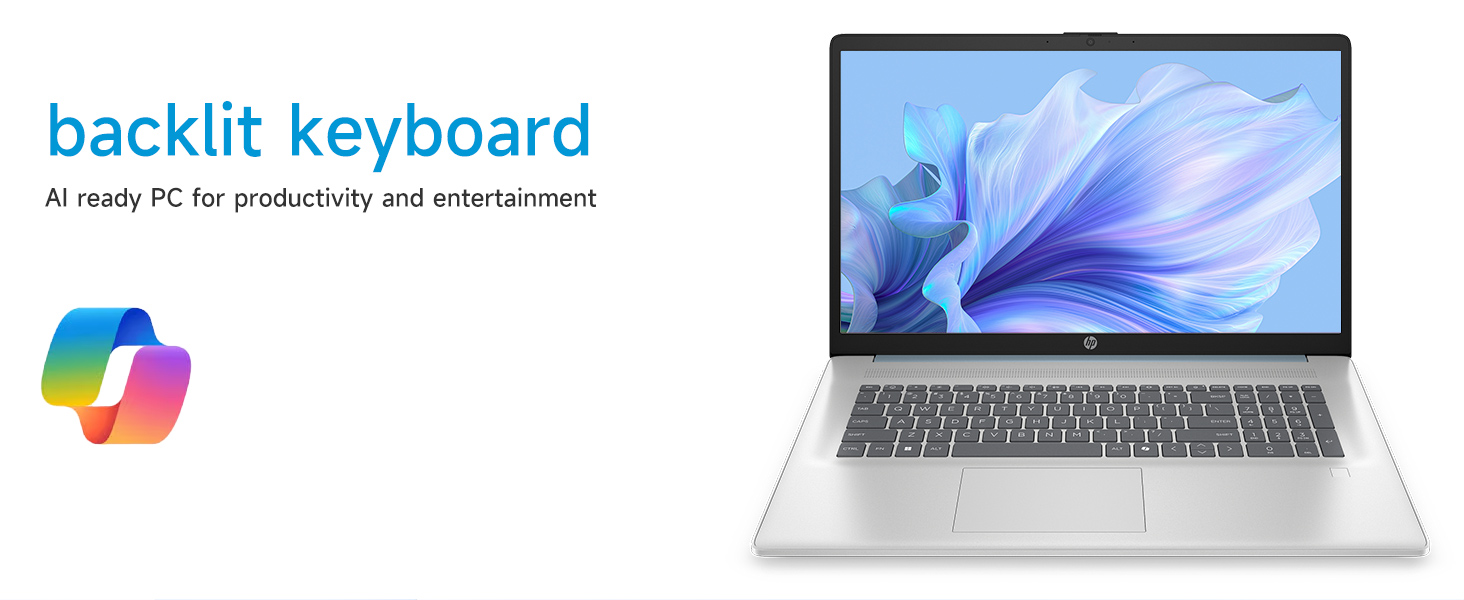
- బ్యాక్లిట్ కీబోర్డ్: నొక్కండి Fn + F5 (or similar function key with a keyboard backlight icon) to toggle the keyboard backlight on/off or adjust its brightness.
- సంఖ్యా కీప్యాడ్: Utilize the dedicated numeric keypad for efficient data entry.
- టచ్ప్యాడ్: The large click pad supports multi-touch gestures for navigation. Refer to Windows settings for customizing touchpad gestures.
Connecting External Devices (Ports)
మీ ల్యాప్టాప్లో పెరిఫెరల్స్ను కనెక్ట్ చేయడానికి వివిధ పోర్ట్లు అమర్చబడి ఉన్నాయి:
- USB టైప్-C (5Gbps సిగ్నలింగ్ రేటు): ఆధునిక USB-C పరికరాలను కనెక్ట్ చేయడానికి.
- USB టైప్-A (5Gbps సిగ్నలింగ్ రేటు): Two ports for standard USB devices like mice, keyboards, or external drives.
- HDMI 1.4b: విస్తరించిన ప్రదర్శన కోసం బాహ్య మానిటర్లు లేదా టీవీలకు కనెక్ట్ చేయండి.
- హెడ్ఫోన్/మైక్రోఫోన్ కాంబో జాక్: For audio input/output with a single jack.
- AC స్మార్ట్ పిన్: పవర్ అడాప్టర్ను కనెక్ట్ చేయడానికి.
చిత్రం: వివరణాత్మకం view of the laptop's side ports, including USB-A, USB-C, HDMI, and audio jack.
Wi-Fi 6 కనెక్టివిటీ
The laptop supports Wi-Fi 6 (802.11ax) for fast and reliable wireless internet connectivity. To connect, click the Wi-Fi icon in the taskbar, select your network, and enter the password.
నిర్వహణ
మీ ల్యాప్టాప్ను శుభ్రపరచడం
- స్క్రీన్: కొద్దిగా మెత్తని, మెత్తని బట్టను ఉపయోగించండి dampనీరు లేదా స్క్రీన్ క్లీనర్తో కలిపి ఉంచండి. కఠినమైన రసాయనాలను నివారించండి.
- కీబోర్డ్ మరియు చాసిస్: మృదువైన, పొడి వస్త్రాన్ని ఉపయోగించండి. మొండి ధూళి కోసం, కొద్దిగా damp వస్త్రాన్ని ఉపయోగించవచ్చు, తద్వారా రంధ్రాలలోకి ద్రవం ప్రవేశించదు.
- పోర్టులు: Keep ports free of dust and debris using compressed air if necessary.
సాఫ్ట్వేర్ నవీకరణలు
మీ సిస్టమ్ తాజా భద్రతా ప్యాచ్లు మరియు పనితీరు మెరుగుదలలను కలిగి ఉందని నిర్ధారించుకోవడానికి Windows నవీకరణల కోసం క్రమం తప్పకుండా తనిఖీ చేసి, ఇన్స్టాల్ చేయండి. వెళ్ళండి సెట్టింగులు > విండోస్ అప్డేట్ నవీకరణలను నిర్వహించడానికి.
బ్యాటరీ సంరక్షణ
బ్యాటరీ జీవితకాలం పొడిగించడానికి, తీవ్రమైన ఉష్ణోగ్రతలు మరియు బ్యాటరీని తరచుగా పూర్తిగా డిశ్చార్జ్ చేయకుండా ఉండండి. దీర్ఘకాలిక నిల్వ కోసం, బ్యాటరీని దాదాపు 50% వరకు ఛార్జ్ చేయండి.
ట్రబుల్షూటింగ్
ఈ విభాగం మీరు ఎదుర్కొనే సాధారణ సమస్యలను పరిష్కరిస్తుంది.
ల్యాప్టాప్ పవర్ ఆన్ అవ్వడం లేదు
- AC అడాప్టర్ ల్యాప్టాప్ మరియు పనిచేసే పవర్ అవుట్లెట్ రెండింటికీ సురక్షితంగా కనెక్ట్ చేయబడిందని నిర్ధారించుకోండి.
- మరొక పరికరాన్ని ప్లగ్ చేయడం ద్వారా పవర్ అవుట్లెట్ పనిచేస్తుందో లేదో ధృవీకరించండి.
- బ్యాటరీ పూర్తిగా ఖాళీ అయిపోతే, ల్యాప్టాప్ ఆన్ కావడానికి ముందు ఛార్జ్ కావడానికి కొన్ని నిమిషాలు పట్టవచ్చు.
Screen Remains Blank
- ల్యాప్టాప్ ఆన్ చేయబడిందో లేదో తనిఖీ చేయండి (పవర్ ఇండికేటర్ లైట్).
- Try adjusting the screen brightness using the function keys (e.g., Fn + F2/F3).
- If an external monitor is connected, ensure it is properly configured in Windows display settings.
Wi-Fi కనెక్టివిటీ సమస్యలు
- విండోస్ సెట్టింగ్లలో Wi-Fi ప్రారంభించబడిందని నిర్ధారించుకోండి.
- మీ రౌటర్ మరియు మోడెమ్ను పునఃప్రారంభించండి.
- నెట్వర్క్ను మర్చిపోయి మళ్ళీ కనెక్ట్ అవ్వండి, మళ్ళీ పాస్వర్డ్ను నమోదు చేయండి.
- Update Wi-Fi drivers via Device Manager.
System Restarts Unexpectedly
Unexpected restarts can be caused by software conflicts, outdated drivers, or hardware issues. Ensure all Windows updates are installed and drivers are current. If the issue persists, consider running Windows diagnostic tools or contacting HP Support.
స్పెసిఫికేషన్లు
| ఫీచర్ | వివరాలు |
|---|---|
| బ్రాండ్ | HP |
| మోడల్ పేరు | 17-cp3602nr |
| స్క్రీన్ పరిమాణం | 17.3 అంగుళాలు |
| డిస్ప్లే రిజల్యూషన్ | HD+ (1600 x 900) |
| ప్రదర్శన ఫీచర్లు | Touch, Anti-glare, 250 nits, 60% NTSC |
| ప్రాసెసర్ | AMD రైజెన్ 5 7430U (6 కోర్లు, 12 థ్రెడ్లు, 4.3 GHz వరకు) |
| గ్రాఫిక్స్ | AMD రేడియన్ గ్రాఫిక్స్ (ఇంటిగ్రేటెడ్) |
| RAM | 8 GB DDR4 SDRAM (3200 MHz) |
| నిల్వ | 128 GB PCIe NVMe M.2 SSD |
| ఆపరేటింగ్ సిస్టమ్ | Windows 11 హోమ్ |
| ఓడరేవులు | 1x USB Type-C 5Gbps, 2x USB Type-A 5Gbps, 1x HDMI 1.4b, 1x Headphone/Microphone Combo, 1x AC Smart Pin |
| వైర్లెస్ కనెక్టివిటీ | Wi-Fi 6 (802.11ax) |
| ప్రత్యేక లక్షణాలు | Backlit Keyboard, Fingerprint Reader, Numeric Keypad, Webకెమెరా |
| కొలతలు (L x W x మందం) | 15.78"లీ x 10.15"వా x 0.81"వ |
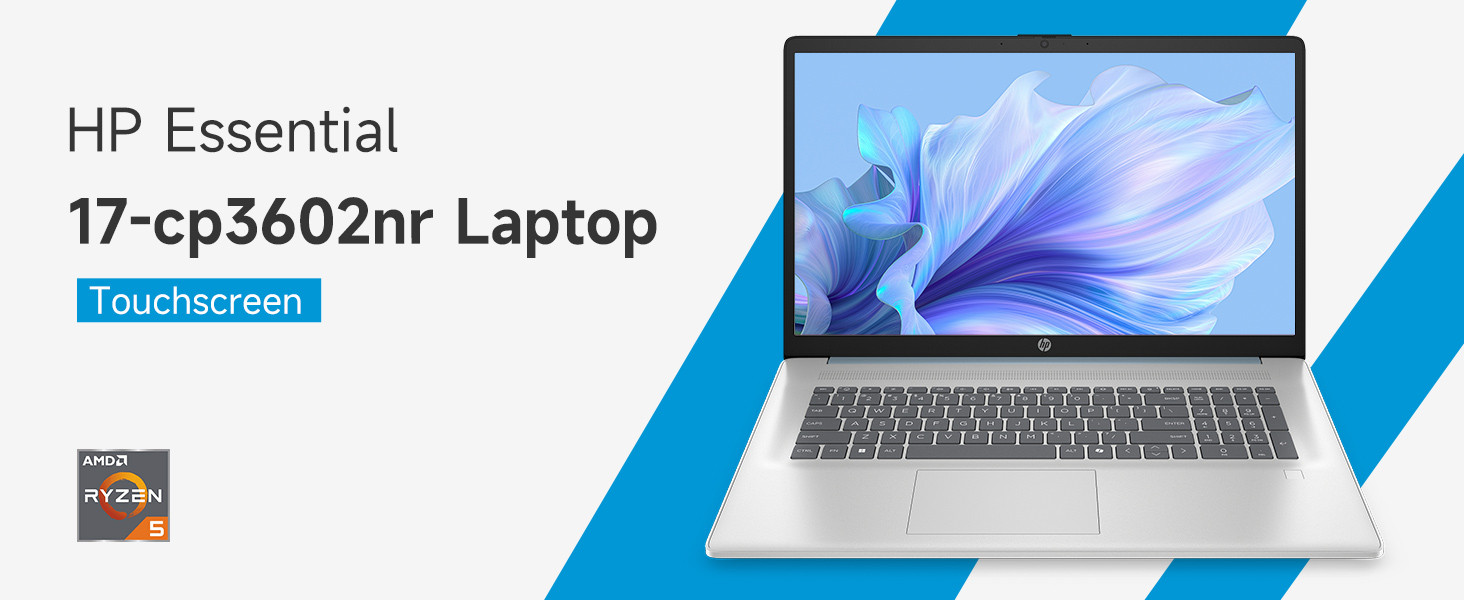
Image: An infographic highlighting key specifications such as the AMD Ryzen 5 processor, Windows 11 Home, storage, and connectivity options.
వారంటీ మరియు మద్దతు
తయారీదారు వారంటీ
Your HP laptop is covered by a standard manufacturer's warranty. For specific terms and conditions, please refer to the warranty documentation included with your product or visit the official HP support website. Warranty duration and coverage may vary by region.
సాంకేతిక మద్దతు
సాంకేతిక సహాయం, డ్రైవర్ డౌన్లోడ్లు లేదా తదుపరి ట్రబుల్షూటింగ్ కోసం, దయచేసి అధికారిక HP సపోర్ట్ను సందర్శించండి. webసైట్:
When contacting support, have your laptop's model number (17-cp3602nr) and serial number ready.