
పరిచయం
This manual provides essential information for the setup, operation, and maintenance of your Apple Watch Series 3 (GPS + Cellular, 42mm). Please read this guide thoroughly to ensure proper use and to maximize the features of your device.

The Apple Watch Series 3 features a Space Gray Aluminum Case and a Black Sport Band, offering advanced connectivity and health tracking capabilities.
పెట్టెలో ఏముంది
మీ ఉత్పత్తి ప్యాకేజింగ్లో అన్ని అంశాలు ఉన్నాయని నిర్ధారించుకోండి:
- Apple Watch Series 3 (GPS + Cellular, 42mm)
- Black Sport Band (either S/M or M/L length)
- 1మీ మాగ్నెటిక్ ఛార్జింగ్ కేబుల్
- USB పవర్ అడాప్టర్

Included components: Apple Watch, Sport Band, Magnetic Charging Cable, and USB Power Adapter.
సెటప్
- మీ ఆపిల్ వాచ్ను ఛార్జ్ చేయండి: Connect the magnetic charging cable to the back of your Apple Watch and plug the USB power adapter into a power outlet. Allow the watch to charge until it powers on.
- Pair with iPhone: Ensure your iPhone is updated to the latest iOS version and has Bluetooth enabled. Open the Apple Watch app on your iPhone and follow the on-screen instructions to pair your watch.
- Cellular Setup (GPS + Cellular models only): During the pairing process, you will be prompted to set up cellular service. This requires an active cellular plan with a compatible carrier. Follow the steps provided by your carrier through the Apple Watch app.
- సెట్టింగ్లను అనుకూలీకరించండి: After pairing, customize your watch face, notifications, and app preferences through the Apple Watch app on your iPhone.
Operating Your Apple Watch Series 3
ప్రాథమిక నావిగేషన్
- డిజిటల్ క్రౌన్: Rotate to scroll, zoom, or adjust values. Press once to go to the watch face or app launcher. Double-press to switch between your last two apps. Press and hold for Siri.
- సైడ్ బటన్: Press once to open the Dock (recent apps). Double-press for Apple Pay. Press and hold for Emergency SOS or to power off.
- టచ్ స్క్రీన్: Tap to select, swipe to navigate, force touch for additional options.
కీ ఫీచర్లు
- GPS + Cellular: Make calls, send messages, and stream music directly from your watch, even without your iPhone nearby. Requires a cellular plan.
- కార్యాచరణ ట్రాకింగ్: Monitor your daily movement, exercise, and standing goals with the Activity rings.
- హృదయ స్పందన పర్యవేక్షణ: The optical heart sensor continuously measures your heart rate throughout the day and during workouts.
- Swimproof: Designed for shallow water activities like swimming in pools or the ocean. Not recommended for scuba diving, waterskiing, or other high-velocity water activities.
- అత్యవసర SOS: Press and hold the side button to quickly call emergency services.
- Music, Podcasts, and Audiobooks: Store and play media directly from your watch, or stream with a cellular connection.
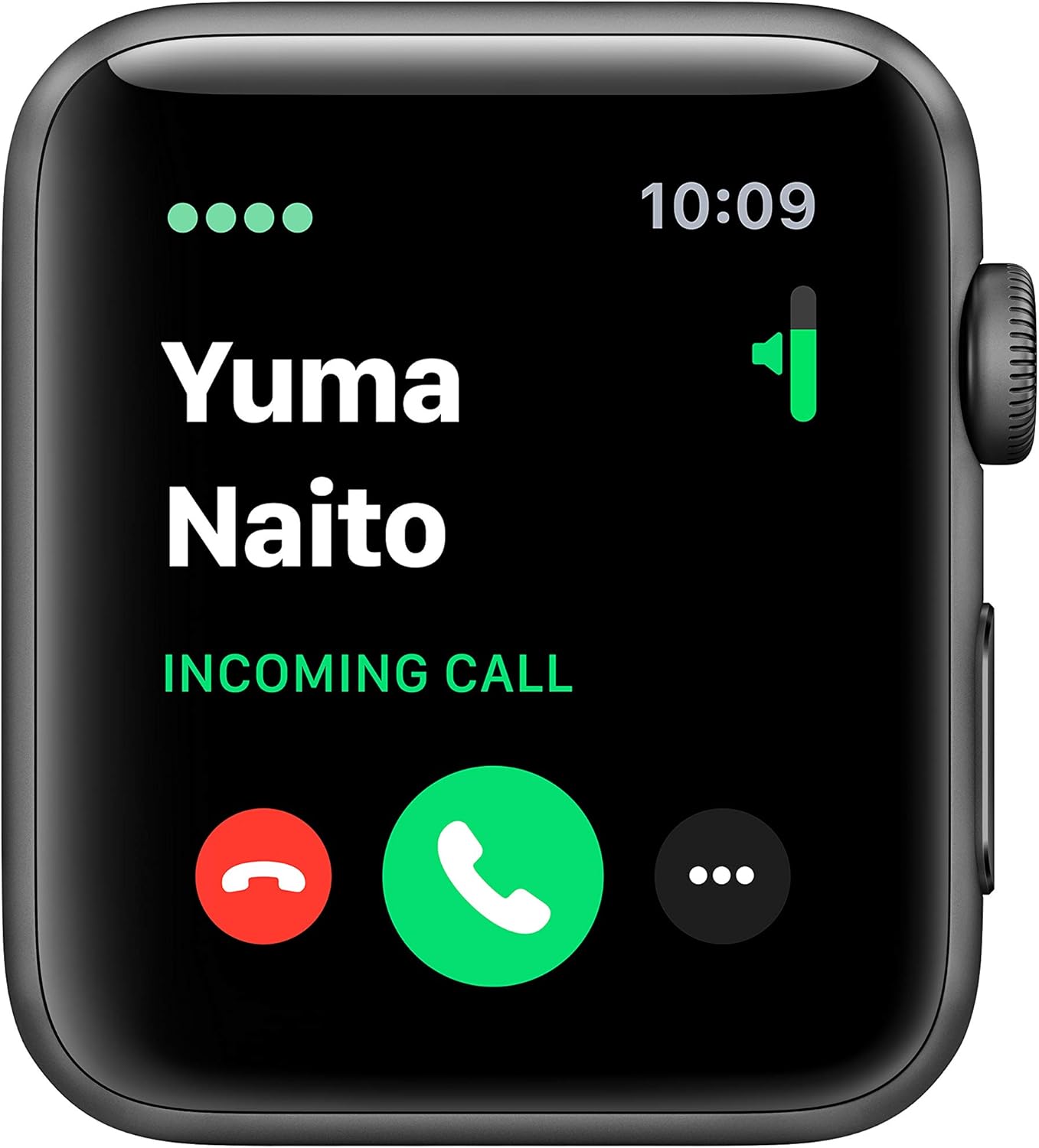
The cellular feature allows you to receive calls directly on your Apple Watch.

Track your fitness progress with detailed activity metrics displayed on the watch face.

Monitor your heart rate with the built-in optical heart sensor.
నిర్వహణ
To ensure the longevity and optimal performance of your Apple Watch Series 3, follow these maintenance guidelines:
- శుభ్రపరచడం: Regularly clean your Apple Watch and band with a soft, lint-free cloth. If necessary, lightly dampen the cloth with fresh water. Avoid using harsh chemicals or abrasive materials.
- నీటి నిరోధకత: The Apple Watch Series 3 is swimproof. After exposure to chlorinated or salt water, rinse the watch with fresh water and dry it thoroughly. Avoid exposing the watch to soaps, shampoos, conditioners, lotions, and perfumes, as these can negatively affect water seals and acoustic membranes.
- బ్యాండ్ కేర్: Clean your band according to its material. Sport Bands can be wiped clean with a damp గుడ్డ.
- నిల్వ: Store your Apple Watch in a cool, dry place when not in use.
ట్రబుల్షూటింగ్
సాధారణ సమస్యలు మరియు పరిష్కారాలు
- వాచ్ ఆన్ అవ్వడం లేదు: Ensure the watch is sufficiently charged. Connect it to the magnetic charging cable and a power adapter for at least 30 minutes.
- జత చేయడం సమస్యలు: Make sure your iPhone's Bluetooth is on and both devices are close to each other. Restart both your iPhone and Apple Watch. If issues persist, unpair the watch from your iPhone (if previously paired) and attempt to pair again.
- Cellular Connectivity Problems: Verify that your cellular plan is active and correctly provisioned for your Apple Watch. Ensure the watch is not in Airplane Mode. Contact your carrier if the issue persists after restarting both devices and checking settings in the Apple Watch app.
- Inaccurate Heart Rate Readings: Ensure the back of the watch is clean and making good contact with your wrist. Tighten the band slightly if it's too loose.
- బ్యాటరీ త్వరగా ఆరిపోతుంది: Review your notification settings and background app refresh in the Apple Watch app on your iPhone. Reduce screen brightness.
స్పెసిఫికేషన్లు
| ఫీచర్ | వివరాలు |
|---|---|
| మోడల్ పేరు | సిరీస్ 3 |
| అంశం మోడల్ సంఖ్య | MTGT2LL/A |
| బ్రాండ్ | ఆపిల్ |
| కనెక్టివిటీ టెక్నాలజీ | బ్లూటూత్, సెల్యులార్, GPS, వై-ఫై |
| వైర్లెస్ కమ్యూనికేషన్ స్టాండర్డ్ | 802.11బి, 802.11గ్రా |
| ఆపరేటింగ్ సిస్టమ్ | watchOS |
| స్క్రీన్ పరిమాణం | 42 మిల్లీమీటర్లు |
| కేసు పరిమాణం | 42మి.మీ |
| కేసు బరువు | 34.9గ్రా |
| కొలతలు (ఉత్పత్తి) | 12.95 x 2.93 x 2.26 అంగుళాలు |
| వస్తువు బరువు | 1.92 ఔన్సులు |
| బ్యాటరీ లైఫ్ | 18 గంటల వరకు |
| ప్రత్యేక లక్షణాలు | GPS, GLONASS, Galileo, QZSS, Barometric altimeter, Optical heart sensor, Accelerometer, Gyroscope, Ion-X strengthened glass, Ceramic and sapphire crystal back |
| నీటి నిరోధకత | ఈత కొట్టలేని (50 మీటర్ల వరకు) |
| మొదటి తేదీ అందుబాటులో ఉంది | అక్టోబర్ 30, 2018 |
వారంటీ మరియు మద్దతు
Your Apple Watch Series 3 is covered by a limited warranty. For detailed warranty information, please refer to the documentation included with your product or visit the official Apple support webసైట్.
For technical assistance, troubleshooting, or service, please contact Apple Support:
- ఆన్లైన్ మద్దతు: సందర్శించండి support.apple.com/watch
- ఫోన్ మద్దతు: Refer to Apple's regional support numbers available on their webసైట్.
Always ensure you are consulting official Apple resources for the most accurate and up-to-date support information.