
Samsung SM-F926UZKEXAA
Mwongozo wa Mtumiaji wa Simu Mahiri ya Samsung Galaxy Z Fold3 5G
Model: SM-F926UZKEXAA
1. Utangulizi
This manual provides essential information for using your Samsung Galaxy Z Fold3 5G smartphone. The device features an innovative foldable design, offering both a compact cover screen and an expansive main display for enhanced productivity and entertainment. It is equipped with 5G connectivity and supports S Pen functionality (S Pen sold separately).

Image: Samsung Galaxy Z Fold3 5G unfolded, showcasing its main display.
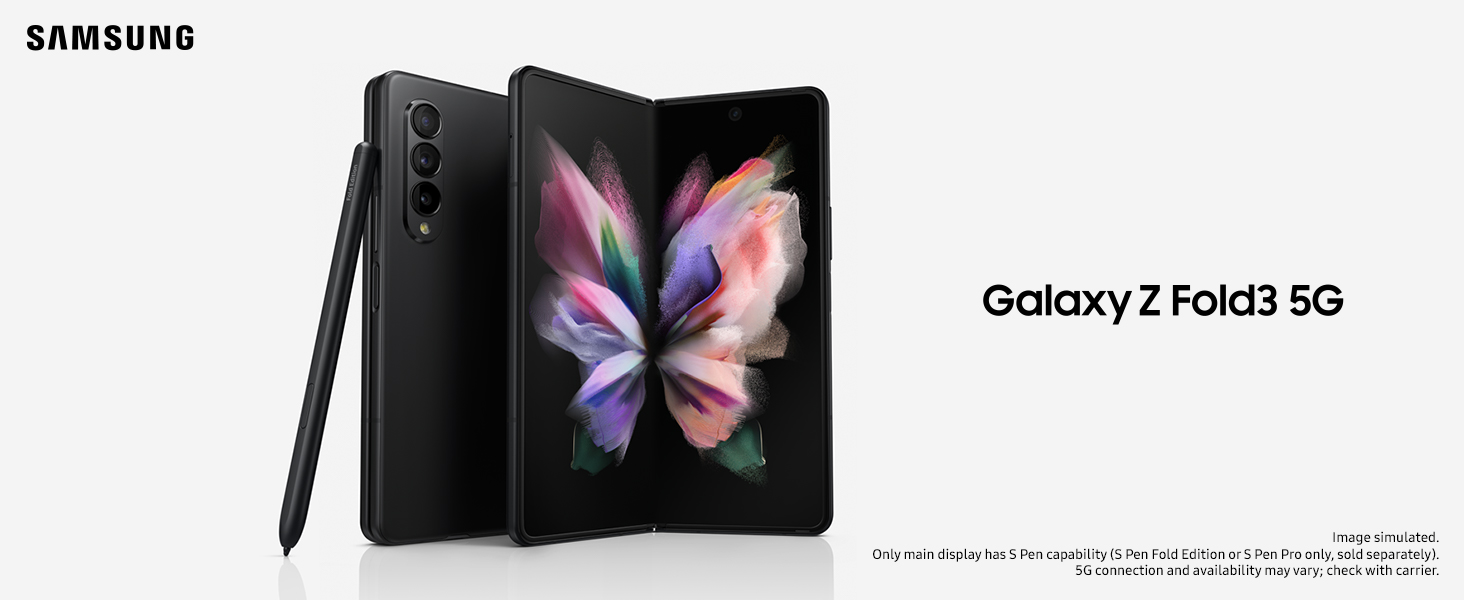
Image: The Samsung Galaxy Z Fold3 5G with an S Pen, emphasizing its advanced features.
2. Ni nini kwenye Sanduku
Verify that the following items are included with your Samsung Galaxy Z Fold3 5G:
- Samsung Galaxy Z Fold3 5G Handset
- Kebo ya Data (USB-C hadi USB-C)
- Betri ya Kawaida (ya ndani)
- Travel Adapter (charger)
Note: The 25W Super Fast Charging adapter may be sold separately in some regions. Always use Samsung-approved chargers and cables to prevent damage to your device.
3. Kuweka
3.1 Kuchaji Awali
Before first use, fully charge your device. Connect the USB-C data cable to the phone's charging port and the other end to the travel adapter. Plug the adapter into a power outlet. The charging indicator will appear on the screen.
3.2 Kuwasha / Kuzima
- Kuwasha: Press and hold the Side key (power button) until the Samsung logo appears.
- Kuzima: Press and hold the Side key and Volume Down button simultaneously, then tap 'Power off' on the screen. Alternatively, swipe down from the top of the screen to open the Quick Panel, tap the Power icon, and select 'Power off'.
3.3 Ufungaji wa SIM Card
Locate the SIM card tray on the side of the device. Use the provided ejection pin to open the tray. Place your Nano-SIM card(s) onto the tray with the gold contacts facing down. Carefully reinsert the tray into the device.
3.4 Usanidi wa Awali
Upon first power-on, follow the on-screen prompts to complete the initial setup. This includes selecting your language, connecting to Wi-Fi, signing in to your Google account, and setting up security features like fingerprint or facial recognition.
4. Maagizo ya Uendeshaji
4.1 Folding and Unfolding the Device
The Galaxy Z Fold3 5G is designed to be folded and unfolded. Gently open the device to reveal the main display. When closing, ensure no objects are placed between the screens to prevent damage. The device can be used in various Flex Mode angles for hands-free viewing.
4.2 Using the Main and Cover Screens
The device features a 6.2-inch cover screen for quick tasks and a 7.6-inch main display for immersive experiences. Apps can seamlessly transition between the two screens when unfolding or folding the device. You can customize which apps continue on the main screen when unfolded.
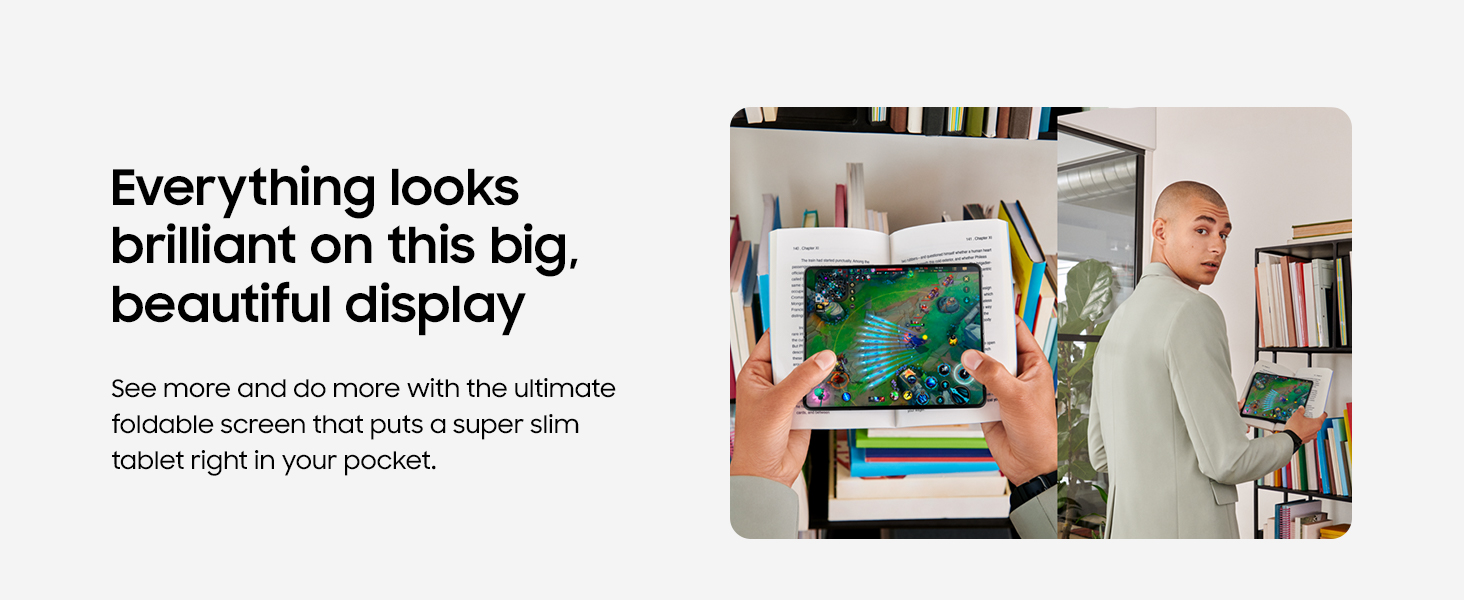
Image: The large display of the Galaxy Z Fold3 5G provides an expansive viewuzoefu.
4.3 Multitasking with Multi-Window
Utilize the Multi-Window feature to run up to three apps simultaneously on the main display. Drag apps from the Edge Panel to open them in split-screen or pop-up view. This allows for efficient workflow, such as taking notes while watching a video or referencing documents side-by-side.
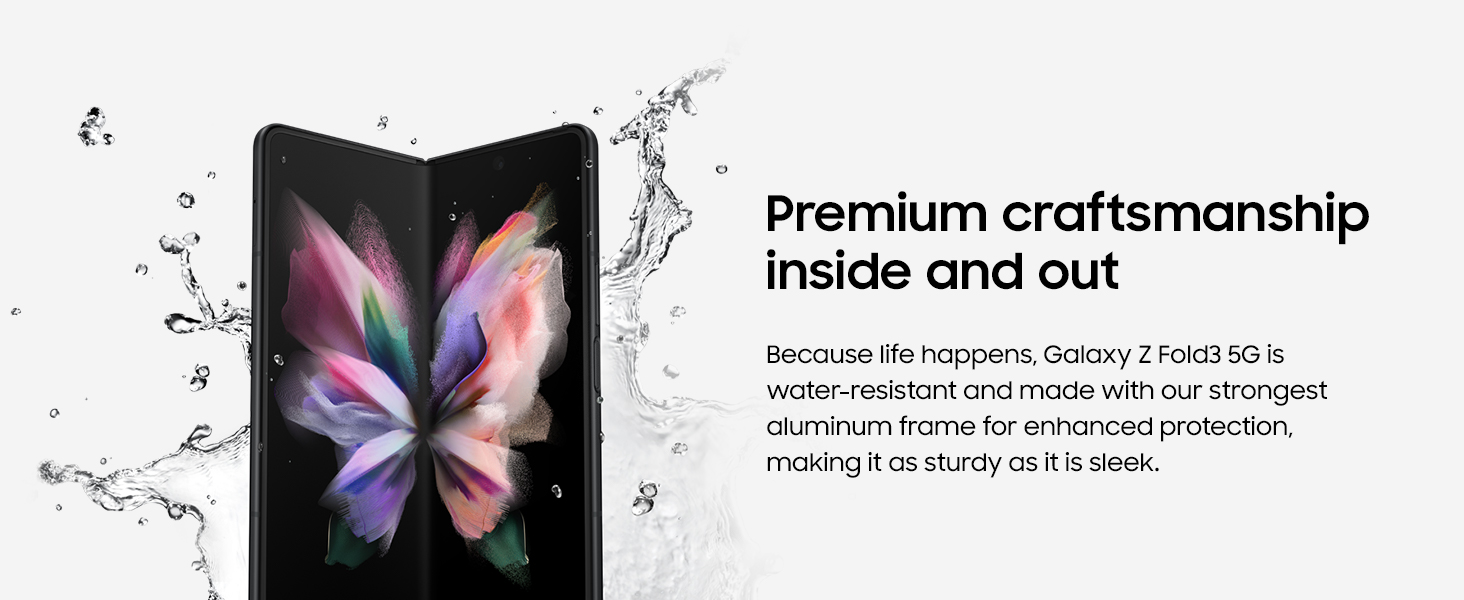
Image: Multitasking on the Galaxy Z Fold3 5G, demonstrating the use of multiple windows and S Pen.
4.4 S Pen Usage (Sold Separately)
The Galaxy Z Fold3 5G is compatible with the S Pen Fold Edition and S Pen Pro. Use the S Pen for precise input, note-taking, drawing, and navigating the interface. The S Pen only works on the main display.
4.5 Sifa za Kamera
The device features multiple cameras, including an Under Display Camera on the main screen and a versatile rear camera system. Open the Camera app to access various modes such as Photo, Video, Portrait, and Pro. Utilize the foldable design for unique shooting angles and hands-free photography.
4.6 Muunganisho
- 5G: Enjoy high-speed mobile data connectivity where 5G networks are available.
- Wi-Fi: Unganisha kwenye mitandao isiyotumia waya kwa ufikiaji wa mtandao.
- Bluetooth: Pair with wireless headphones, speakers, and other Bluetooth-enabled accessories.
- NFC: Tumia Mawasiliano ya Karibu kwa malipo yasiyogusana na kushiriki data haraka.
5. Matengenezo
5.1 Upinzani wa Maji
The Galaxy Z Fold3 5G has an IPX8 rating, meaning it is water-resistant in up to 5 feet of freshwater for up to 30 minutes. It is not dust-resistant. Avoid exposing the device to saltwater, chlorinated water, or other liquids. If the device gets wet, rinse it with clean water and dry it thoroughly before use or charging.

Image: The Galaxy Z Fold3 5G demonstrating its water-resistant design.
5.2 Utunzaji wa Screen
The foldable screen is delicate. Do not press hard on the screen with a sharp object, such as a pen or your fingernail. Avoid placing foreign objects between the screens when folding the device. Keep the screen protector (pre-applied) intact; removing it may cause damage.
5.3 Kusafisha
Ili kusafisha kifaa chako, kifute kwa upole kwa kitambaa laini, kisicho na rangi. Epuka kutumia kemikali kali au vifaa vya kukwaruza.
5.4 Utunzaji wa Betri
To prolong battery life, avoid extreme temperatures and do not allow the battery to fully discharge frequently. It is recommended to keep the battery charge between 20% and 80%.
6. Utatuzi wa shida
Ukikumbana na matatizo na kifaa chako, jaribu hatua zifuatazo za msingi za utatuzi wa matatizo:
- Kifaa hakijibu: Press and hold the Side key and Volume Down button for more than 7 seconds to force restart the device.
- Programu zinaharibika: Funga na ufungue tena programu. Ikiwa tatizo litaendelea, futa akiba ya programu au isakinishe tena.
- Masuala ya muunganisho: Toggle Wi-Fi or Bluetooth off and on. For mobile data, check your SIM card and network settings.
- Betri inaisha haraka: Reduce screen brightness, close unused apps, and check for background app activity in battery settings.
Kwa masuala magumu zaidi, rejelea usaidizi rasmi wa Samsung webtovuti au wasiliana na huduma kwa wateja.
7. Vipimo
Key technical specifications for the Samsung Galaxy Z Fold3 5G (Model: SM-F926UZKEXAA):

Image: Physical dimensions of the Samsung Galaxy Z Fold3 5G.
| Kipengele | Maelezo |
|---|---|
| Vipimo vya Bidhaa | Inchi 6.3 x 5.12 x 0.26 (zilizofunuliwa) |
| Uzito wa Kipengee | 9.6 wakia |
| Nambari ya Mfano wa Kipengee | SM-F926UZKEXAA |
| Mfumo wa Uendeshaji | Android 11.0 (inaweza kuboreshwa) |
| RAM | GB 12 |
| Uwezo wa Kuhifadhi Kumbukumbu | GB 512 |
| Mfano wa CPU | Snapdragon |
| Kasi ya CPU | GHz 2.84 |
| Ukubwa Mkuu wa Skrini | 7.6 Inches (Dynamic AMOLED 2X) |
| Cover Screen Size | 6.2 Inches (Dynamic AMOLED 2X) |
| Azimio | 2208 x 1768 (Main), 2268 x 832 (Cover) |
| Kiwango cha Kuonyesha upya | 120 Hz (Inayoweza Kubadilika) |
| Ukadiriaji wa Nguvu ya Betri | 4400 mAh (Dual Battery) |
| Muda wa Maongezi ya Simu | Hadi Saa 34 |
| Teknolojia za Kuunganisha | Bluetooth, NFC, USB-C, Wi-Fi, 5G |
| Vipengele Maalum | Fast Charging Support, Water Resistant (IPX8), Foldable Screen, S Pen Support |
| Rangi | Phantom Nyeusi |
8. Udhamini na Msaada
Your Samsung Galaxy Z Fold3 5G is covered by a limited manufacturer's warranty. For specific warranty terms and conditions, please refer to the warranty card included with your device or visit the official Samsung webtovuti.
8.1 Usaidizi kwa Wateja
For technical assistance, service, or additional information, please contact Samsung Customer Service or visit their official support page. You can find contact details and FAQs on the Samsung webtovuti.
8.2 Nyenzo za Ziada
A comprehensive User Manual in PDF format is available for download from the Samsung support webtovuti au kupitia kiungo hiki cha moja kwa moja: Samsung Galaxy Z Fold3 5G User Manual (PDF).
Ask a question about this manual
Ask about setup, troubleshooting, compatibility, parts, safety, or missing instructions. Manuals+ will review the question and use this page’s manual context to help answer it.