
LongPlus X84
LongPlus 2K Vicohome Wireless Outdoor Security Camera Instruction Manual
Modell: X84
Introduktion
This manual provides detailed instructions for the installation, operation, and maintenance of your LongPlus 2K Vicohome Wireless Outdoor Security Camera. Please read this manual thoroughly before using the product to ensure proper functionality and safety.

Image: Two LongPlus 2K Vicohome Wireless Outdoor Security Cameras, black, with water droplets, mounted on a wall bracket.
Paketets innehåll
Kontrollera att alla artiklar som listas nedan ingår i ditt paket:
- Security Camera with Bracket
- Förpackning med skruvar
- Återställ nål
- USB-kabel
- Snabbstartguide
Produktegenskaper
- AI-händelseanalys: Identifies and differentiates between people, pets, vehicles, and packages to reduce false alarms.
- 3MP Color Night Vision: Captures clear color images in low light conditions up to 33 feet.
- PIR Motion Detection & Siren Alarm: Triggers an audio and strobe light alarm upon detecting humanoid motion.
- Flexibel förvaring: Supports up to 128GB Micro SD card (not included) and optional cloud storage.
- Tvåvägssamtal: Allows communication through the Vicohome app.
- 100% Wire-free: Battery-operated design for easy installation without wiring.
- Integration av smarta hem: Compatible with Amazon Alexa.
- Brett fält av View: 125 grader viewing vinkel.
- Väderbeständig design: IP65-klassad för utomhusbruk.
Inställning
1. Laddar kameran
Before initial use, fully charge the camera using the provided USB cable. The charging indicator light will show the charging status.
2. Appinstallation och kontoskapande
- Download the "Vicohome" app from your smartphone's app store (iOS or Android).
- Öppna appen och följ instruktionerna på skärmen för att skapa ett konto och logga in.
3. Ansluta till Wi-Fi
- Ensure your camera is powered on and near your Wi-Fi router.
- In the Vicohome app, tap the "+" icon to add a new device.
- Follow the app's instructions to connect the camera to your 2.4GHz Wi-Fi network. 5GHz networks are not supported.
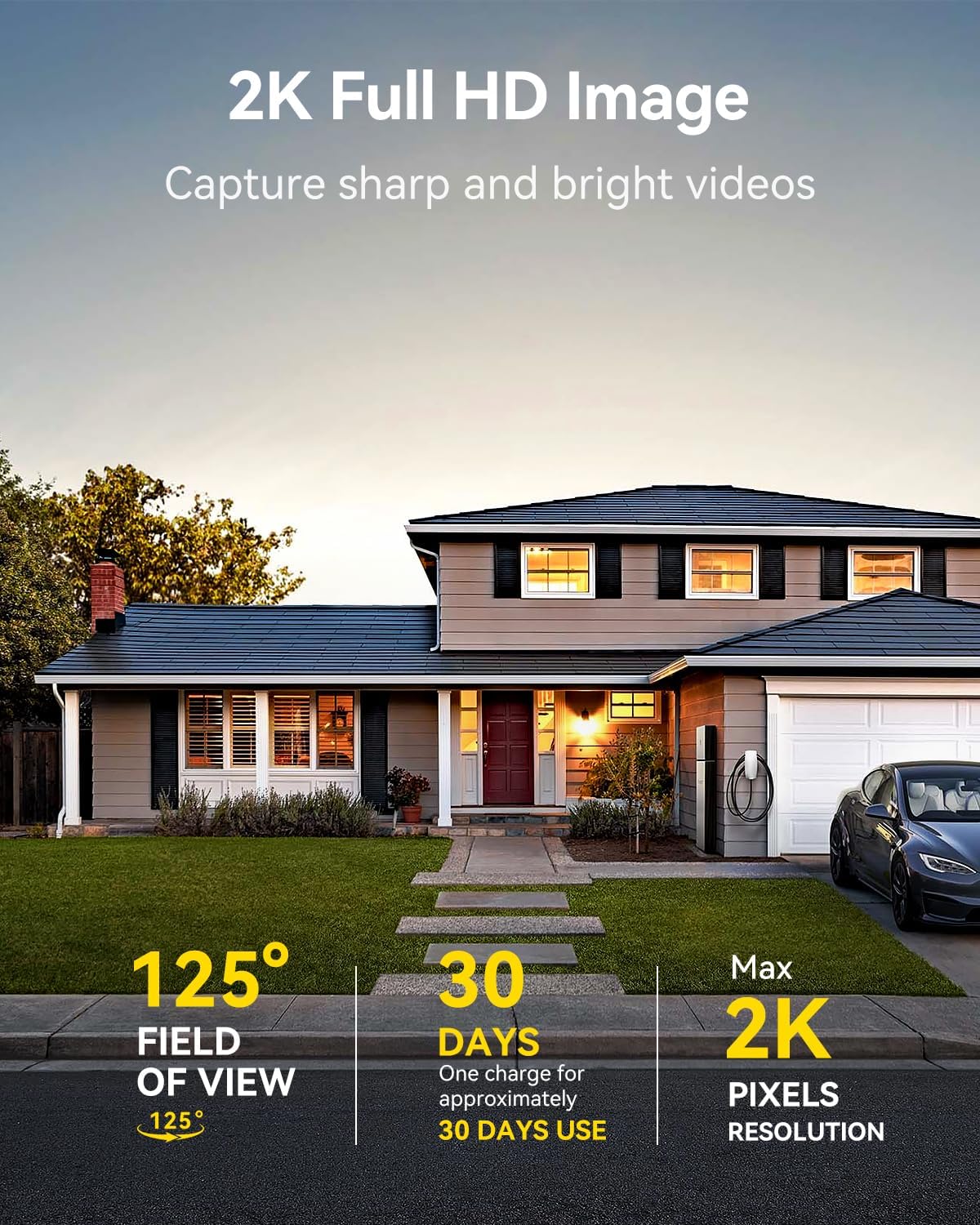
Image: A LongPlus security camera on a wooden table, illustrating its 2.4GHz WiFi connectivity.
4. Montering av kameran
The camera can be mounted on a ceiling or wall. Choose a location that provides the desired viewvinkel och är inom Wi-Fi-räckvidd.
- Mark the positions for drilling using the camera bracket as a template.
- Borra förhål och sätt i väggpluggar om det behövs.
- Secure the bracket to the surface using the provided screws.
- Fäst kameran på fästet och justera vinkeln.

Image: A LongPlus security camera mounted on an outdoor wall, demonstrating its wire-free installation.
Drift
1. Lev View
Open the Vicohome app and select your camera to view the live feed. You can monitor your surroundings in real-time.

Image: A smartphone displaying the live feed from a LongPlus security camera, showing children playing in a yard.
2. Tvåvägssamtal
Från live view screen in the app, tap the microphone icon to initiate two-way communication. Speak into your phone to communicate with individuals near the camera.

Image: A person receiving a package at their front door, demonstrating the two-way talk feature of the LongPlus camera.
3. Inställningar för rörelsedetektering
Configure motion detection sensitivity and define detection zones within the Vicohome app settings for your camera. This helps in reducing unwanted alerts.

Image: A man walking past a LongPlus security camera, illustrating motion detection and app alerts.

Bild: En flygbild view of a house with a pool, illustrating customizable motion detection zones for different objects.

Image: A house with a lawn, demonstrating the ability to set specific motion detection zones.
4. Night Vision
The camera automatically switches to color night vision in low light conditions, providing clear visibility.

Image: A LongPlus security camera mounted outdoors at night, showing its color night vision capability on a smartphone screen.
5. Inspelning och uppspelning
Recordings are stored on a Micro SD card (if installed) or in the cloud (subscription may be required). Access and playback recorded events through the Vicohome app's library section.

Image: A LongPlus camera with an SD card being inserted, illustrating local and cloud storage options.
6. Enhetsdelning
You can share access to your camera with other users through the Vicohome app, allowing multiple individuals to monitor the feed simultaneously.
7. Smart hemintegration
The camera is compatible with Amazon Alexa. Follow the instructions in the Vicohome app or Alexa app to link your devices and use voice commands for monitoring.

Image: A person using an Amazon Echo Show to view kameraflödet via Alexa röstkommandon.
Underhåll
1. Batteriladdning
Monitor the battery level through the Vicohome app. Recharge the camera when the battery is low to ensure continuous operation. If the camera is installed in a hard-to-reach location, consider using a compatible solar panel charger (sold separately) to reduce the frequency of manual charging.
2. SD-korthantering
If using a Micro SD card, ensure it is a genuine card and inserted correctly. Periodically review och hantera lagrad mattage. The card can be ejected with a gentle press.
3. Städning
Gently wipe the camera lens and body with a soft, dry cloth to remove dust and debris. Avoid using harsh chemicals or abrasive materials.
Felsökning
| Problem | Möjlig orsak | Lösning |
|---|---|---|
| Kameran ansluter inte till Wi-Fi | Incorrect Wi-Fi password; camera too far from router; 5GHz Wi-Fi network used. | Verify Wi-Fi password. Move camera closer to router. Ensure you are connecting to a 2.4GHz Wi-Fi network. Reset the camera using the reset needle and try pairing again. |
| Frekventa falska larm | High motion detection sensitivity; environmental factors (e.g., moving branches, insects). | Reduce motion detection sensitivity in the Vicohome app. Define specific detection zones to exclude irrelevant areas. |
| Kort batteritid | Frequent motion detection events; cold weather; continuous live view användande. | Minska rörelsedetekteringskänsligheten. Begränsa live view sessions. Consider purchasing a solar panel charger for continuous power. Ensure the camera is fully charged before deployment. |
| Dålig bildkvalitet på natten | Obstructions near the lens; insufficient ambient light for color night vision. | Ensure the camera lens is clean and free from obstructions. Verify that the night vision mode is active in the app settings. |
| SD-kort spelar inte in | SD card not inserted correctly; incompatible SD card; SD card full or corrupted. | Reinsert the SD card carefully. Use a genuine Micro SD card up to 128GB. Format the SD card through the app. Replace the SD card if corrupted. |
Specifikationer
| Särdrag | Detalj |
|---|---|
| Modellnummer | X84 |
| Användning inomhus/utomhus | Inomhus, Utomhus |
| Strömkälla | Batteridriven |
| Anslutningsprotokoll | Wi-Fi (2.4 GHz) |
| Controllertyp | Amazon Alexa, Vicohome App |
| Videoinspelningsupplösning | 1440p (2K) |
| Effektiv stillbildsupplösning | 3 MP |
| Viewing vinkel | 130 grader |
| Night Vision Range | 33 fot |
| Bildhastighet | 15 bilder per sekund |
| Material | Högkvalitativ ABS |
| Vattentäthetsnivå | IP65 (vattentät) |
| Flashminne som stöds Maximal storlek | 128 GB (Micro SD) |
| Objektets mått (L x B x H) | 2.36 x 2.16 x 4 tum |
| Objektets vikt | 1.59 pund (0.72 kilo) |
| Batterier | 1 litiumjonbatteri krävs (ingår) |
Stöd
For technical assistance, troubleshooting beyond this manual, or warranty inquiries, please contact LongPlus customer support. Refer to the product packaging or the official LongPlus webwebbplats för kontaktinformation.
Du kan också besöka LongPlus Store on Amazon för ytterligare produktinformation och resurser.
Ask a question about this manual
Ask about setup, troubleshooting, compatibility, parts, safety, or missing instructions. Manuals+ will review the question and use this page’s manual context to help answer it.