
ZCGIOBN A8
ZCGIOBN A8 4K HDR Smart Projector User Manual
Modell: A8
1. Säkerhetsinformation
Please read all safety instructions carefully before using the projector. Keep this manual for future reference.
- Strömförsörjning: Använd endast den angivna nätadaptern. Se till att volymen är korrekttage är kompatibel med din region.
- Ventilation: Blockera inte ventilationsöppningarna. Se till att det finns tillräckligt med luftflöde runt projektorn för att förhindra överhettning.
- Vätskeexponering: Do not expose the projector to rain, moisture, or any liquids.
- Rengöring: Unplug the projector before cleaning. Use a soft, dry cloth. Avoid liquid cleaners.
- Placering: Place the projector on a stable, flat surface. Avoid direct sunlight or heat sources.
- Ögonskydd: Titta inte direkt in i projektorlinsen när lamp is on. The bright light can cause eye strain or damage.
- Underhåll: Försök inte reparera projektorn själv. Överlåt all service till kvalificerad personal.

The projector features EyeCare technology with diffuse reflection to reduce blue light and eye fatigue, promoting a safer viewerfarenhet.
2. Paketets innehåll
Kontrollera att alla artiklar finns i ditt paket:
- ZCGIOBN A8 4K HDR Smart Projector
- Fjärrkontroll
- Strömadapter
- HDMI-kabel
- Användarmanual
- Snabbstartguide
3. Produkt överview
The ZCGIOBN A8 is a portable 4K HDR smart projector designed for versatile entertainment. It features a compact design and advanced image and sound technologies.
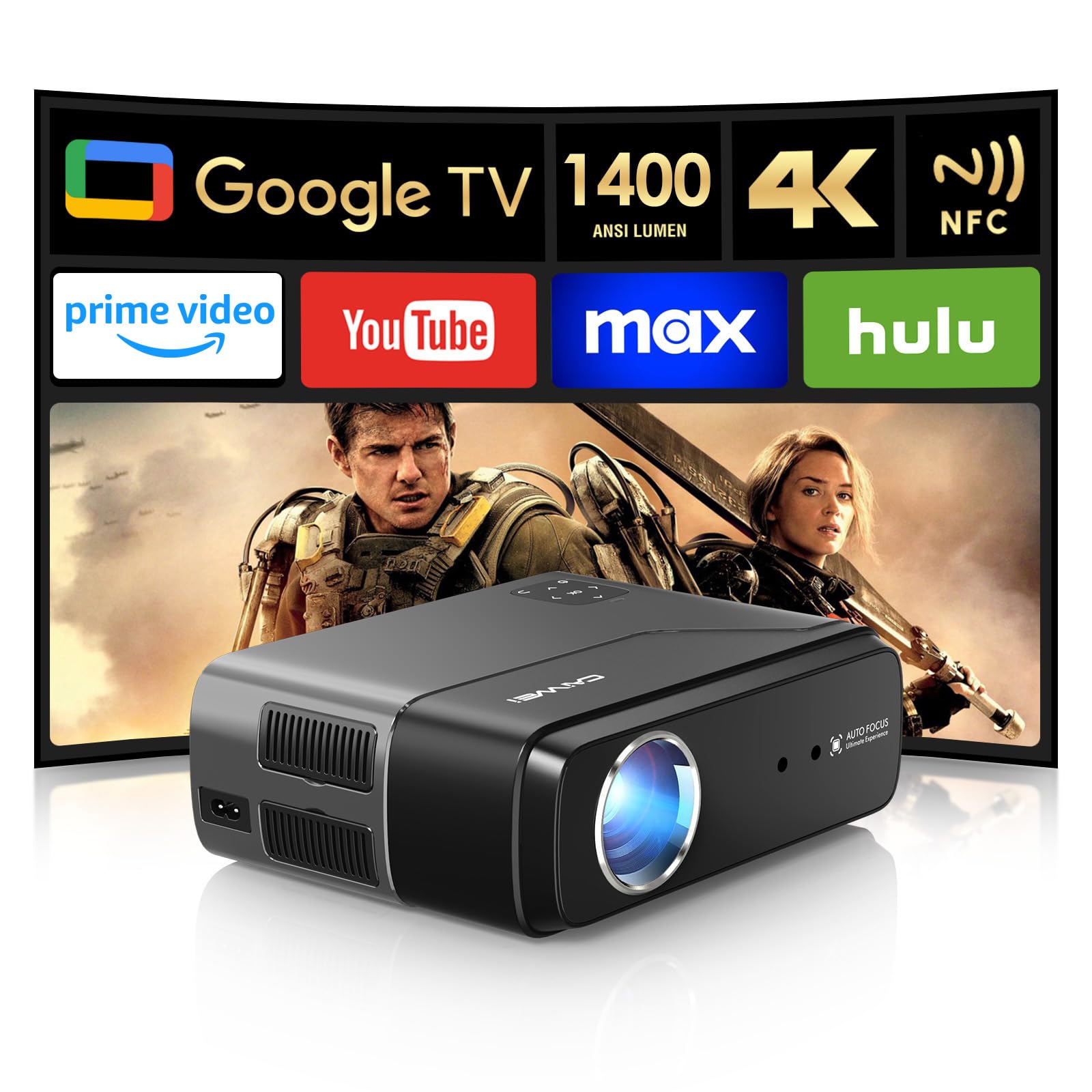
The ZCGIOBN A8 projector features a sleek design, with the projection lens prominently displayed on the front.
3.1 nyckelkomponenter
- Projektionslins: Sätter bilden på skärmen eller väggen.
- Ventilationsportar: Located on the sides and rear to ensure proper cooling.
- Kontrollpanel: Top-mounted buttons for basic navigation and settings.
- In-/utgångsportar: Various ports for connecting external devices.
- Högtalare: Integrerad för ljudutgång.

The compact and lightweight design of the projector allows for easy portability.

Detaljerad view of the LCD touch panel for control, the pop-up dust filter for maintenance, and the high transmittance lens for clear projection.
4. Inställning
4.1 Initial placering
Place the projector on a stable surface, ensuring the lens is facing the desired projection area (wall or screen). Maintain a clear path between the projector and the surface.
4.2 Strömanslutning
- Anslut nätadaptern till projektorns strömingång.
- Anslut nätadaptern till ett lämpligt eluttag.
- Tryck på strömknappen på projektorn eller fjärrkontrollen för att slå på den.
4.3 Image Adjustment (Auto Features)
The ZCGIOBN A8 projector features intelligent image adaptation technology for quick setup.
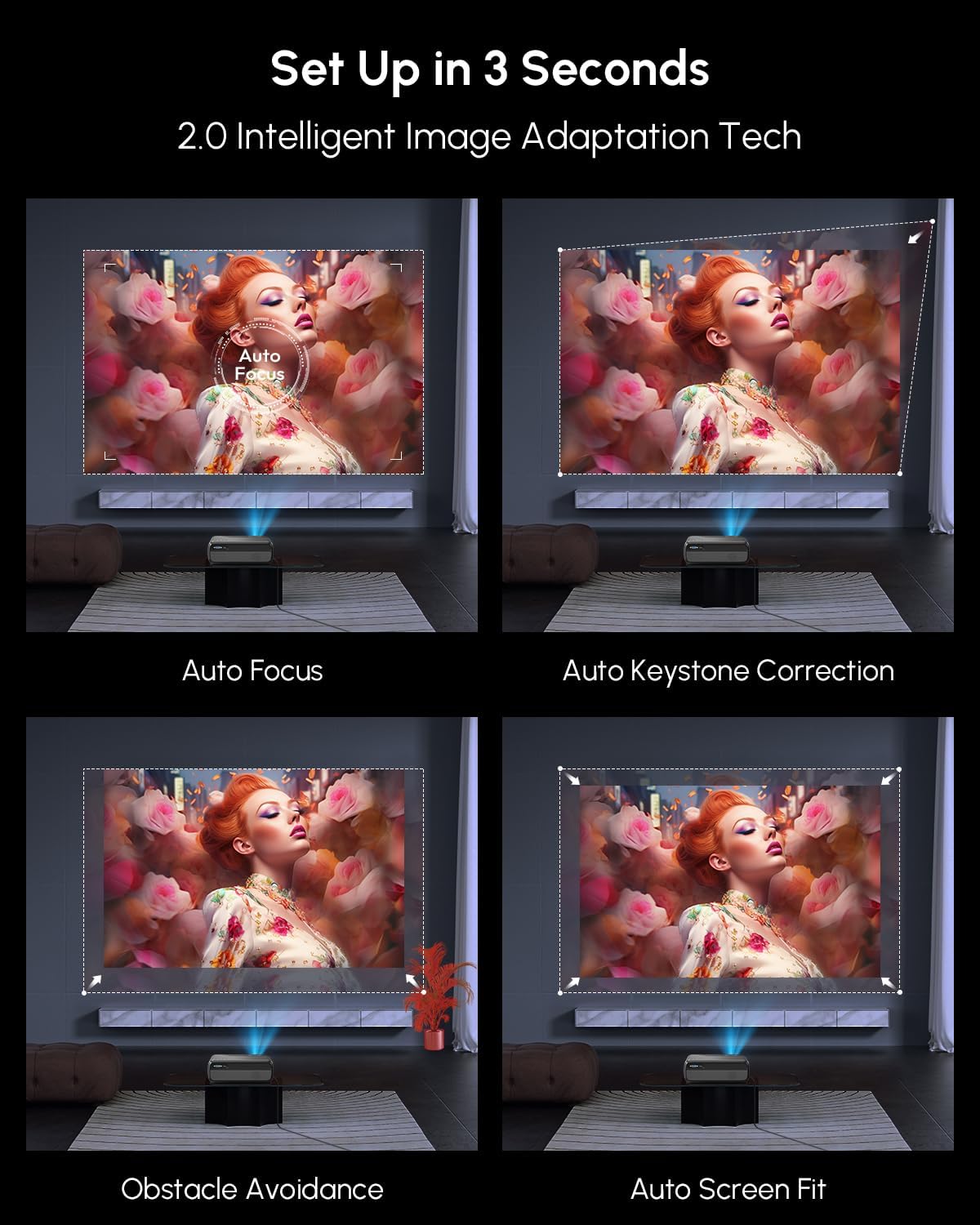
The projector automatically adjusts focus, keystone, avoids obstacles, and fits the screen for optimal viewing.
- Autofokus: Projektorn justerar automatiskt bildens skärpa.
- Automatisk keystone-korrigering: Automatically corrects distorted images to a rectangular shape.
- Undvikande av hinder: Detects and adjusts the projection area to avoid objects on the wall.
- Automatisk skärmanpassning: Automatically scales the image to fit the projection screen.
Video demonstrating the intelligent projection correction features, including auto focus, auto keystone, obstacle avoidance, and screen alignment.

The projector offers instant entertainment with automatic screen alignment and obstacle avoidance upon power-on.

Real-time image perfection is achieved through auto focus and auto keystone correction, even in outdoor settings.
5. Bruksanvisning
5.1 Grundläggande navigering
Use the remote control or the projector's top panel buttons to navigate the on-screen menu. The directional buttons allow movement, and the OK button confirms selections.
5.2 Smart Features (Google TV)
The projector comes with a built-in Smart OS, providing access to various streaming services and applications.

Access your favorite shows and apps directly from the Google TV interface.

The Google TV interface provides a wide range of content options and supports Google Cast for screen mirroring.

Utilize Google Voice Search and Google Assistant for hands-free control and content discovery.
5.3 Anslutningar
- Wi-Fi 6: Connect to your wireless network for streaming and online features. Navigate to Settings > Network > Wi-Fi to connect.
- Bluetooth 5.2: Connect external Bluetooth speakers or use the projector as a Bluetooth speaker. Navigate to Settings > Bluetooth.
- NFC Casting: For faster content casting from compatible devices, tap your NFC-enabled device near the projector's NFC tag.
- HDMI/USB/AV/VGA: Connect external devices such as gaming consoles, laptops, or media players using the appropriate ports.

Wirelessly cast content from your devices using NFC, Google Cast, or WiFi 6 for seamless integration.

NFC provides an easier and faster method for casting content from compatible devices.

Two-way Bluetooth 5.2 enables the projector to function as a standalone Hi-Fi speaker or connect to external audio systems.

WiFi 6 technology ensures faster speeds and a more stable connection for gaming and streaming.

The projector offers versatile connectivity options including HDMI, Audio, AV, USB, and VGA for a wide range of devices.
5.4 Image and Audio Settings
- Ljusstyrka: The projector delivers 1400 ANSI Lumens for clear visuals even in softly lit rooms. Adjust brightness in the settings menu if needed.
- HDR: Experience enhanced contrast and color with 4K HDR support. Ensure your content source also supports HDR for optimal results.
- Color Optimization: The projector features a wider color gamut coverage (98% DCI-P3) and an innovative 6-color vivid light source for true-to-life colors.
- AI-förbättringar: AI Picture (4K video decoding, noise reduction, brightness adaptation, dynamic contrast optimization), AI Sport Mode (motion blur correction), and AI Sound (DSP digital sound enhancement) automatically optimize your viewerfarenhet.
- Audio: Enjoy immersive sound with Dolby Audio and DTS support from the built-in 30W speaker.
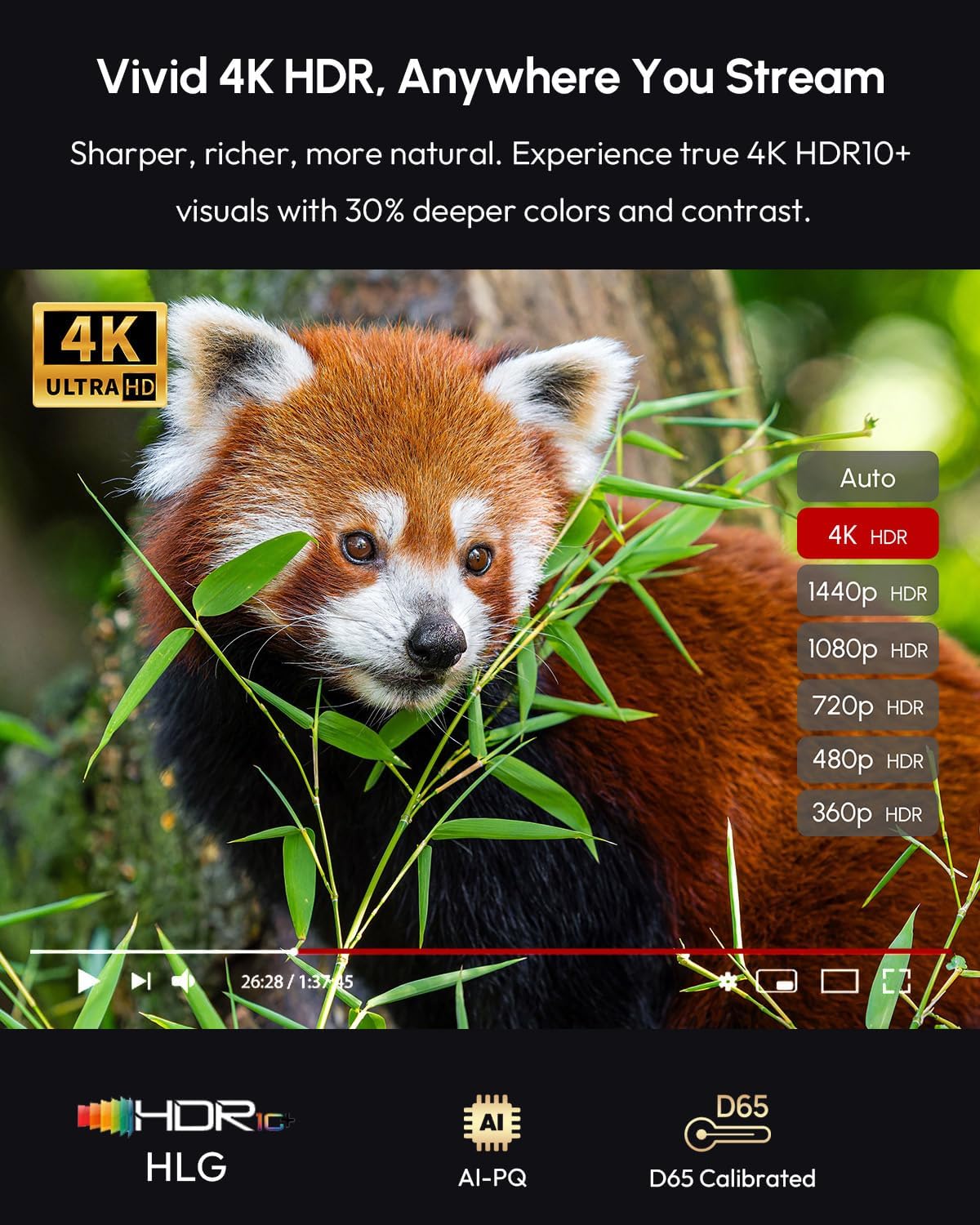
Experience vivid 4K HDR visuals with sharper, richer, and more natural colors.
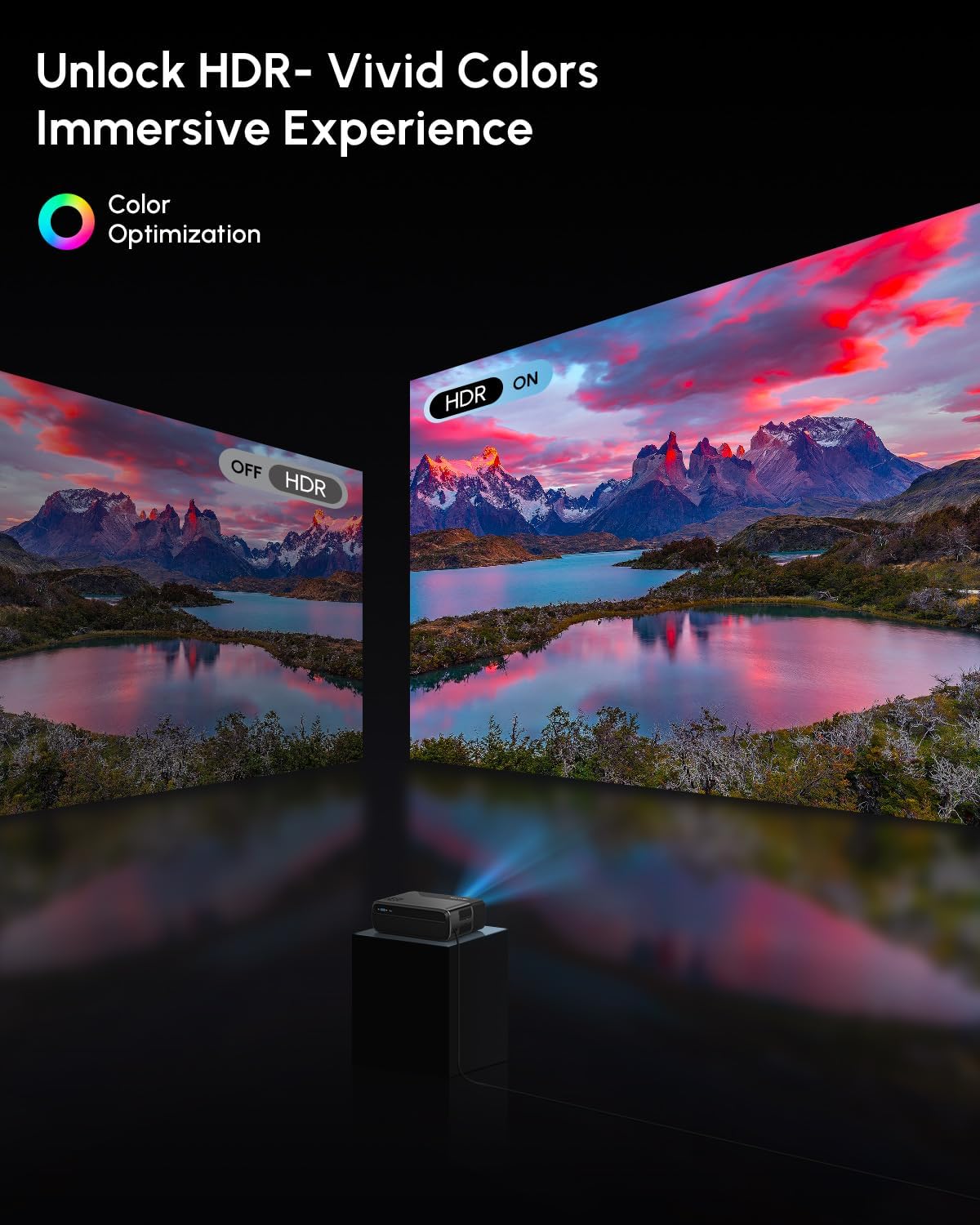
Unlock vivid colors and an immersive experience with HDR, as demonstrated by the comparison of HDR off and HDR on.

The projector offers wider color gamut coverage (98% DCI-P3) for true-to-life color reproduction.

An innovative 6-color vivid light source delivers truer color output, making images more dazzling and vibrant with high color accuracy.

AI Image Visual and Sound Enhancement Technology optimizes picture quality and audio for various content, including sports.

Feel immersive sound with Dolby Audio and DTS support from the built-in 30W speaker, enhancing your viewerfarenhet.

The projector offers higher brightness at 1400 ANSI Lumens for clear images in various lighting conditions.
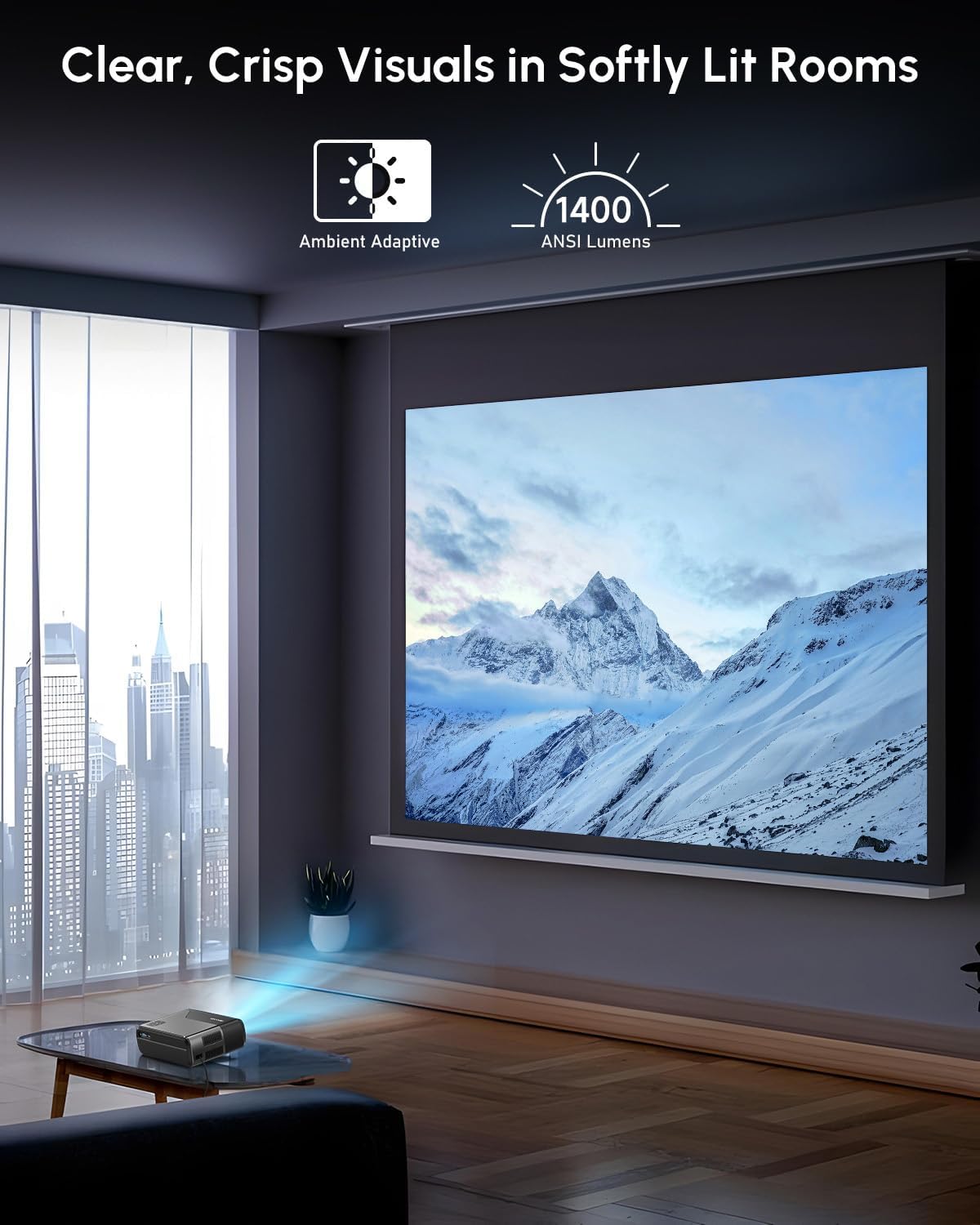
Enjoy clear, crisp visuals even in softly lit rooms thanks to the 1400 ANSI Lumens brightness and ambient adaptive technology.
5.5 Projection Size and Digital Zoom
The projector supports an adjustable projection size from 30 to 200 inches, allowing flexibility for different viewing environments. Digital zoom functionality (30%-100%) provides further control over image size without moving the projector.

Enjoy big screen fun with an adjustable projection size ranging from 30 to 200 inches.

Adjust the image size with digital zoom, ranging from 30% to 100%.
Videoshowasing the projector's ability to create a large screen theater experience, demonstrating various projection sizes and image quality.
6. Underhåll
- Rengöring av linser: Gently wipe the projector lens with a soft, lint-free cloth. Do not use abrasive cleaners.
- Dammfilter: The projector features a pop-up dust filter. Regularly clean or replace the filter to maintain optimal performance and prevent dust accumulation.
- Ventilation: Ensure ventilation ports are clear of obstructions to prevent overheating.
- Lagring: När projektorn inte används under längre perioder, förvara den på en sval, torr plats, skyddad från damm.

The projector's efficient cooling system, including a turbo fan and dust control, helps maintain performance and reduce noise.
7. Felsökning
| Problem | Möjlig orsak | Lösning |
|---|---|---|
| Ingen kraft | Strömkabeln är inte ansluten; Defekt eluttag. | Se till att strömkabeln är ordentligt ansluten. Prova ett annat uttag. |
| Ingen bild | Input source not selected; Cable connection loose; Lens cap on. | Select correct input source. Check HDMI/USB cable connections. Remove lens cap. |
| Suddig bild | Out of focus; Keystone not adjusted. | Allow auto-focus to complete or manually adjust focus. Check auto-keystone correction. |
| Inget ljud | Volymen är för låg; Avstängd; Extern ljudenhet är inte ansluten. | Increase volume. Unmute. Check Bluetooth or HDMI audio settings. |
| Överhettningsvarning | Blockerad ventilation. | Ensure all ventilation ports are clear. Turn off and let cool. |
8. Specifikationer
| Stämpla | ZCGIOBN |
| Modellnamn | 4K Google TV WiFi6 Smart Projector |
| Artikelnummer | A8 |
| Ljusstyrka | 1400 ANSI Lumens |
| Upplösning | 4K HDR Support |
| Anslutningsmöjligheter | Wifi6, Bluetooth 5.2, HDMI eARC, DD+, NFC, USB, AV, VGA |
| Operativsystem | Smart OS (with licensed Prime Video, Disney+) |
| Kompatibla enheter | Gaming Console, Laptop, Smartphone, Speaker |
| Genomsnittlig Lamp Liv | 50,000 XNUMX timmar |
| Objektets vikt | 6.56 pund |
| Produktens mått | 9.65 x 7.68 x 3.94 tum |
| Färg | Silver |

The projector operates with silent serenity, producing less than 25dB of noise for an immersive experience.
9. Garanti och support
For warranty information and technical support, please refer to the documentation included with your purchase or visit the official ZCGIOBN webwebbplats. Spara ditt inköpsbevis för garantiärenden.
Om du stöter på problem som inte tas upp i den här manualen, vänligen kontakta kundtjänst för hjälp.
Ask a question about this manual
Ask about setup, troubleshooting, compatibility, parts, safety, or missing instructions. Manuals+ will review the question and use this page’s manual context to help answer it.