
1. Bubuka
This manual provides detailed instructions for the UGREEN Bluetooth 5.4 Audio Transmitter, Model 65706. This device allows you to wirelessly stream audio from non-Bluetooth sources, such as airplane entertainment systems, TVs, or treadmills, to your Bluetooth headphones or AirPods. It supports dual pairing, enabling two sets of headphones to receive audio simultaneously.
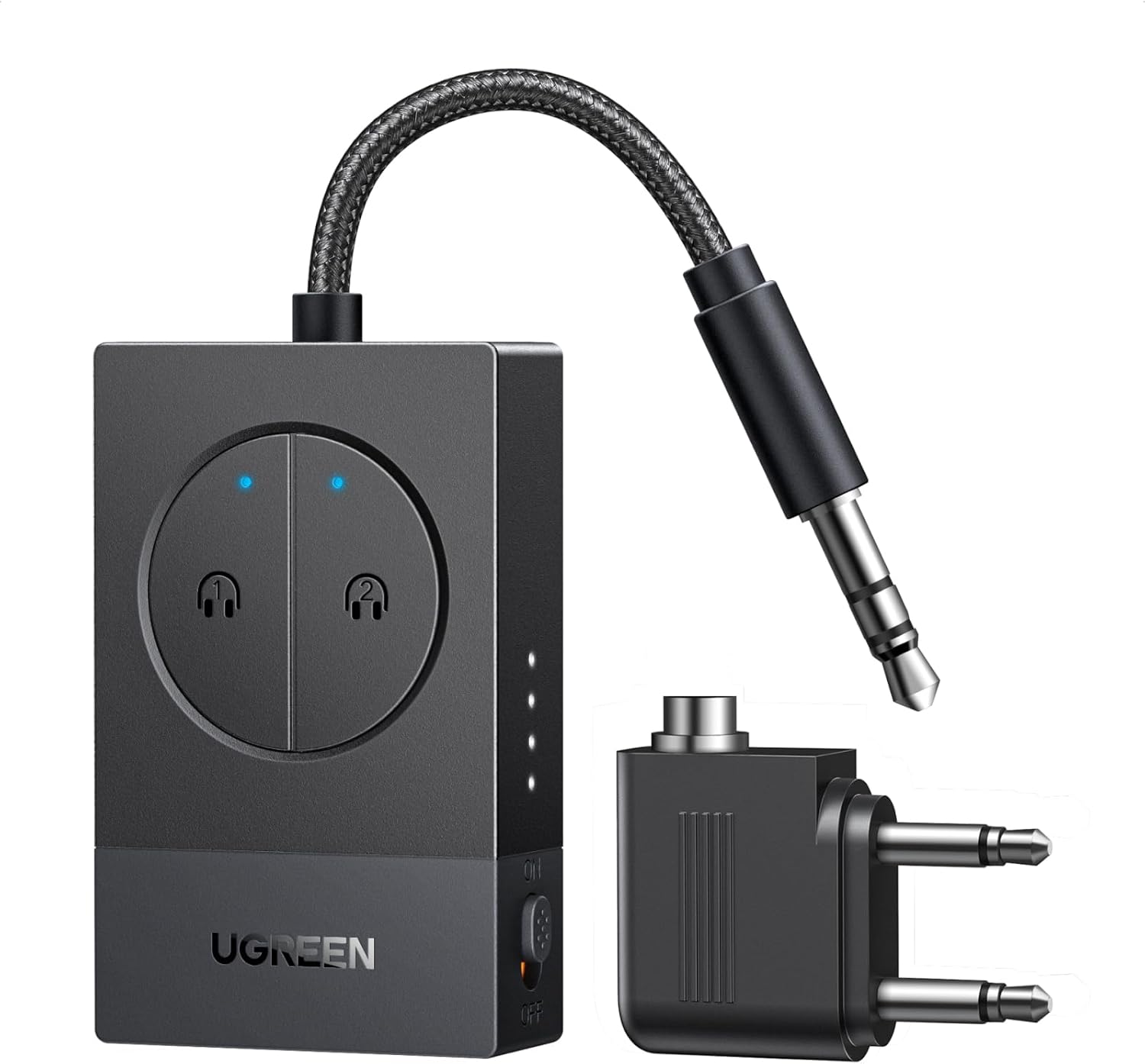
Image 1: UGREEN Bluetooth 5.4 Audio Transmitter with its accessories.
2. Eusi Paket
- UGREEN Bluetooth 5.4 Audio Transmitter
- Dual 3.5mm AUX Jack Adapter (for airplane use)
- Kabel Ngecas USB-C
- Kantong Panyimpen
- Manual pangguna (dokumén ieu)

Image 2: Included accessories for the UGREEN Bluetooth Audio Transmitter.
3. Produk Langkungview
Familiarize yourself with the components of your UGREEN Bluetooth Audio Transmitter:

Image 3: Detailed diagram of the UGREEN Bluetooth Audio Transmitter's features.
- Indikator Konéksi: Blue LEDs indicate active Bluetooth connections for Device 1 and Device 2.
- Device 1 / Device 2 Buttons: Separate buttons for pairing and managing each connected headphone.
- Indikator Status Batré: LED lights show the current battery level.
- Port Ngecas Tipe-C: Pikeun ngecas alat.
- Hurungkeun ON / OFF: Ngahurungkeun atanapi mareuman alat.
- 3.5mm Audio Jack: Nyambung ka sumber audio.
4. Setélan
4.1 Charging the Transmitter
Before first use, fully charge the transmitter. Connect the provided USB-C charging cable to the Type-C charging port on the device and a USB power source (e.g., wall adapter, computer USB port). The battery indicator LEDs will show charging status and turn off when fully charged. A full charge provides up to 19 hours of battery life.
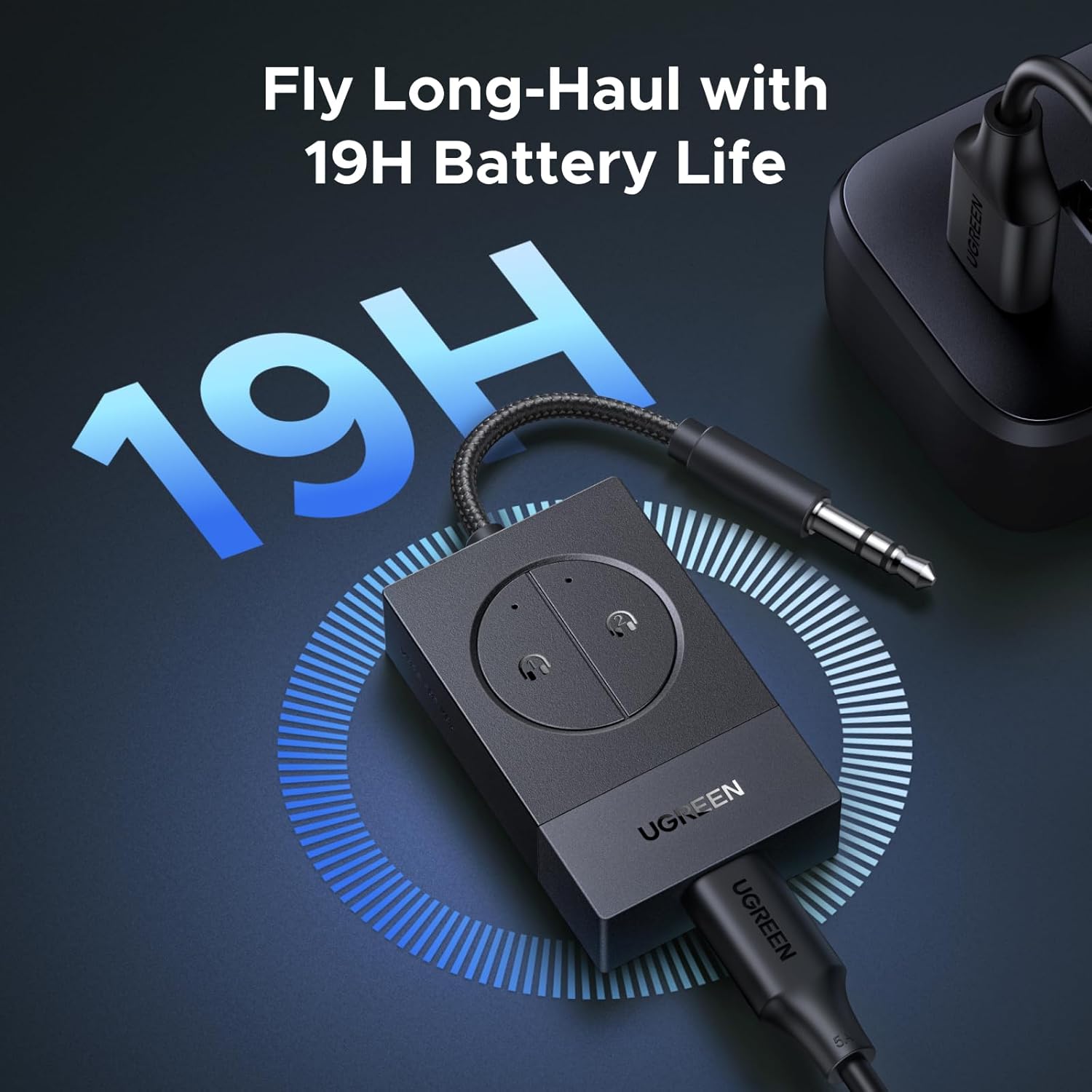
Image 4: The transmitter being charged via its USB-C port.
4.2 Nyambungkeun ka Sumber Audio
Plug the integrated 3.5mm audio jack of the transmitter into the audio output port of your desired device. For airplane entertainment systems with dual 3.5mm jacks, use the included dual 3.5mm AUX jack adapter.
- Single 3.5mm Jack: Directly plug the transmitter's 3.5mm jack into the audio port of TVs, computers, or treadmills.
- Dual 3.5mm Jacks (Airplanes): Attach the dual 3.5mm AUX jack adapter to the transmitter's 3.5mm jack, then insert the adapter into the airplane's audio ports.
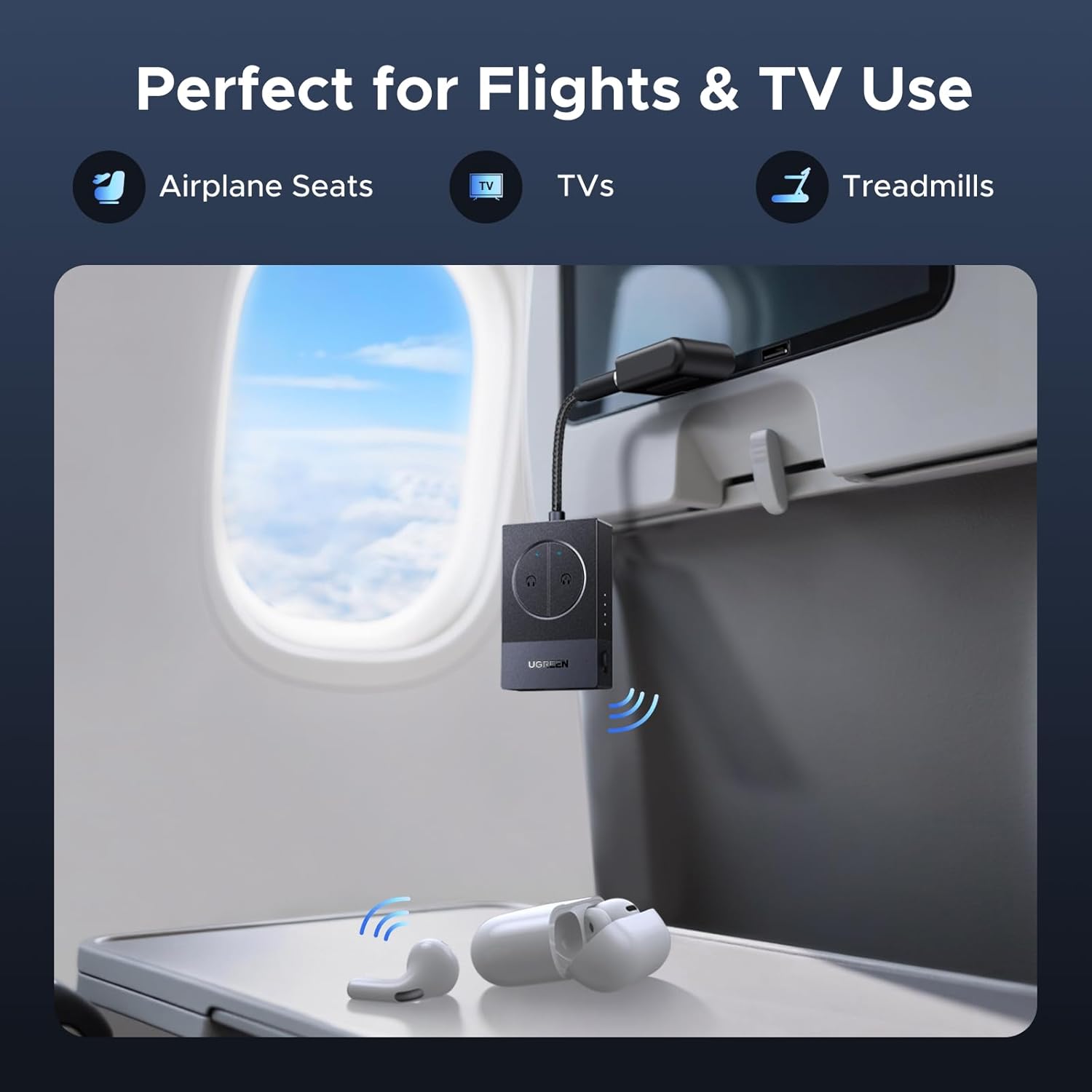
Image 5: Transmitter connected to an airplane entertainment system.
4.3 Pairing with Bluetooth Headphones/AirPods
The transmitter supports pairing with one or two Bluetooth headphones simultaneously.
- Daya Hurung: Slide the ON/OFF switch to the "ON" position. The connection indicators will flash, indicating pairing mode.
- Pair First Device:
- Put your first Bluetooth headphones (e.g., AirPods) into pairing mode. Refer to your headphone's manual for specific instructions.
- Press the "Device 1" button on the transmitter. The corresponding LED will flash rapidly.
- Once paired, the "Device 1" LED will turn solid blue.
- Pair Second Device (Optional):
- Pasang headphone Bluetooth kadua anjeun kana mode papasangan.
- Press the "Device 2" button on the transmitter. The corresponding LED will flash rapidly.
- Once paired, the "Device 2" LED will turn solid blue. Both devices will now receive audio.

Image 6: Visual guide for pairing process.
5. Parentah Operasi
5.1 Daya Hurung/Pareuman
- Daya Hurung: Slide the ON/OFF switch to "ON".
- Pareum listrik: Slide the ON/OFF switch to "OFF".
5.2 Sambungan deui otomatis
The transmitter can remember up to 6 previously paired devices. When powered on, it will automatically attempt to reconnect to the last paired devices within range.
5.3 Reset Pasangan
If you experience pairing issues or wish to clear all paired devices, hold both "Device 1" and "Device 2" buttons simultaneously for approximately 10 seconds until the LEDs flash, indicating a reset.
6. Pangropéa
- beberesih: Anggo kaén anu lemes sareng garing pikeun ngabersihan alat. Ulah make cleaners cair atawa aerosol.
- Panyimpenan: Store the transmitter and its accessories in the provided pouch when not in use to protect it from dust and scratches. Keep in a cool, dry place away from direct sunlight and extreme temperatures.
- Perawatan batré: Pikeun manjangkeun umur batré, ulah sering ngosongkeun batré alat sacara total. Cas alat sacara rutin, sanaos henteu dianggo kanggo waktos anu lami.
7. Cara ngungkulan
| Masalah | Solusi anu mungkin |
|---|---|
| Cannot pair with headphones. |
|
| Teu aya sora atawa audio nu pegat-pegat. |
|
| hirup batré pondok. |
|
| Koneksi sering pegat. |
|
8. Spésifikasi
| Fitur | Rincian |
|---|---|
| Modél | 65706 |
| merek | UGREEN |
| Vérsi Bluetooth | 5.4 |
| Tipe Panyambung | 3.5mm stéréo Audio |
| Kahirupan batré | Nepi ka 19 jam |
| Jarak Pangiriman | Nepi ka 10 méter (33 suku) |
| Port ngecas | USB-C |
| Jenis Batré | Litium Metal (kaasup) |
| Ukuran (approx.) | 4.8 cm x 4.8 cm (main body) |
9. Garansi jeung Rojongan
UGREEN products come with a standard manufacturer's warranty. For specific warranty details, please refer to the warranty card included with your product or visit the official UGREEN website. For technical support, troubleshooting assistance, or any inquiries, please contact UGREEN customer service through their official channels or visit the Toko UGREEN di Amazon.