
Увод
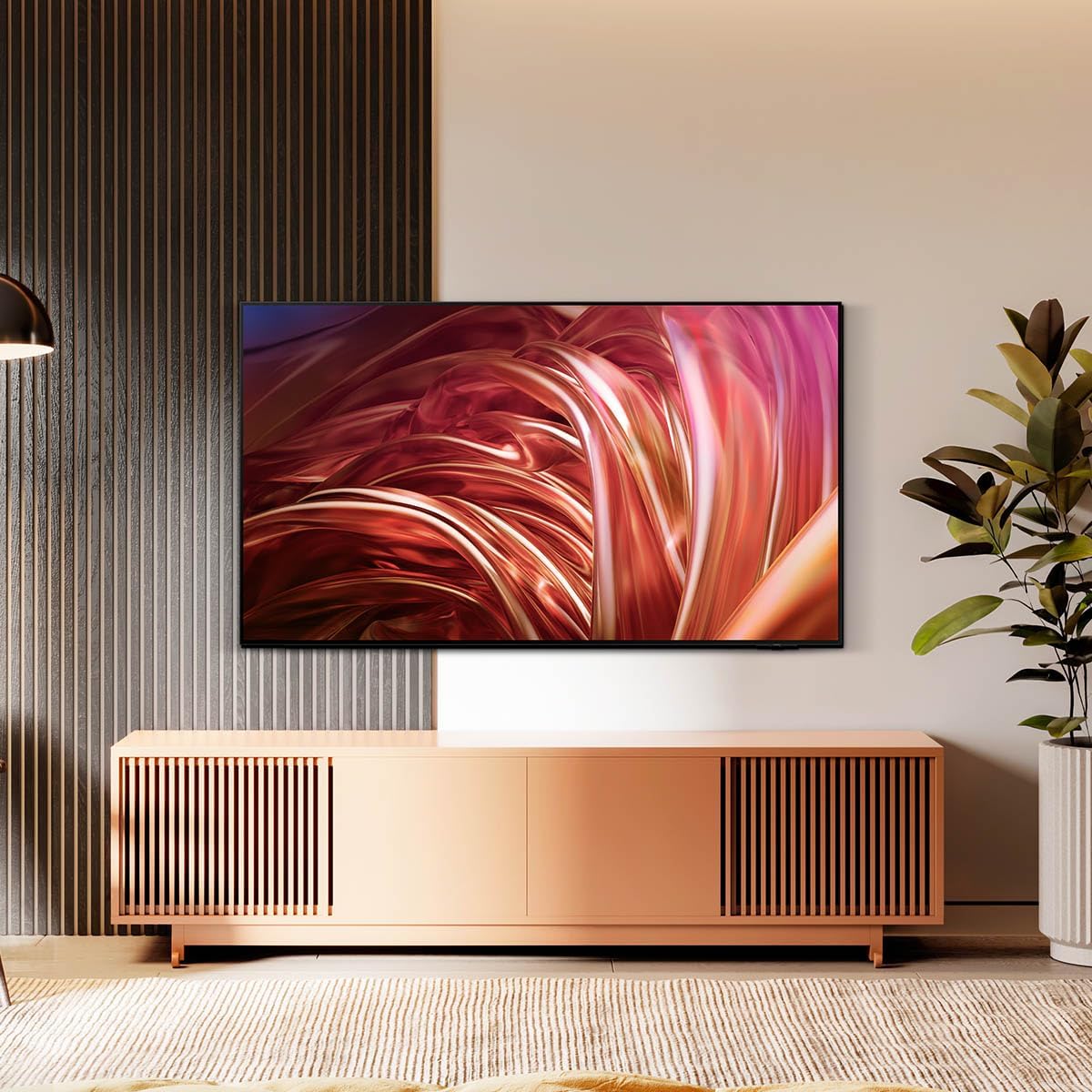
This manual provides essential information for the setup, operation, maintenance, and troubleshooting of your Samsung QN55S85DAEXZX 55-inch 4K OLED Television. The Samsung QN55S85DAEXZX features a 55-inch OLED S85D display, delivering pure blacks, balanced brightness, and Pantone validated color reproduction through its WOLED panel. Powered by the NQ4 AI Gen 2 processor, it optimizes both image and sound in real-time. With a 120 Hz refresh rate, Motion Xcelerator, and HDMI 2.1, it is suitable for gaming and sports. Its bezel-less Contour Design integrates seamlessly into any room. The television includes Tizen OS, voice control, and Dolby Atmos technology for an immersive audio experience.
Сетуп
1. Распакивање и преглед
Carefully remove the television and all components from the packaging. Ensure the following items are present:
- Samsung QN55S85DAEXZX 55-inch 4K OLED Television
- Повер Цабле
- Ремоте Цонтрол
- Кориснички приручник (овај документ)
2. Инсталација постоља
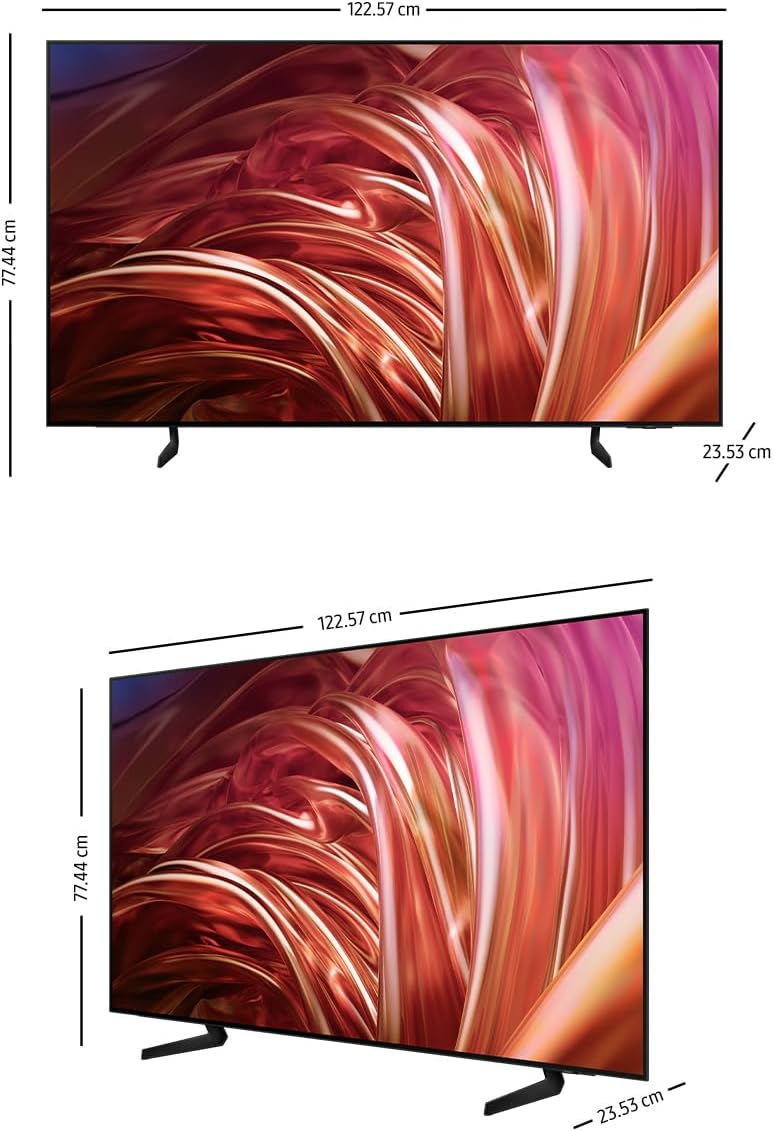
If you are not wall-mounting the television, attach the included stand. Place the television face down on a soft, flat surface to prevent screen damage. Align the stand with the mounting holes on the back of the television and secure it with the provided screws. Refer to the diagram below for proper stand attachment.

3. Повезивање спољних уређаја
Connect your external devices (e.g., cable box, Blu-ray player, gaming console) to the appropriate HDMI or USB ports on the back of the television. The QN55S85DAEXZX features 4 HDMI ports and 2 USB ports.
4. Повезивање са напајањем и почетно подешавање
Plug the power cable into the television and then into a wall outlet. Turn on the television using the remote control. Follow the on-screen instructions for the initial setup, which includes language selection, network connection (Wi-Fi or Ethernet), and channel scanning.
Упутство за употребу
1. Функције даљинског управљача
Use the provided remote control to navigate the television's interface. Common functions include power on/off, volume control, channel selection, input source selection, and accessing the Smart Hub.
2. Navigating Tizen OS Smart Hub
Press the Home button on your remote to access the Tizen OS Smart Hub. From here, you can launch applications like Samsung TV Plus and Gaming Hub, manage connected devices via SmartThings, and adjust various settings.
3. Подешавања слике и звука
Access the settings menu to customize picture and sound quality. The television features OLED technology for deep blacks and vibrant colors, and the NQ4 AI Gen 2 processor enhances content to 4K resolution. Dolby Atmos provides immersive audio.


4. Управљање гласом
The television supports voice control. Press the microphone button on your remote and speak commands to control the TV, search for content, or access features.
Одржавање
1. Cleaning the Screen and Frame
Да бисте очистили екран, нежно га обришите меком, сувом крпом од микрофибера. За тврдокорне мрље, лаганоampen the cloth with water or a screen-specific cleaning solution. Avoid using harsh chemicals or abrasive materials. Clean the television frame with a soft, dry cloth.
2. Ажурирања софтвера
Ensure your television's software is up to date for optimal performance and security. The TV can be set to update automatically via its network connection. You can also manually check for updates in the settings menu.
3. Power Saving Tips
To reduce power consumption, adjust the brightness settings, enable the Eco Sensor, and set a sleep timer when not actively watching the television.
Решавање проблема
Уобичајени проблеми и решења:
- Нема напајања: Ensure the power cable is securely connected to both the TV and the wall outlet. Check if the outlet is functioning.
- Нема слике/звука: Verify the correct input source is selected. Check all cable connections to external devices. Restart the television.
- Даљински управљач не ради: Замените батерије у даљинском управљачу. Уверите се да нема препрека између даљинског управљача и сензора телевизора.
- Проблеми са мрежном везом: Check your Wi-Fi router or Ethernet cable. Restart the router and the television. Re-enter Wi-Fi password if necessary.
Фацтори Ресет:
If issues persist, performing a factory reset may resolve them. This will revert all settings to their default values. Navigate to the settings menu, find 'General' or 'Support', and select 'Self Diagnosis' or 'Reset'. Follow the on-screen prompts.
Спецификације
| Феатуре | Спецификација |
|---|---|
| Назив модела | QN55S85DAEXZX |
| Величина екрана | 55 инча |
| Дисплаи Тецхнологи | ОЛЕД |
| Резолуција | 4К (3840 к 2160) |
| Рефресх Рате | 120 Хз |
| Процесор | NQ4 AI Gen2 |
| Повезивање | Блутут, HDMI (4 порта), USB (2 порта), Wi-Fi |
| Аудио технологија | Dolby Atmos, Object Tracking Sound+ (OTS+) |
| Оперативни систем | Тизен ОС |
| Димензије (Д к Ш к В) | 23.5 цм к 122.6 цм к 77.4 цм |
| Укључене компоненте | Power Cable, Remote Control, User Manual |
Информације о гаранцији
This Samsung QN55S85DAEXZX television comes with a 1-year manufacturer's limited warranty. This warranty covers defects in materials and workmanship under normal use. For specific terms and conditions, please refer to the warranty card included with your product or visit the official Samsung support webсајту.
Подршка
For further assistance, technical support, or service requests, please visit the official Samsung support website or contact Samsung customer service. You can find contact details and additional resources on the Samsung webсајту.


