
Увод
This manual provides essential information for the safe and efficient use of your Samsung QLED 4K Vision AI Smart TV, model QE50Q8FAAUXZT. Please read these instructions thoroughly before operating the device and retain them for future reference.
Садржај пакета
Проверите да ли су све компоненте присутне у кутији:
- 1x Samsung Smart TV 50'' Serie Q8F, QLED 4K
- 1к кабл за напајање
- 1x Standard Remote Control
- 1x Solar-powered Remote Control
- 1x Упутство за употребу (овај документ)
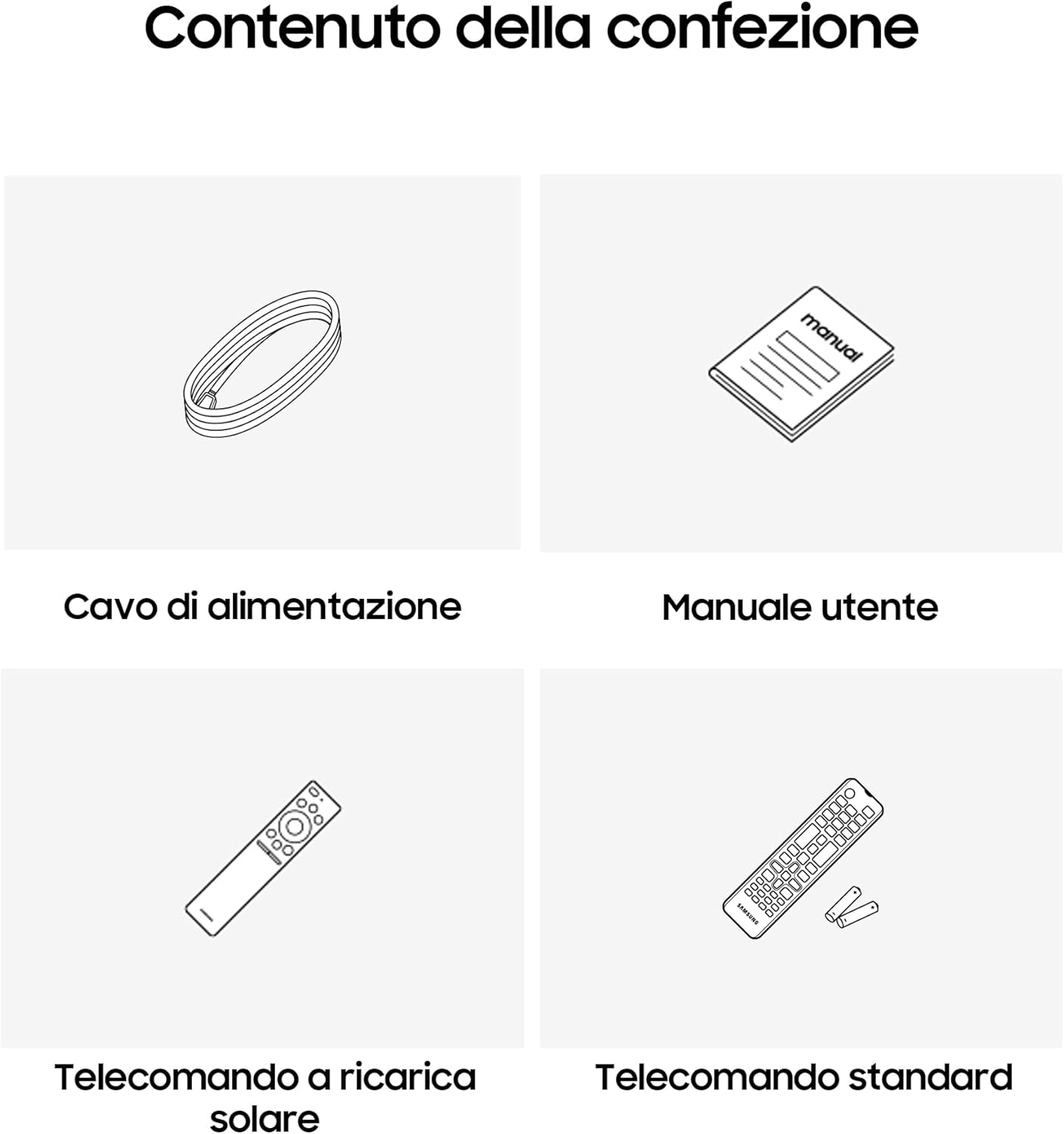
Image: Diagram showing the included items: power cable, user manual, solar-powered remote, and standard remote.
Сетуп
Распакивање и постављање
Пажљиво извадите телевизор из паковања. Поставите телевизор на стабилну, равну површину или га монтирајте на зид помоћу компатибилног VESA носача (продаје се засебно). Обезбедите одговарајућу вентилацију око телевизора.
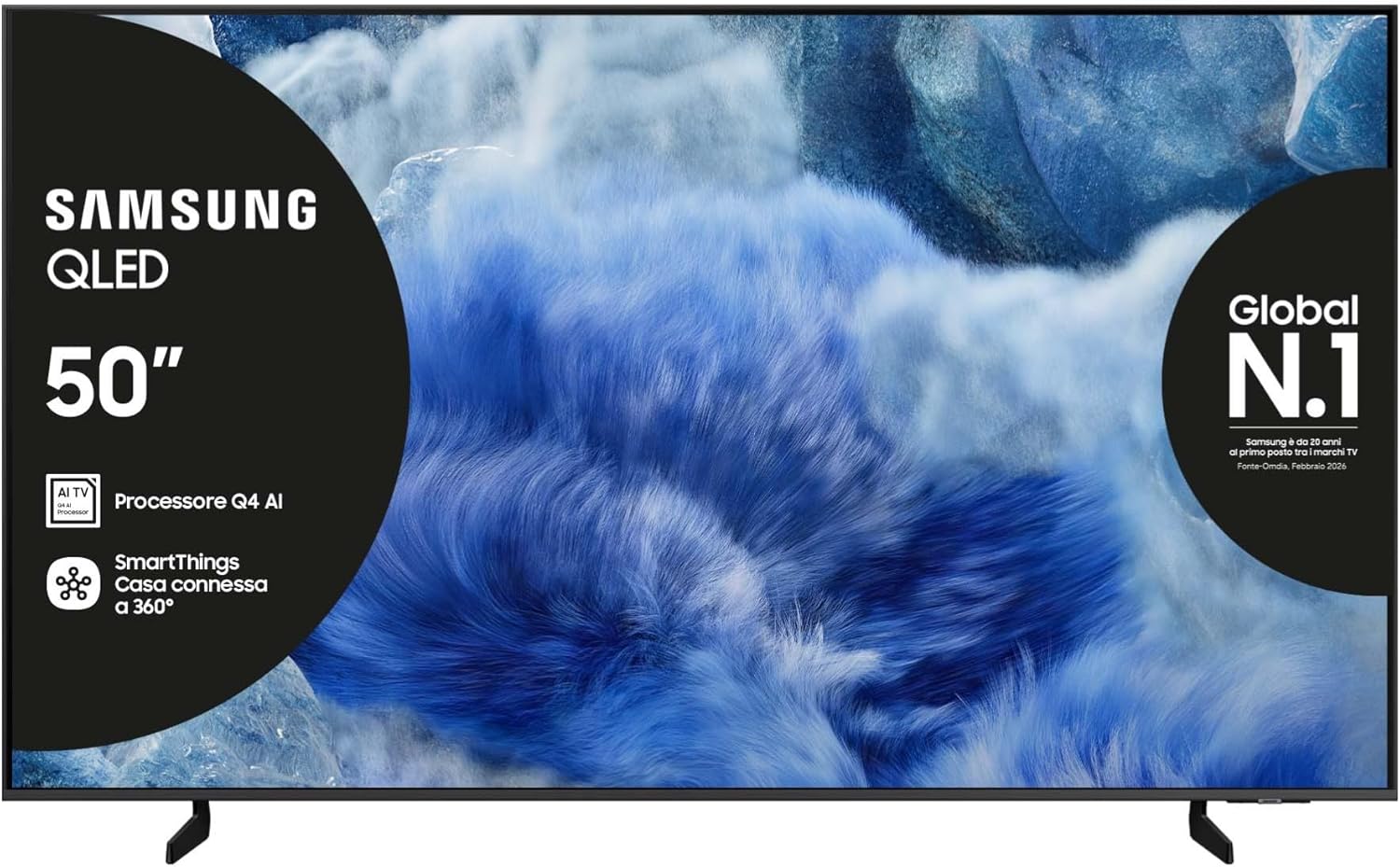
Слика: Фронт view of the Samsung QLED TV with its stand.

Слика: Са стране view of the Samsung QLED TV, showcasing its Air Slim Design.
Повезивање периферних уређаја
Повежите екстерне уређаје (нпр. кабловски пријемник, Блу-реј плејер, играчку конзолу) са одговарајућим портовима на задњој страни телевизора.

Image: Rear panel connections of the TV, showing HDMI, USB, LAN, and antenna ports.
- ДВИ: For high-definition audio and video devices. The TV features multiple HDMI ports, including HDMI 3 with eARC support.
- УСБ: За повезивање УСБ уређаја за складиштење података.
- ЛАН: За жичану интернет везу.
- МРАВ У: За повезивање антене или кабла.
Повер Цоннецтион
Укључите кабл за напајање у утичницу на телевизору, а затим у зидну утичницу.
Чаробњак за почетно подешавање
При првом укључивању, телевизор ће вас водити кроз процес почетног подешавања, укључујући избор језика, мрежну везу и скенирање канала.
Управљање ТВ-ом
Функције даљинског управљача
Your TV comes with two remote controls. The solar-powered remote offers convenience and reduces battery waste. Familiarize yourself with the buttons for power, volume, channel, navigation, and smart features.

Image: The Samsung Vision AI Companion interface displayed on the TV screen, alongside a remote control, illustrating voice command capabilities.
Smart Hub and AI Features
Access the Smart Hub for applications, streaming services, and connected devices. The Q4 AI Processor enhances picture and sound quality through 4K Upscaling and AI Mode. Utilize Vision AI for personalized entertainment and real-time suggestions.

Слика: Детаљна view of the Samsung Q4 AI Processor chip, emphasizing its role in 4K upscaling and optimizing visual and audio experience.

Image: Icons representing Samsung Knox Security, SmartThings, Samsung Vision AI, and Endless Free Content, highlighting key features of the TV's ecosystem.
Подешавања слике и звука
Adjust picture modes (e.g., Standard, Dynamic, Movie) and sound settings (e.g., Standard, Adaptive Sound, OTS Lite) to suit your preferences. OTS Lite provides 3D surround sound, and Q-Symphony synchronizes TV speakers with a compatible soundbar.

Image: A vibrant image on the QLED screen, illustrating the 100% Color Volume with Quantum Dot technology for optimal viewинг.
Гаминг Хуб
Access the Gaming Hub to play games from various platforms directly on your TV, enhanced by Motion Xcelerator for smooth visuals.
Одржавање
Чишћење телевизора
Gently wipe the screen and frame with a soft, dry, lint-free cloth. Do not use abrasive cleaners or solvents. For stubborn marks, lightly dampу крпу са водом.
Ажурирања софтвера
Ensure your TV's software is up to date for optimal performance and security. Updates can be performed via the TV's settings menu or automatically when connected to the internet.
Решавање проблема
Но Повер
- Проверите да ли је кабл за напајање безбедно повезан и са телевизором и са зидном утичницом.
- Проверите да ли зидна утичница функционише тако што ћете укључити други уређај.
Нема слике или звука
- Уверите се да је изабран исправан улазни извор.
- Проверите све кабловске везе (HDMI, антена итд.) да ли су лабаве.
- Поново покрените телевизор и све повезане уређаје.
Даљински управљач не ради
- For the solar-powered remote, ensure it has sufficient light exposure to charge.
- For the standard remote, replace the batteries if necessary.
- Уверите се да нема препрека између даљинског управљача и телевизора.
Проблеми са мрежном везом
- Рестартујте рутер и модем.
- Check the Wi-Fi password if connecting wirelessly.
- If using a wired connection, ensure the LAN cable is properly connected.
Спецификације
| Феатуре | Спецификација |
|---|---|
| Величина екрана | 50 инча |
| Дисплаи Тецхнологи | КЛЕД |
| Резолуција | 4К (3840 к 2160) |
| Рефресх Рате | 50 Хз |
| Процесор | Q4 АИ процесор |
| Повезивање | Блутут, Етернет, ХДМИ (вишеструки, укључујући eARC), УСБ, Ви-Фи |
| Посебне карактеристике | Built-in Speaker, Multi-voice Assistant, Browser, Parental Controls, Flat Panel |
| Аспецт Ратио | 16:9 |
| Димензије производа (ШкДкВ) | 111.8 цм x 23.9 цм x 70.2 цм (са постољем) |

Image: Energy label for the Samsung QE50Q8FAAU, indicating an energy class of E and power consumption details. More details can be found at епрел.ец.еуропа.еу/кр/2204814.

Image: Detailed product information sheet, including supplier name, model identification, energy efficiency classes, power consumption, display technology, screen dimensions, and other technical data.
Гаранција и подршка
Your Samsung TV is covered by a manufacturer's warranty. Please refer to the warranty card included in your package for specific terms and conditions. For technical support, service, or warranty claims, please contact Samsung Customer Service.
Контакт информације:
- добављач: Самсунг
- Адреса добављача: Public Contact, Samsung PO Box 12987, Blackrock, Co Dublin Ireland
- Webсајт: ввв.самсунг.цом (general website, specific support link may vary by region)
- Емаил: eprel@samsung.com (for EPREL related inquiries)
The product information sheet indicates a minimum availability of spare parts for 7 years and minimum support for product software for 7 years.