
Увод
Welcome to the user manual for your Nokia 130 DS TA-1017 mobile phone. This guide provides essential information for setting up, operating, maintaining, and troubleshooting your device. Please read this manual carefully to ensure proper use and to maximize your phone's capabilities.
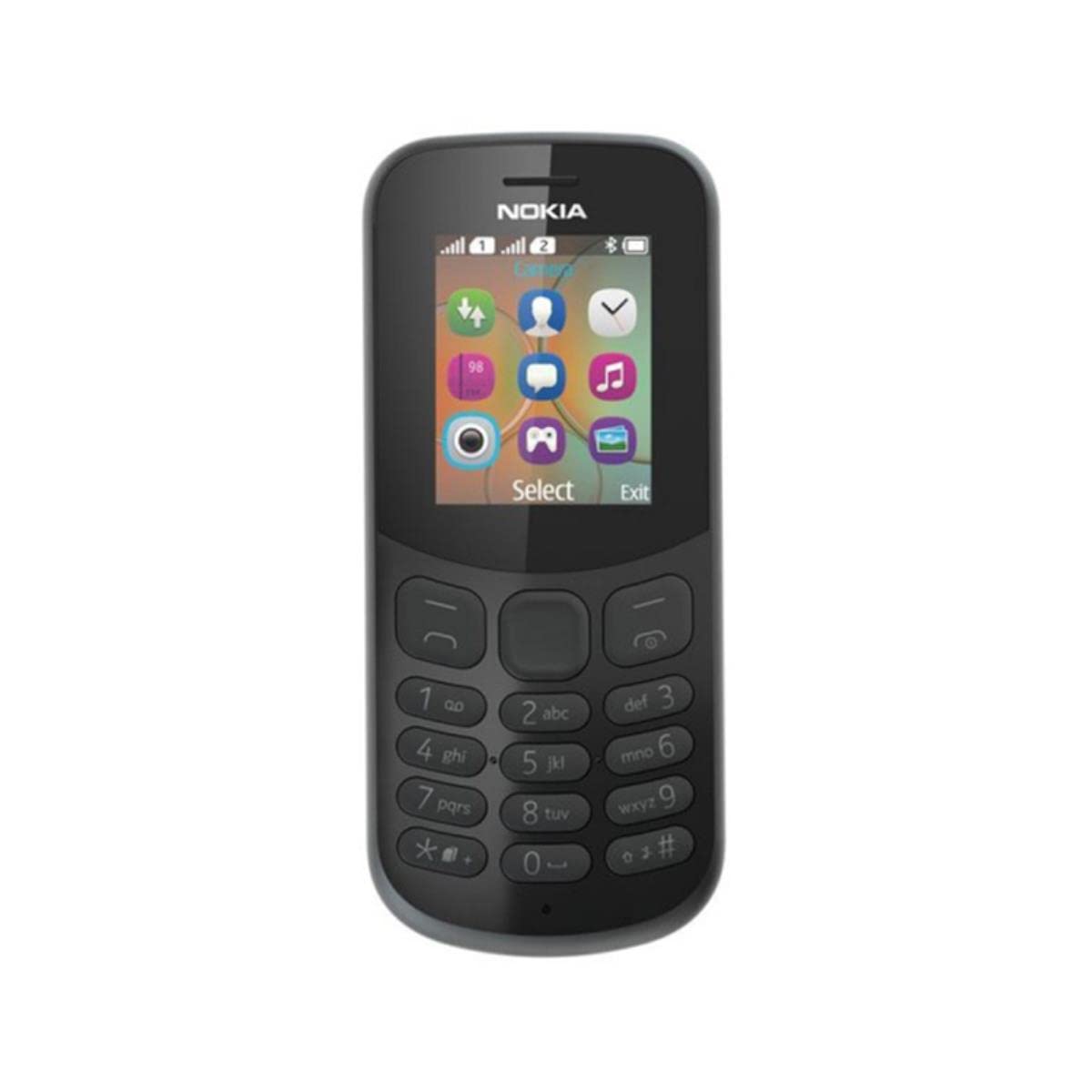
Слика: Позади view of the Nokia 130 DS TA-1017 mobile phone, highlighting the camera and speaker components.
Сетуп
1. Insert SIM Card(s)
The Nokia 130 DS TA-1017 supports dual SIM cards. To insert a SIM card:
- Уклоните задњу маску телефона.
- Ако је батерија уметнута, извадите је.
- Slide the SIM card(s) into the designated slot(s) with the gold contacts facing down.
- Ensure the SIM card(s) are securely in place.
2. Уметните меморијску картицу
To expand storage, you can insert a MicroSD card (up to 32 GB):
- With the back cover and battery removed, locate the MicroSD card slot.
- Insert the MicroSD card into the slot with the gold contacts facing down until it clicks into place.
3. Insert and Charge Battery
The phone uses a removable 1020 mAh battery.
- Поравнајте контакте батерије са контактима телефона и нежно притисните батерију на место.
- Вратите задњи поклопац.
- Connect the charger to the phone's charging port and plug it into a power outlet. The phone will indicate charging status.
4. Укључивање/искључивање
To power on your phone, press and hold the power key until the phone vibrates or the screen lights up. To power off, press and hold the power key, then select 'Power off' from the options.
Управљање вашим телефоном
1. Основна навигација
Your Nokia 130 DS TA-1017 runs on the Nokia S30+ operating system. Use the navigation keys and the center select key to move through menus and make selections. The left and right soft keys perform functions indicated on the screen.
2. Упућивање и примање позива
- Да бисте упутили позив: Унесите број телефона помоћу тастатуре и притисните тастер за позивање (зелено дугме).
- Да одговорите на позив: Притисните тастер за позив када телефон зазвони.
- Да бисте завршили позив: Притисните тастер за прекид позива (црвено дугме).
3. Слање и примање порука
Navigate to the 'Messages' menu to compose and send SMS messages. You can also view received messages in your inbox.
4. Коришћење камере
Your phone is equipped with a VGA camera. To use the camera, navigate to the 'Camera' application from the main menu. Use the center select key to capture photos.
5. Connecting with Bluetooth
To connect to other Bluetooth devices:
- Идите на „Мени“ > „Подешавања“ > „Повезивање“ > „Блутут“.
- Укључите Блутут.
- Изаберите „Упарени уређаји“ или „Тражи audio devices' to find and connect to compatible devices.
6. Слушање звука
The phone features a 3.5 mm headphone jack. Plug in compatible headphones to listen to music or radio privately.
Одржавање
1. Чишћење уређаја
Use a soft, lint-free cloth to clean the phone's screen and body. Avoid using harsh chemicals or abrasive materials, as these can damage the device.
2. Брига о батерији
- Избегавајте излагање батерије екстремним температурама.
- Не бушите и не оштећујте батерију.
- Ако телефон неће бити коришћен дуже време, чувајте га са делимично напуњеном батеријом.
3. Ажурирања софтвера
Periodically check for software updates to ensure your phone has the latest features and security enhancements. Refer to the phone's settings menu for update options.
Решавање проблема
Уобичајени проблеми и решења
- Телефон се не укључује: Уверите се да је батерија напуњена и правилно уметнута.
- Нема мрежног сигнала: Check that the SIM card is properly inserted. Move to an area with better network coverage.
- Лош век трајања батерије: Reduce screen brightness, close unused applications, or replace an aging battery.
- Cannot make/receive calls: Verify SIM card activation and network status.
Контактирајте подршку
If you encounter issues that cannot be resolved using the troubleshooting steps, please contact Nokia customer support or your retailer for assistance.
Спецификације
| Феатуре | Спецификација |
|---|---|
| Назив модела | 130 DS TA-1017 |
| Димензије | 10.6 к 4.5 к 1.4 цм |
| Оперативни систем | Nokia S30+ |
| РАМ | 4 МБ |
| Интерна меморија | 8 МБ |
| Подршка за MicroSD картицу | До 32 ГБ |
| Дисплаи | 1.8" TFT, 160 x 120 pixels |
| Капацитет батерије | 1020 mAh (уклоњива) |
| Повезивање | GSM (900/1800), Bluetooth |
| Камера | VGA (Rear) |
| Прикључак за слушалице | 3.5 мм |
| СИМ слотови | Дуал СИМ |
| Талк Тиме | До 22 сати |
Гаранција и подршка
For information regarding your product's warranty, please refer to the warranty card included in the product packaging or visit the official Nokia support website. Keep your proof of purchase for warranty claims. For further assistance, contact Nokia customer service.


