Axxess Llc is the fastest-growing home health technology company, providing a complete suite of innovative, cloud-based software and services, empowering healthcare providers with solutions to make lives better. Their official website is Axxess.com.
A directory of user manuals and instructions for AXXESS products can be found below. AXXESS products are patented and trademarked under brands Axxess Llc.
Contact Info:
Axxess Headquarters 16000 Dallas Parkway, Suite 700N Dallas, TX 75248
Learn how to properly install the AXBUCS-NI406V Pre-Wired AXSWC Harness for Nissan Maxima 2016-up models without an amplifier. This user manual provides step-by-step instructions and tools required for a seamless installation process. Retain steering wheel audio controls effortlessly with the pre-wired AXSWC harness included.
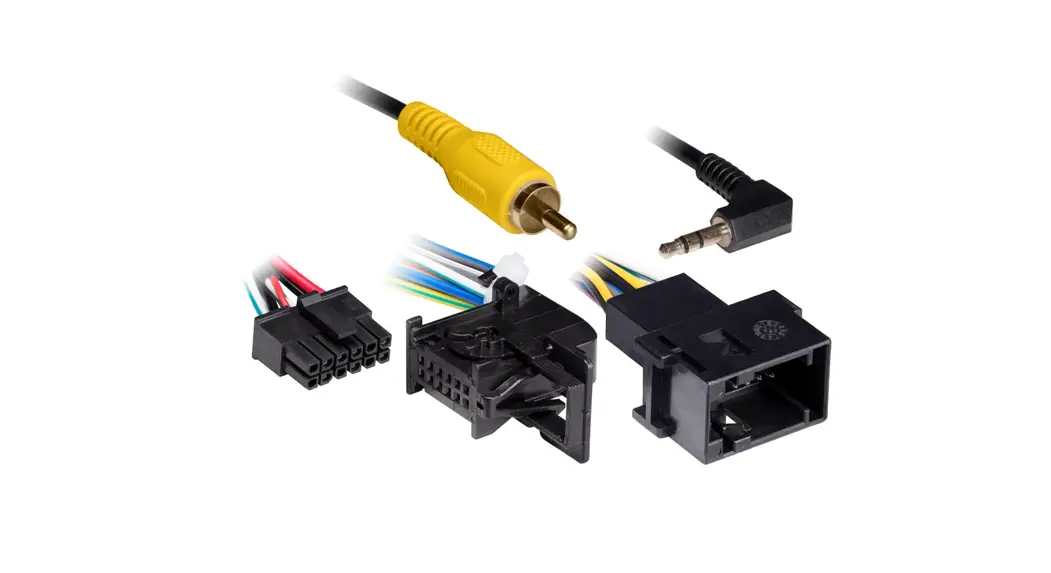
Learn how to install the AXBUC-VW92 Backup Camera Retention Interface for select Volkswagen and Skoda models 2008-2015. Follow detailed instructions for connecting wires and setting dip switches for seamless integration with your aftermarket radio and rear view camera system. Ensure safety by disconnecting the negative battery terminal before installation. Explore compatibility and specific applications in the provided user manual.
Discover the AXSWCH-FD1 Steering Wheel Control Harness for Ford models 2013-2019. This user manual provides detailed installation instructions and compatibility information for Ford Escape 2013-2015 and Transit 2015-2019. Ensure seamless integration with your vehicle's system with this AXXESS harness.
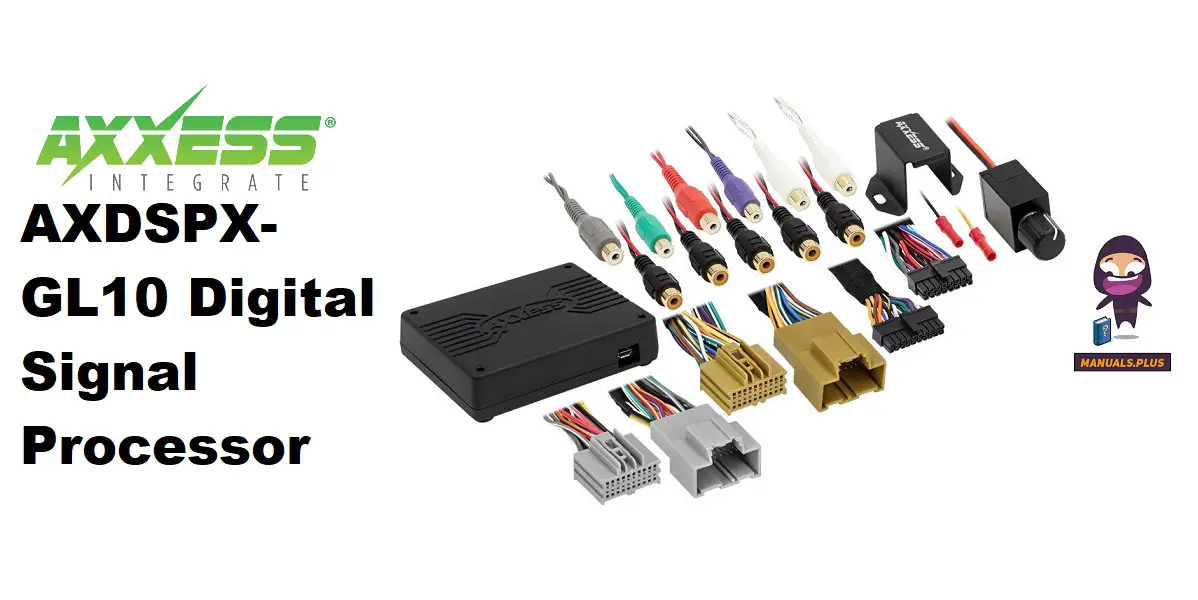
Enhance your GM vehicle's audio system with the AXDSPX-GL10 Digital Signal Processor. Explore installation options, app compatibility, and configuration instructions to optimize your sound experience. Learn how to seamlessly integrate subwoofers and amps for superior audio performance. Discover the ease of adjusting settings through the AXDSP-X app to customize your sound output. Upgrade with confidence using the AXDSPX-GL10 interface components for an enhanced in-car audio experience.
Enhance your Mitsubishi vehicle with the AXBUCH-MI6V Backup Camera. Compatible with select models, this product offers easy installation and optimal performance. Learn more about its features and installation process in the user manual.
Discover product information and installation instructions for the AXTO-MI3 Wiring Interface, compatible with Mitsubishi Lancer Outlander models from 2014-2019. Learn about connections, programming steps, and audio adjustments for seamless integration in your vehicle.
Learn how to install and program the AXGMLN-10 Wiring Interface for GM Data Interface 2016-Up. Compatible with Chevrolet and GMC vehicles, this interface retains chimes, OnStar, and more. Find product usage instructions and troubleshooting tips in the manual.
Learn how to install and program the AXDI-VET1 Corvette Amplifier Interface for Chevrolet Corvette models 1997-2004. Features include accessory power provision, retained accessory power, high-level speaker input, and more. Find detailed instructions and specifications in the user manual.
Discover detailed instructions and troubleshooting tips for the AXHN-1 Wiring Interface in this user manual. Learn how to program the AXHN-1, set the factory clock, and resolve installation issues. Find out how to reset the interface and where to seek technical support if needed. Enhance your installation skills and get recommendations for MECP certified technicians from Metra.
Discover the versatile AXHN-2 Wiring Interface designed for Honda models like Civic, CR-V, and Fit. Learn about installation, programming, LaneWatch camera retention, and more with the AXHN-2 user manual.
Detailed instructions for setting up and programming SONY radio steering wheel controls using the Axxess Updater or manual steps, including troubleshooting common issues and changing radio types.
Installation instructions for the Axxess AXSWCH-FD1 Steering Wheel Control Harness, designed for select Ford models from 2013-2019. This guide details connections and features for retaining steering wheel audio controls and factory backup cameras.
Installation guide for the AXXESS AXRSEH-GL29 harness, enabling retention of factory rear seat entertainment (RSE) systems in 2007-up GM vehicles when installing an aftermarket radio. Includes vehicle compatibility, tools, and connection details.
Detailed instructions from Axxess for safely removing fiber optic cables from Original Equipment (OE) connectors for MOST25 systems. Learn the proper steps for disconnection.
Detailed installation guide for the AXXESS AXTO-TY2 amplifier interface, designed for 2012-Up Toyota vehicles. Covers features, components, applications, wiring connections, and programming steps.
Detailed installation instructions for the Axxess AXDIS-GMLN29 GM Data Interface with Steering Wheel Control (SWC) for 2006-Up GM vehicles. Includes wiring, programming, adjustments, and troubleshooting.
Detailed installation instructions for the Axxess AXABH-NI1 Nissan Amplifier Bypass Harness, covering amplifier locations and wiring connections for various Nissan models from 2008 onwards.
Detailed installation instructions for the Axxess AXTC-FD1, a steering wheel control and data interface adapter for select Ford, Lincoln, Mazda, and Mercury vehicles from 2007 onwards. Includes features, applications, wiring, programming, and troubleshooting.
Comprehensive installation manual for the Axxess ASWC Steering Wheel Control Interface, covering features, components, installation steps, programming modes (Auto Detect and Manual), troubleshooting common issues, remapping buttons, and LED feedback legends.
Comprehensive installation guide for the AXXESS AXDSPX-GL9 GM Digital Signal Processor with Pre-Wired Harness (2014-2020 models). Covers interface features, installation options, wiring diagrams, mobile app usage, and specifications.
Detailed installation instructions for the AXXESS AXABH-TY1 amplifier bypass harness, compatible with various Toyota and Lexus models from 2003-2010. Includes wiring diagrams, amplifier locations, and required tools.
Installation guide for the Axxess GMOS-13 GM Data Interface, enabling aftermarket car audio integration in 2005-2011 Cadillac STS vehicles while retaining factory features like OnStar, Bluetooth, and amplified sound systems.