
Kinglucky A20
Kinglucky ClipFree A20 Open-Ear Earbuds Instruction Manual
Model: A20
Uvod
Welcome to the Kinglucky ClipFree A20 Open-Ear Earbuds. These earbuds are designed for comfort and style, featuring an open-ear design and detachable crystal earrings. This manual provides essential information for setting up, operating, maintaining, and troubleshooting your new earbuds.
Kaj je v škatli
Upon opening your Kinglucky ClipFree A20 package, you should find the following items:
- Kinglucky ClipFree A20 Open-Ear Earbuds
- etui za polnjenje
- Detachable Crystal Butterfly Earrings (if included with your model)
- Polnilni kabel USB-C
- Uporabniški priročnik (ta dokument)

Image: The Kinglucky A20 earbuds, charging case, detachable butterfly earrings, and USB-C charging cable as packaged.
Nastavitev
1. Polnjenje slušalk in etuija
Before first use, fully charge your Kinglucky A20 earbuds and charging case. Connect the provided USB-C cable to the charging port on the case and a power source. The digital display on the case will show the battery level. A full charge provides up to 8 hours of playtime for the earbuds, with the case extending total playtime to approximately 50 hours.
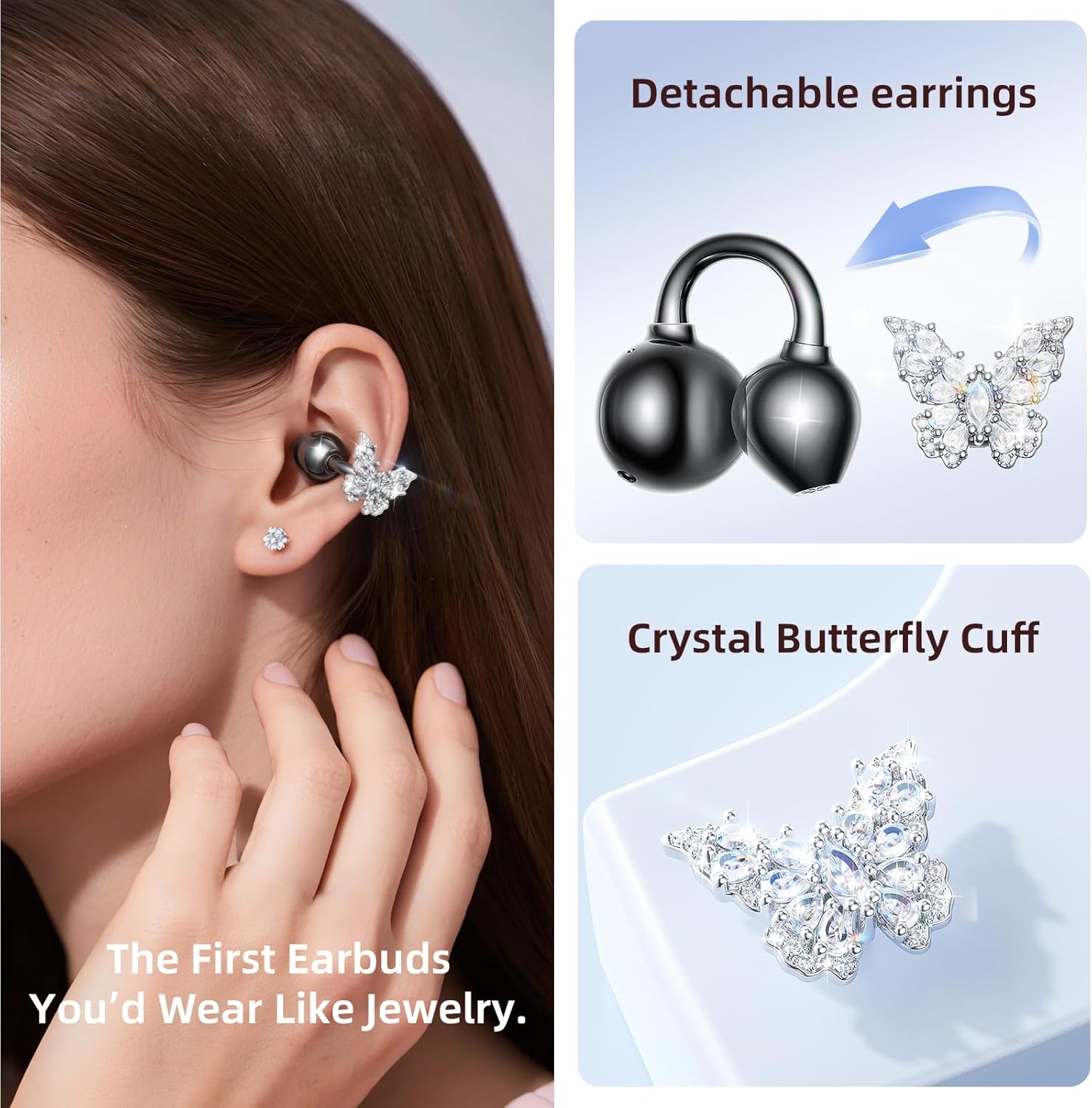
Image: The Kinglucky A20 earbuds resting in their charging case, displaying the battery percentage on the front.
2. Bluetooth seznanjanje
- Odprite polnilno ohišje. Slušalke bodo samodejno prešle v način seznanjanja.
- V napravi (pametnem telefonu, tabličnem računalniku itd.) pojdite v nastavitve Bluetooth.
- Select "Kinglucky A20" from the list of available devices.
- Ko je povezava vzpostavljena, boste zaslišali zvočni poziv in indikatorska lučka na slušalkah se bo spremenila.
The Kinglucky A20 supports Bluetooth 5.4 for a stable connection and multipoint pairing, allowing connection to two devices simultaneously.
3. Nošenje slušalk
The A20 earbuds feature an open-ear clip design for comfort and stability. They do not enter the ear canal, resting gently on the ear.
- Gently open the ear cuff of the earbud.
- Position the earbud over your ear, ensuring the speaker is aligned with your ear canal for optimal sound.
- Prilagodite za varno in udobno prileganje.
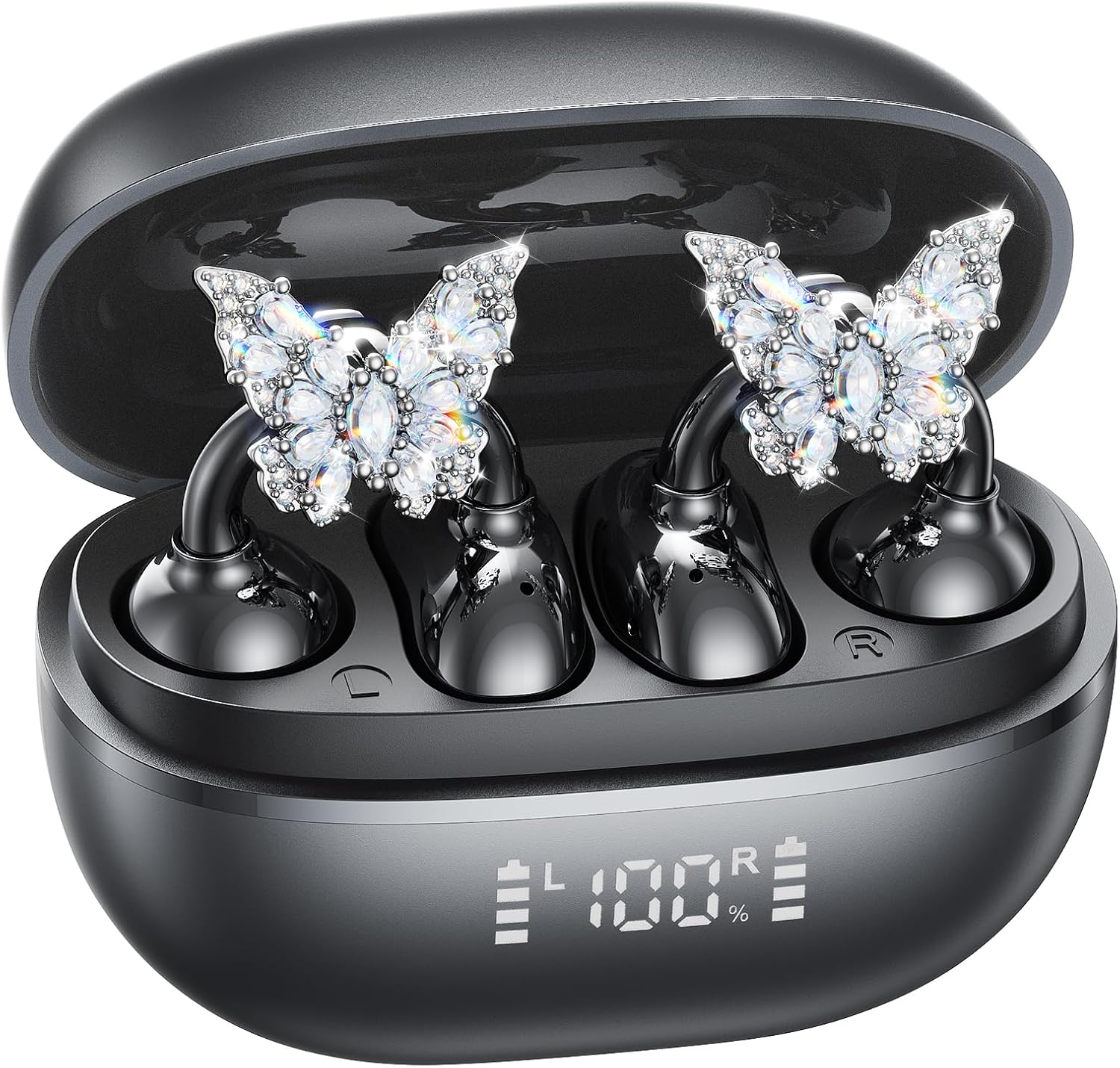
Image: A woman wearing the Kinglucky A20 earbuds with the detachable butterfly earrings, demonstrating the clip-on fit.
4. Attaching/Detaching Crystal Earrings
The crystal butterfly earrings are detachable. To attach, gently clip them onto the earphone stem. To detach, carefully unclip them. Remove the decorative earrings before storing the earbuds in the charging case to prevent damage.

Image: A visual guide illustrating the process of attaching the crystal butterfly accessory to the earbud stem.
Navodila za uporabo
Dotaknite se kontrolnikov
The Kinglucky A20 earbuds feature intuitive touch controls on the outer surface of each earbud.
- Predvajaj/zaustavi glasbo: Dvakrat se dotaknite katere koli slušalke.
- Sprejmi/končaj klic: Double-tap either earbud during an incoming call or active call.
- Zavrni klic: Med dohodnim klicem pritisnite in držite katero koli slušalko 2 sekundi.
- Aktiviranje glasovnega pomočnika: Pritisnite in držite katero koli slušalko 3 sekundi.

Image: A visual representation of the touch control functions for music playback and call management on the earbuds.
Sound Quality and Call Clarity
The A20 earbuds are engineered to deliver clear and balanced sound for various audio content, from podcasts to music. They feature AI-powered call clarity with 2 beamforming microphones and advanced noise-canceling technology for crisp conversations.

Image: An exploded diagram showing the internal components of the Kinglucky A20 earbud, highlighting its sound engineering.
Vzdrževanje
- Čiščenje: Use a soft, dry cloth to wipe the earbuds and charging case. Avoid using harsh chemicals or abrasive materials.
- Shranjevanje: Ko slušalk ne uporabljate, jih shranite v polnilno škatlico, da jih zaščitite in zagotovite, da ostanejo napolnjene.
- Vodoodpornost: The earbuds are IP56 water-resistant, meaning they can withstand sweat and light rain. Do not submerge them in water.
Odpravljanje težav
| Težava | rešitev |
|---|---|
| Slušalke se ne seznanijo | Ensure earbuds are charged. Turn off and on Bluetooth on your device. Forget "Kinglucky A20" in your device's Bluetooth settings and re-pair. |
| Brez zvoka iz ene slušalke | Place both earbuds back in the charging case, close the lid, wait a few seconds, then open and try again. Check device audio balance settings. |
| Polnilna torbica se ne polni | Preverite, ali je kabel USB-C varno priključen na ohišje in napajalnik. Poskusite z drugim kablom ali napajalnikom. |
| Slaba kakovost klica | Ensure earbuds are properly seated on your ears. Move closer to your connected device to avoid interference. |
Specifikacije
- Ime modela: A20
- Povezljivost: Brezžično, Bluetooth 5.4
- Postavitev ušes: Odprto uho
- Življenjska doba baterije: Up to 8 hours (earbuds), up to 50 hours total with charging case
- Vodoodpornost: IP56
- Teža: Približno 4.0 g na slušalko
- Vključene komponente: Earbuds, Charging Case, USB-C Cable, User Manual, Detachable Crystal Earrings
Garancija in podpora
Kinglucky products are manufactured to high standards and undergo rigorous quality checks. For warranty information, technical support, or customer service inquiries, please refer to the contact details provided on the Kinglucky official webspletno mesto ali dokumentacijo o nakupu. Dokazilo o nakupu shranite za uveljavljanje garancije.
Za dodatno pomoč lahko obiščete Kinglucky Store on Amazon.
Ask a question about this manual
Ask about setup, troubleshooting, compatibility, parts, safety, or missing instructions. Manuals+ will review the question and use this page’s manual context to help answer it.