
ATUMTEK ATYKQ064
ATUMTEK Bluetooth Remote Shutter User Manual
Model: ATYKQ064
1. Uvod
Thank you for choosing the ATUMTEK Bluetooth Remote Shutter. This compact and portable device is designed to enhance your mobile photography experience by providing convenient remote control for your smartphone camera. With advanced Bluetooth 5.0 technology, it ensures stable and low-latency connectivity, allowing you to capture perfect photos and videos from a distance. This manual will guide you through the setup, operation, and maintenance of your new remote shutter.
2. Značilnosti izdelka
- Superior Bluetooth 5.0 Connectivity: Experience ultra-low latency and stable connection with the latest Bluetooth 5.0 technology. No app is required for pairing, and it’s compatible with iOS 7.0+ and Android 5.0+ smartphones, ensuring seamless remote photography.
- Dolga življenjska doba baterije: Equipped with a 50mAh rechargeable battery, this Bluetooth remote allows you to take more than 15,000 photos on a full charge. The convenient Type-C charging port (5V/0.11A) ensures quick recharges when needed.
- Kompakten in prenosen dizajn: Measuring just 53.8 x 16.23 x 7.88mm and weighing only 5g, this mini remote is easy to carry and store. Its sleek, carbon fiber design adds a touch of elegance, making it the perfect accessory for any on-the-go photographer.
- Razširjen daljinski doseg: Capture perfect shots from a distance! With an effective remote range of over 10 meters, you can comfortably take group photos, selfies, or landscape shots without being restricted by proximity.
- Durable and Long-Lasting Buttons: The ABS construction ensures durability, while the button has a lifespan of over 30,000 clicks, providing reliability for countless photography sessions.
- Univerzalna združljivost: Designed to work with both iOS and Android systems, this remote shutter is compatible with iPhones and Android smartphones running iOS 7.0+ or Android 5.0+.
3. Vsebina paketa
Prosimo, preverite paket, da se prepričate, da so prisotni vsi elementi:
- ATUMTEK Bluetooth Remote Shutter (Model: ATYKQ064)
- Polnilni kabel USB-C
- Uporabniški priročnik

Slika 3.1: Vsebina paketa
4. Kako začeti
4.1 Charging the Remote Shutter
The remote shutter comes with a built-in rechargeable 50mAh battery. Before first use, or when the indicator light is dim, charge the device using the provided USB-C cable.
- Connect the USB-C end of the cable to the charging port on the remote shutter.
- Connect the USB-A end of the cable to a USB power source (e.g., computer USB port, wall adapter, power bank).
- The indicator light will show charging status (specific color/behavior not detailed, assume it turns off or changes color when fully charged).
- A full charge allows for over 15,000 photos.
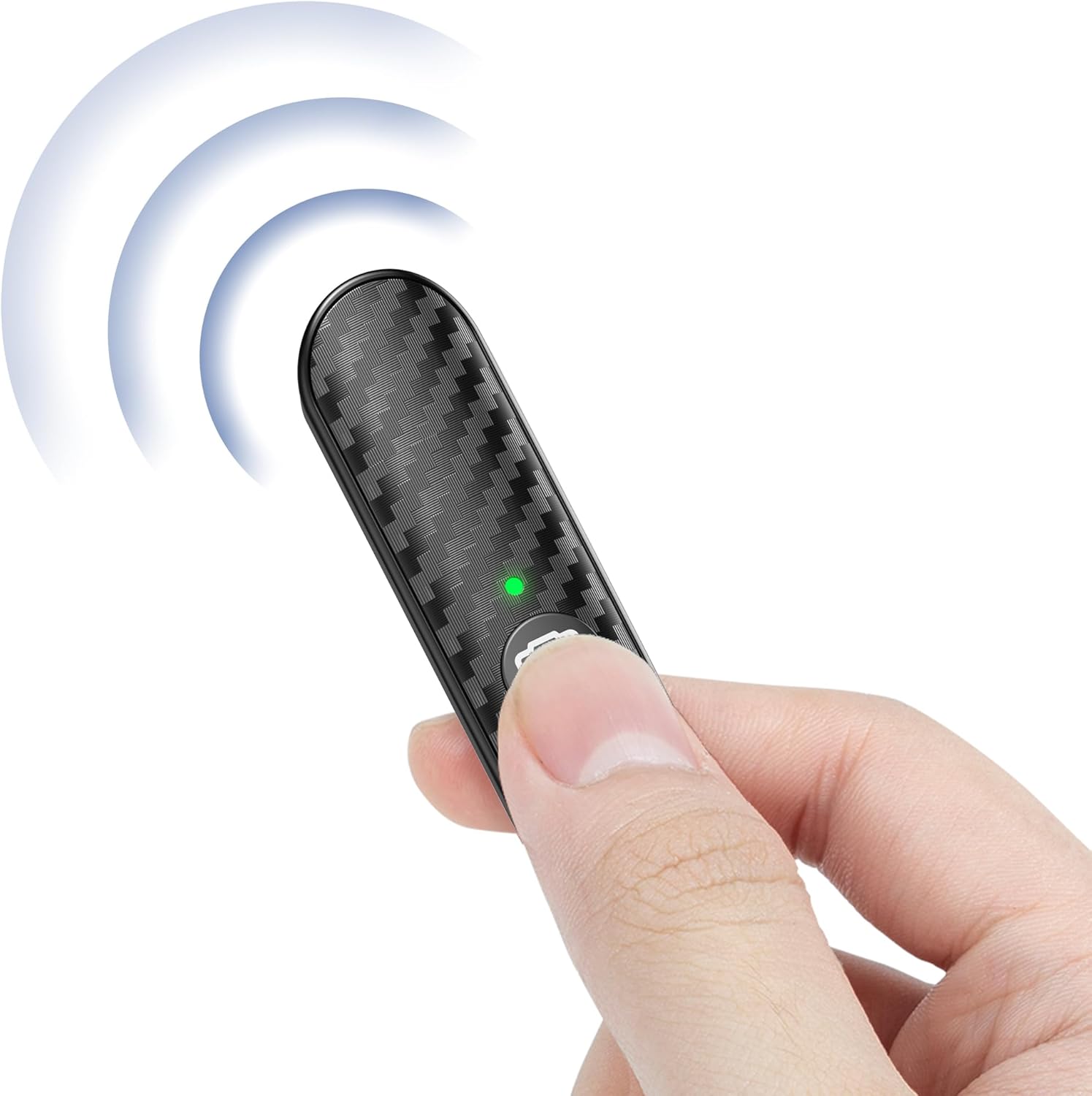
Figure 4.1: Remote Shutter with USB-C Cable

Figure 4.2: USB-C Charging Options
4.2 Seznanjanje s pametnim telefonom
The remote shutter uses Bluetooth for wireless connection. Follow these steps to pair it with your device:
- 1. korak: Press and hold the button on the remote shutter for 3 seconds. The green indicator light will flash, indicating it's in pairing mode.
- 2. korak: On your smartphone, go to Settings and turn on Bluetooth. Iskanje available devices and select "ATUMTEK" from the list.
- 3. korak: Once paired successfully, the green light on the remote will remain steady.
- 4. korak: To turn off the remote, press and hold the button for 3 seconds.

Figure 4.3: Pairing Steps

Figure 4.4: Remote Shutter in Use
5. Navodila za uporabo
Once paired, the ATUMTEK Bluetooth Remote Shutter is ready for use with your smartphone's camera application.
- Ensure your smartphone's camera app is open.
- Position your smartphone as desired (e.g., on a tripod, selfie stick).
- Press the camera button on the remote shutter to capture a photo or start/stop video recording. The remote supports both photo and video modes.
- The effective remote range is over 10 meters (33 feet), allowing for flexible shooting angles and group photos.

Figure 5.1: Photo and Video Mode Availability

Figure 5.2: Extended Remote Range
Video 5.1: Official product video demonstrating the features and usage of the ATUMTEK Bluetooth Remote Shutter.
6. Združljivost
The ATUMTEK Bluetooth Remote Shutter is designed for wide compatibility with various smartphones and operating systems.
- Naprave iOS: Compatible with iOS 7.0 and above, including various iPhone models (e.g., iPhone 15, 14, 13, 12, 11, X, SE, 8, 7, 6s) and iPads.
- Naprave Android: Compatible with Android 5.0 and above, including various Samsung Galaxy (S, Note, Z Flip series), Google Pixel, Huawei, Sony Xperia, Motorola, and OnePlus models.
- Perfect Fit with ATUMTEK Selfie Stick Tripods: Designed to pair seamlessly with ATUMTEK ATSS002 & ATSS052 Series Selfie Stick Tripods (e.g., ATSS029, ATSS055, ATSS099, ATSS128, ATSS002, ATSS031, ATSS087, ATSS052, ATSS056, ATSS067, ATSS127).

Figure 6.1: Wide Smartphone Compatibility

Figure 6.2: Compatibility with ATUMTEK Selfie Stick Tripods
7. Specifikacije
| Funkcija | Podrobnost |
|---|---|
| Številka modela | ATYKQ064 |
| Povezljivost | Bluetooth 5.0 |
| Kapaciteta baterije | 50mAh Lithium Polymer (Rechargeable) |
| Vrata za polnjenje | USB Type-C (5V/0.11A) |
| Življenjska doba baterije | Over 15,000 photos per full charge |
| Oddaljeni doseg | Več kot 10 metra (33 čevljev) |
| Življenjska doba gumba | Over 30,000 clicks |
| Dimenzije | 53.8 x 16.23 x 7.88mm (2.12 x 0.64 x 0.31 palcev) |
| Teža | 5 g (0.176 unč) |
| Material | ABS (with Carbon Fiber Design) |
| barva | Črna |
| Združljiv OS | iOS 7.0+ in Android 5.0+ |

Slika 7.1: Dimenzije in teža izdelka
8. Nega in vzdrževanje
- Keep the remote shutter dry. Do not expose it to moisture or liquids.
- Napravo očistite z mehko, suho krpo. Izogibajte se uporabi močnih kemikalij ali abrazivnih materialov.
- Ko daljinskega upravljalnika ne uporabljate, ga hranite na hladnem in suhem mestu.
- Izogibajte se ekstremnim temperaturam, saj lahko to vpliva na življenjsko dobo baterije in delovanje naprave.
- Naprave ne poskušajte razstavljati ali popravljati sami. S tem boste razveljavili garancijo.
9. Odpravljanje težav
| Težava | Možna rešitev |
|---|---|
| Remote not pairing. |
|
| Daljinski upravljalnik ne snema fotografij/videoposnetkov. |
|
| Kratka življenjska doba baterije. |
|
10. Garancija in podpora
ATUMTEK offers warranty coverage for all its branded products when purchased through authorized channels. If you encounter any issues or have questions regarding your ATUMTEK Bluetooth Remote Shutter, please do not hesitate to reach out to our dedicated support team for assistance.
Podpora po e-pošti: support@atumtek.com
For more information and product updates, please visit the official ATUMTEK store: Trgovina ATUMTEK na Amazonu
Ask a question about this manual
Ask about setup, troubleshooting, compatibility, parts, safety, or missing instructions. Manuals+ will review the question and use this page’s manual context to help answer it.