تعارف
This manual provides comprehensive instructions for the jaroco Portable Baby Sound Machine, model SM01. This device is designed to create a calming audio environment, offering 12 soothing sounds to assist in sleep and relaxation for babies, children, and adults. Its portable design ensures comfort can be provided anywhere, anytime.
پيداوار جون خاصيتون
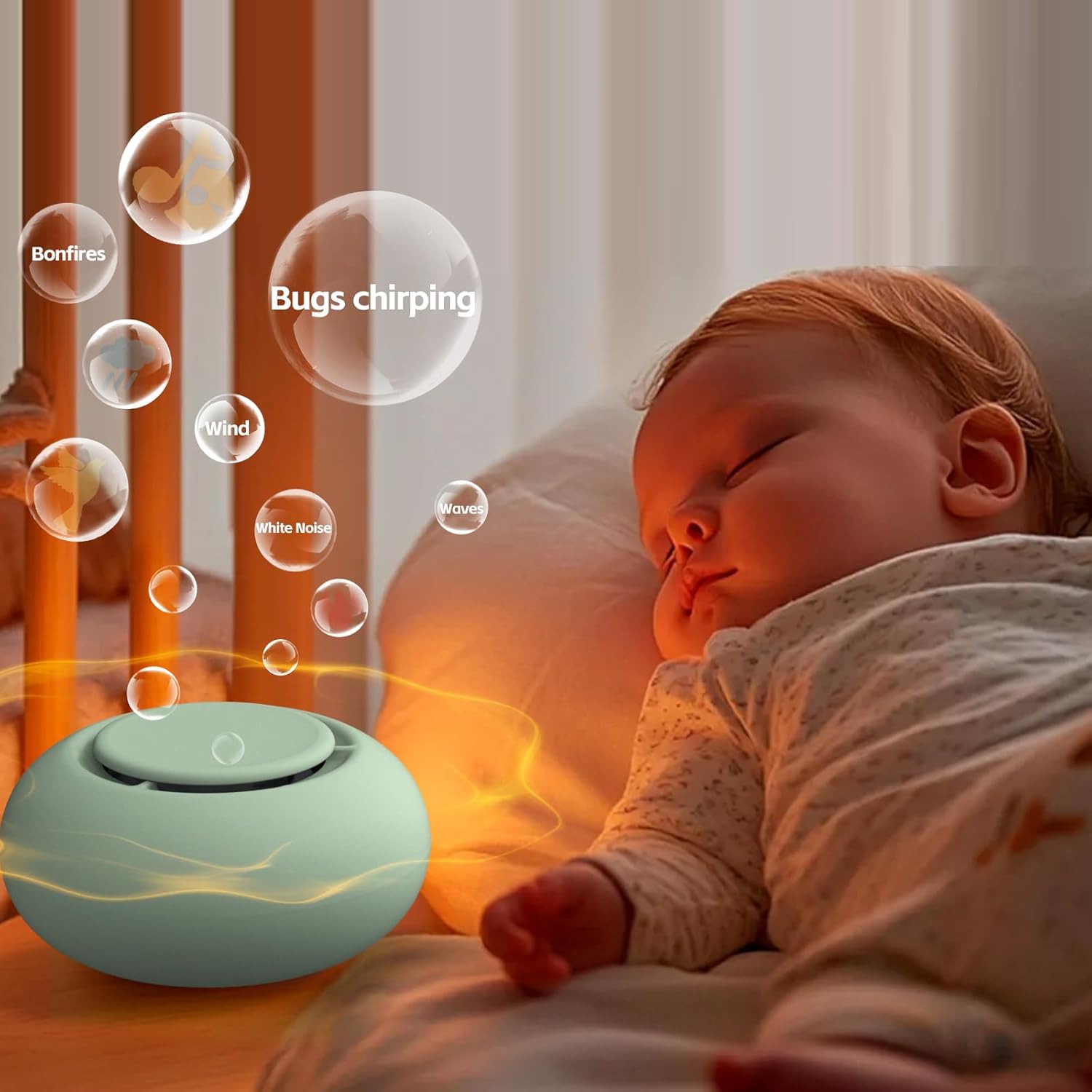
- 12 سھڻي آواز: Includes White Noise, Hush, Heartbeat, Ocean, and other nature and ambient sounds to cater to various preferences.
- پورٽبل ڊيزائن: Compact and lightweight, ideal for use at home or on the go. Features a hoop clip for easy attachment to strollers and cribs.
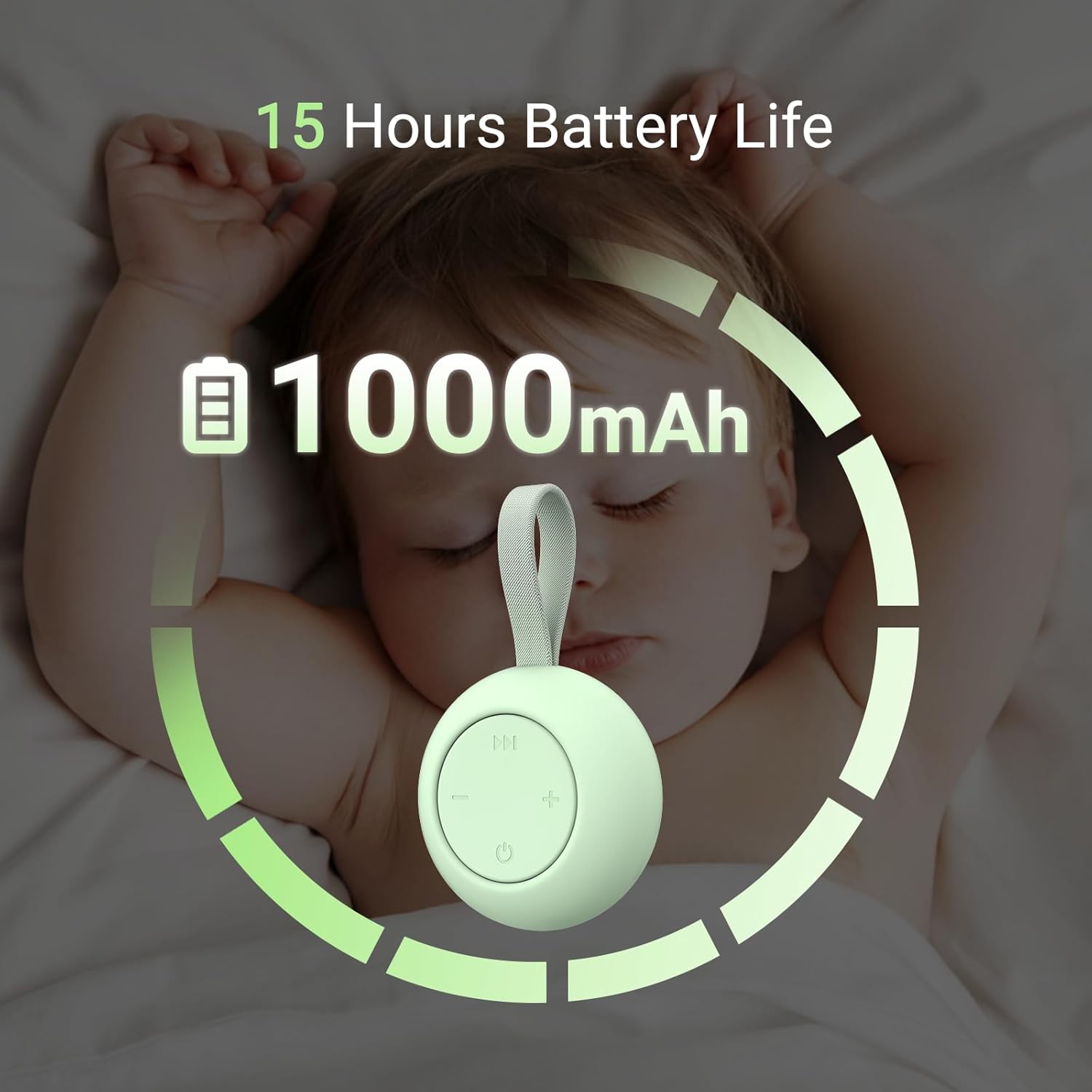
- ڊگھي بيٽري زندگي: Equipped with a 1000mAh Lithium Polymer battery, providing up to 15 hours of continuous operation on a single charge.
- آسان آپريشن: Simple three-button control for power, sound selection, and volume adjustment.
- ميموري فنڪشن: Automatically recalls the last used volume, sound, and timer settings upon power-on.
- حفاظت جي تصديق ٿيل: Approved by 3C safety certification, ensuring reliable and safe use.
- ڪابه وائرليس ڪنيڪشن ناهي: Operates without the need for Wi-Fi, Bluetooth, or app control, ensuring no radiation exposure.
- USB-C چارج ڪرڻ: Convenient and modern USB-C port for recharging.
سيٽ اپ ڪريو
ڊوائيس چارج ڪرڻ
Before initial use, fully charge the sound machine. Connect the provided USB-C cable to the device's charging port and plug the other end into a compatible USB power adapter (not included).
The device features a 1000mAh Lithium Polymer battery, offering extended use after a full charge.
Attaching the Hoop Clip
The sound machine comes with a hoop clip for easy portability. Attach the clip to the device's strap. This allows you to securely hang the sound machine on strollers, cribs, diaper bags, or other suitable locations.

آپريٽنگ هدايتون
The jaroco Portable Baby Sound Machine is designed for simple and intuitive operation with three main buttons.

- پاور آن / آف: Press the power button (circle with a vertical line) located at the bottom center of the control panel to turn the device on or off.
- آواز جي چونڊ: Press the 'play/pause' button (double arrow icon) at the top of the control panel to cycle through the 12 available soothing sounds. The sounds include White Noise, Hush, Heartbeat, Ocean, and other nature and ambient sounds.
- حجم جي ترتيب: Use the '-' button on the left to decrease the volume and the '+' button on the right to increase the volume.
- خودڪار ٿيل بند: The device features an automatic shut-off after 30 minutes to conserve battery. To turn it off manually at any time, press the power button.
ميموري فنڪشن
The sound machine is equipped with a memory function. It will automatically recall your last selected sound, volume level, and timer setting when powered on again, providing a consistent experience without needing to reconfigure settings each time.

ويڊيو جو مظاهرو
Official video demonstrating the features and use of the jaroco Portable White Noise Machine for babies and adults.
سار سنڀال
- صفائي: ڊوائيس کي نرم، سڪل ڪپڙي سان صاف ڪريو. رگڙيندڙ ڪلينر استعمال نه ڪريو يا ڊوائيس کي پاڻي ۾ نه ٻوڙيو.
- اسٽوريج: Store the sound machine in a cool, dry place away from direct sunlight and extreme temperatures when not in use.
- بيٽري جي سنڀال: بيٽري جي زندگي کي وڌائڻ لاءِ، ڊوائيس کي بار بار مڪمل طور تي چارج ڪرڻ کان پاسو ڪريو. ان کي باقاعدي طور تي چارج ڪريو، جيتوڻيڪ مسلسل استعمال ۾ نه هجي.
- ڌار ڪرڻ کان پاسو ڪريو: ڊوائيس کي پاڻ کولڻ يا مرمت ڪرڻ جي ڪوشش نه ڪريو. اهو وارنٽي کي رد ڪري سگهي ٿو ۽ نقصان پهچائي سگهي ٿو.
مشڪلاتون
| مسئلو | ممڪن سبب | حل |
|---|---|---|
| ڊوائيس آن نٿو ٿي. | بيٽري چارج گهٽ يا نه. | Connect the device to a USB-C power source and charge it fully. |
| ڪابه آواز يا گهٽ آواز ناهي. | Volume set too low or muted. Incorrect sound selected. | Press the '+' button to increase volume. Press the sound selection button to cycle through sounds. |
| آواز جو معيار خراب يا بگڙيل آهي. | Device obstruction or interference. | Ensure the speaker is not covered. Move the device away from other electronic devices that might cause interference. |
| ڊوائيس غير متوقع طور تي بند ٿي وڃي ٿي. | Automatic shut-off activated. Low battery. | The device has a 30-minute auto-off feature. If it's not the auto-off, recharge the battery. |
وضاحتون
- ماڊل نمبر: SM01
- برانڊ: jaroco
- طول و عرض: 3.15 x 3.03 x 2.64 انچ (پيڪيج)
- وزن: 4.2 اونس (0.12 ڪلوگرام)
- طاقت جو ذريعو: بيٽري سان هلندڙ
- بيٽري جو قسم: 1 ليتيم پوليمر بيٽري (شامل)
- مواد: پلاسٽڪ
- رنگ: Mint (for this variant)
- آواز جا اختيار: 12 soothing sounds (White Noise, Hush, Heartbeat, Ocean, etc.)
وارنٽي ۽ سپورٽ
For detailed warranty information, product registration, or technical support, please refer to the documentation included with your purchase or visit the official jaroco website. You may also contact jaroco customer service directly for assistance with any product-related inquiries.