
1. Продукт закончилсяview
The Anker SOLIX C1000 Gen 2 is a portable power station designed to provide reliable power for various applications, including home backup, outdoor activities, and emergency situations. It features a high-capacity LiFePO4 battery and multiple output ports.

Image 1.1: Anker SOLIX C1000 Gen 2 Portable Power Station, showing its compact design and various ports.
Основные характеристики:
- Сверхбыстрая перезарядка: Achieves a full charge in 49 minutes using HyperFlash technology (1,600W AC input).
- Выходная мощность высокой мощности: Provides 2,000W continuous output (3,000W peak) across 10 ports.
- Компактный и портативный: Weighs 24.9 lbs, making it easy to transport.
- Долговечный аккумулятор: LiFePO4 battery designed for 4,000 cycles, retaining at least 80% capacity after 10 years of daily use.
- Солнечная зарядка: Supports up to 600W solar input, allowing a full recharge in 1.8 hours.
- Источник бесперебойного питания (ИБП): Features a 10 ms switchover time for essential equipment.
- Управление через смарт-приложение: Manage and monitor the power station via the Anker app, including Time-of-Use (TOU) mode.
2. Руководство по установке
2.1 Что в коробке
Перед началом работы убедитесь, что все компоненты присутствуют:
- Портативная электростанция Anker SOLIX C1000 Gen 2
- Зарядный кабель переменного тока
- Автомобильный зарядный кабель
- Краткое руководство пользователя
- Гарантийный талон
2.2 Первоначальная зарядка
It is recommended to fully charge the power station before first use.
- Connect the AC Charging Cable to the power station's AC input port.
- Вставьте другой конец в стандартную настенную розетку.
- The display will show charging status. For fastest charging, ensure UltraFast mode is enabled in the Anker app. A full charge takes approximately 49 minutes.
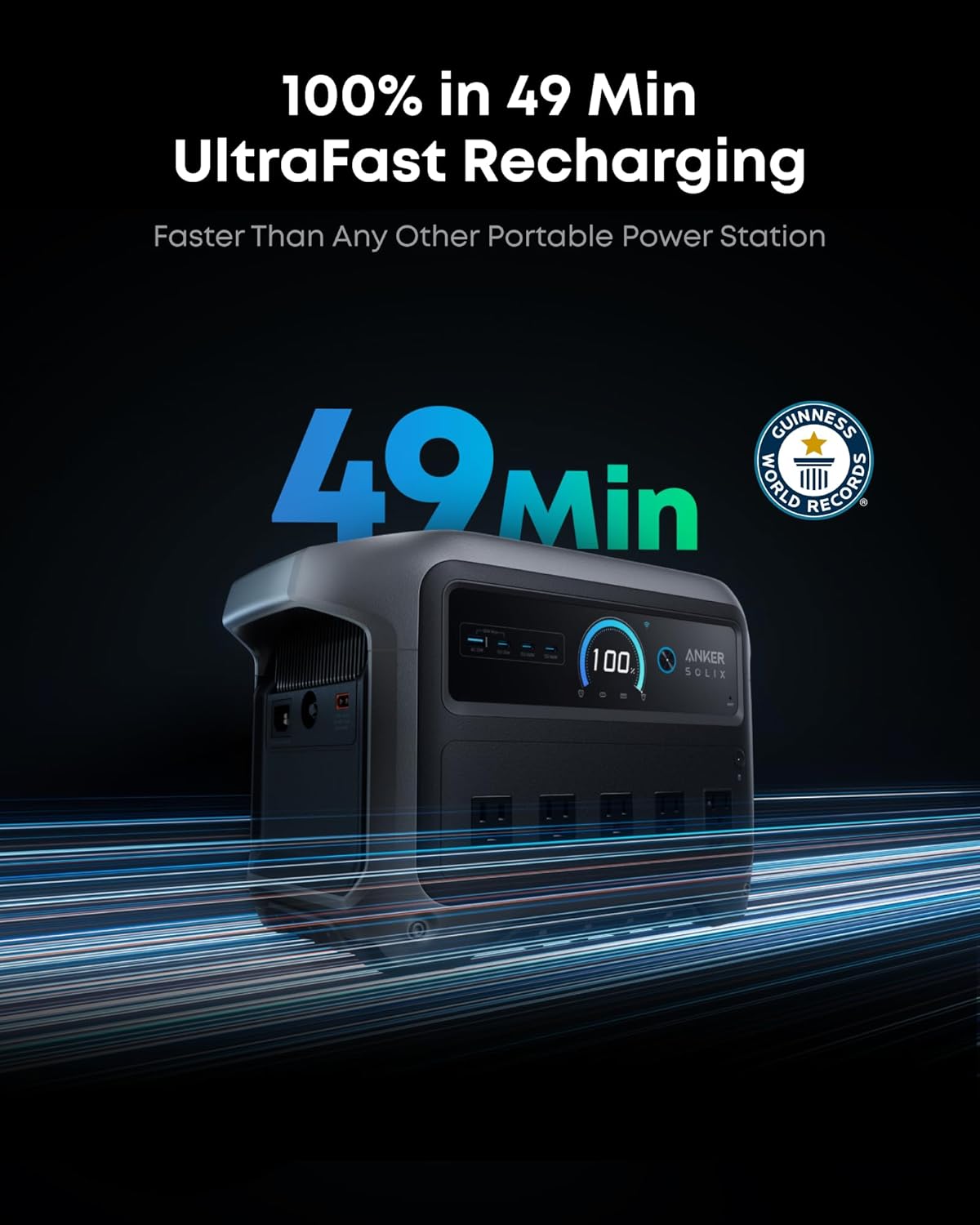
Image 2.1: The power station displaying its charging status during UltraFast Recharging.
2.3 Anker App Setup
Download the Anker app to unlock advanced features and control options.
- Scan the QR code in the Quick Start Guide or search for "Anker" in your device's app store.
- Install and open the Anker app.
- Follow the in-app instructions to pair your Anker SOLIX C1000 Gen 2.
- Through the app, you can enable UltraFast charging, monitor power usage, and schedule charging with Time-of-Use (TOU) mode.
3. Инструкция по эксплуатации
3.1 Включение/выключение питания
- Для включения нажмите и удерживайте главную кнопку питания в течение нескольких секунд, пока не загорится дисплей.
- Для выключения нажмите и удерживайте главную кнопку питания еще раз, пока дисплей не погаснет.
3.2 Подключение устройств
Электростанция имеет различные выходные порты:
- Розетки переменного тока: Plug in standard household appliances. The power station provides 2,000W continuous power, with a 3,000W peak for demanding devices.
- Порты USB-C: Для устройств, совместимых с быстрой зарядкой.
- Порты USB-A: Для стандартной зарядки через USB.
- Автосалон: Для устройств 12 В постоянного тока.

Image 3.1: The power station connected to a blender, demonstrating its 2,000W output capability.
3.3 Recharging Options
The Anker SOLIX C1000 Gen 2 can be recharged using multiple methods:
- Вход переменного тока: Recharges to 100% in 49 minutes (1,600W).
- Солнечный ввод: Supports up to 600W (60V max) solar panels, recharging fully in approximately 1.8 hours.
- Ввод данных автомобиля: Recharges to 100% in approximately 12.3 hours.
- AC Generator Input: Recharges to 100% in 49 minutes.
- AC + Solar Input: Recharges to 100% in 0.8 hours.

Image 3.2: Visual representation of the six different recharging options available for the power station.
3.4 Функция источника бесперебойного питания (ИБП)
The power station can act as an Uninterruptible Power Supply (UPS) for critical devices. When connected to an AC outlet and powering devices, it will automatically switch to battery power within 10 milliseconds during a power outage, ensuring continuous operation for connected electronics like computers or CPAP machines.

Image 3.3: The power station providing seamless power to a desktop computer during a simulated outage.
3.5 Тихая работа
The Anker SOLIX C1000 Gen 2 operates at an ultra-quiet level, typically under 20dB when discharging under 200W. This makes it suitable for indoor use without significant noise disruption.
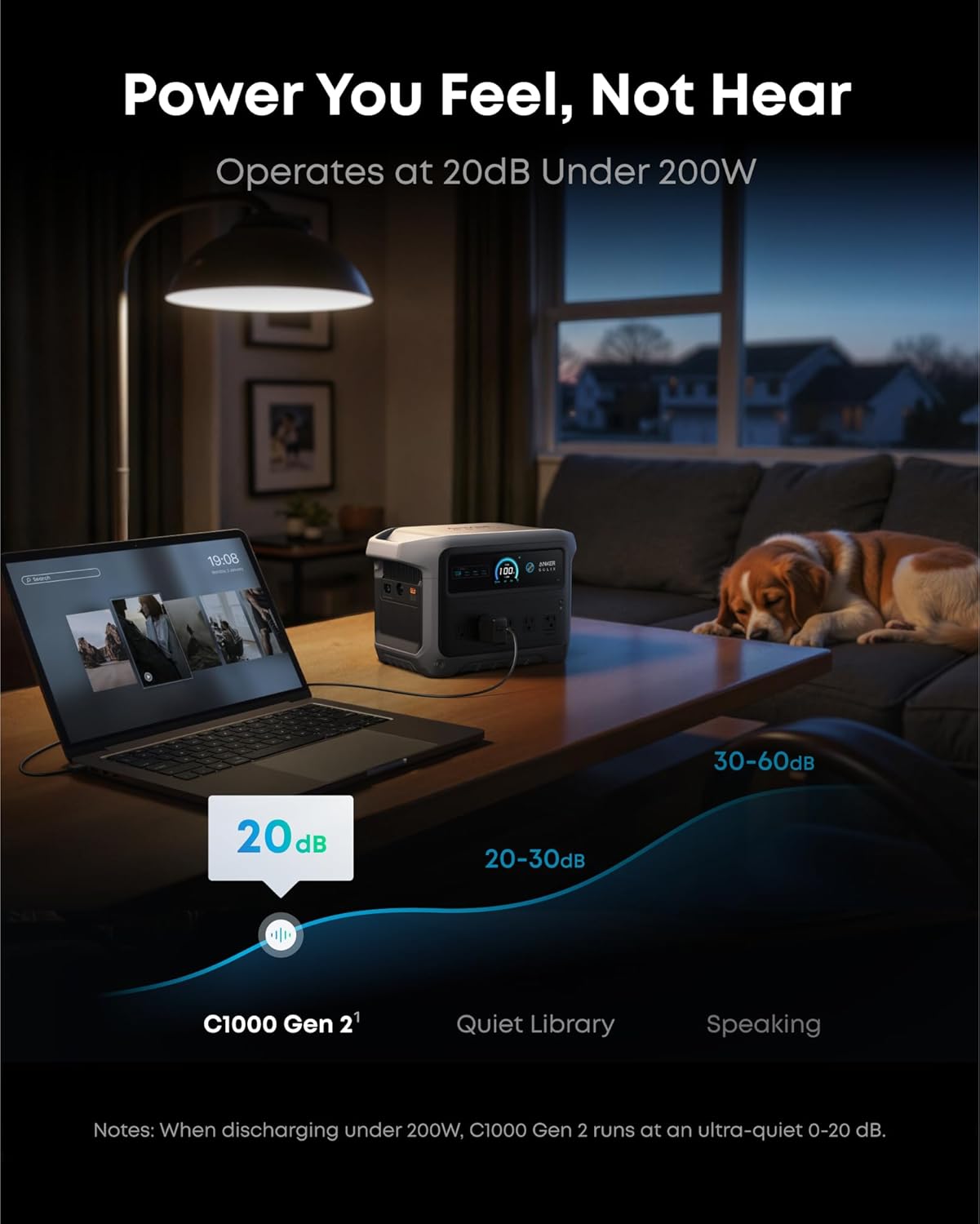
Image 3.4: The power station operating quietly in a living room setting, next to a sleeping dog.
4. Техническое обслуживание
4.1 Battery Care and Lifespan
The Anker SOLIX C1000 Gen 2 uses a LiFePO4 battery designed for longevity. To maximize its lifespan:
- Избегайте экстремальных температур. Храните устройство в прохладном, сухом месте.
- При длительном хранении заряжайте устройство примерно на 50–70% каждые 3–6 месяцев.
- Избегайте частой полной разрядки аккумулятора.
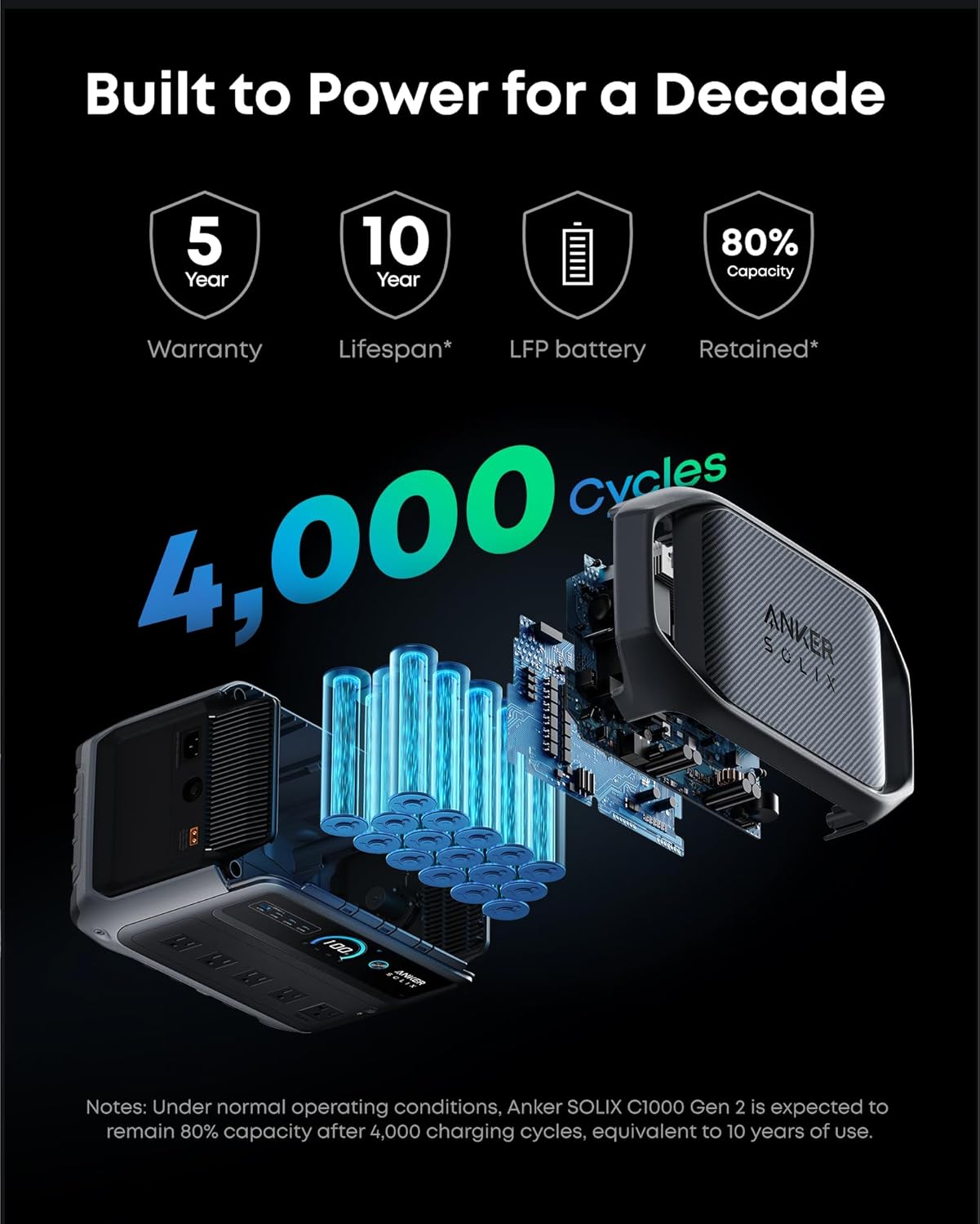
Image 4.1: Diagram illustrating the InfiniPower technology and the LiFePO4 battery's 4,000 cycle lifespan.
4.2 Очистка
Для очистки внешней поверхности электростанции используйте сухую мягкую ткань. Не используйте жидкие чистящие средства и не погружайте устройство в воду.
4.3 Хранение
When not in use, store the power station in a well-ventilated area, away from direct sunlight and moisture. Its compact size (15.1"L x 8.2"W x 9.6"H) allows for convenient storage.

Image 4.2: The power station being carried, highlighting its compact and portable design.
5. Поиск Неисправностей
5.1 Общие проблемы
- Устройство не включается: Убедитесь, что аккумулятор заряжен. Если нет, подключите его к розетке переменного тока для зарядки.
- Нет вывода из портов: Check if the specific output (AC/DC/USB) is enabled. Some outputs may need to be manually activated.
- Медленная зарядка: Verify that UltraFast mode is enabled in the Anker app. Ensure the charging cable is securely connected and the power source is adequate.
- Предупреждение о перегрузке: If an overload warning appears, disconnect some devices to reduce the total power draw.
5.2 обновлений прошивки
Firmware updates are released periodically to improve performance and add features. When performing a firmware update:
- Ensure the power station is adequately charged (above 50%).
- Disconnect all critical devices from the power station, as outputs may temporarily shut off during the update process.
- Maintain a stable Wi-Fi connection for your smartphone during the update via the Anker app.
6. Технические характеристики
| Особенность | Спецификация |
|---|---|
| Название модели | Anker SOLIX C1000 Gen 2 |
| Емкость | 1,024Втч |
| Выход переменного тока | 2,000 Вт (3,000 Вт пик) |
| Всего розеток | 10 |
| Время зарядки от сети переменного тока | 49 минуты (1,600 Вт) |
| Максимальное потребление солнечной энергии | 600W (60V Max) |
| Solar Recharging Time | 1.8 часа |
| Время переключения ИБП | 10 мс |
| Тип батареи | LiFePO4 |
| Циклы батареи | 4,000 циклов до 80%+ емкости |
| Размеры (Д x Ш x В) | 15.1" x 8.2" x 9.6" |
| Вес товара | 24.9 фунта |
| Рабочий шум | Under 20dB (discharging under 200W) |
| СКП | 194644251307 |
7. Гарантия и поддержка
7.1 Информация о гарантии
The Anker SOLIX C1000 Gen 2 Portable Power Station comes with a Гарантия 5 год. Please refer to the included Safety and Warranty Card for detailed terms and conditions.
7.2 Поддержка клиентов
For technical assistance, troubleshooting, or warranty claims, please contact Anker customer support through their official website or the Anker app. Have your model number (A1763) and purchase information ready when contacting support.