
Введение
This manual provides detailed instructions for the installation, operation, and maintenance of your ANJIELO SMART WiFi Video Intercom System. Please read this manual thoroughly before using the product to ensure proper functionality and safety.

Рисунок 1: Компоненты системы.view
Содержимое упаковки
- 1x 1080P Video Doorbell (Outdoor Unit)
- 1x 7-inch TFT-LCD Touch Screen Monitor (Indoor Unit)
- 5x IC Cards for unlocking
- 1x 32GB MicroSD Card (pre-installed in indoor unit)
- Крепежные элементы (винты, дюбели)
- Power adapter for indoor monitor
- Жгут проводов
Настройка и установка
1. Установка наружного дверного звонка
The outdoor doorbell is designed for surface or flush mounting. Ensure the installation location provides a clear view of the entrance and is protected from direct heavy rain, although the unit is IP65 waterproof.
- Choose a suitable mounting height, typically 1.2 to 1.5 meters (4 to 5 feet) from the ground.
- Use the provided mounting bracket to mark drilling points on the wall.
- Просверлите отверстия и вставьте дюбели в стену.
- Connect the power and signal wires to the doorbell unit. Refer to the wiring diagram for correct connections.
- Secure the doorbell unit to the wall using the screws.

Figure 2: Outdoor Doorbell Unit with Night Vision Capability
2. Установка внутреннего монитора
The indoor monitor connects to the outdoor unit via a 4-wire connection and requires a power supply.
- Select a central location within your home for the monitor, ensuring it is within reach of a power outlet.
- Прикрепите кронштейн для монитора к стене.
- Подключите 4-проводной кабель от наружного блока к внутреннему монитору.
- Подсоедините адаптер питания к монитору и вставьте его в розетку.
- Secure the monitor onto its bracket.
3. Wi-Fi and App Configuration
The system supports Wi-Fi connectivity via the Tuya Smart app for remote access and control.
- Загрузите приложение "Tuya Smart" из магазина приложений вашего смартфона (iOS или Android).
- Зарегистрируйтесь или войдите в свою учетную запись Tuya Smart.
- On the indoor monitor, navigate to the Wi-Fi settings and enable Wi-Fi.
- Follow the on-screen instructions on the monitor and in the Tuya Smart app to pair the system with your home Wi-Fi network.
- Once connected, you will receive notifications and can interact with the doorbell remotely via the app.
Инструкция по эксплуатации
1. Two-Way Intercom
When a visitor presses the doorbell button, the indoor monitor will ring, and a notification will be sent to your paired smartphone via the Tuya app. You can then initiate a two-way conversation.
- С внутреннего монитора: Tap the "Answer" icon on the screen to speak with the visitor.
- Из приложения для смартфона: Accept the incoming call notification from the Tuya app to speak with the visitor remotely.

Рисунок 3: Двусторонняя аудиосвязь
2. Методы разблокировки
The system offers three methods to unlock a connected 12V electronic lock (not included).
- Разблокировка IC-карты: Present one of the provided IC cards to the sensor on the outdoor doorbell unit.
- Разблокировка монитора: Tap the "Unlock" icon on the indoor monitor screen during an active call or monitoring session.
- Удаленная разблокировка приложения: Tap the "Unlock" icon within the Tuya Smart app during an active call or monitoring session.

Figure 4: 3-in-1 Unlocking Options
3. Обнаружение и запись движения
The doorbell features PIR motion detection. When motion is detected, the camera will automatically record video or capture snapshots and save them to the indoor monitor's microSD card.
- Активация: Motion detection can be enabled or disabled via the indoor monitor settings or the Tuya Smart app.
- Уведомления: You will receive push notifications on your smartphone when motion is detected.
- Review Записи: Access recorded videos and snapshots from the indoor monitor or through the Tuya Smart app.
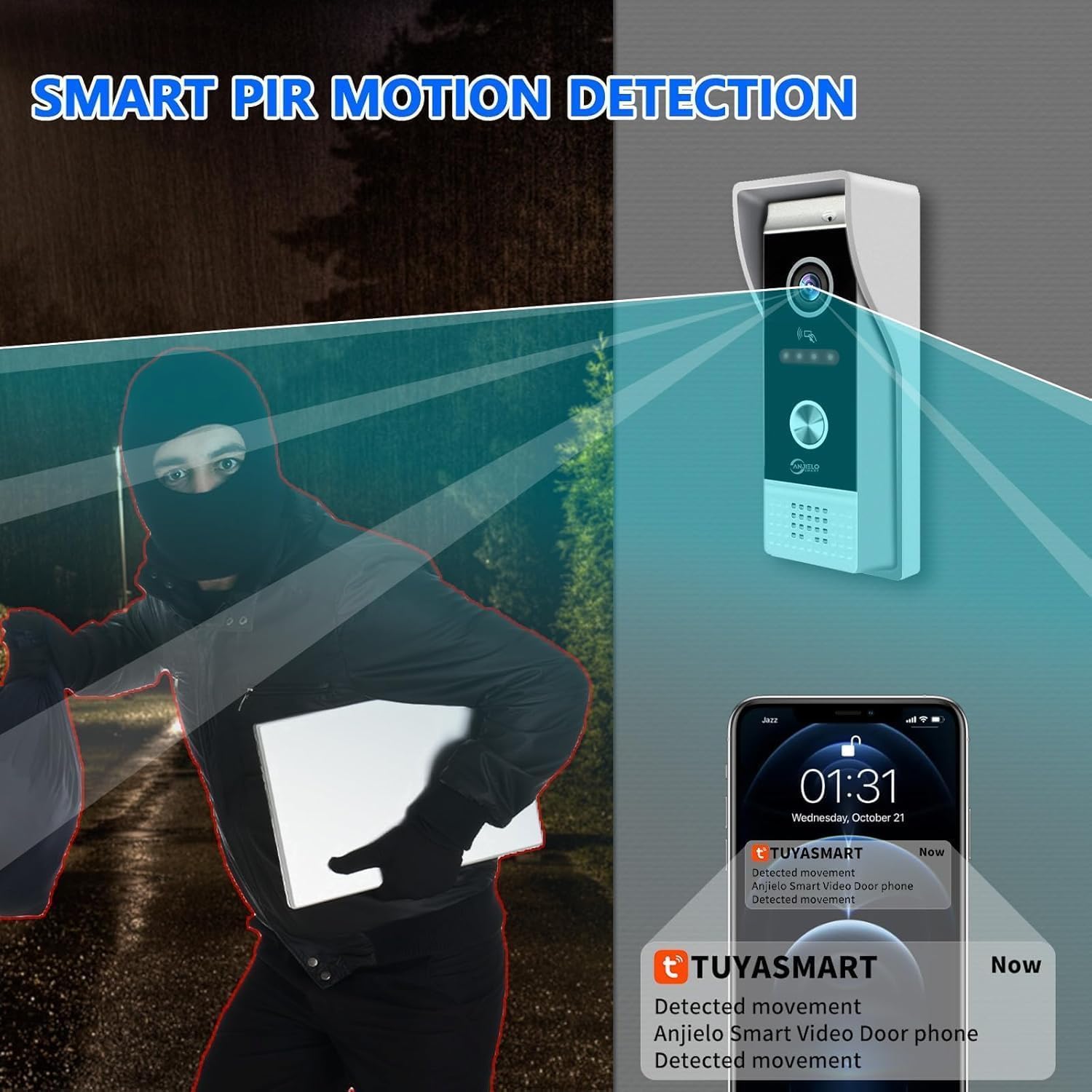
Figure 5: Smart PIR Motion Detection
4. Ночное видение
The outdoor doorbell is equipped with infrared (IR) LEDs, providing clear visibility up to 120 degrees in low-light or complete darkness conditions.
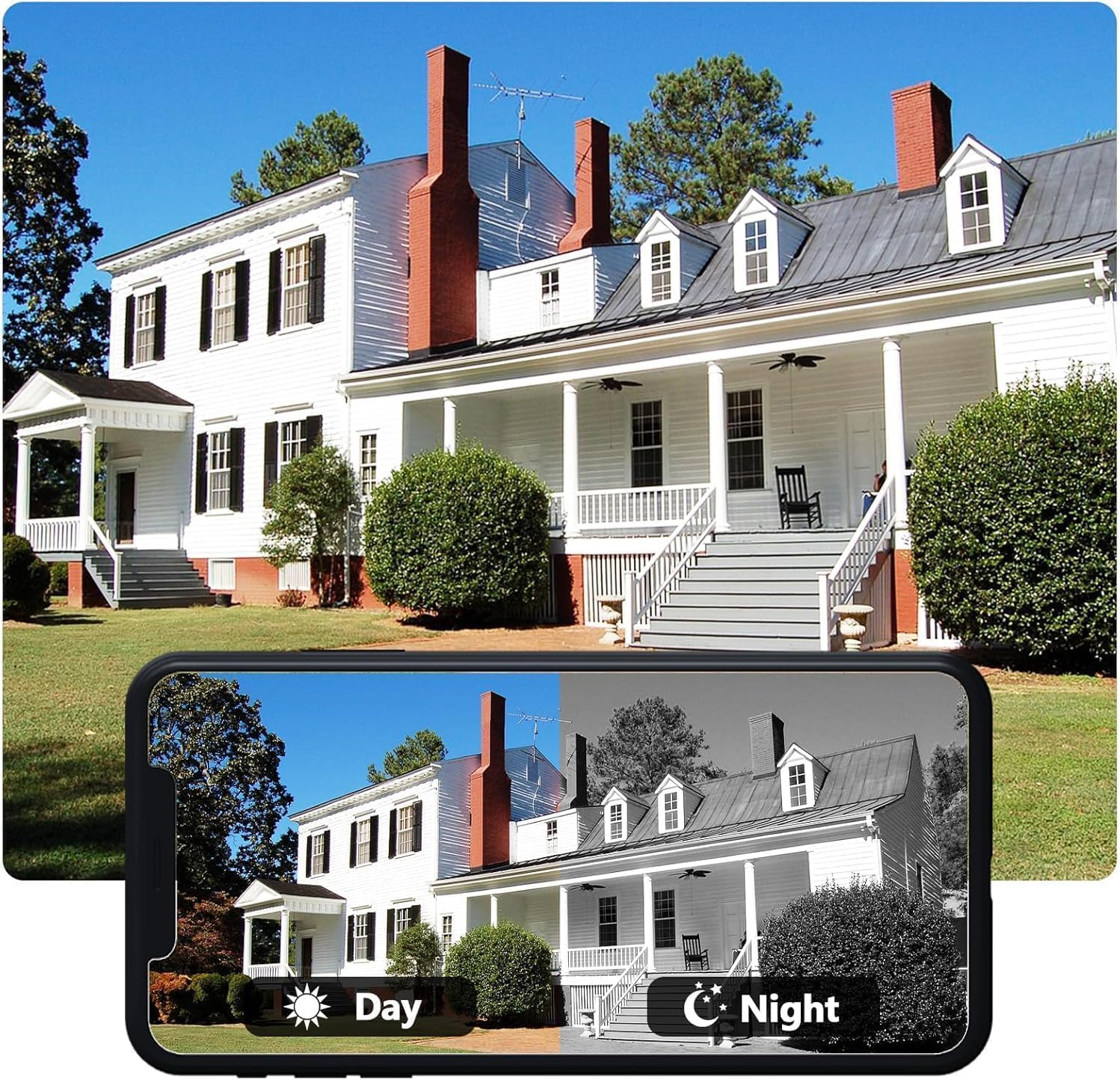
Рисунок 6: Сравнение дневного и ночного видения
5. Call Forwarding
If multiple indoor monitors are connected (not applicable for this 1 doorbell + 1 monitor configuration, but a general feature of the system), calls can be forwarded between them. For a single monitor setup, this feature allows the monitor to ring and notify the app simultaneously.
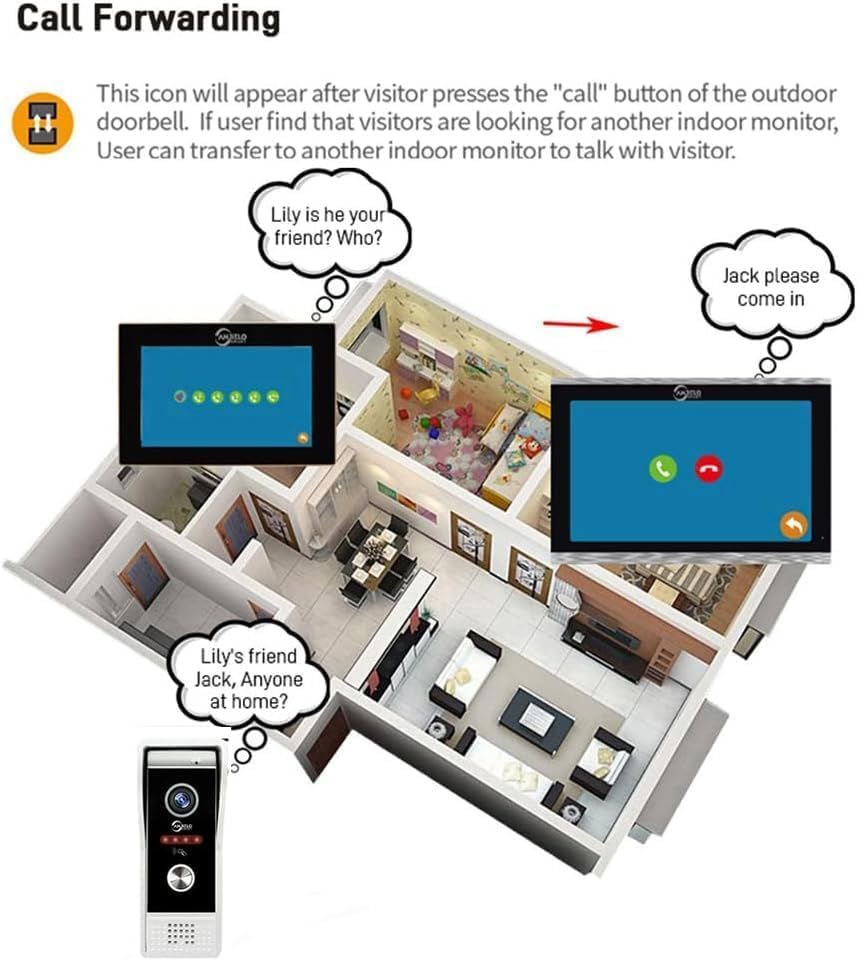
Figure 7: Call Forwarding Example (Multi-Monitor Setup)
Обслуживание
- Уборка: Используйте мягкий, damp cloth to clean the outdoor doorbell and indoor monitor. Avoid abrasive cleaners or solvents.
- Уход за объективом: Ensure the camera lens on the outdoor unit is clean for optimal image quality.
- Обновления прошивки: Periodically check for firmware updates via the Tuya Smart app or the indoor monitor settings to ensure optimal performance and security.
- Управление SD-картой: Regularly back up important recordings and format the microSD card to maintain storage efficiency.
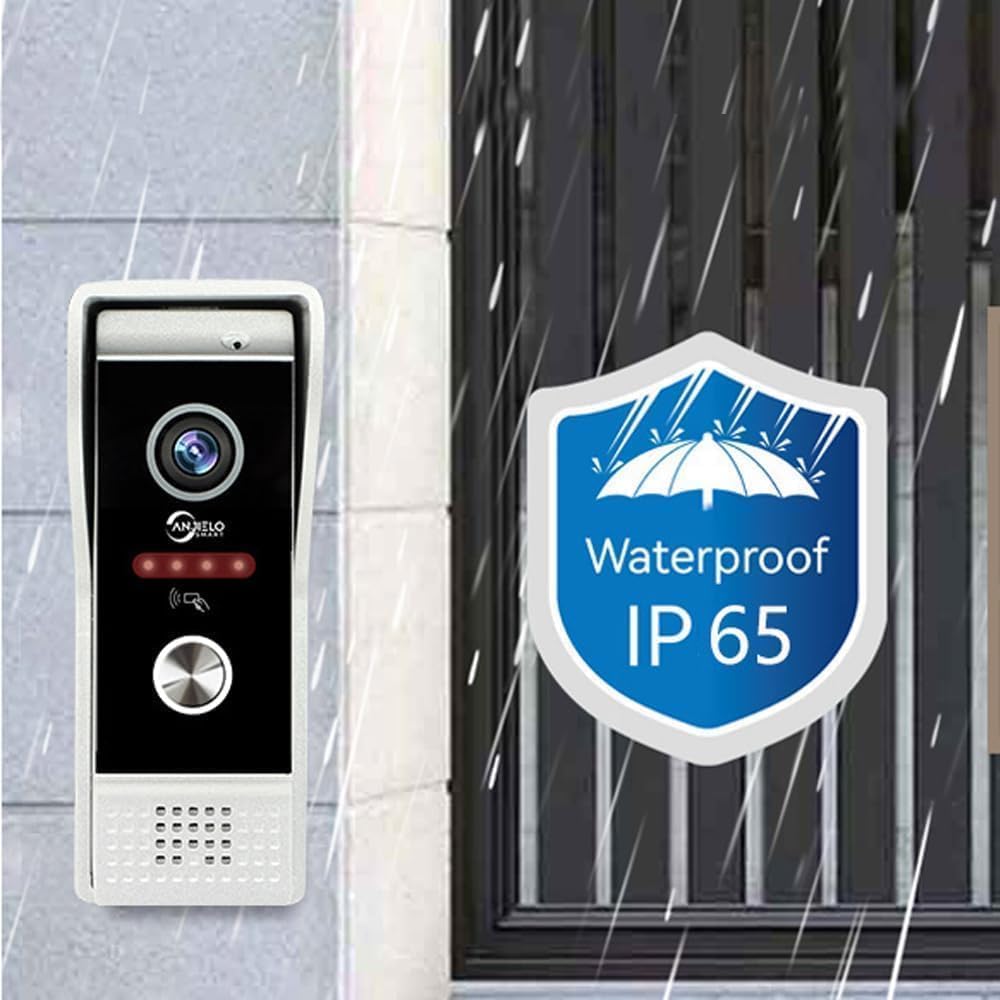
Figure 8: IP65 Waterproof Rating for Outdoor Unit
Поиск неисправностей
| Проблема | Возможная причина | Решение |
|---|---|---|
| Нет изображения на внутреннем мониторе. | Loose wiring, power issue, faulty unit. | Check all cable connections. Ensure the monitor is powered on. Contact support if the issue persists. |
| В режиме внутренней связи отсутствует звук. | Microphone/speaker muted, volume too low, wiring issue. | Check volume settings on monitor and app. Ensure microphone is not muted. Verify wiring. |
| Невозможно подключиться к Wi-Fi. | Неверный пароль от Wi-Fi, слабый сигнал, проблема с роутером. | Double-check Wi-Fi password. Move monitor closer to router. Restart router. Ensure 2.4GHz Wi-Fi is used. |
| Обнаружение движения не работает. | Feature disabled, incorrect sensitivity settings, obstruction. | Enable motion detection in settings. Adjust sensitivity. Clear any obstructions from the camera's view. |
| Уведомления приложения не приходят. | App permissions, phone settings, network issues. | Ensure Tuya Smart app has notification permissions. Check phone's 'Do Not Disturb' settings. Verify internet connection. |
Технические характеристики
| Особенность | Деталь |
|---|---|
| Уличная камера дверного звонка | CMOS, 1080P/720P/CVBS |
| Широкий угол | 148° (1/2.7") |
| Ночное Видение | ИК-светодиоды (120°) |
| Потребляемая мощность | 200mA max. (9V~15V DC) |
| Рабочая температура | -40°С до +50°С |
| Установка | Поверхностный/врезной монтаж |
| Внутренний экран монитора | 7-дюймовый сенсорный TFT-ЖК-экран |
| Разрешение монитора | 1024 х 680 |
| Рингтон | Мелодия из 7 аккордов звучит |
| Путь соединения | 4-проводное решение Tuya с поддержкой Wi-Fi |
| Материал панели | Покрытие из акрила/АБС |
| Хранилище | External 32GB SD card (included) |
| Протокол подключения | Wi-Fi |
| Совместимые устройства | Smartphone (iOS & Android with Tuya Smart APP) |
| Размеры (монитор) | 7 x 5 x 0.7 дюйма |
| Номер модели | 94202BC+KXTW |
Информация о гарантии
Specific warranty details are not provided in this manual. Please refer to the product packaging or contact ANJIELO SMART customer support for warranty terms and conditions.
Поддержка клиентов
For technical assistance, troubleshooting, or further inquiries, please contact ANJIELO SMART customer support through the contact information provided on the official webсайта или упаковки продукта.
Вы также можете посетить Магазин ANJIELO SMART на Amazon для получения дополнительной информации о продукте и ресурсах.