
Введение
Welcome to the user manual for your new Oilsky M1 128GB Bluetooth 5.4 MP3 Player. This guide provides essential information on how to set up, operate, and maintain your device, ensuring you get the best experience from its advanced features. Please read this manual thoroughly before using the product.
Характеристики продукта
- Bluetooth 5.4 Enjoy a more stable connection and extended range with Bluetooth 5.4. The device features a Bluetooth memory function for automatic reconnection upon startup, optimizing power consumption and battery life.
- Высококачественный звук: Equipped with a professional digital noise reduction chip, this MP3 player delivers high-quality audio. It supports various common audio formats including MP3, WMA, APE, FLAC, WAV, and AAC. Organize your music by title, folder, artist, or album.
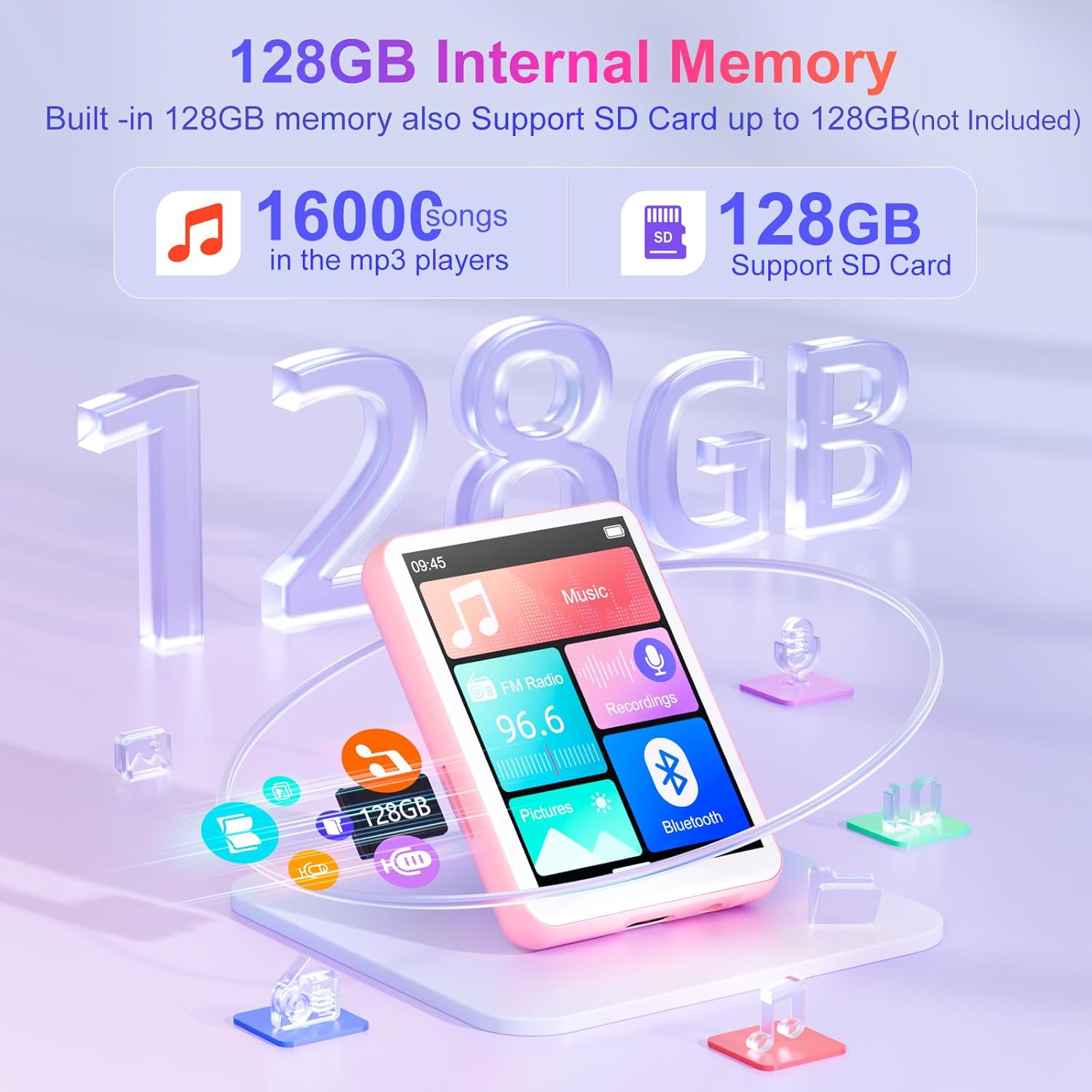
- Generous 128GB Internal Memory: The Oilsky M1 comes with 128GB of built-in memory, capable of storing approximately 16,000 lossless quality songs. It also includes a Micro-SD card slot, supporting expansion up to an additional 128GB (Micro-SD card not included).
- Многофункциональное устройство: Featuring a 2.4-inch touch screen for quick function selection, this MP3 player offers a range of features including music playback, FM radio, voice recorder, e-book reader, photo viewer, alarm clock, folder management, and calendar. It supports 29 languages, including English, German, French, Italian, and Spanish.
- Long-lasting 300mAh Battery: Enjoy up to 50 hours of lossless music playback on a single charge. The device fully recharges in approximately 2 hours, making it an ideal companion for travel or sports enthusiasts.
- Важное примечание: This device cannot connect to mobile phones or car audio systems via Bluetooth.
Что в коробке?
Проверьте наличие всех предметов в упаковке:
- 1x MP3-плеер Oilsky M1
- Зарядный кабель USB 1x
- 1x наушники
- 1x Руководство пользователя
- 1x Защитный чехол
- 1x Ремешок

Настраивать
1. Зарядка устройства
Before first use, fully charge your MP3 player. Connect the provided USB cable to the device's charging port and the other end to a USB power adapter (not included) or a computer's USB port. The battery indicator on the screen will show charging status.
2. Включение/выключение питания
- Для включения: Нажмите и удерживайте кнопку питания, пока не загорится экран.
- Чтобы выключить: Нажмите и удерживайте кнопку питания, пока не появятся параметры выключения, затем выберите «Выключить».
3. Первоначальный выбор языка
Upon first startup, you may be prompted to select your preferred language. Follow the on-screen instructions to choose from the available languages.
Инструкция по эксплуатации
Базовая навигация
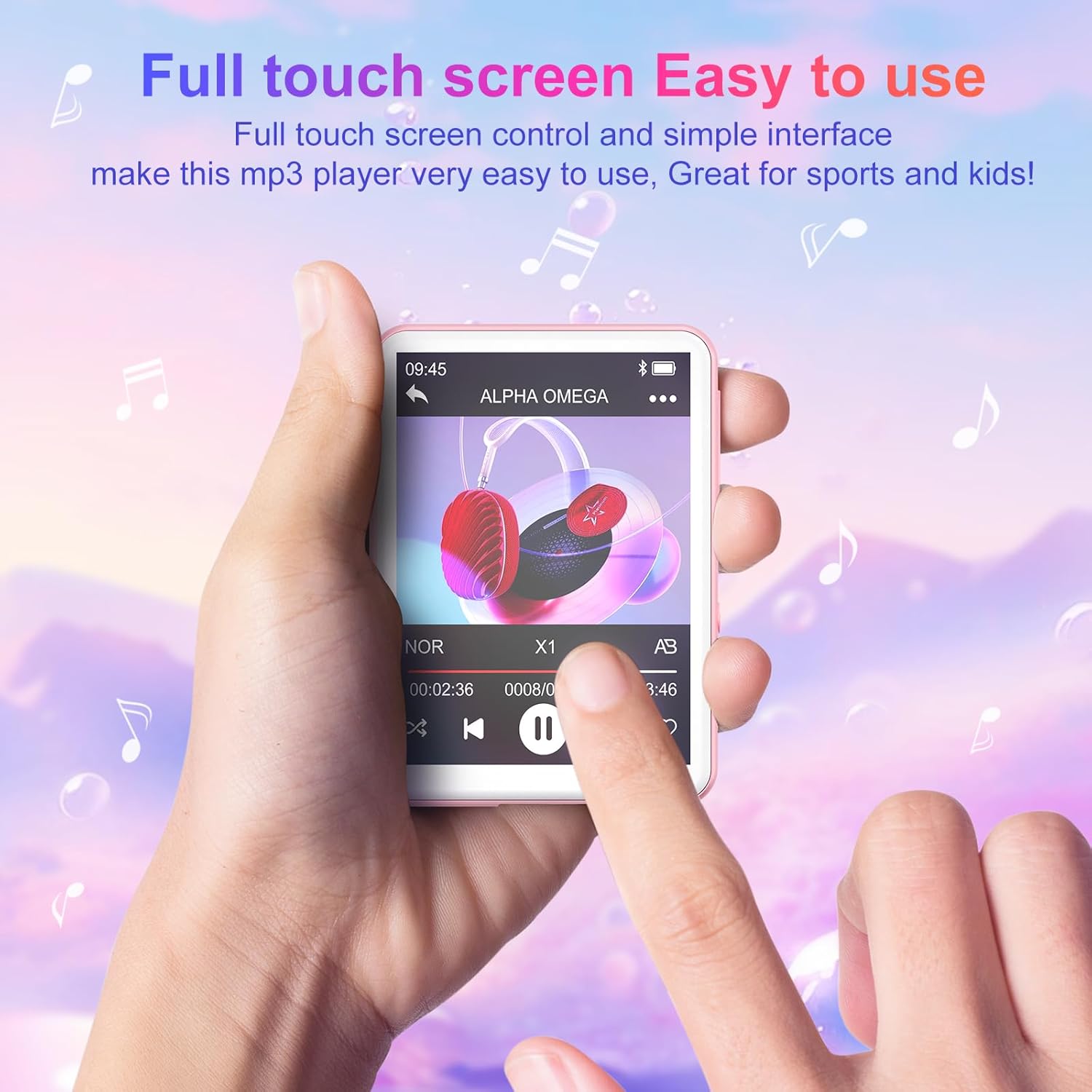
The Oilsky M1 features a 2.4-inch full touch screen for intuitive navigation. Swipe left/right or up/down to browse menus and tap icons to select functions. Use the back arrow icon to return to the previous screen.
Воспроизведение музыки
- Передача музыки: Подключите MP3-плеер к компьютеру с помощью USB-кабеля. Устройство отобразится как съёмный диск. Перетащите туда музыку. files (MP3, WMA, APE, FLAC, WAV, AAC) into the 'Music' folder on the device.
- Воспроизведение музыки: From the main menu, tap the 'Music' icon. You can browse your songs by title, artist, album, or folder. Tap a song to begin playback.
- Управление: Use the on-screen controls for play/pause, next/previous track, volume adjustment, and repeat modes.

Bluetooth-соединение
Чтобы подключиться к наушникам или колонкам Bluetooth:
- Убедитесь, что ваши наушники/динамики Bluetooth находятся в режиме сопряжения.
- On the MP3 player, go to the main menu and tap the 'Bluetooth' icon.
- Turn Bluetooth 'On'. The device will scan for available devices.
- Select your desired device from the list to pair. Once paired, the device will automatically reconnect when turned on, if the paired device is within range.

FM-радио
To use the FM Radio function, connect the wired earphones (included) as they act as the antenna. From the main menu, tap the 'FM Radio' icon. You can auto-scan for stations or manually tune.
Диктофон
Tap the 'Recordings' icon from the main menu. Use the on-screen controls to start, pause, and save recordings. The built-in microphone captures clear audio.
E-Book Reader
Transfer TXT format e-books to the device. Tap the 'E-book' icon to access your library and read on the 2.4-inch screen.
Фото Viewer
Transfer JPEG or BMP image files to the device. Tap the 'Pictures' icon to view ваши фотографии.
Будильник
Set alarms by tapping the 'Alarm' icon. You can customize alarm times and sounds.

Управление хранением
The Oilsky M1 comes with 128GB of internal storage. If you require more space, you can insert a Micro-SD card (up to 128GB, not included) into the designated slot. The device will automatically detect the external storage, allowing you to manage files across both internal and external memory.
Технические характеристики
| Номер модели | M1 |
| Бренд | Ойлский |
| Размер экрана | 2.4 дюйма |
| Технология отображения | Сенсорный экран |
| Технология связи | Auxiliary, Bluetooth 5.4, USB |
| Емкость внутренней памяти | 128 ГБ |
| Расширяемая память | Micro SD (до 128 ГБ) |
| Поддерживаемые аудиостандарты | MP3, WMA, APE, FLAC, WAV, AAC |
| Тип батареи | 1 литий-полимерный (в комплекте) |
| Средний срок службы батареи | До 50 часов (воспроизведение музыки) |
| Время зарядки | Приблизительно 2 часов |
| Вес товара | 63.5 грамм |
| Размеры изделия (Д x Ш x В) | 7 x 5 x 1 centimeters (approx. 2.75 x 1.98 x 0.4 inches) |
| Специальная характеристика | Встроенный динамик |
| Совместимые устройства | Personal Computer, Headphones, Smartphone (for file перевод) |
Поиск неисправностей
- Устройство не включается: Убедитесь, что устройство полностью заряжено. Если батарея разряжена, подключите его к источнику питания и дайте ему зарядиться в течение как минимум 10 минут, прежде чем пытаться включить его снова.
- Cannot connect to Bluetooth devices: Ensure both the MP3 player's Bluetooth and the target device's Bluetooth are enabled and in pairing mode. Remember, this MP3 player cannot connect to mobile phones or car audio systems via Bluetooth.
- Нет звука: Check the volume level. Ensure earphones are properly connected if not using Bluetooth. If using Bluetooth, ensure the device is correctly paired and connected to your audio output.
- Fileне появляется: Обеспечить музыку files are in supported formats (MP3, WMA, APE, FLAC, WAV, AAC) and transferred to the correct folders. For e-books, ensure they are in TXT format.
- Device frozen or unresponsive: Нажмите и удерживайте кнопку питания в течение 10–15 секунд, чтобы принудительно перезагрузить компьютер.
Информация по безопасности
- Не подвергайте устройство воздействию экстремальных температур, прямых солнечных лучей или высокой влажности.
- Не роняйте устройство и не подвергайте его сильным ударам.
- Держите устройство вдали от воды и других жидкостей.
- Для зарядки используйте только прилагаемый USB-кабель.
- Не пытайтесь разбирать или ремонтировать устройство самостоятельно. Обратитесь в службу поддержки клиентов за помощью.
- Listening to audio at high volumes for extended periods can cause hearing damage.
Гарантия и поддержка
For any questions or concerns regarding your Oilsky M1 MP3 Player, please do not hesitate to contact our customer support. We are committed to providing excellent service and will be happy to assist you.
Manufacturer's warranty information is available upon request or from the point of purchase.
Продукт болееview Видео
Видео: Оверview шоуcasing the Oilsky M1 MP3 Player's features, including Bluetooth connectivity, 128GB storage, touch screen interface, and multi-functional capabilities.