
Введение
This manual provides instructions for the VTech VG232-2 Cordless Phone with Digital Answering System. It covers setup, operation, maintenance, and troubleshooting to ensure optimal performance of your device. Please read these instructions carefully before using your phone.
Настраивать
1. Распаковка и проверка комплектующих.
Перед началом работы убедитесь, что в упаковке присутствуют все компоненты:
- 1 базовый блок
- 2 беспроводные трубки
- 2 адаптера переменного тока
- Аккумуляторы 2
- 1 зарядное устройство для телефона
2. Установка аккумулятора
Install the rechargeable battery into each cordless handset. Open the battery compartment cover on the back of the handset, connect the battery connector, and place the battery inside. Close the cover securely.

Описание изображения: A VTech cordless phone handset is shown next to its base unit. The image highlights that the unit can be placed on a tabletop or mounted on a wall, demonstrating its versatile placement options. This image also shows the general form factor of the handset and base, relevant for battery installation.
3. Подключение базового блока
Connect the AC adapter to the base unit and plug it into a standard electrical outlet. Connect the telephone line cord to the base unit and then to your telephone wall jack.
4. Initial Handset Charging
Place each handset in its respective charger or the base unit. Allow the handsets to charge for at least 16 hours before initial use to ensure full battery capacity.
5. Установка даты и времени
After the initial charge, follow the on-screen prompts or refer to the handset menu to set the correct date and time. This is crucial for accurate caller ID and answering system timestamps.
Инструкция по эксплуатации
1. Совершение и прием звонков
- Сделать звонок: Нажимать РАЗГОВОР / ВСПЫШКА, затем наберите номер телефона.
- Чтобы принять вызов: Когда телефон зазвонит, нажмите РАЗГОВОР / ВСПЫШКА or any dial pad key (0-9, #, *).
- Чтобы завершить вызов: Нажимать ВЫКЛ/ОТМЕНА или поместите трубку обратно в зарядное устройство.
2. Полнодуплексная громкая связь
Телефон оснащен полнодуплексной громкой связью, позволяющей обеим сторонам говорить и быть услышанными одновременно, что делает общение более естественным.
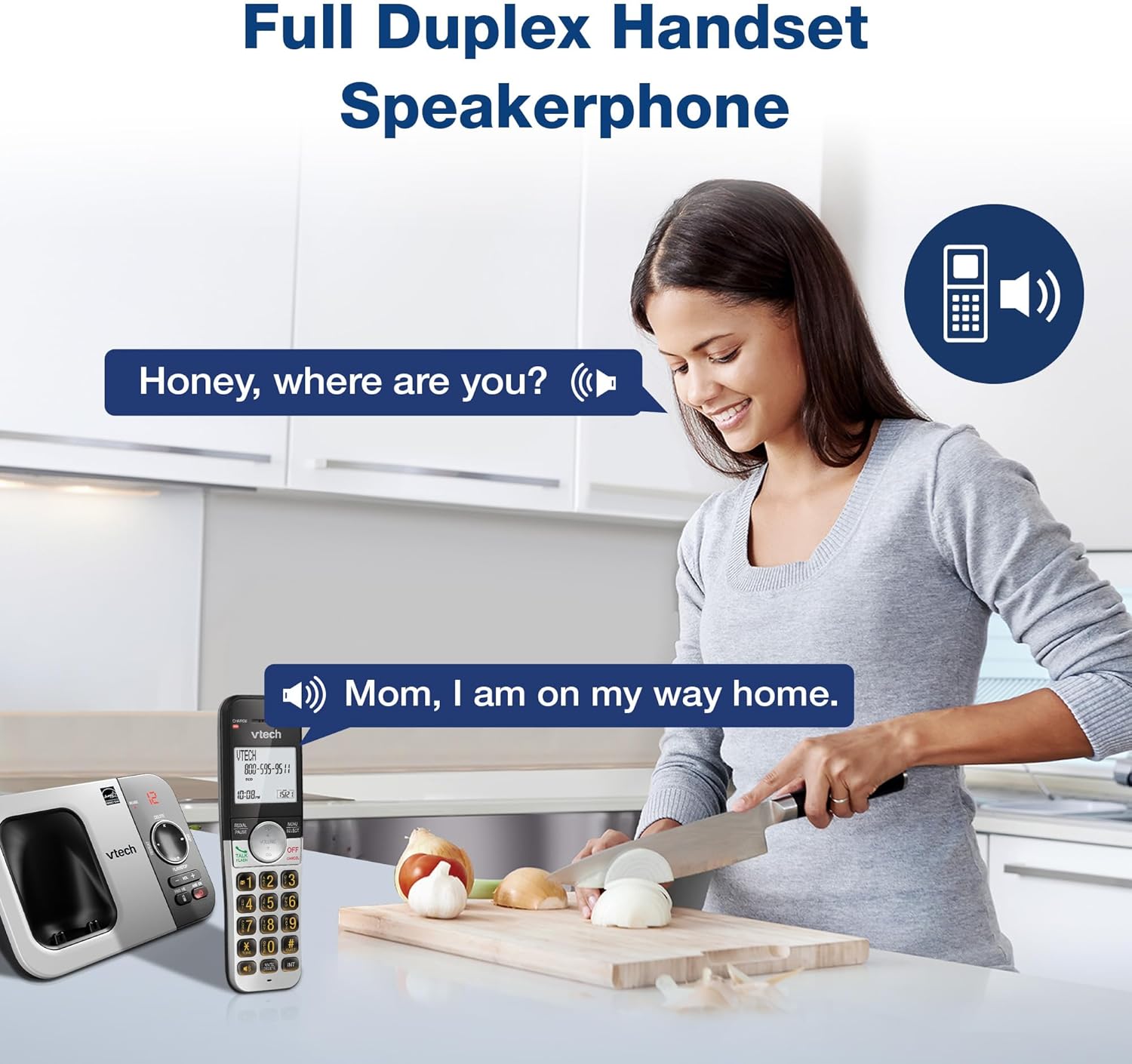
Описание изображения: A woman is shown in a kitchen, talking on the VTech cordless phone which is placed on the counter. A speech bubble indicates a conversation, highlighting the full-duplex speakerphone feature that allows hands-free communication.
3. Идентификатор вызывающего абонента и ожидание вызова
The handset displays the name, number, time, and date of incoming calls. The system stores up to 50 caller ID entries.

Описание изображения: The VTech cordless phone handset and base unit are displayed. The handset screen shows a list of phone numbers, demonstrating the Caller ID feature which stores up to 50 calls.
4. Цифровой автоответчик
The integrated digital answering system records messages for up to 14 minutes.

Описание изображения: A man in a suit points to the VTech phone base unit, which has a digital display showing '12' (likely message count). A graphic bubble indicates 'Record 14 Mins', highlighting the answering system's recording capacity.
Message Counter
The base unit features a message counter that displays the number of new or saved messages.

Описание изображения: A close-up of the VTech phone base unit's digital display, showing the number '12'. A text overlay explains that this displays the number of recorded messages.
Удаленный доступ
You can access your answering system messages remotely by calling your phone number from an external line and entering your remote access code.

Описание изображения: A woman is shown smiling while on a phone call, with arrows pointing between her and the VTech cordless phone. A speech bubble states 'You have 3 new messages...', illustrating the remote access feature for checking messages.
5. Телефонная книга
Сохраняйте до 50 имен и номеров в телефонной книге для быстрого набора.

Описание изображения: The VTech cordless phone handset is shown with a graphic illustrating a phonebook icon and the text '50 Name and Number Phonebook Contacts', indicating the capacity of the phone's contact list.
6. Last 10 Number Redial
Quickly redial any of the last 10 numbers called using the redial feature.

Описание изображения: A hand is shown pressing the 'REDIAL/PAUSE' button on the VTech cordless phone handset. A graphic icon depicts two arrows circling, symbolizing the redial function for the last 10 numbers.
7. Intercom Between Handsets
Use the intercom feature to communicate between two handsets within the system.

Описание изображения: Two VTech cordless phone handsets are displayed, with blue arrows pointing between them, symbolizing the intercom functionality that allows communication between handsets.
8. Тихий режим
Activate Quiet Mode to silence the ringer on the handset and base unit for a specified period.

Описание изображения: The VTech cordless phone handset is shown with the '# QUIET' button highlighted. The background shows a person sleeping, illustrating the benefit of the Quiet Mode feature.
9. ЭКО-режим
The phone utilizes ECO Mode power-conserving technology to optimize battery life and reduce power consumption.

Описание изображения: The VTech cordless phone handset and base unit are shown. A green leaf icon with a recycling symbol represents 'ECO Mode Power-Conserving Technology', indicating the phone's energy efficiency.
10. Backlit Keypad and Display
The entire keypad and the 2-inch LCD screen are backlit for easier viewработа в условиях низкой освещенности.
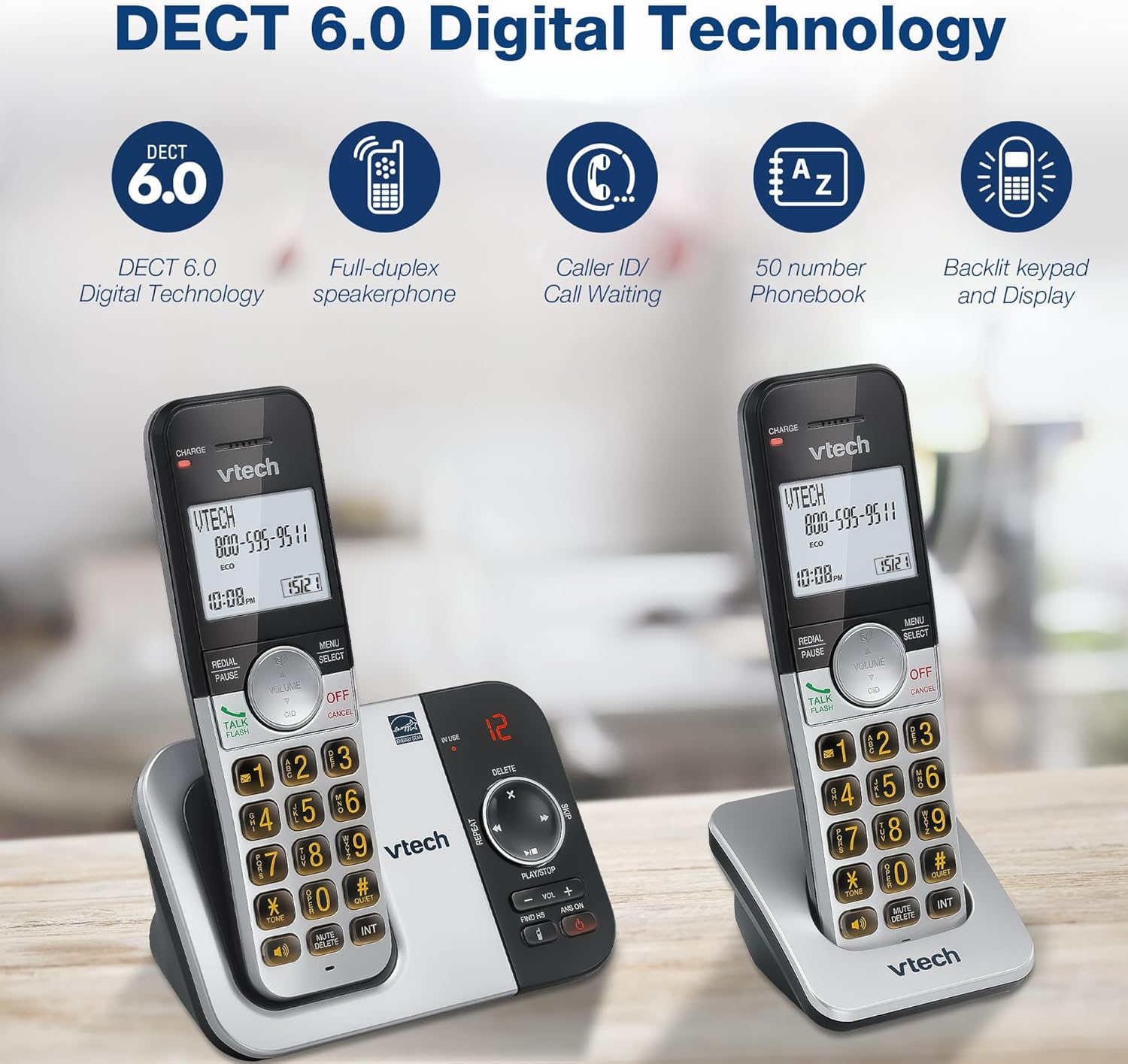
Описание изображения: A close-up of the VTech cordless phone handset's keypad, showing the illuminated buttons, highlighting the 'Lighted Keypad' feature for visibility in the dark.
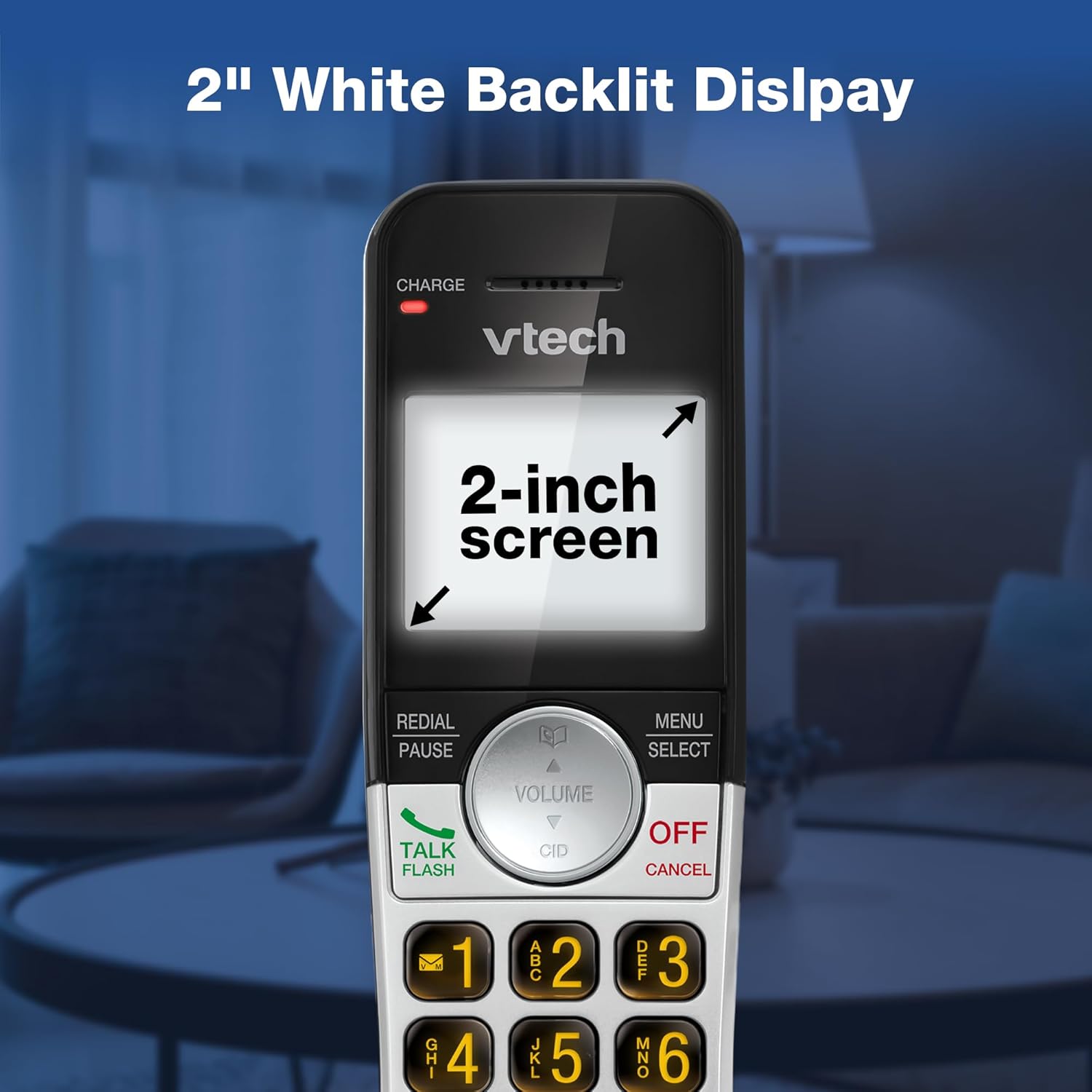
Описание изображения: A close-up of the VTech cordless phone handset's screen, which is illuminated with a white backlight. Text on the screen indicates '2-inch screen', emphasizing the display size and backlighting.
Обслуживание
To maintain your VTech VG232-2 phone, follow these guidelines:
- Уборка: Протрите телефон и базовый блок мягкой тряпкой.amp Ткань. Не используйте чистящие спреи или едкие химикаты.
- Уход батареи: Заменяйте аккумуляторы, если они перестают держать заряд. Используйте только аккумуляторы, одобренные VTech.
- Размещение: Избегайте размещения телефона под прямыми солнечными лучами, вблизи источников тепла или в местах с повышенной влажностью.
Поиск неисправностей
| Проблема | Решение |
|---|---|
| Нет гудка | Ensure the telephone line cord is securely connected to both the base unit and the wall jack. Check if the AC adapter is properly connected. |
| Телефон не заряжается | Ensure the handset is correctly seated in the charger. Clean the charging contacts on both the handset and charger with a dry cloth. Verify the charger is plugged into a working power outlet. |
| Плохое качество звука | Move the handset closer to the base unit. Avoid placing the phone near other electronic devices that may cause interference. Check for any obstructions between the handset and base. |
| Автоответчик не записывает | Убедитесь, что автоответчик включён. Проверьте, не заполнена ли память; при необходимости удалите старые сообщения. |
| Date/Time incorrect | Manually reset the date and time through the handset menu. Ensure the phone has a stable power connection. |
Технические характеристики
| Особенность | Деталь |
|---|---|
| Бренд | VTech |
| Номер модели | ВГ232-2 |
| Тип телефона | Беспроводной |
| Цвет | Серебристый/Черный |
| Материал | Пластик |
| Источник питания | Проводной электрический |
| Количество телефонов | 2 |
| Тип батареи | Product-specific (2 included) |
| Тип автоответчика | Цифровой |
| Емкость записи | 14 минут |
| Идентификатор вызывающего абонента | Yes (stores 50 calls) |
| Громкая связь | Полный дуплекс |
| Емкость телефонной книги | 50 Name and Number Contacts |
| Возможность конференц-связи | 3-х полосный |
| Время разговора по телефону | 7 часов |
| Время ожидания телефона | 5 дней |
| Размеры изделия (Д x Ш x В) | 14.1 х 8.5 х 18.4 см |
| СКП | 735078053824 |
| Включенные компоненты | 1 handset charger, 2 AC adapters, 2 cordless handsets, 2 batteries, Base unit |
Продукт болееview Видео
Описание видео: Это видео дает общее представлениеview of the VTech VG232-2 cordless phone, showcasing its features and design. It offers a visual guide to the product's main functionalities.
Информация о гарантии
VTech products are manufactured with high-quality components and are subject to rigorous testing. This product is covered by a limited warranty against defects in material and workmanship. For specific warranty terms and conditions, please refer to the warranty card included in your product packaging or visit the official VTech webсайт.
Поддерживать
If you require further assistance or have questions not covered in this manual, please visit the VTech support website or contact customer service. Contact details can typically be found on the VTech official webсайте или в упаковке продукта.