
1. Введение
The Hoco UA28 USB Bluetooth Adapter is designed to provide Bluetooth connectivity to your computer or laptop. This compact device allows you to connect various Bluetooth-enabled peripherals such as headphones, speakers, keyboards, mice, and gamepads wirelessly. It supports Bluetooth v5.1 and is backward compatible with older Bluetooth versions.
Key features include Plug and Play technology for easy installation, support for multiple simultaneous device connections, and automatic reconnection to previously paired devices.
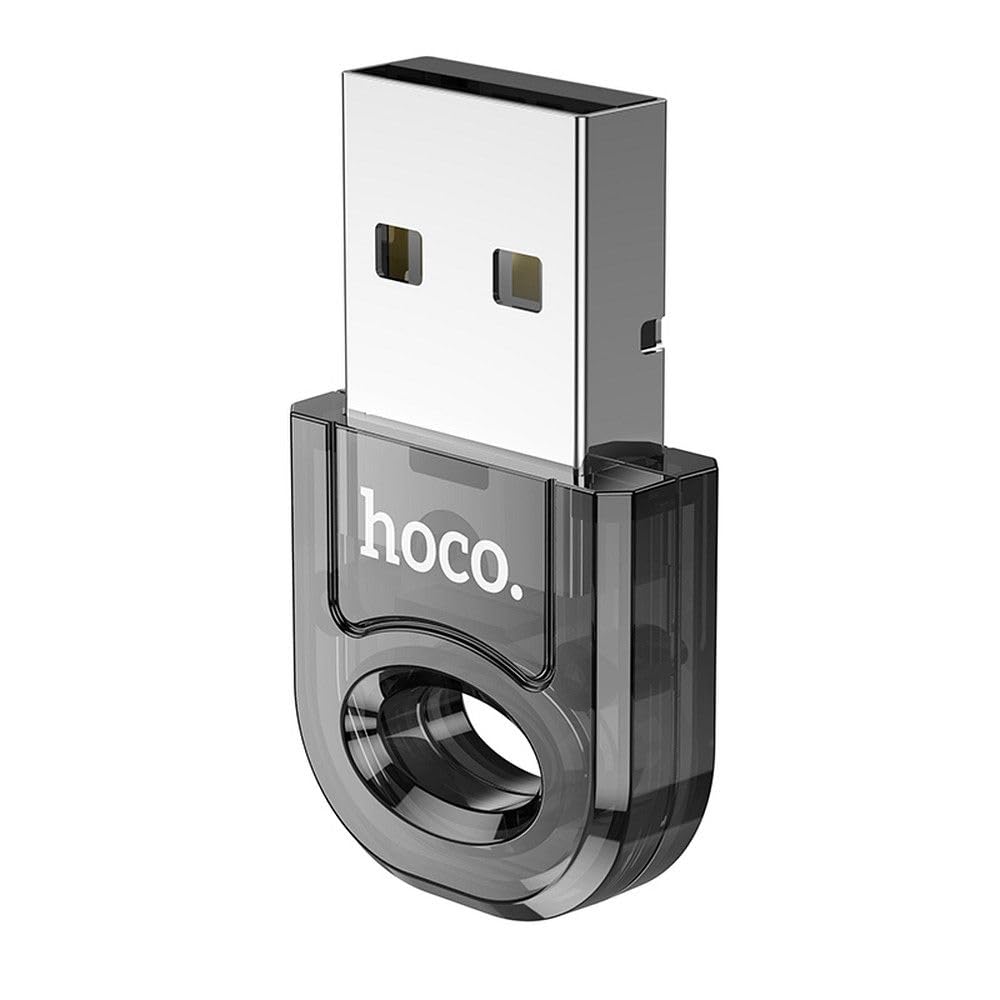
Image 1: The Hoco UA28 USB Bluetooth Adapter, a compact device for adding Bluetooth functionality to computers.
2. Настройка и установка
The Hoco UA28 USB Bluetooth Adapter is designed for straightforward installation using Plug and Play technology. Follow these steps to set up your adapter:
- Вставьте адаптер: Plug the Hoco UA28 USB Bluetooth Adapter into an available USB-A port on your desktop computer or laptop.
- Автоматическое распознавание: For most modern operating systems (Windows 8 and above, macOS, Linux), the system will automatically detect and install the necessary drivers. No manual driver installation is typically required.
- Установка драйверов для Windows 7: If you are using Windows 7, driver installation may be necessary. Please refer to the troubleshooting section or the product packaging for driver download instructions. You can also visit the official Hoco webсайт для поддержки.

Image 2: The Hoco UA28 USB Bluetooth Adapter plugged into a laptop's USB port, ready for use.
3. Инструкция по эксплуатации
Once the Hoco UA28 adapter is installed, you can begin connecting your Bluetooth devices:
- Включить Bluetooth: Ensure Bluetooth is enabled on your computer. This is usually found in your operating system's settings or control panel.
- Режим сопряжения: Put your Bluetooth device (e.g., headphones, speaker, mouse) into pairing mode. Refer to your device's manual for specific instructions on how to do this.
- Искать Устройства: On your computer, search for new Bluetooth devices. The Hoco UA28 adapter will facilitate this search.
- Выберите и подключитесь: Select your device from the list of available Bluetooth devices and follow any on-screen prompts to complete the pairing process.
- Поддержка нескольких устройств: The adapter can connect to multiple Bluetooth devices simultaneously.
- Автоматическое переподключение: The adapter remembers previously connected devices and will automatically attempt to reconnect to them when they are within range and Bluetooth is enabled.
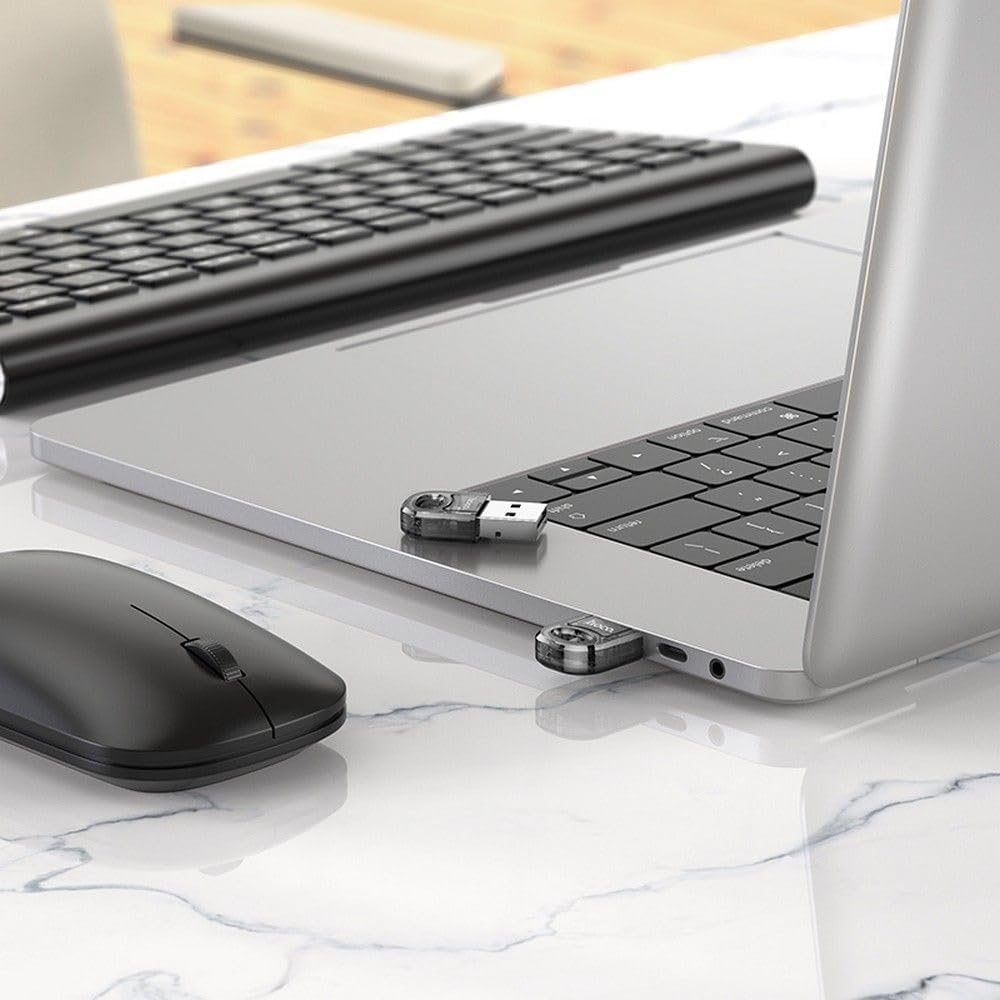
Image 3: The Hoco UA28 USB Bluetooth Adapter enabling wireless connectivity for a mouse and keyboard with a laptop.
4. Технические характеристики
Below are the technical specifications for the Hoco UA28 USB Bluetooth Adapter:
| Особенность | Деталь |
|---|---|
| Бренд | Хоко |
| Номер модели | UA28 |
| Интерфейс | USB-A |
| Версия Bluetooth | v5.1 (backward compatible) |
| Диапазон | 10-20 метров |
| Материал | Синтетический материал |
| Совместимые устройства | Настольный компьютер, ноутбук |
| Скорость передачи данных | 3 Мбит/с |
| Количество предметов | 1 |
| Номер детали | 6942007618335 |
| ASIN | B0CYYF2LBH |
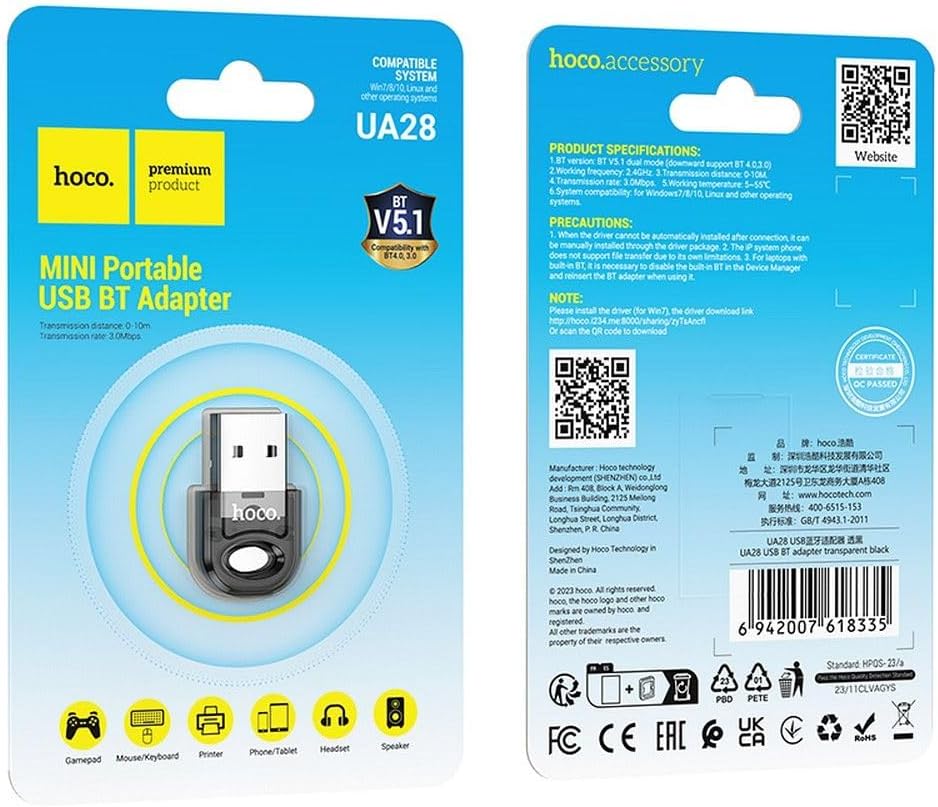
Image 4: Product packaging displaying detailed specifications and compatibility information for the Hoco UA28 adapter.
5. Поиск Неисправностей
If you encounter issues with your Hoco UA28 USB Bluetooth Adapter, consider the following troubleshooting steps:
- No Bluetooth Devices Found:
- Убедитесь, что адаптер надежно вставлен в USB-порт.
- Verify that Bluetooth is enabled in your computer's settings.
- Make sure the device you are trying to connect is in pairing mode and within the 10-20 meter range.
- Проблемы с драйверами (Windows 7):
- For Windows 7, manual driver installation is required. You can download the driver from the official Hoco webсайт или воспользуйтесь предоставленной ссылкой: http://hoco.i234.me:8000/sharing/zyTsAncfl. Alternatively, scan the QR code found on the product packaging.
- Interference with Built-in Bluetooth (Laptops):
- If your laptop has a built-in Bluetooth 4.0 module, it is recommended to disable the built-in Bluetooth in your computer's Device Manager before using the Hoco UA28 adapter. Reinsert the UA28 adapter after disabling the internal Bluetooth.
- File Transfer Limitations:
- Note that IP system phones may not support file transfer via Bluetooth due to their inherent limitations. This is not a defect of the Hoco UA28 adapter.
6. Техническое обслуживание
To ensure the longevity and optimal performance of your Hoco UA28 USB Bluetooth Adapter, follow these simple maintenance guidelines:
- Содержать в чистоте: Регулярно протирайте адаптер мягкой сухой тканью, чтобы удалить пыль и грязь. Избегайте использования жидких чистящих средств.
- Хранить правильно: Когда адаптер не используется, храните его в прохладном, сухом месте, вдали от прямых солнечных лучей и экстремальных температур.
- Обращаться с осторожностью: Avoid dropping the adapter or subjecting it to strong impacts, which could damage internal components.
- Избегайте попадания влаги: Не подвергайте адаптер воздействию воды или высокой влажности.
7. Гарантия и поддержка
The Hoco UA28 USB Bluetooth Adapter comes with a Hoco Standard Warranty. For detailed information regarding warranty terms and conditions, please refer to the warranty card included with your product or visit the official Hoco webсайт.
For further assistance, technical support, or to access additional resources, please visit the official Hoco webсайт: