
1. Введение
The BOXPUT Remoter ATV3 Mini is a Bluetooth voice remote control designed for enhanced navigation and interaction with compatible TV boxes. It features Bluetooth connectivity for strong signal transmission without direct line-of-sight, integrated voice control for convenient command input, and dedicated shortcut buttons for popular streaming services.

Figure 1: The BOXPUT Remoter ATV3 Mini remote control.
2.Основные характеристики
- Bluetooth-подключение: Utilizes Bluetooth for a stable and responsive connection, eliminating the need to point the remote directly at the device.
- Голосовое управление: Supports voice input for searching, navigating, and controlling your TV box with ease.
- Dedicated Shortcut Buttons: Quick access buttons for Netflix and YouTube for immediate streaming.
- Широкая совместимость: Primarily designed for iATV Q5 and Q5 Plus TV Boxes, with potential compatibility for Xiaomi devices via firmware flashing.
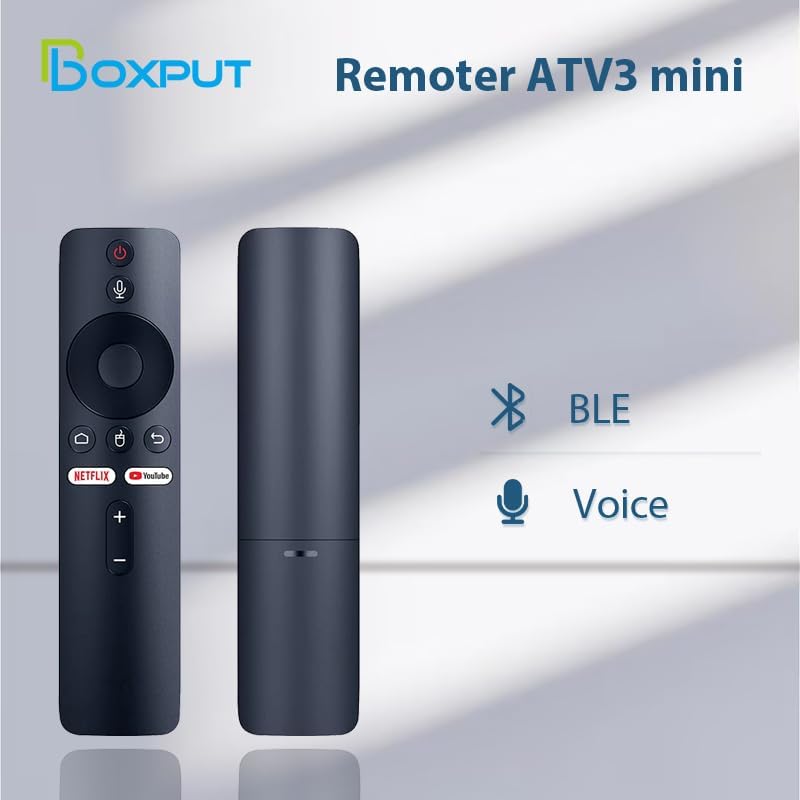
Figure 2: Bluetooth and Voice Control capabilities of the remote.
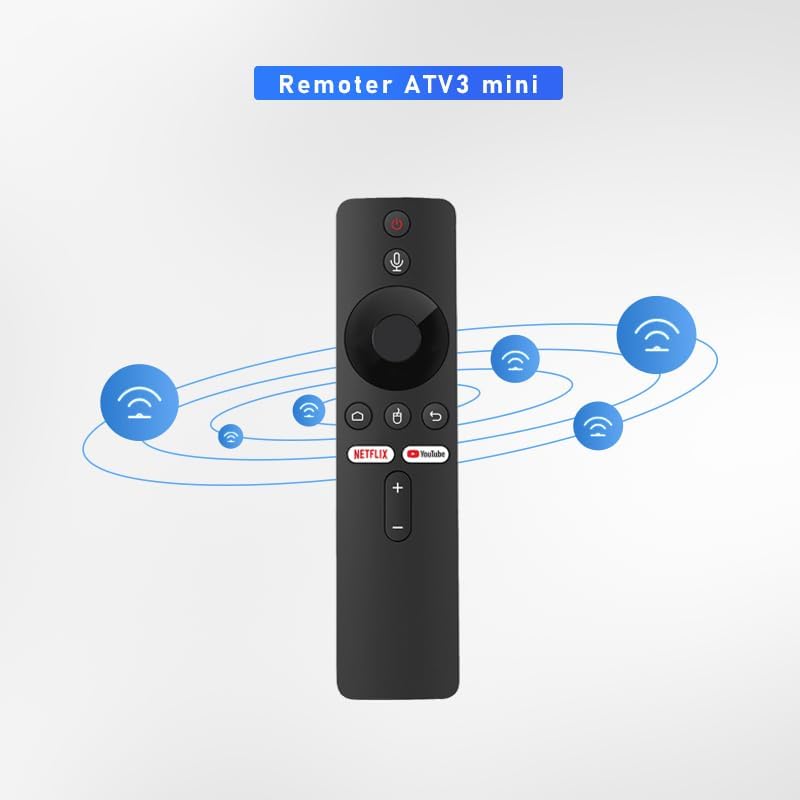
Figure 3: Illustration of the remote's Bluetooth signal range.

Figure 4: Software shortcut buttons for quick access to applications.
3 Расположение и функции кнопок
Familiarize yourself with the buttons on your BOXPUT Remoter ATV3 Mini for optimal use.
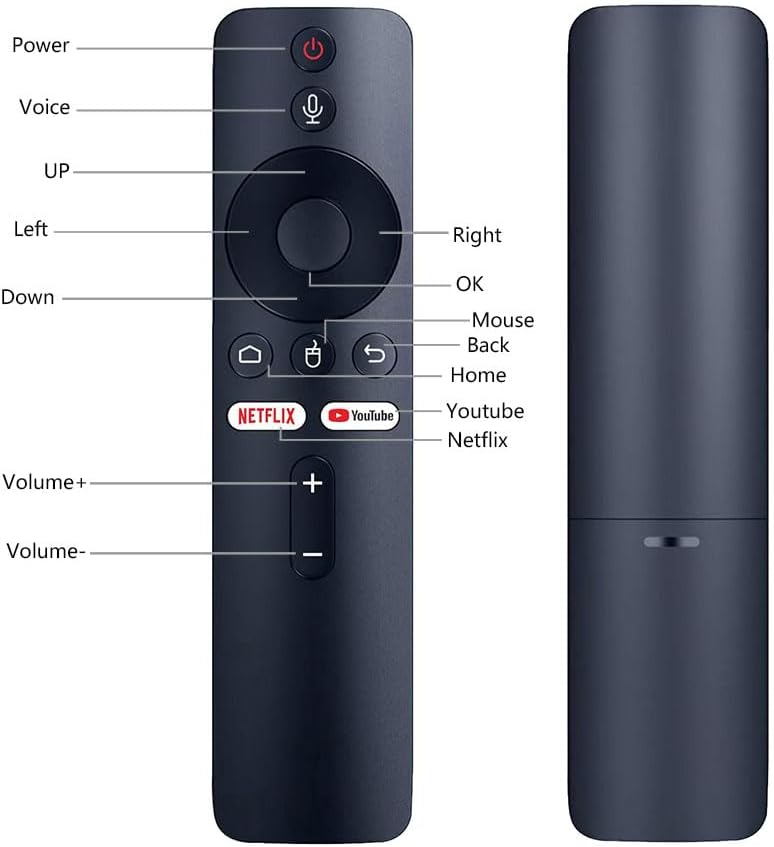
Рисунок 5: Вид спереди и сбоку view of the remote with labeled buttons.
| Кнопка | Функция |
|---|---|
| Власть | Включает или выключает подключенное устройство. |
| Голос | Активирует голосовое управление для команд и поиска. |
| Навигационная панель (Вверх, Вниз, Влево, Вправо) | Навигация по меню и содержимому. |
| OK | Подтверждает выбор. |
| Мышь | Activates mouse pointer mode (if supported by device). |
| Назад | Возврат к предыдущему экрану или меню. |
| Дом | Возврат на главный домашний экран. |
| Нетфликс | Запускает приложение Netflix напрямую. |
| Ютуб | Launches the YouTube application directly. |
| Объем + | Увеличивает громкость. |
| Объем - | Уменьшает громкость. |
4. Настройка
4.1 Установка аккумулятора
- Найдите батарейный отсек на задней стороне пульта дистанционного управления.
- Откройте крышку батарейного отсека.
- Вставьте две батарейки типа ААА (не входят в комплект), соблюдая правильную полярность (+/-).
- Плотно закройте крышку батарейного отсека.
4.2 Сопряжение пульта дистанционного управления
The ATV3 Mini uses Bluetooth for connection. Follow these general steps to pair it with your compatible TV box:
- Ensure your TV box is powered on and within range of the remote.
- Navigate to the Bluetooth settings menu on your TV box. (Specific steps may vary by device model).
- На пульте дистанционного управления нажмите и удерживайте кнопку OK кнопка и Назад button simultaneously for a few seconds until an indicator light on the remote begins to flash, signaling it is in pairing mode.
- On your TV box, search for new Bluetooth devices. The remote should appear as "ATV3 Mini" or a similar name.
- Select the remote control from the list on your TV box to complete the pairing process. The indicator light on the remote should stop flashing and remain solid or turn off, indicating a successful connection.
Note for Xiaomi Devices: For Xiaomi devices, manual connection and use may require flashing specific Xiaomi firmware. Please refer to Xiaomi's official support or community forums for detailed instructions on this advanced procedure.
5. Инструкция по эксплуатации
5.1 Базовая навигация
- Используйте Панель навигации (Up, Down, Left, Right) to move through menus and select items on your screen.
- Нажмите OK button to confirm a selection or open an application.
- Нажмите Назад кнопку для возврата к предыдущему экрану.
- Нажмите Дом button to quickly return to the main home screen of your TV box.
5.2 Использование голосового управления
- Нажмите и удерживайте Голос кнопка (значок микрофона).
- Говорите четко в микрофон, расположенный на пульте дистанционного управления.
- Выпустите Голос button when you have finished speaking. Your command or search query will be processed by the TV box.
5.3 Using Shortcut Buttons
- Нажмите Нетфликс кнопка для прямого запуска приложения Netflix.
- Нажмите Ютуб button to launch the YouTube application directly.

Figure 6: The remote is designed for simple and intuitive operation.
6. Техническое обслуживание
- Уборка: Протирайте пульт ДУ мягкой сухой тканью. Не используйте жидкие чистящие средства или абразивные материалы.
- Замена батареи: Replace batteries when the remote's performance degrades or it becomes unresponsive. Always use new AAA batteries and dispose of old batteries responsibly.
- Хранилище: Храните пульт дистанционного управления в прохладном, сухом месте, вдали от прямых солнечных лучей и экстремальных температур.
7. Поиск Неисправностей
- Пульт не отвечает:
- Проверьте правильность установки батареек и их достаточный заряд. При необходимости замените.
- Ensure the remote is paired with your TV box. If not, follow the pairing instructions in Section 4.2.
- Verify that there are no obstructions between the remote and the TV box, although Bluetooth reduces this concern.
- Голосовое управление не работает:
- Убедитесь, что пульт дистанционного управления правильно подключен по Bluetooth.
- Check the TV box's settings to ensure voice input is enabled and configured correctly.
- Speak clearly and hold the voice button while speaking.
- Shortcut buttons not launching apps:
- Ensure the respective applications (Netflix, YouTube) are installed and updated on your TV box.
- Verify the remote is correctly paired.
8. Технические характеристики
| Особенность | Деталь |
|---|---|
| Размеры продукта | 6.05 x 1.48 x 0.59 дюйма |
| Вес товара | 1.44 унции |
| Специальная характеристика | Голосовой поиск |
| Максимальное количество поддерживаемых устройств | 5 |
| Совместимые устройства | Home Theater, Set Top Box, Television |
| Связность | Bluetooth (БТ) |
| Источник питания | Батареи 2 x AAA (не входят в комплект) |
9. Поддержка и гарантия
BOXPUT is committed to providing excellent customer support. If you encounter any operational or usage issues that cannot be resolved using this manual, please contact BOXPUT Official Support.
When contacting support, please be prepared to provide details about your product and, if applicable, your device's MAC address for TV box-related issues. Our technical team aims to assist you within 24 hours to help resolve any problems.
For the latest support information and contact details, please visit the official BOXPUT webсайт или обратитесь к упаковке продукта.