
1. Введение
The E-YOOSO K-662 is a full-size 104-key wired mechanical gaming keyboard designed for PC users. It features OUTEMU Blue switches, customizable rainbow backlighting, RGB sidelights, and an integrated wrist rest for enhanced comfort and performance. This manual provides essential information for setting up, operating, and maintaining your keyboard.
Содержимое упаковки:
- E-YOOSO K-662 Mechanical Keyboard
- Встроенная подставка для запястья
2.Основные характеристики
- Full Keys Anti-ghosting & 12 Multimedia Keys: Ensures all key presses are registered accurately, even during rapid, simultaneous inputs. Dedicated multimedia functions enhance control.
- OUTEMU Clicky Blue Switch: Guarantees 50 million keypresses with a 2.8 mm keystroke distance and 65g actuation force, providing a quick, springy response and a distinct click sound.
- Double Injection Keycaps & Wide Palm Rest: Durable double injection-molded keycaps offer clear, uniform backlighting. The wide palm rest provides ergonomic support for comfortable use.
- Rainbow Backlit & RGB Sidelight: Features 10 adjustable rainbow backlight modes and 5 RGB sidelight modes, with customizable brightness and speed settings.
- Широкая совместимость: Compatible with Windows 2000/XP/Vista/7/8/10/11 and Mac OS (note: some multimedia functions may not be available on Mac OS). Works with Desktops, Chromebooks, PCs, Laptops, and more.
3. Настройка
To set up your E-YOOSO K-662 keyboard:
- Распакуйте клавиатуру из упаковки.
- Подключите USB-кабель клавиатуры к свободному USB-порту вашего компьютера.
- Клавиатура работает по принципу Plug-and-Play и не требует дополнительных драйверов для базовой функциональности. Ваша операционная система должна автоматически обнаружить и установить необходимые драйверы.
4. Инструкция по эксплуатации
4.1 Мультимедийные функции
Для доступа к элементам управления мультимедиа удерживайте клавишу Fn клавиша и нажатие соответствующей F1-F12 функциональные клавиши:
- Fn + F1-F12: Various multimedia shortcuts (e.g., media player, volume control, web браузер).

Image: E-YOOSO K-662 keyboard layout highlighting multimedia functions (Fn + F1-F12).
4.2 Режимы подсветки и их настройка
The keyboard features various backlight effects and customization options:
- Фн + Инс: Cycle through 10 different rainbow backlight operation modes.
- Fn + 9 / Fn + 0: Activate custom backlight modes.
- Fn + Up Arrow / Fn + Down Arrow: Отрегулируйте яркость подсветки.
- Fn + Left Arrow / Fn + Right Arrow: Отрегулируйте скорость подсветки.

Image: Instructions for customizing backlight modes and Win Lock function.
4.3 RGB Sidelight
The keyboard includes RGB sidelights with multiple effects:
- Fn + Пауза: Cycle through 5 RGB sidelight modes.
- Fn + Minus (-) / Fn + Plus (=): Adjust sidelight color and speed.

Image: E-YOOSO K-662 keyboard with active RGB streamer sidelights.
4.4 Win Key Lock
To prevent accidental interruptions during gaming or other activities:
- Fn + Win: Lock the Windows key. Press again to unlock.
4.5 Анти-гостинг
The E-YOOSO K-662 features 104-key anti-ghosting. This ensures that every key press is registered accurately, even when multiple keys are pressed simultaneously, which is crucial for fast-paced gaming.
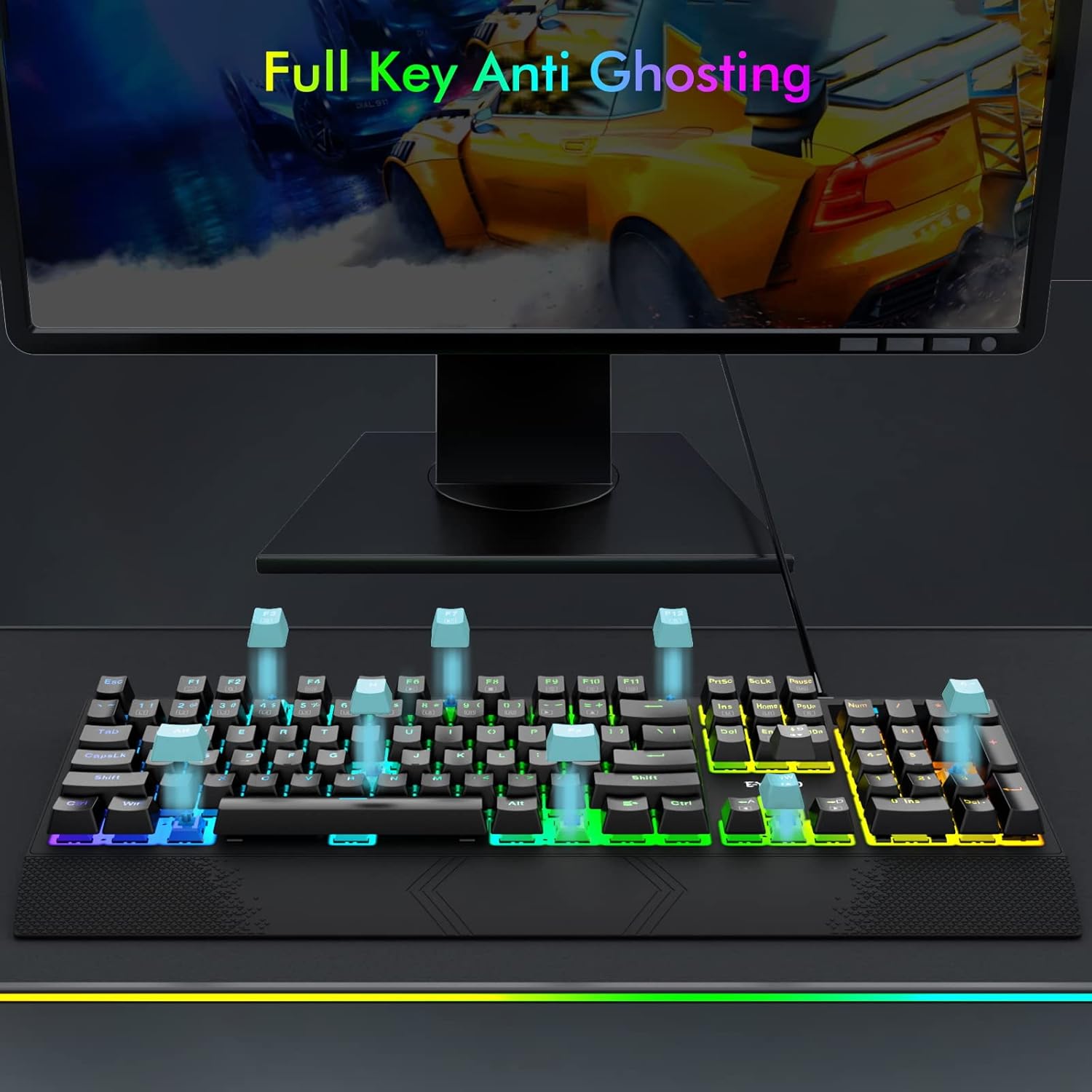
Image: Visual representation of full key anti-ghosting on the E-YOOSO K-662 keyboard.
5. Техническое обслуживание
Proper maintenance helps prolong the life and performance of your keyboard:
- Уборка: Disconnect the keyboard from your computer before cleaning. Use a soft, dry cloth to wipe the surface. For removing debris between keycaps, use compressed air. Avoid using harsh chemicals, solvents, or abrasive materials.
- Хранилище: Храните клавиатуру в прохладном, сухом месте, вдали от прямых солнечных лучей и экстремальных температур.
- Умение обращаться: Избегайте падения клавиатуры и попадания на нее жидкостей. Не пытайтесь разбирать клавиатуру, так как это может привести к аннулированию гарантии.

Image: Double-shot ABS keycaps, designed for durability and clear backlighting.
6. Поиск Неисправностей
If you encounter issues with your E-YOOSO K-662 keyboard, refer to the following troubleshooting steps:
- Клавиатура не отвечает:
- Убедитесь, что USB-кабель надежно подключен к клавиатуре и компьютеру.
- Попробуйте подключить клавиатуру к другому USB-порту вашего компьютера.
- Перезагрузите компьютер.
- Подсветка не работает или работает неправильно:
- Check backlight mode settings using Фн + Инс для переключения между режимами.
- Отрегулируйте яркость с помощью Fn + Up Arrow / Fn + Down Arrow.
- If specific keys are not lighting up, ensure custom modes are not active unintentionally.
- Multimedia keys not working on Mac OS:
- Some multimedia functions may have limited or no compatibility with Mac OS due to operating system differences.
- Keys failing to register intermittently:
- Убедитесь, что клавиатура чистая и в ней нет мусора, который может засорить переключатели клавиш.
- If the issue persists after cleaning, contact customer support for further assistance.
7. Технические характеристики
| Особенность | Спецификация |
|---|---|
| Номер модели | К-662 |
| Производитель | Э-ЮСО |
| Технология связи | USB (проводной) |
| Описание клавиатуры | Игры, механика |
| Тип переключателя | OUTEMU Blue Switches |
| Количество ключей | 104 клавиши (полный размер) |
| Подсветка | Rainbow Backlit, RGB Sidelight |
| Особые возможности | Backlit, Ergonomic, Wrist Rest, Anti-ghosting |
| Совместимые устройства | Gaming Console, PC, Laptop, Chromebook |
| Совместимость с операционными системами | Windows 2000/XP/Vista/7/8/10/11, Mac OS |
| Материал | Пластик |
| Вес товара | 2.84 фунта (приблизительно 1.29 кг) |
| Размеры упаковки | 17.75 x 8 x 1.75 дюйма (прибл. 45.09 x 20.32 x 4.45 см) |

Изображение: подробное view of an OUTEMU Blue mechanical switch.
8. Гарантия и поддержка
The E-YOOSO K-662 Mechanical Keyboard typically comes with a 1-year limited warranty from the date of purchase. This warranty covers manufacturing defects under normal use.
For warranty claims, technical support, or any product-related inquiries, please refer to the contact information provided with your product packaging or visit the official E-YOOSO webсайт для получения самых актуальных ресурсов поддержки.