
1. Введение
The PETKIT Smart Spray Odor Remover K3 is designed to effectively neutralize odors in areas such as cat litter boxes. This device features smart app control via Bluetooth, allowing for scheduled odor removal and a smart lighting system. It is compatible with PETKIT PuraMax and PuraMax 2 automatic self-cleaning cat litter boxes, and can also be used in various other scenarios.
2. Инструкции по технике безопасности
- Прочтите все инструкции перед использованием устройства.
- Держите устройство вдали от воды и чрезмерной влажности.
- Не разбирайте и не пытайтесь починить устройство самостоятельно. Обратитесь в службу поддержки клиентов за помощью.
- Use only PETKIT-approved refills for optimal performance and to prevent damage.
- Keep out of reach of children and pets to prevent accidental ingestion or misuse.
- Ensure proper ventilation when using the device in enclosed spaces.
3. Содержимое упаковки
Пожалуйста, проверьте комплектацию, чтобы убедиться в наличии всех предметов:
- PETKIT Smart Spray Odor Remover K3 Unit
- Odor Remover Refill Cartridge (pre-installed or separate)
- Mark-free Glues for installation
- Руководство пользователя (этот документ)
4. Продукт закончилсяview
The PETKIT Smart Spray Odor Remover K3 is a compact device designed to enhance air quality by neutralizing pet odors. Its key features include:
- Управление через смарт-приложение: Connects via Bluetooth to the PETKIT app for remote control and scheduling.
- Интеллектуальная система освещения: An integrated light can be controlled via the app, useful for checking the litter box in low-light conditions.
- Съемный дизайн: Allows for easy installation and maintenance.
- Wide Area Deodorization: Designed to distribute odor-neutralizing spray effectively over a large area.

Figure 1: PETKIT Smart Spray Odor Remover K3. This image shows the front view of the white, rectangular device with the PETKIT logo and spray nozzle visible at the top.

Figure 2: Illustration of the device's wide spray coverage. Blue lines emanate from the device, indicating the deodorizing spray reaching a broad area.
5. Инструкции по настройке
5.1 Установка
- Выберите местоположение: The device can be installed inside compatible PETKIT litter boxes (PuraMax, PuraMax 2) or mounted on a wall near a pet area using the provided mark-free glues. Ensure the spray nozzle is unobstructed.
- Подготовьте поверхность: If mounting on a wall, clean and dry the surface thoroughly.
- Attach Glues: Apply the mark-free glues to the back of the Smart Spray Odor Remover.
- Монтировать устройство: Press the device firmly onto the chosen surface for several seconds.

Figure 3: Multiple installation scenarios. The image displays the device mounted on a wall above a litter box, a pet bed, and a pet tent, demonstrating its versatility.
5.2 Подключение приложения (Bluetooth)
- Скачайте приложение PETKIT: Download and install the official PETKIT app from your smartphone's app store.
- Зарегистрироваться: Зарегистрируйтесь или войдите в свою учетную запись PETKIT.
- Добавить устройство: In the app, select "Add Device" and follow the on-screen instructions to connect to your Smart Spray Odor Remover K3 via Bluetooth. Ensure your phone's Bluetooth is enabled and the device is within range.

Figure 4: Smartphone screen displaying the PETKIT app interface for controlling the Smart Spray. Options for scheduling and device status are visible.
6. Инструкция по эксплуатации
6.1 Удаление запахов
- Автоматический режим: If integrated with a compatible PETKIT litter box, the odor remover can be set to spray automatically after the litter box completes a self-cleaning cycle.
- Запланированный режим: Use the PETKIT app to set specific times for the device to spray. This allows for customized odor control throughout the day.
- Ручное распыление: The app may offer an option for an on-demand spray.
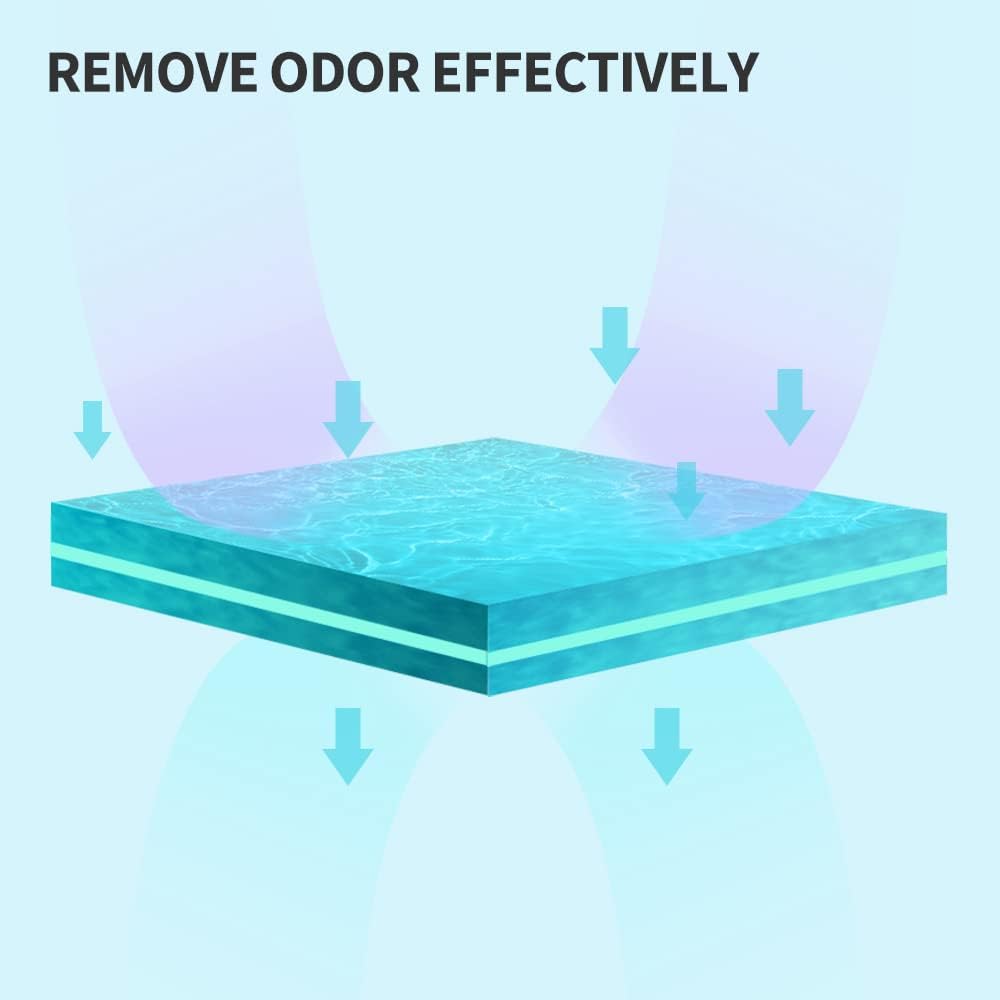
Figure 5: Graphic illustrating the process of odor removal. Arrows indicate the deodorizing agent neutralizing odors from a surface.
6.2 Smart Lighting System
- The integrated light can be turned on or off directly through the PETKIT app. This feature is useful for checking the litter box or pet area in dark environments without disturbing pets with bright room lights.

Figure 6: The Smart Spray device with its bottom-mounted light illuminated, casting a glow on the surface below.
7. Техническое обслуживание
7.1 Refilling the Odor Remover
- When the odor remover liquid is low, the PETKIT app will typically notify you.
- To replace, gently detach the main unit from its mounting.
- Locate the refill compartment, remove the empty cartridge, and insert a new PETKIT Air Purifying Refill.
- Ensure the new cartridge is securely in place before reattaching the unit.

Figure 7: Image showing several PETKIT Air Purifying Refill bottles, indicating the product's consumable nature.
7.2 Очистка
- Регулярно протирайте внешнюю поверхность устройства мягкой тряпкой.amp ткань.
- Ensure no liquid enters the electronic components. If the device is exposed to liquids, especially pet urine, it can cause corrosion and malfunction.
- Periodically check the spray nozzle for any blockages and gently clean if necessary.
8. Поиск Неисправностей
| Проблема | Возможная причина | Решение |
|---|---|---|
| Устройство не распыляет. |
|
|
| Cannot connect to app / Device disconnects frequently. |
|
|
| Device fell off mounting / Adhesive failed. |
|
|
| Odor not effectively removed. |
|
|
9. Технические характеристики
| Особенность | Деталь |
|---|---|
| Бренд | ПЕТКИТ |
| Номер модели | K3 |
| Размеры продукта | 1.5"Г x 2.3"Ш x 5.5"В (3.8 см Г x 5.8 см Ш x 14 см В) |
| Вес товара | 1 фунт (приблизительно 0.45 кг) |
| Тип контроллера | App Control, Bluetooth Control |
| Специальная характеристика | Управление приложениями |
| Стиль | Съемный |
| Целевая аудитория | Домашние кошки |
| Первая доступная дата | 24 марта 2022 г. |

Figure 8: Compatibility chart showing which PETKIT accessories, including the Smart Spray, are compatible with various PETKIT litter box models.
10. Гарантия и поддержка
10.1 Информация о гарантии
Specific warranty details for the PETKIT Smart Spray Odor Remover K3 may vary by region and retailer. Please refer to the warranty card included with your product or visit the official PETKIT webсайт для получения самой актуальной информации о гарантии.
10.2 Поддержка клиентов
For technical assistance, troubleshooting, or general inquiries, please contact PETKIT customer support:
- Электронная почта: support@petkit.com
- Phone (US Local After-Sales): (888) 851-2770 (9:00 am-12:00 pm & 1:00 pm-6:00 pm CST Mon.-Fri.)