
1. Введение
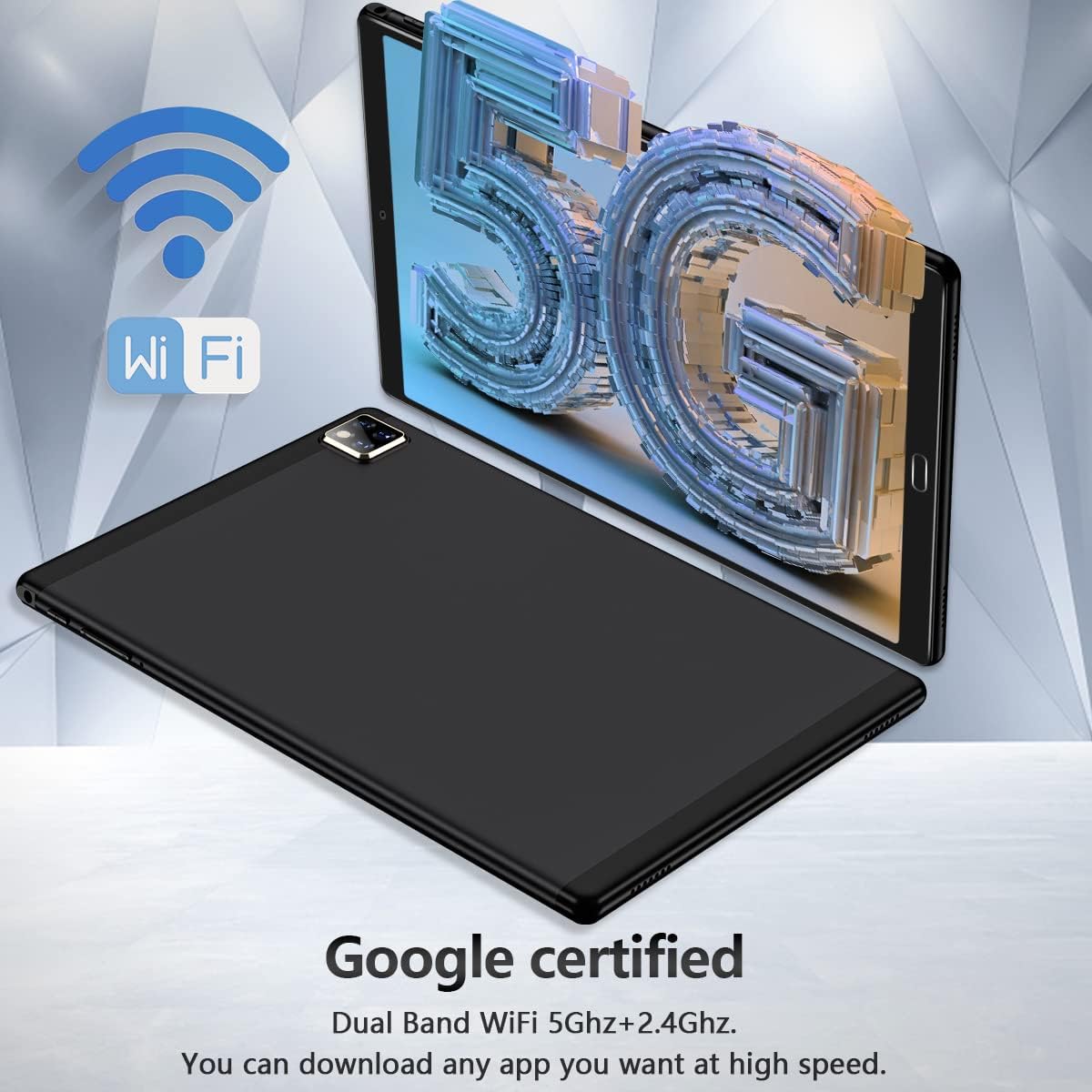
Thank you for choosing the ZONKO 10-inch Android 11.0 Tablet. This device is designed for versatile use, offering a powerful computing experience with its Android 11 operating system, dual-band Wi-Fi connectivity, and ample storage. This manual will guide you through the setup, operation, and maintenance of your new tablet and its accompanying accessories.

2. Что в коробке
Пожалуйста, проверьте содержимое посылки, чтобы убедиться в наличии всех предметов:
- ZONKO 10-inch Android Tablet
- Беспроводная клавиатура
- Беспроводная мышь
- Чехол для планшета
- Стилус
- Зарядный кабель USB-C
- Адаптер питания

3. Продукт закончилсяview
Familiarize yourself with the tablet's physical components and specifications.
Основные характеристики:
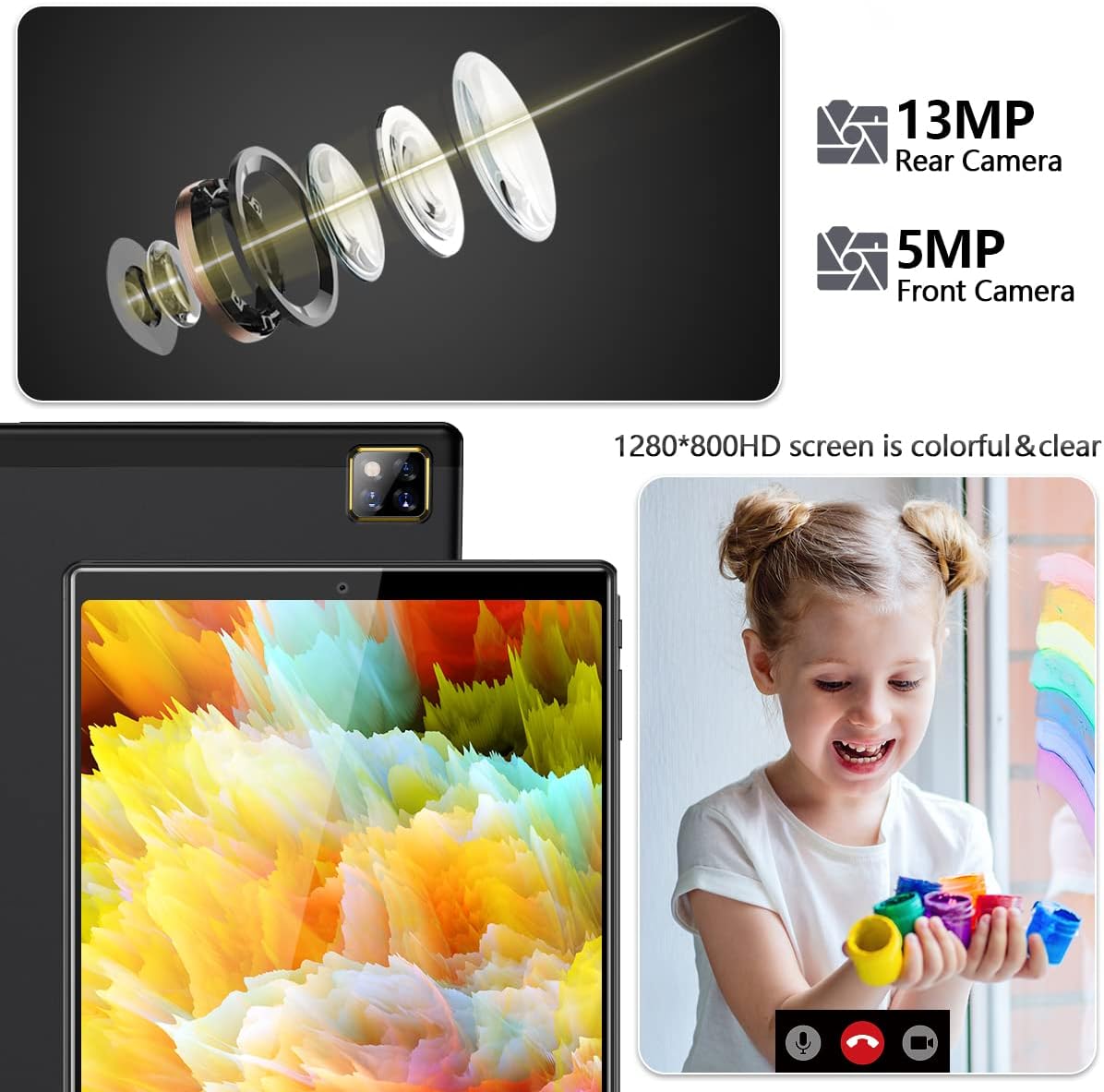
- Отображать: 10.1-inch IPS FHD Screen (1280x800 resolution)
- Операционная система: Android 11.0 (сертифицировано Google)
- Процессор: 1.6 ГГц четырехъядерный
- Память (ОЗУ): 4 ГБ
- Внутреннее хранилище (ПЗУ): 64GB (Expandable up to 128GB via Micro SD Card)
- Аккумулятор: 6000мАч
- Связь: Dual-band Wi-Fi (2.4GHz + 5GHz), Bluetooth 5.0
- Камеры: 5МП спереди, 13МП сзади

4. Настройка
4.1 Первоначальная зарядка
Before first use, fully charge your tablet. Connect the USB-C cable to the tablet's charging port and the power adapter to a wall outlet. The battery indicator will show charging status.

4.2 Включение/выключение питания
- Для включения: Press and hold the Power button until the ZONKO logo appears.
- Чтобы выключить: Нажмите и удерживайте кнопку питания, пока не появится меню, затем выберите «Выключить».
4.3 Подключение к Wi-Fi
Your tablet supports both 2.4GHz and 5GHz Wi-Fi networks for optimal connectivity.
- Перейти к Настройки > Сеть и интернет > Интернет.
- Включите Wi-Fi.
- Выберите нужную сеть Wi-Fi из списка.
- Введите пароль, если потребуется, затем нажмите Соединять.
4.4 Установка карты Micro SD
To expand storage, insert a Micro SD card (up to 128GB, not included) into the designated slot on the tablet. Ensure the tablet is powered off before inserting or removing the card.

4.5 Pairing Bluetooth Accessories (Keyboard & Mouse)
The included wireless keyboard and mouse connect via Bluetooth.
- Ensure the keyboard/mouse is charged and in pairing mode (refer to their individual manuals if needed).
- На планшете перейдите в Настройки > Подключенные устройства > Подключите новое устройство.
- Select the keyboard/mouse from the list of available devices.
- Следуйте инструкциям на экране, чтобы завершить сопряжение.
5. Эксплуатация планшета
5.1 Android 11 OS Basics
The tablet runs on Android 11, offering an intuitive user interface. Swipe down from the top for quick settings and notifications. Navigate using gestures or the traditional navigation bar.
5.2 Using the Google Play Store
As a Google Certified tablet, you have full access to the Google Play Store. Tap the "Play Store" icon on your home screen to browse and download millions of apps, games, movies, and books.
Функциональность камеры 5.3°
The tablet features a 5MP front camera and a 13MP rear camera for photos and video calls.
- Откройте Камера приложение.
- Переключайтесь между передней и задней камерами с помощью значка переключения камер.
- Нажмите кнопку спуска затвора, чтобы сделать снимок или записать видео.
6. Техническое обслуживание
6.1 Очистка планшета
Для очистки экрана и корпуса планшета используйте мягкую безворсовую ткань. Избегайте использования едких химикатов или абразивных материалов.
6.2 Обновления программного обеспечения
Для обеспечения оптимальной производительности и безопасности периодически проверяйте наличие обновлений системы. Перейдите по ссылке: Настройки > Система > Обновление системы.
6.3 Управление хранением
To maintain performance, regularly manage your tablet's storage. Delete unnecessary files, uninstall unused apps, and utilize the Micro SD card for media storage.
7. Поиск Неисправностей
| Проблема | Возможное решение |
|---|---|
| Планшет не включается | Ensure the tablet is charged. Press and hold the power button for 10-15 seconds to force a restart. |
| Проблемы с подключением Wi-Fi | Проверьте, включен ли Wi-Fi. Перезагрузите роутер. Удалите сеть из списка и подключитесь заново. |
| Bluetooth accessories not pairing | Ensure accessories are in pairing mode and charged. Restart Bluetooth on the tablet. |
| Низкая производительность | Закройте неиспользуемые приложения. Очистите кэш. Освободите место на диске. Перезагрузите планшет. |
| Приложения вылетают | Clear the app's cache and data (Settings > Apps). Reinstall the app. |
8. Технические характеристики
| Особенность | Деталь |
|---|---|
| Номер модели | К113 |
| Размер экрана | 10.1 дюйма |
| Разрешение экрана | 1280 x 800 (HD) |
| Максимальное разрешение экрана | 1920x1080 пикселей |
| Процессор | 1.6 GHz Quad-core (Allwinner) |
| БАРАН | 4 ГБ |
| Жесткий диск (ПЗУ) | 64 ГБ |
| Расширяемое хранилище | До 128 ГБ через карту Micro SD |
| Операционная система | Андроид 11 |
| Емкость аккумулятора | Литий-полимерный емкостью 6000 мАч |
| Передняя камера | 5 МП |
| Задняя камера | 13 МП |
| Связность | 2.4G+5G Dual Band WiFi, Bluetooth 5.0 |
| Вес товара | 3.05 фунта |
| Размеры продукта | 9.45 x 6.3 x 0.31 дюйма |
| Цвет | Железный черный |
9. Гарантия и поддержка
ZONKO offers lifetime technical support and a 365-day warranty for your tablet. If you encounter any problems with your product, please do not hesitate to contact us. Have your order number ready when contacting support for faster service.
For support, please visit the ZONKO store on Amazon or contact customer service through your purchase platform.