
Введение
This manual provides detailed instructions for the operation and maintenance of your TOZO G1 Wireless Gaming Earbuds. Please read thoroughly before use to ensure optimal performance and longevity of your device.
Что в коробке?
- Беспроводные наушники TOZO G1
- Чехол для беспроводной зарядки
- Eartips (multiple sizes for comfortable fit)
- Зарядный кабель USB A-USB C
- Руководство пользователя (этот документ)
Настраивать
1. Зарядка наушников и кейса
Before first use, fully charge the earbuds and charging case to ensure maximum battery life.
Image: The TOZO G1 charging case connected via a USB-C cable, indicating charging status with an illuminated logo.
- Connect the USB A to USB C charging cable to the charging port on the case.
- Подключите другой конец к совместимому источнику питания USB.
- The LED indicator on the case will show the charging status. A full charge provides up to 6 hours of playback for the earbuds and an additional 30 hours with the charging case.
2. Сопряжение с вашим устройством
Follow these steps to pair your earbuds with a Bluetooth-enabled device.
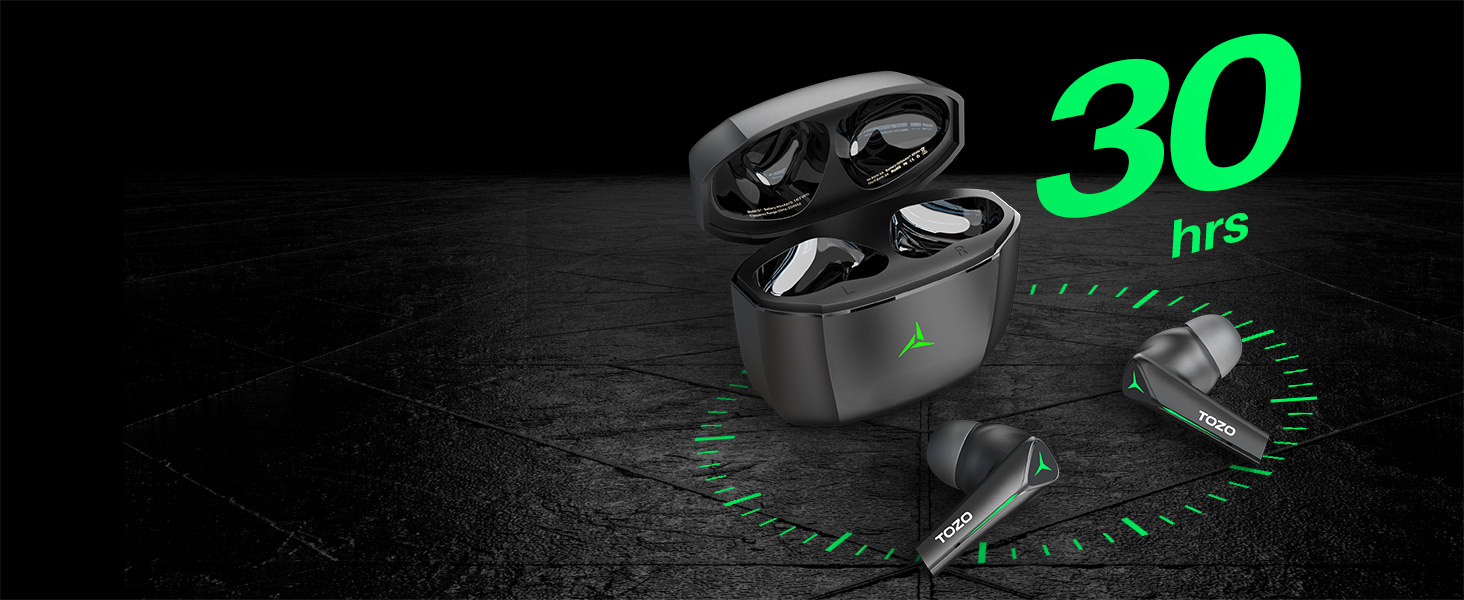
Image: TOZO G1 earbuds shown next to a smartphone displaying Bluetooth pairing options, with the earbuds emitting a green light.
- Open the charging case. The earbuds will automatically enter pairing mode (indicated by flashing LED lights).
- On your device (smartphone, tablet, laptop, gaming console), enable Bluetooth.
- Искать "TOZO G1" in the list of available devices and select it to connect.
- Once connected, the earbud LED lights will turn off or show a steady light.
Инструкция по эксплуатации
1. Двойной режим: игры и музыка
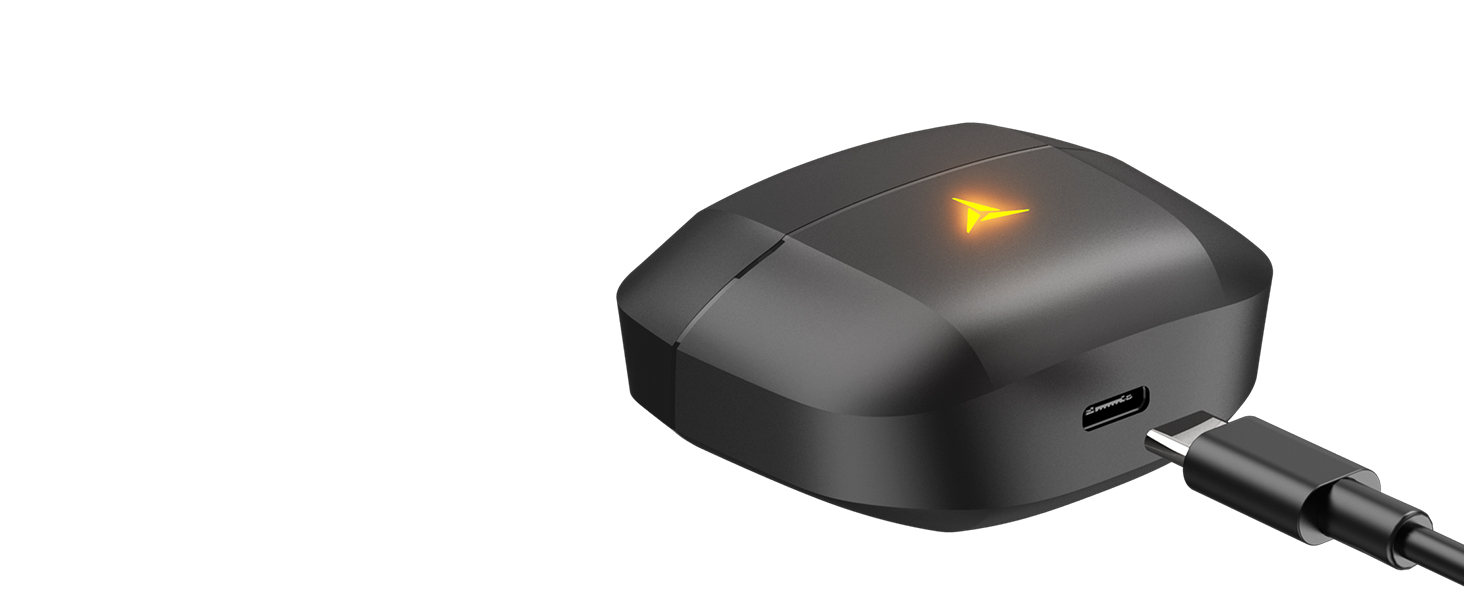
Image: A split image showing the TOZO G1 earbuds in "Game Mode" with a gaming scene and "Music Mode" with a person playing guitar, highlighting the dual functionality.
The TOZO G1 earbuds feature a dual mode for optimized audio performance:
- Режим игры: Provides 45ms ultra-low latency for synchronized audio and video, enhancing gaming with accurate sound detection (footsteps, gunfire).
- Музыкальный режим: Delivers high-fidelity sound with powerful bass (16Hz-20kHz), mellow midrange, and clear treble for an immersive listening experience.
2. Smart Touch Control

Image: A diagram illustrating the touch control functions for the left and right TOZO G1 earbuds, including play/pause, track skipping, volume control, call management, and voice assistant/game mode activation.
Управляйте наушниками с помощью простых сенсорных жестов:
| Действие | Левый наушник | Правый наушник |
|---|---|---|
| Воспроизведение/Пауза | Одиночный нажатие (X1) | Одиночный нажатие (X1) |
| Предыдущая / Следующая песня | Double Tap (X2) - Previous | Double Tap (X2) - Next |
| Ответ/завершение вызова | Одиночный нажатие (X1) | Одиночный нажатие (X1) |
| Отклонить вызов | Удерживать 2 секунды | Удерживать 2 секунды |
| Громкость вниз / вверх | Hold for 2 seconds - Volume Down | Hold for 2 seconds - Volume Up |
| Voice Assistant/Game Mode | Triple Tap (X3) - Voice Assistant | Triple Tap (X3) - Game Mode |
Обслуживание
- Регулярно протирайте наушники и зарядный чехол мягкой сухой тканью.
- Avoid exposing the earbuds to extreme temperatures or liquids. While waterproof, prolonged submersion is not recommended.
- Store in the charging case when not in use to protect and keep them charged.
Поиск неисправностей
- Наушники не подключаются:
- Ensure both earbuds are in the charging case and the case is open. Check your device's Bluetooth settings and try reconnecting. If issues persist, reset the earbuds (refer to the full user manual for specific reset instructions).
- Нет звука или низкая громкость:
- Check the volume levels on both your device and the earbuds. Ensure earbuds are properly seated in your ears. Verify the earbuds are connected to the correct device.
- Проблемы с зарядкой:
- Убедитесь, что зарядный кабель надежно подключен как к кейсу, так и к источнику питания. Попробуйте другой кабель USB-C или адаптер питания. Очистите контакты зарядки на наушниках и внутри кейса.
Технические характеристики
| Особенность | Деталь |
|---|---|
| Название модели | G1 |
| Технология связи | Беспроводная связь (Bluetooth 5.3) |
| Аудио задержка | 45 миллисекунд (игровой режим) |
| Срок службы батареи (наушники) | До 6 часов |
| Общее время воспроизведения (с зарядным чехлом) | До 30 часов |
| Уровень водонепроницаемости | Водонепроницаемый (IPX5) |
| Метод контроля | Трогать |
| Включенные компоненты | TOZO G1 Wireless Earbuds, Wireless Charging Case, Eartips, USB A to USB C Charging Cable, User Manual |
Официальное видео о продукте
Видео: Официальное видео о продуктеasing the TOZO G1 Wireless Gaming Earbuds and their features.
Гарантия и поддержка
TOZO products come with a standard manufacturer's warranty. For detailed warranty information, product support, or to contact customer service, please visit the official TOZO webили обратитесь к гарантийному талону, входящему в комплект поставки.
Официально Webсайт: www.tozostore.com