
VIVO X100 Pro
Руководство пользователя смартфона VIVO X100 Pro 5G
Модель: X100 Pro
Введение
This user manual provides comprehensive instructions for the VIVO X100 Pro 5G Smartphone. It covers setup, operation, maintenance, and troubleshooting to help you maximize your device's capabilities. Please read this manual carefully before using your smartphone.
Что в коробке?
Upon unboxing your VIVO X100 Pro 5G Smartphone, please verify that all the following items are included:
- VIVO X100 Pro 5G Smartphone
- Руководство пользователя
- Гарантийный талон
Note: Charger, data cable, and protective case are not included in the box.
Настраивать
1. Установка SIM-карты
Locate the SIM card tray on the side of your device. Use the provided SIM ejector tool to open the tray. Insert your Nano-SIM cards into the designated slots, ensuring the gold contacts face downwards. Gently push the tray back into the phone until it clicks into place. The VIVO X100 Pro supports Dual SIM functionality.
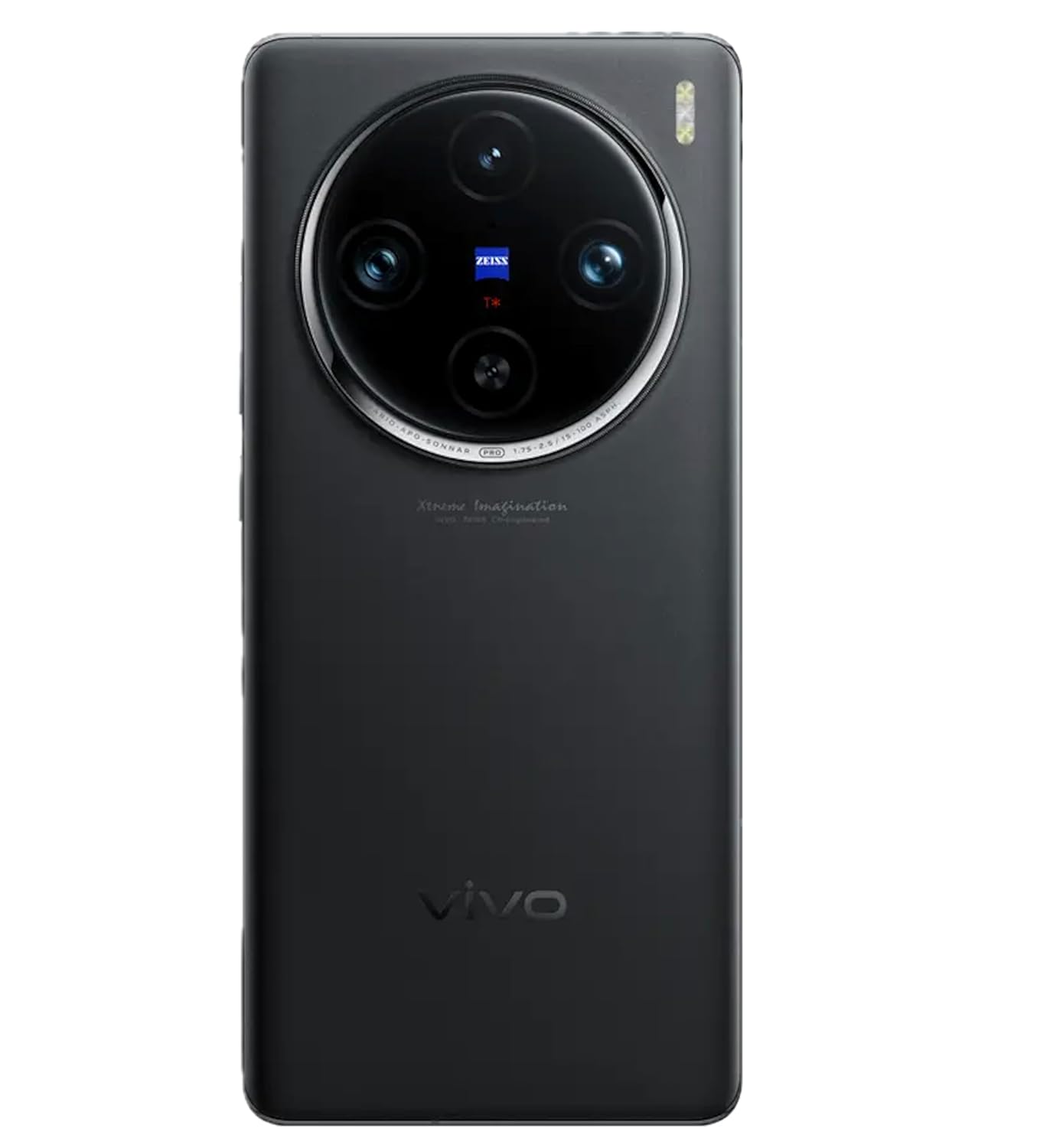
Изображение: сбоку view of the VIVO X100 Pro 5G Smartphone showing the SIM card tray and buttons.
2. Первоначальное включение
Press and hold the Power button (located on the right side of the device) until the VIVO logo appears on the screen. The phone will boot up, and you will be guided through the initial setup process.
3. Мастер первоначальной настройки
Для завершения первоначальной настройки следуйте инструкциям на экране:
- Выберите язык: Выберите желаемый язык.
- Подключитесь к Wi-Fi: Выберите свою сеть Wi-Fi и введите пароль.
- Настройка учетной записи Google: Войдите в свою учетную запись Google или создайте новую.
- Данные и конфиденциальность: Review и принять положения и условия.
- Fingerprint Lock Setup: Configure your fingerprint for secure unlocking.
- Funtouch OS Settings: Customize initial settings for the Funtouch OS 14 interface.
Эксплуатация вашего устройства
Дисплей и навигация
The VIVO X100 Pro features a 6.78-inch AMOLED display with a resolution of 2800 × 1260 (FHD+). It supports capacitive multi-touch for smooth interaction. Navigate the device using gestures or the traditional navigation bar, configurable within the Funtouch OS 14 settings.
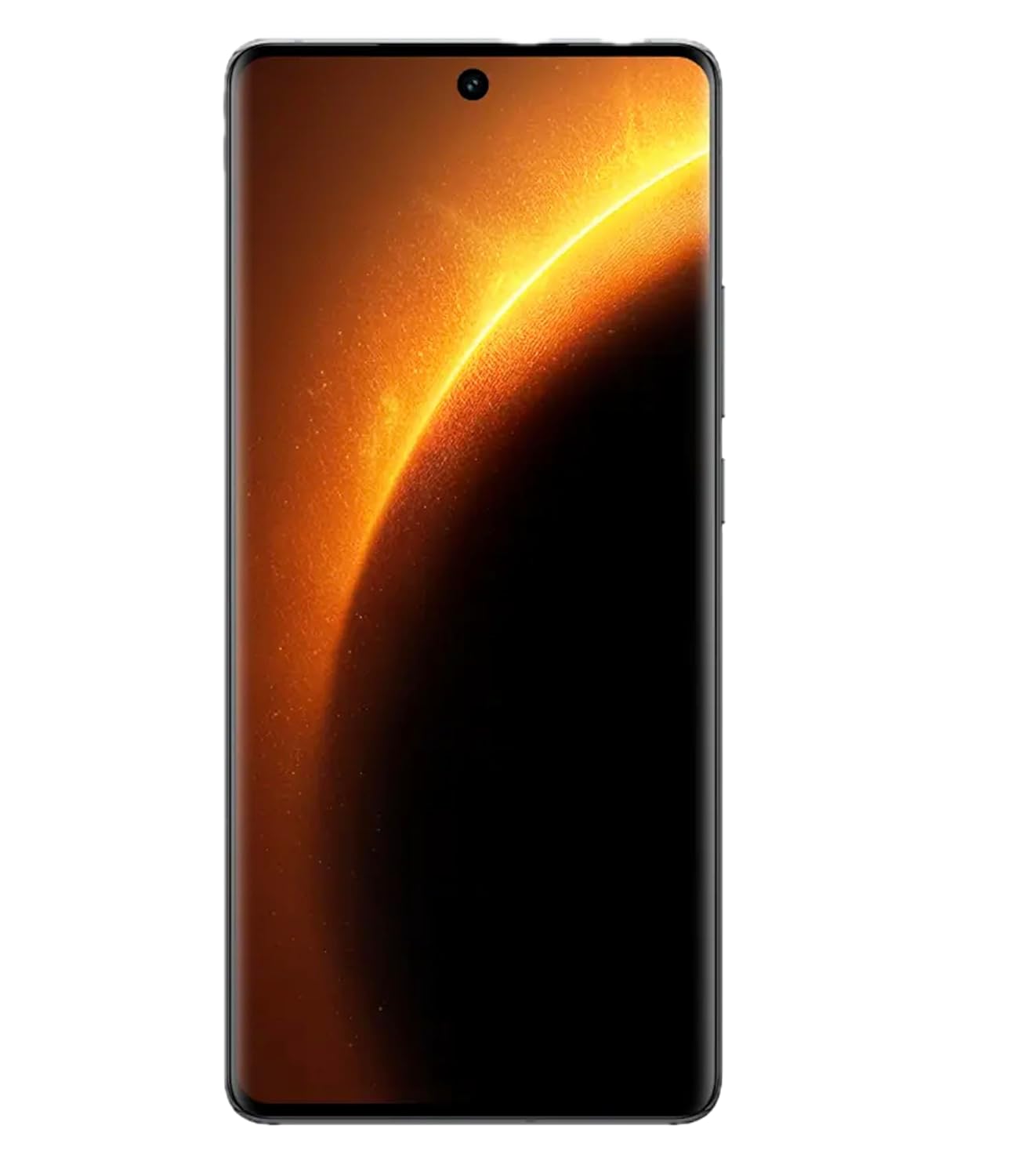
Изображение: Спереди view of the VIVO X100 Pro 5G Smartphone with its vibrant AMOLED display active.
Система камер
The VIVO X100 Pro is equipped with a professional-grade camera system:
- Задняя камера: Triple camera setup including a 50MP Sony IMX989 (OIS) main sensor, a 50MP wide-angle AF lens, and a 50MP Telephoto (OIS) lens.
- Фронтальная камера: 32 МП для высококачественных селфи и видеозвонков.
To access the camera, tap the Camera icon on your home screen or lock screen. Explore various modes such as Portrait, Night, Pro, and Panorama for diverse photographic experiences.
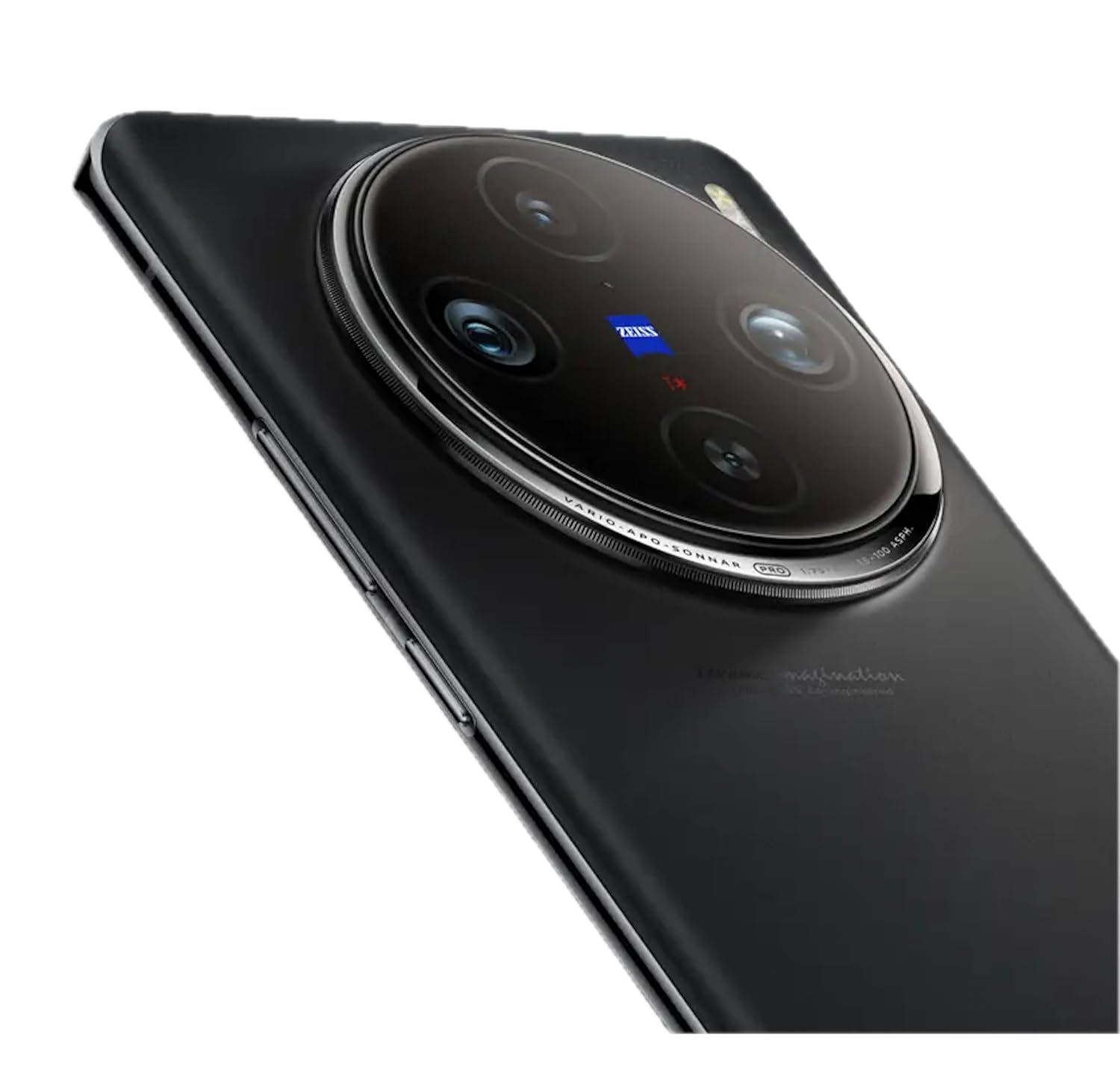
Изображение: сзади view of the VIVO X100 Pro 5G Smartphone highlighting its prominent circular camera module with ZEISS branding.
Производительность и хранение
Powered by the MediaTek Dimensity 9300 Octa-Core processor, the X100 Pro ensures swift performance for demanding applications and multitasking. It comes with 16GB of RAM for smooth operation and 512GB of internal storage for all your apps, photos, and files.
Operating System: Funtouch OS 14
The device runs on Funtouch OS 14, based on Android 14. This user-friendly interface offers extensive customization options, enhanced privacy features, and optimized performance. Regular software updates will be provided to improve functionality and security.
Связность
The VIVO X100 Pro supports a range of connectivity options:
- Сеть 5G: Experience blazing-fast internet speeds and low latency.
- Wi-Fi: Подключитесь к беспроводным сетям для доступа в Интернет.
- Bluetooth: Подключите беспроводные наушники, динамики и другие устройства с поддержкой Bluetooth.
- NFC: Для бесконтактных платежей и быстрого обмена данными.
- USB-порт типа C: Для зарядки и передачи данных.
- GPS: For accurate location services and navigation.
Аккумулятор и зарядка
The smartphone is powered by a 5400mAh lithium-ion battery. It supports 100W FlashCharge technology for ultra-fast wired charging and also offers wireless charging capabilities for added convenience. To charge, connect a compatible charger to the USB Type-C port at the bottom of the device.
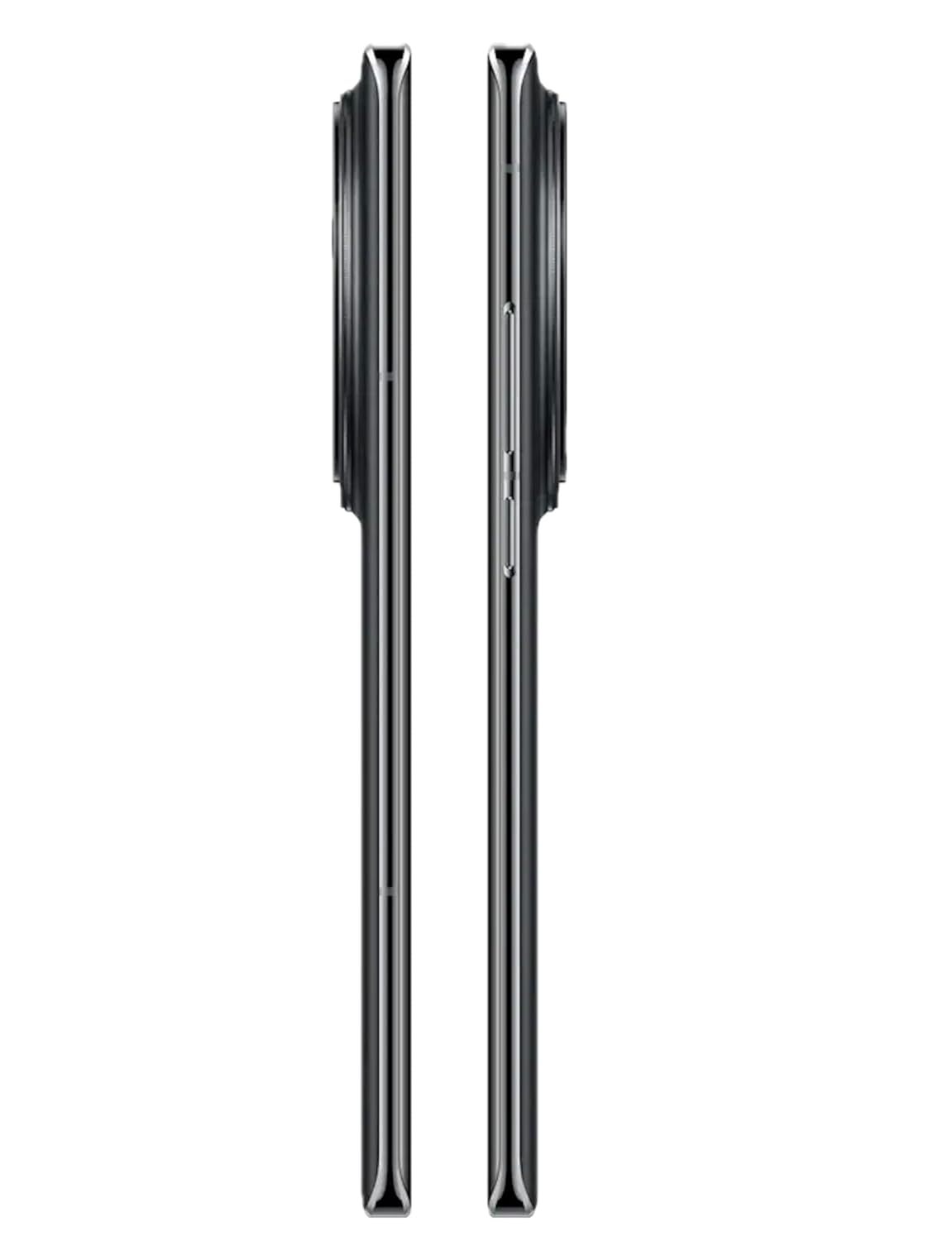
Изображение: Сверху и снизу views of the VIVO X100 Pro 5G Smartphone, showing the USB-C port and speaker grille.
Функции безопасности
The VIVO X100 Pro includes a Fingerprint Lock for secure and convenient unlocking. You can set up multiple fingerprints for quick access. Additionally, standard Android security options like PIN, pattern, and password are available.
Обслуживание
- Уборка: Для чистки экрана и корпуса телефона используйте мягкую безворсовую ткань. Избегайте использования едких химикатов или абразивных материалов.
- Обновления программного обеспечения: Regularly check for and install system updates to ensure optimal performance, security, and access to new features. You can find this option in Settings > System > System update.
- Уход батареи: Для продления срока службы батареи избегайте экстремальных температур. Рекомендуется поддерживать уровень заряда батареи в пределах от 20% до 80% для ежедневного использования.
- Водостойкость: The device features water resistance. However, this is not permanent and resistance might decrease as a result of normal wear. Avoid submerging the device in water or exposing it to high-pressure water jets.
- Управление хранилищем: Периодически очищайте кэш, удаляйте неиспользуемые приложения и переносите большие данные. fileдля поддержания оптимальной производительности используйте облачное хранилище или внешнее устройство.
Поиск неисправностей
If you encounter issues with your VIVO X100 Pro, try the following common troubleshooting steps:
- Устройство не отвечает: Нажмите и удерживайте кнопку питания в течение 10-15 секунд, чтобы принудительно перезагрузить устройство.
- Приложения вылетают/зависают: Закройте приложение и откройте его снова. Если проблема не исчезнет, очистите кэш приложения («Настройки» > «Приложения» > «[Имя приложения]» > «Хранилище» > «Очистить кэш») или переустановите приложение.
- Проблемы с сетевым подключением: Toggle Airplane Mode on and off. Restart your phone. Check your SIM card insertion.
- Батарея быстро разряжается: Reduce screen brightness, disable unnecessary background apps, turn off Wi-Fi/Bluetooth/GPS when not in use.
- Перегрев: Avoid using the phone while charging, especially during heavy tasks. Close background apps. If overheating persists, reduce usage and allow the phone to cool down.
Если эти действия не помогут решить проблему, обратитесь за дополнительной помощью в раздел «Гарантия и поддержка».
Технические характеристики
| Особенность | Деталь |
|---|---|
| Номер модели | X100 Про |
| OS | Android 14 (Funtouch OS 14) |
| Отображать | 6.78 inches AMOLED, 2800 × 1260 (FHD+) |
| Процессор | MediaTek Dimensity 9300 Octa-Core (3.25 GHz CPU Speed) |
| БАРАН | 16 ГБ |
| Внутреннее хранилище | 512 ГБ |
| Задняя камера | 50MP (OIS) + 50MP (Wide-angle AF) + 50MP (Telephoto OIS) |
| Передняя камера | 32МП |
| Аккумулятор | 5400 мАч литий-ионный |
| Зарядка | 100W FlashCharge, Wireless Charging |
| Связность | 5G, Wi-Fi, Bluetooth, NFC, USB Type-C, GPS |
| Особые возможности | Always On Display, Dual SIM, Fast Charging Support, Water Resistant, Fingerprint Lock |
| Размеры | 7.53 х 0.89 х 16.41 см |
| Масса | 190 г |
| Цвет | Asteroid Black |
Гарантия и поддержка
Your VIVO X100 Pro 5G Smartphone comes with a Warranty Card included in the box. Please refer to this card for detailed information regarding warranty terms, conditions, and coverage.
For technical support, service inquiries, or further assistance, please visit the official VIVO support website or contact their customer service. Keep your purchase receipt and warranty card handy when seeking support.
Official VIVO Webсайт: www.vivo.com/in/support
Ask a question about this manual
Ask about setup, troubleshooting, compatibility, parts, safety, or missing instructions. Manuals+ will review the question and use this page’s manual context to help answer it.