
1. Введение
Welcome to the user manual for your Genius Manticore Gaming Keyboard. This guide provides essential information for setting up, operating, maintaining, and troubleshooting your new gaming keyboard. Please read these instructions carefully to ensure optimal performance and longevity of your device.
2. Продукт закончилсяview
The Genius Manticore Gaming Keyboard is designed for an enhanced gaming experience, featuring a durable build and responsive keys. It connects via USB and is compatible with a wide range of devices. The keyboard includes 104 keys with a standard QWERTY layout, complemented by additional gaming-specific features.
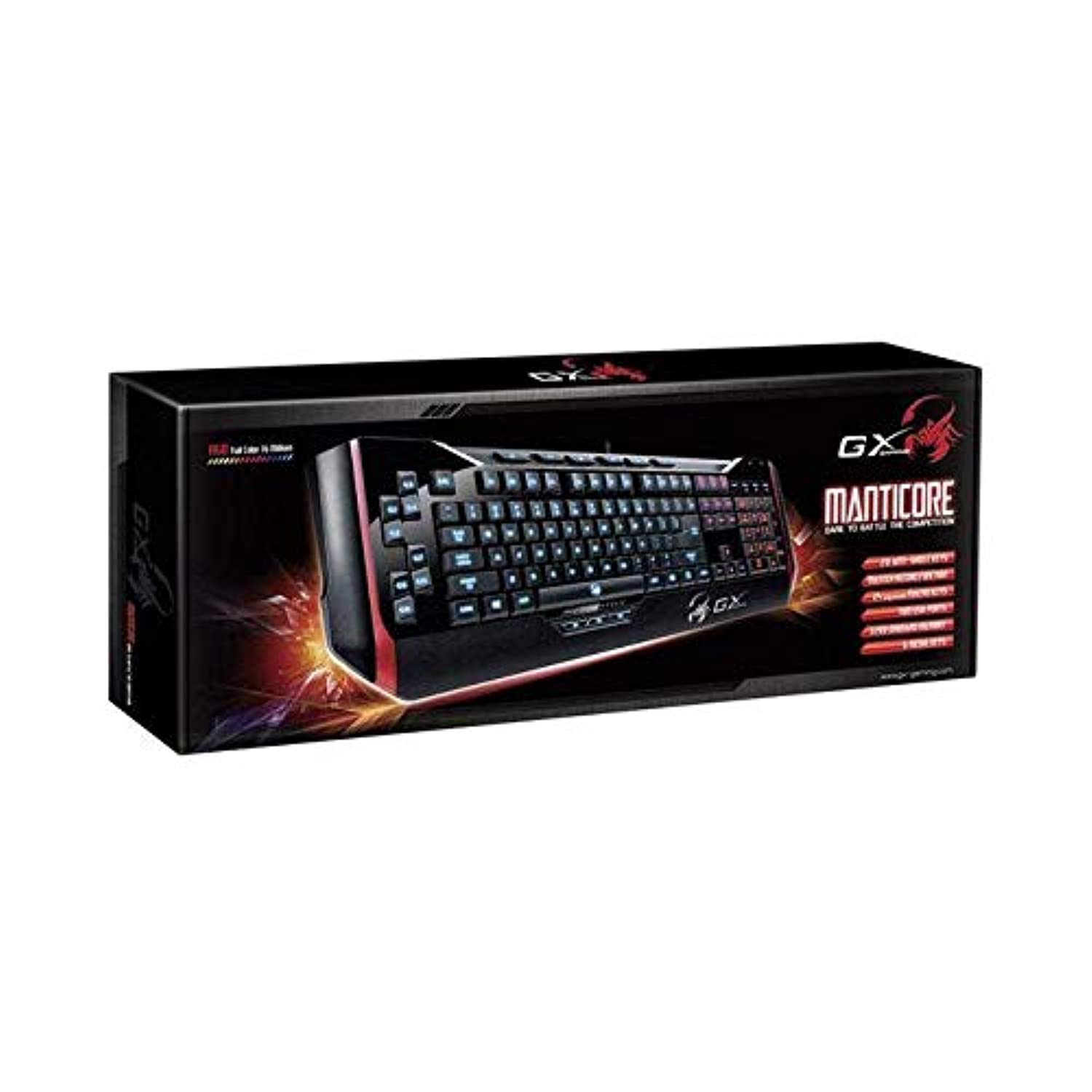
Рисунок 1: Genius Manticore Gaming Keyboard. This image displays the Genius Manticore Gaming Keyboard, featuring a black body with red accents on the sides. The keys are illuminated, indicating its gaming functionality. The keyboard has a standard QWERTY layout with additional keys on the left side, likely for macros, and a numeric keypad on the right.
3. Настройка
- Распакуйте клавиатуру: Carefully remove the Genius Manticore Gaming Keyboard from its packaging. Ensure all components are present.
- Подключитесь к вашему устройству: Locate an available USB port on your computer or compatible device. Insert the USB connector of the keyboard firmly into the USB port.
- Установка драйвера (при необходимости): For most modern operating systems, the keyboard will be recognized automatically, and standard drivers will be installed. If prompted, follow the on-screen instructions to complete any driver installation.
- Тестовая функциональность: Откройте текстовый редактор или web browser and test the keys to ensure they are responding correctly.
4. Инструкция по эксплуатации
The Genius Manticore Gaming Keyboard offers a standard QWERTY layout for general typing and dedicated features for gaming.
- Стандартные ключевые функции: All standard alphanumeric, symbol, and function keys operate as expected on a typical QWERTY keyboard.
- Особенности игры: The keyboard is designed for gaming. Specific gaming features, such as customizable backlighting or programmable macro keys (if available on your model), can typically be configured through dedicated software provided by Genius or through specific key combinations. Refer to the Genius website for any available software downloads or advanced feature guides.
- Источник питания: The keyboard is powered directly via the USB connection to your device. No external power supply or batteries are required.
5. Техническое обслуживание
Правильный уход гарантирует долговечность и производительность вашей клавиатуры.
- Уборка: Для протирки поверхности клавиатуры используйте мягкую сухую ткань. Для удаления пыли и мусора между клавишами используйте сжатый воздух. Избегайте использования агрессивных химикатов или абразивных материалов.
- Воздействие жидкости: Эта клавиатура не водостойкий. Avoid spilling liquids on the keyboard, as this can cause permanent damage. If liquid exposure occurs, immediately disconnect the keyboard from your device and allow it to dry completely before attempting to use it again.
- Хранилище: Когда клавиатура не используется, храните ее в чистом, сухом месте, вдали от экстремальных температур и прямых солнечных лучей.
6. Поиск Неисправностей
Если у вас возникли проблемы с клавиатурой, попробуйте следующие решения:
- Клавиатура не отвечает:
- Убедитесь, что USB-кабель надежно подключен к клавиатуре и компьютеру.
- Попробуйте подключить клавиатуру к другому USB-порту вашего компьютера.
- Проверьте клавиатуру на другом компьютере, чтобы определить, связана ли проблема с клавиатурой или с исходным компьютером.
- Перезагрузите компьютер.
- Определенные клавиши не работают:
- Check for any physical obstructions under the non-functional keys.
- Очистите клавиатуру, как описано в разделе «Техническое обслуживание».
- Ensure no software conflicts are present (e.g., macro software interfering with standard key functions).
- Проблемы с подсветкой:
- If your model features adjustable backlighting, ensure it is not turned off or set to the lowest brightness level. Consult the Genius website for specific key combinations to control backlighting.
If these steps do not resolve the issue, please contact Genius customer support for further assistance.
7. Технические характеристики
| Особенность | Деталь |
|---|---|
| Название бренда | Гений |
| Номер модели | GE31310058108 |
| Совместимые устройства | Все |
| Технология связи | USB |
| Описание клавиатуры | Игровой |
| Особые возможности | Игровой |
| Цвет | Multi-color (Black and Red) |
| Стиль | Современный |
| Материал | Множественные материалы |
| Тема | Игры |
| Источник питания | USB-питание |
| Количество ключей | 104 |
| Раскладка клавиатуры | QWERTY клавиатура |
| Ориентация руки | Двусторонний |
| Количество кнопок | 104 |
| Уровень водонепроницаемости | Не водостойкий |
| Производитель | Гений |
| ASIN | B07MQMXJS9 |
8. Гарантия и поддержка
Your Genius Manticore Gaming Keyboard is covered by a standard manufacturer's warranty. For detailed information regarding warranty terms, registration, or to access technical support, please visit the official Genius webили обратитесь в службу поддержки клиентов. Сохраните чек в качестве подтверждения покупки.
Для получения дополнительной помощи вы можете посетить Genius Official Webсайт.