
Introducere
Thank you for choosing the Gsou IPX6 Waterproof Bluetooth Shower Speaker. This manual provides essential information for the safe and efficient operation of your new device. Please read it thoroughly before use and retain it for future reference.
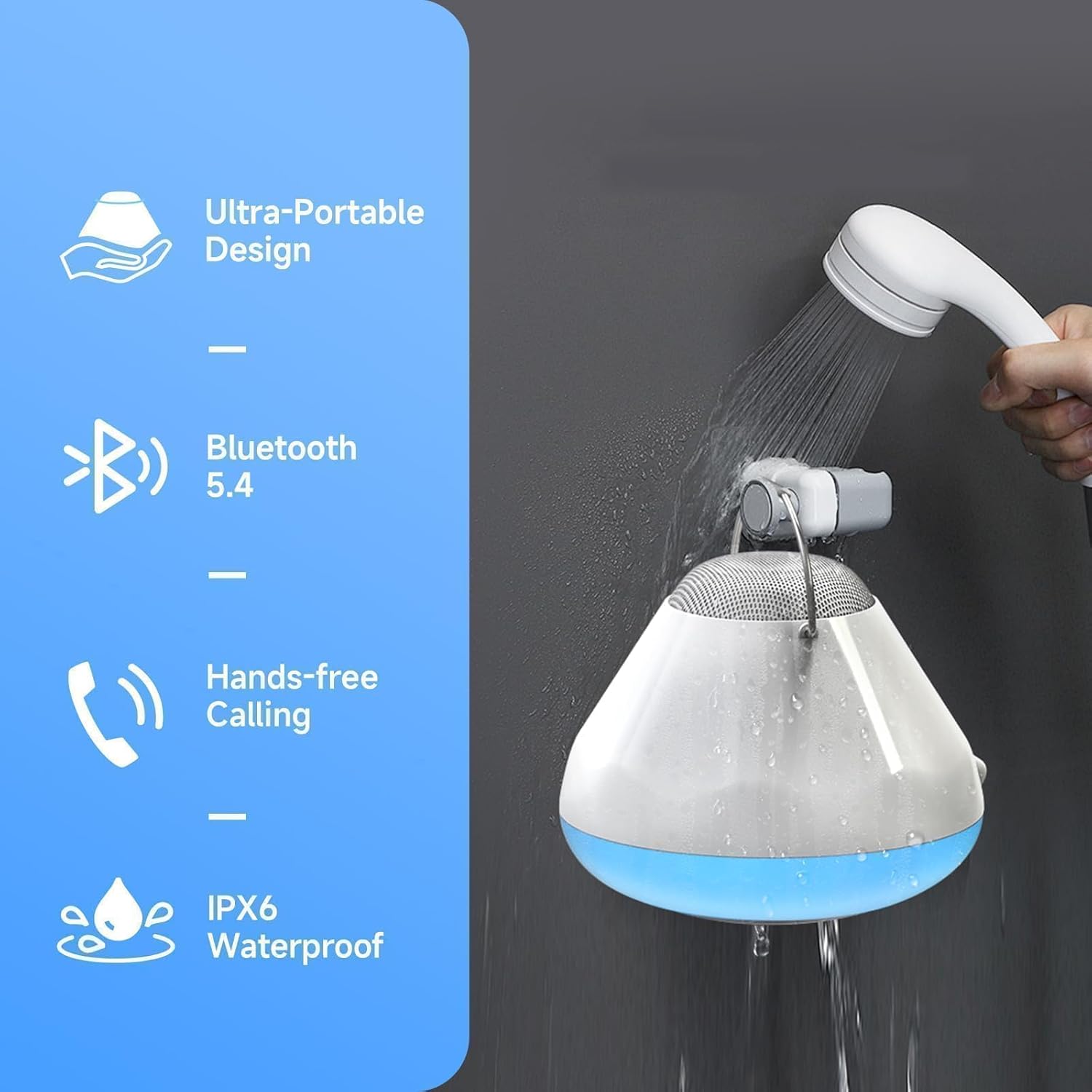
This versatile speaker is designed for use in wet environments, featuring IPX6 waterproofing, LED lights, and a white noise function. Enjoy clear audio, hands-free calling, and a built-in timer for a personalized experience.
Ce este în cutie
- Gsou IPX6 Waterproof Bluetooth Shower Speaker (Model U56)
- Cablu de încărcare USB
- Ghid de pornire rapidă
Produs terminatview
The Gsou U56 speaker features an intuitive control panel and a durable, waterproof design. It includes a convenient strap for hanging and a USB-C charging port.
Imagine: De sus în jos view of the Gsou U56 speaker, highlighting the central control panel with power, volume, mode, and call buttons. The speaker is black with a white LED ring.
Imagine: Latura view of the Gsou U56 speaker, showing its compact, circular design and the integrated black silicone strap for easy hanging.
Înființat
1. Încărcarea difuzorului
Before first use, fully charge your Gsou U56 speaker. Connect the provided USB charging cable to the speaker's USB-C port (located under a protective flap) and to a compatible USB power source. The LED indicator will show charging status.
2. Pornire/Oprire
- Pornire: Press and hold the Power button (marked with a circle and vertical line) for 2 seconds. You will hear a prompt sound and the LED lights will activate.
- Oprire: Press and hold the Power button for 2 seconds. You will hear a power-off sound.
3. Asociere Bluetooth
After powering on, the speaker automatically enters Bluetooth pairing mode. The blue LED light will flash slowly.
- Activați Bluetooth pe dispozitivul mobil (smartphone, tabletă etc.).
- Caută available devices and select "U56" (or similar model name) from the list.
- Once connected, you will hear a successful prompt tone, and the blue LED light will stop flashing and remain solid.
Video: A demonstration of the Gsou IPX6 Waterproof Bluetooth Shower Speaker's features, including LED lights and white noise functions. This video shows the speaker in action and highlights its ease of use and connectivity.
Instrucțiuni de operare
1. Redarea muzicii
- Redare/Pauză: Apăsați scurt butonul de pornire/oprire pentru a reda sau a întrerupe muzica.
- Controlul volumului: Apăsați scurt butonul „+” pentru a crește volumul și butonul „-” pentru a-l reduce.
- Următoarea / piesa anterioară: Press and hold the '+' button for 2 seconds for the next song, and the '-' button for 2 seconds for the previous song.
2. Moduri de iluminare LED
The speaker features 4 LED light modes with 6 vibrant solid colors. Short press the 'Mode' button (marked with a sun icon) to cycle through the light modes:
- Solid Colors (6 options)
- Rhythm Mode (lights dance to music)
- Flickering Candlelight Mode
- Modul ciclu de culoare

Imagine: The Gsou U56 speaker displaying various colorful LED light effects, enhancing the ambiance for music or relaxation.
3. White Noise & Soothing Sounds
Access 5 immersive soundscapes for relaxation. Long press the 'Mode' button to switch between Bluetooth mode and White Noise mode. Short press the '+' or '-' buttons to cycle through the different white noise options:
- Ploaie blândă
- Valurile Oceanului
- Crickets on a Summer Night
- Calming Fan Noise
- Pure White Noise

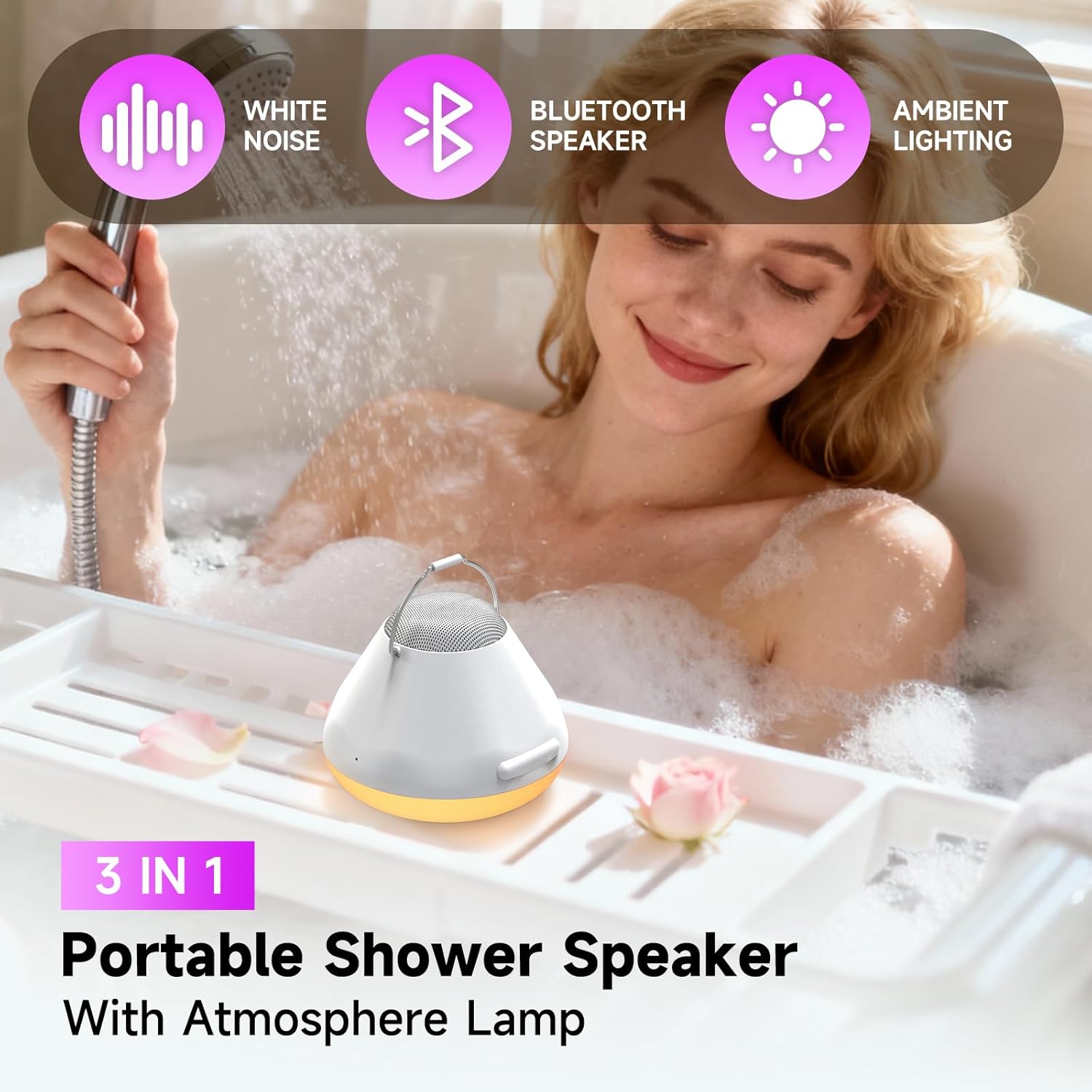
Imagine: A person relaxing in a bathtub with the Gsou U56 speaker nearby, illustrating the use of its 5 soothing soundscapes for stress relief.
4. One-Touch Answering & Timer
- Preluarea apelurilor: With the built-in microphone, short press the Call button (phone icon) to answer an incoming call. Short press again to hang up.
- Respinge apeluri: Apăsați și mențineți apăsat butonul Apel pentru a respinge un apel primit.
- Funcția de cronometru: The speaker includes a timer function (30, 60, 90 minutes) to help you manage your bath time. Short press the Timer button (clock icon) to set the desired duration.
Video: Un scurt pesteview of the Gsou IPX6 Waterproof Bluetooth Shower Speaker, showcasing its LED lights, white noise, and waterproof capabilities. The video demonstrates the speaker's suitability for bath and shower environments.
Întreţinere
- curatenie: Ștergeți difuzorul cu un soft moale, damp pânză. Nu utilizați substanțe chimice dure sau produse de curățare abrazive.
- Depozitare: Depozitați difuzorul într-un loc răcoros și uscat atunci când nu îl utilizați. Evitați temperaturile extreme.
- Protecția apei: Ensure the USB-C port's protective flap is securely closed before exposing the speaker to water.
Depanare
- Fără putere: Asigurați-vă că difuzorul este complet încărcat.
- Nu se poate conecta Bluetooth: Make sure the speaker is in pairing mode (blue LED flashing). Check that your device's Bluetooth is enabled and within range. Try restarting both the speaker and your device.
- Calitate slabă a sunetului: Ensure the speaker is not submerged too deeply if in water. Check the Bluetooth connection for interference. Adjust volume on both the speaker and your connected device.
- Luminile nu funcționează: Ensure the speaker is powered on. Cycle through light modes using the Mode button.
Specificații
| Caracteristică | Detaliu |
|---|---|
| Marca | Gsou |
| Numele modelului | U56 |
| Material | Plastic |
| Tip difuzor | Difuzor portabil |
| Tehnologia de conectivitate | Bluetooth 5.4 |
| Evaluare rezistentă la apă | IPX6 |
| Putere maximă de ieșire difuzor | 8 wați |
| Mod ieșire audio | Stereo |
| Sursa de alimentare | Alimentat cu baterie |
| Durata de viață a bateriei | Up to 15 bath times on one charge |
| Metoda de control | Atingere |
| Dimensiunile produsului | 6.3" D x 5.5" L x 4" H |
| Greutatea articolului | 12.3 uncii (350 grame) |
Garanție și asistență
The Gsou IPX6 Waterproof Bluetooth Shower Speaker comes with a limited warranty. For detailed warranty information, please refer to the included Quick Start Guide or visit the official Gsou website. For technical support, troubleshooting assistance, or any product-related inquiries, please contact Gsou customer service through their official channels.