
1. Introducere
Thank you for choosing the Gtheos Captain 370 Wireless Gaming Headset. This manual provides essential information for setting up, operating, and maintaining your new headset. Designed for an immersive audio experience, the Captain 370 offers versatile connectivity and comfortable wear for extended gaming sessions and communication.
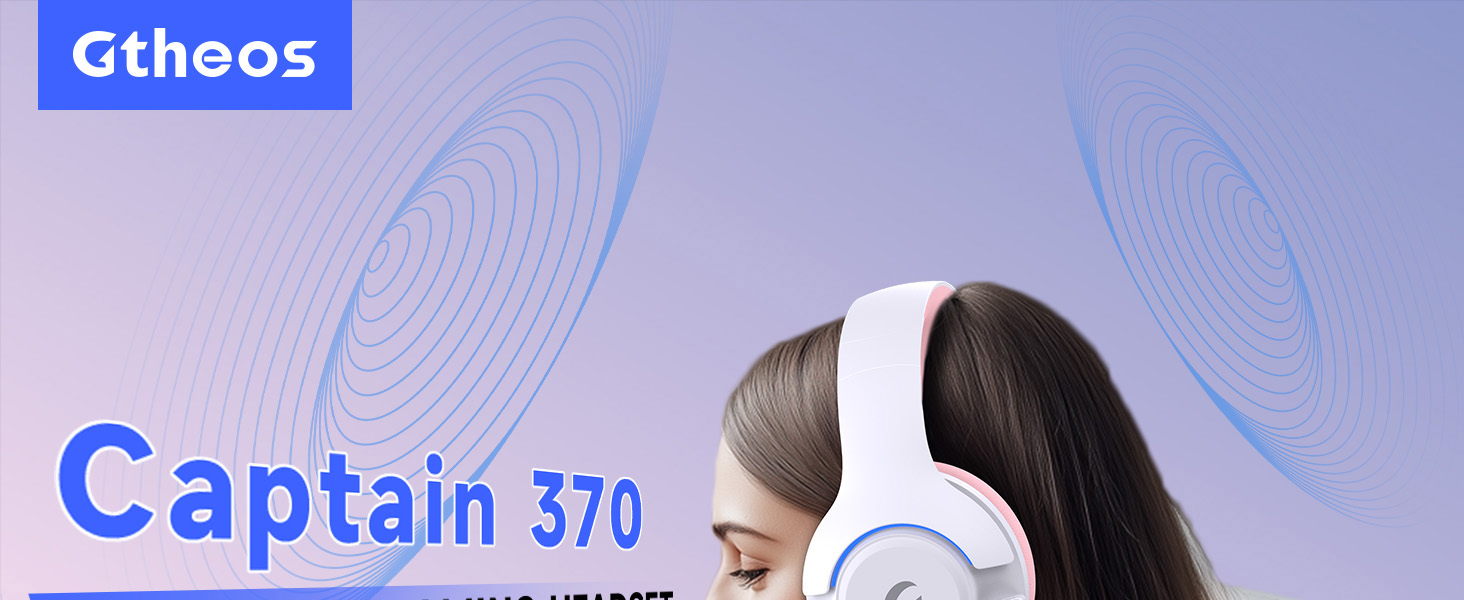
Image 1: The Gtheos Captain 370 Wireless Gaming Headset, showcasing its sleek design and comfortable earcups.
Caracteristici cheie:
- Conectivitate 4 în 1: Seamlessly switch between 2.4GHz wireless, Bluetooth 5.3, and 3.5mm wired modes for broad device compatibility.
- Drivere dinamice de 50 mm: Experience realistic and immersive sound quality for gaming and multimedia.
- Microfon cu anulare a zgomotului: Detachable microphone designed to reduce background noise for clear communication.
- Durată de viață extinsă a bateriei: Bucurați-vă de până la 45 ore de utilizare continuă cu o singură încărcare.
- Design confortabil: Ergonomically designed earcups and headband for prolonged comfort during use.
- Iluminare RGB: Customizable LED lighting effects on the earcups.
2. Configurare
2.1 Ce se află în cutie
- 1 x Gtheos Captain 370 Gaming Headset
- 1 x Detachable Noise Cancelling Microphone
- 1 x cablu de încărcare tip C
- 1 x USB Transmitter (2.4GHz dongle)
- 1 x cablu audio de 3.5 mm
- 1 x Manual de utilizare
2.2 Încărcarea căștilor
Before first use, fully charge the headset. Connect the Type-C charging cable to the headset's charging port and the other end to a USB power source (e.g., computer USB port, USB wall adapter). The LED indicator will show charging status and turn off when fully charged.

Image 2: Headset highlighting the 45-hour battery life and charging port.
2.3 Atașarea microfonului
The Captain 370 comes with a detachable noise-canceling microphone. Insert the microphone into the dedicated port on the left earcup until it clicks into place. Ensure it is securely connected for optimal voice pickup.

Image 3: Close-up of the headset showing the detachable noise-canceling microphone.
3. Instrucțiuni de utilizare
3.1 Pornire/Oprire
To power on the headset, press and hold the Power button located on the earcup until the LED indicator lights up. To power off, press and hold the Power button again until the LED indicator turns off.
3.2 Moduri de conectivitate
The Gtheos Captain 370 supports four connectivity modes:
- Mod wireless de 2.4 GHz: For PS4, PS5, PC, Mac, Nintendo Switch (via Type-C), and Phones/Pads (via Type-C). Insert the USB transmitter into your device. The headset will automatically connect.
- Mod Bluetooth 5.3: For Phones, Pads, and Notebooks. Enable Bluetooth on your device, put the headset into pairing mode (refer to device-specific instructions if needed), and select "Gtheos Captain 370" from the available devices.
- Mod cu fir de 3.5 mm: For PS4, PS5, Xbox, PC, Mac, and Laptops/Tablets with a 3.5mm jack. Connect the included 3.5mm audio cable to the headset and your device.
Image 4: Visual representation of the four connectivity modes and compatible devices.

Image 5: Detailed compatibility matrix for voice and microphone functions across 2.4G, Bluetooth, and 3.5mm wired modes.
3.3 Controlul volumului
Adjust the volume using the dedicated volume roller or buttons on the headset's earcup. For optimal sound, also check the volume settings on your connected device.
3.4 Dezactivarea sunetului microfonului
Press the Microphone Mute button on the headset to toggle the microphone on or off. An indicator light (often red) will typically show when the microphone is muted.
3.5 Controlul iluminării cu LED-uri
The headset features customizable RGB lighting. Press the dedicated LED control button (often integrated with the mic mute button or a separate button) to cycle through different lighting effects or turn them off. A quick press may change colors, while a long press might toggle the lights on/off.
4. Întreținere
To ensure the longevity and performance of your Gtheos Captain 370 headset, follow these maintenance guidelines:
- curatenie: Use a soft, dry cloth to clean the headset. Avoid using harsh chemicals or abrasive materials. For earcups, gently wipe with a damp cârpă și lăsați să se usuce complet la aer.
- Depozitare: Depozitați setul cu cască într-un loc răcoros și uscat, ferit de lumina directă a soarelui și de temperaturi extreme.
- Manipulare: Avoid dropping the headset or exposing it to excessive force. Do not pull on cables forcefully.
- Îngrijirea bateriei: Pentru o durată optimă de viață a bateriei, evitați descărcarea completă frecventă a căștilor. Încărcați-le regulat, chiar dacă nu le utilizați constant.
5. Depanare
5.1 Fără sunet sau volum redus
- Asigurați-vă că setul cu cască este pornit și complet încărcat.
- Verificați nivelurile de volum atât pe căști, cât și pe dispozitivul conectat.
- Verificați dacă este selectat dispozitivul de ieșire audio corect în setările de sunet ale dispozitivului.
- If using 2.4GHz wireless, ensure the USB transmitter is securely plugged in and recognized by your device.
- If using Bluetooth, ensure the headset is properly paired and connected.
- If using 3.5mm wired, ensure the cable is fully inserted into both the headset and the device.
5.2 Microfonul nu funcționează
- Asigurați-vă că microfonul este fixat în siguranță la căști.
- Check if the microphone is muted using the headset's mute button.
- Verificați dacă este selectat dispozitivul corect de intrare pentru microfon în setările de sunet ale dispozitivului.
- Test the microphone in different applications or with another device.
5.3 Probleme de conectivitate
- 2.4GHz: Try unplugging and re-plugging the USB transmitter. Ensure no other 2.4GHz devices are causing interference.
- Bluetooth: Unpair and re-pair the headset with your device. Ensure the headset is within the Bluetooth range (10 meters).
- General: Reporniți atât setul cu cască, cât și dispozitivul conectat.
6. Specificații
| Caracteristică | Detaliu |
|---|---|
| Numele modelului | Căpitanul 370 |
| Marca | Gtheos |
| Tehnologia de conectivitate | Wireless 2.4 GHz, Bluetooth 5.3, cablu 3.5 mm |
| Dimensiunea driverului audio | 50 milimetri |
| Tip de driver audio | Driver dinamic |
| Raspuns in frecventa | 20 KHz |
| Impedanta | 32 ohmi |
| Controlul zgomotului | Sound Isolation, Noise Cancellation (Microphone) |
| Durata de viață a bateriei | Până la 45 ore |
| Versiune Bluetooth | 5.3 |
| Gama Bluetooth | 10 metri |
| Latență audio | 20 de milisecunde |
| Dispozitive compatibile | PS5, PS4, PC, Mac, Laptop, Tablets, Phones, Nintendo Switch, Xbox (wired) |
| Material | ABS, Leather, PC |
| Greutatea articolului | 0.51 kilograme (1.12 de lire sterline) |
| Culoare | Roz închis |
7. Garanție și asistență
7.1 Informații despre garanție
The Gtheos Captain 370 Wireless Gaming Headset comes with a standard manufacturer's warranty. Please refer to the warranty card included in your product packaging for specific terms and conditions, including warranty period and coverage details.
7.2 Asistență pentru clienți
For technical assistance, troubleshooting, or any questions regarding your Gtheos Captain 370 headset, please contact Gtheos customer support. You can find contact information on the official Gtheos website-ul web sau prin intermediul comerciantului de unde ați achiziționat produsul.
Vizitați Magazinul Gtheos pe Amazon pentru mai multe informații și actualizări ale produsului.