
1. Introducere
Thank you for choosing the ZORNHER ZH980 Wireless Mechanical Keyboard. This manual provides essential information for setting up, operating, and maintaining your new keyboard. Please read it thoroughly to ensure optimal performance and longevity of your device.

Figure 1: ZORNHER ZH980 Wireless Mechanical Keyboard
2. Caracteristicile produsului
- IMD PBT Keycaps with Shine-Through Legends: Durable keycaps resistant to shine and fading, featuring side-printed legends for enhanced durability and clear RGB illumination.
- 95% Layout for Full Function with Compact Size: Retains full number pad, F-row, arrows, and navigation keys in a space-saving design.
- Crisp Typing Sound with Linear Creamy Switches: Equipped with factory-lubed creamy linear switches and a gasket-mounted structure for a soft yet audible typing experience.
- RGB Lighting with 22 Preset Modes: Features vibrant RGB lighting with 22 preset modes, south-facing LEDs, and edge glow, enhanced by a transparent case and high-transparency keycaps.
- Hot-Swappable & Full Customization Support: Allows easy customization of typing feel without soldering, supporting 3-pin and 5-pin mechanical switches. Driver software enables key remapping, macro creation, and RGB effect tailoring.
- Triple-Mode Connection with 6000mAh Battery: Connects via Bluetooth 5.0, 2.4GHz wireless, or USB-C, supporting seamless switching between up to 5 devices. A 6000mAh battery provides long-lasting performance.
- Comfortable Ergonomic Typing Design: Designed with a dual-angle kickstand, OEM-profile keycaps, and side-printed legends for reduced visual clutter and comfortable extended use.
- Premium Build: Constructed with high-density materials, anti-slip weight (40.5 oz), and a sleek IMD surface for durability and a quality feel.

Figura 2: Pesteview of ZH980 features including 95% layout and gasket structure.
3. Configurare
3.1 Unboxing
The ZORNHER ZH980 package includes the following items:
- 1 x Tastatură complet asamblată
- 1 x manual de instrucțiuni
- 1 x Extractor pentru tastatură
- 3 x Replace Switch
- 1 x 2.4GHz Receiver
- 1 x USB Cable (1.8m nylon)

Figure 3: Contents of the ZH980 product package.
3.2 Conectivitate
The ZH980 keyboard supports three connection modes:
- Wireless 2.4 GHz: Insert the 2.4GHz USB receiver into your device's USB port. The keyboard will automatically connect.
- Bluetooth 5.0: Activate Bluetooth on your device and search for 'ZORNHER ZH980'. Select to pair. The keyboard can store up to 3 Bluetooth devices (BT1, BT2, BT3).
- USB-C cu fir: Connect the provided USB-C cable from the keyboard to your device. This mode also charges the keyboard.
Seamlessly switch between up to 5 devices (3 Bluetooth, 1 2.4GHz, 1 Wired) using the multi-function knob or designated key combinations.

Figure 4: Triple-mode connection options for the ZH980 keyboard.
3.3 Configurarea fizică
The keyboard features a dual-angle kickstand for ergonomic adjustment. Flip out the kickstands on the underside of the keyboard to adjust the typing angle to your preference.
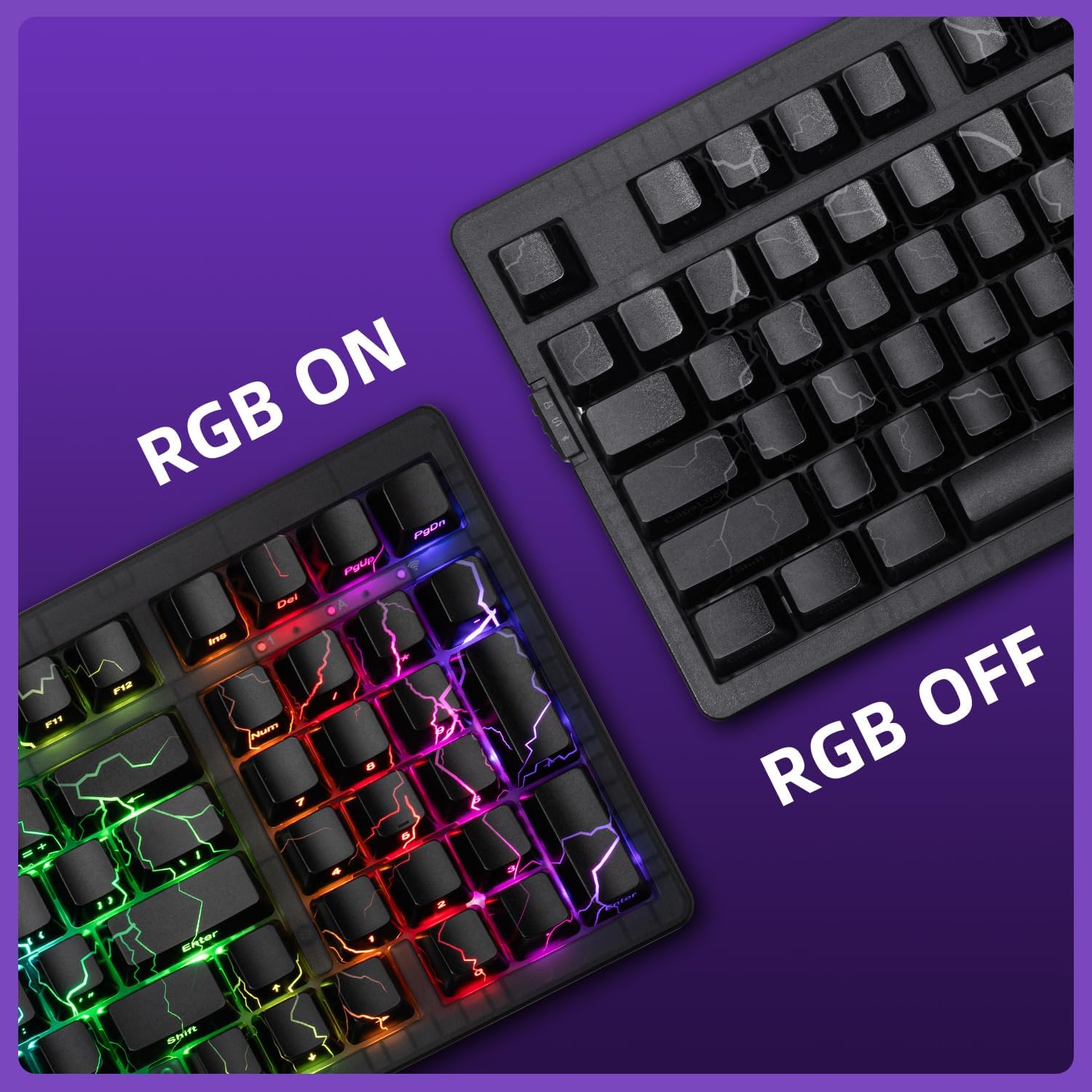
Figure 5: Dual-angle kickstand for ergonomic adjustment.
4. Instrucțiuni de utilizare
4.1 Controlul iluminării RGB
The keyboard offers 22 preset RGB lighting modes. Use the following key combinations to control the backlight:
- Fn + ↑ / ↓: Reglați luminozitatea iluminării de fundal.
- Fn + ← / →: Adjust Backlight Speed.
- Fn + ↗ (Page Up): Switch Backlight Color.
- Fn + ↘ (Page Down): Switch Backlight Mode.
- Fn + spațiu: Restore to Factory Settings.
- Fn + Win: Window Lock.
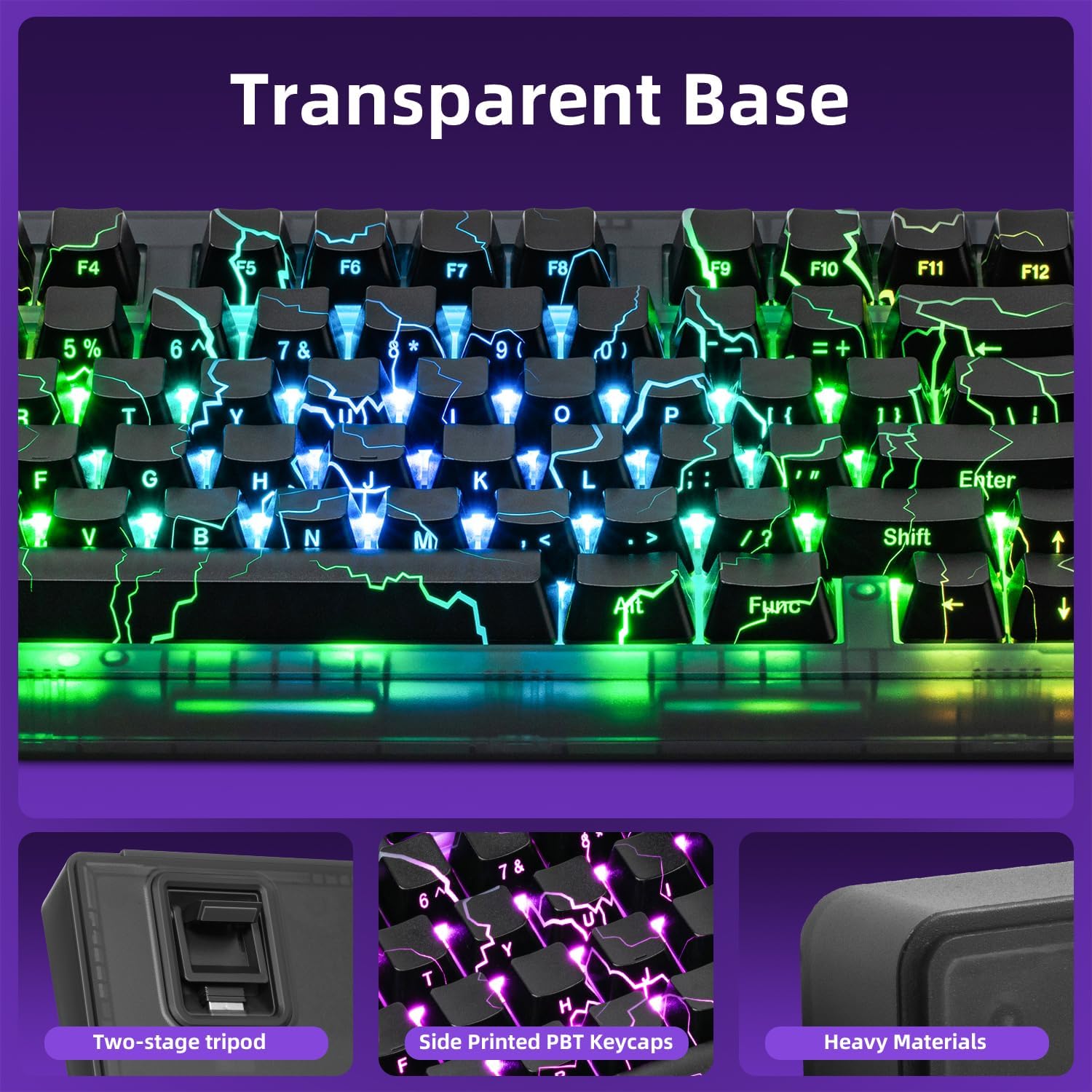
Figure 6: RGB Backlight Control functions.
4.2 Software de personalizare
For full customization, including key remapping, macro creation, and advanced RGB effects, download the dedicated driver software from the ZORNHER official website. This software allows you to tailor the keyboard to your personal preferences.

Figure 7: Customization software interface for RGB and macros.
4.3 Buton multifuncțional
The multi-function knob on the keyboard allows for quick adjustments and settings changes. Rotate the knob to cycle through options and press it to confirm selections or enter menus. This knob can control various settings including connection modes, system settings, and potentially RGB effects depending on the current mode.
Video 1: Demonstrates the multi-function knob and its display for changing settings and RGB effects on the ZORNHER ZH980 keyboard.
5. Întreținere
5.1 Curățare
To maintain your keyboard's appearance and functionality, regularly clean it using the provided brush and cloth. Use the brush to remove dust and debris from between the keycaps, and the cloth to wipe down the surface.
5.2 Înlocuirea comutatorului și a capacului tastelor
The ZORNHER ZH980 is hot-swappable, allowing for easy replacement of switches and keycaps without soldering. Use the included keycap puller to remove keycaps and the switch puller to remove switches. Align the new switch pins carefully before pressing it into place. Replace keycaps by gently pressing them onto the switch stem.

Figure 8: Hot-swappable PCB and tools for switch/keycap replacement.
Video 2: Demonstrates the sound of the ZORNHER ZH980 keyboard and the process of removing and replacing keycaps and switches.
6. Depanare
If you encounter any issues with your ZORNHER ZH980 keyboard, please refer to the following common troubleshooting steps:
- Probleme de conectare: Ensure the keyboard is charged. For 2.4GHz, verify the receiver is properly inserted. For Bluetooth, ensure the keyboard is in pairing mode and within range. Try re-pairing or switching to wired mode.
- Tastele nu răspund: Check if the keyboard is powered on and connected. If in wireless mode, ensure the battery is not depleted. Try cleaning around the affected key or replacing the switch if it's hot-swappable.
- Probleme cu iluminarea RGB: Use the Fn key combinations to cycle through modes, adjust brightness, or reset to factory settings. Ensure the customization software is up-to-date if custom profilenu funcționează.
- Probleme de software: Reinstall the customization software from the official ZORNHER website. Ensure your operating system is compatible.
- Durata de viață a bateriei: If battery life is shorter than expected, ensure RGB lighting is not set to maximum brightness constantly. Turn off the keyboard when not in use.
For further assistance, please contact ZORNHER customer support.
7. Specificații
| Caracteristică | Detaliu |
|---|---|
| Dimensiunile produsului | 14.96 x 7.99 x 2.75 inci |
| Greutatea articolului | 4.18 lire sterline |
| Producător | ZORNHER |
| ASIN | B0F3XGD765 |
| baterii | Sunt necesare 1 baterii litiu-ion (incluse) |
| Data primului disponibil | 7 aprilie 2025 |
| Dispozitive compatibile | Laptop, Mac, PC, Smartphone, Tablet |
| Tehnologia de conectivitate | Bluetooth, USB-C, Wi-Fi (2.4GHz) |
| Descrierea tastaturii | Mecanic |
| Utilizări recomandate pentru produs | Everyday Use, Gaming, Personal |
| Caracteristica specială | Backlit, Hot-Swappable, Integrated Stand, Rechargeable, Transparent Base |
| Culoare | Lightning (RGB) |
| Suport culori pentru iluminarea din spate a tastaturii | RGB |
| Stil | Contemporan |
8. Garanție și asistență
The ZORNHER ZH980 Mechanical Keyboard is covered by a 2-year warranty from the date of purchase. This warranty covers manufacturing defects and ensures the product meets its specified performance standards.
For warranty claims, technical support, or any inquiries regarding your keyboard, please contact ZORNHER customer service through their official website-ul sau informațiile de contact furnizate împreună cu documentația de achiziție.