
Produs terminatview
The Avantalk Lingo N21 is an open-ear Bluetooth headset designed for clear communication and all-day comfort. It features a noise-cancelling microphone, Bluetooth 5.3 connectivity, and comes with a convenient charging dock that also functions as a phone stand. This headset is ideal for professionals, remote workers, and anyone needing reliable audio for calls and online meetings while remaining aware of their surroundings.
Ce este în cutie
- Lingo N21 Headset
- Dock de încărcare
- USB C Power Cable for Dock
- Contact Charging Cable for Headset
Ghid de instalare
1. Încărcarea inițială
Before first use, fully charge your Lingo N21 headset. Place the headset onto the charging dock or connect it directly using the contact charging cable. The indicator light on the headset will show charging status.
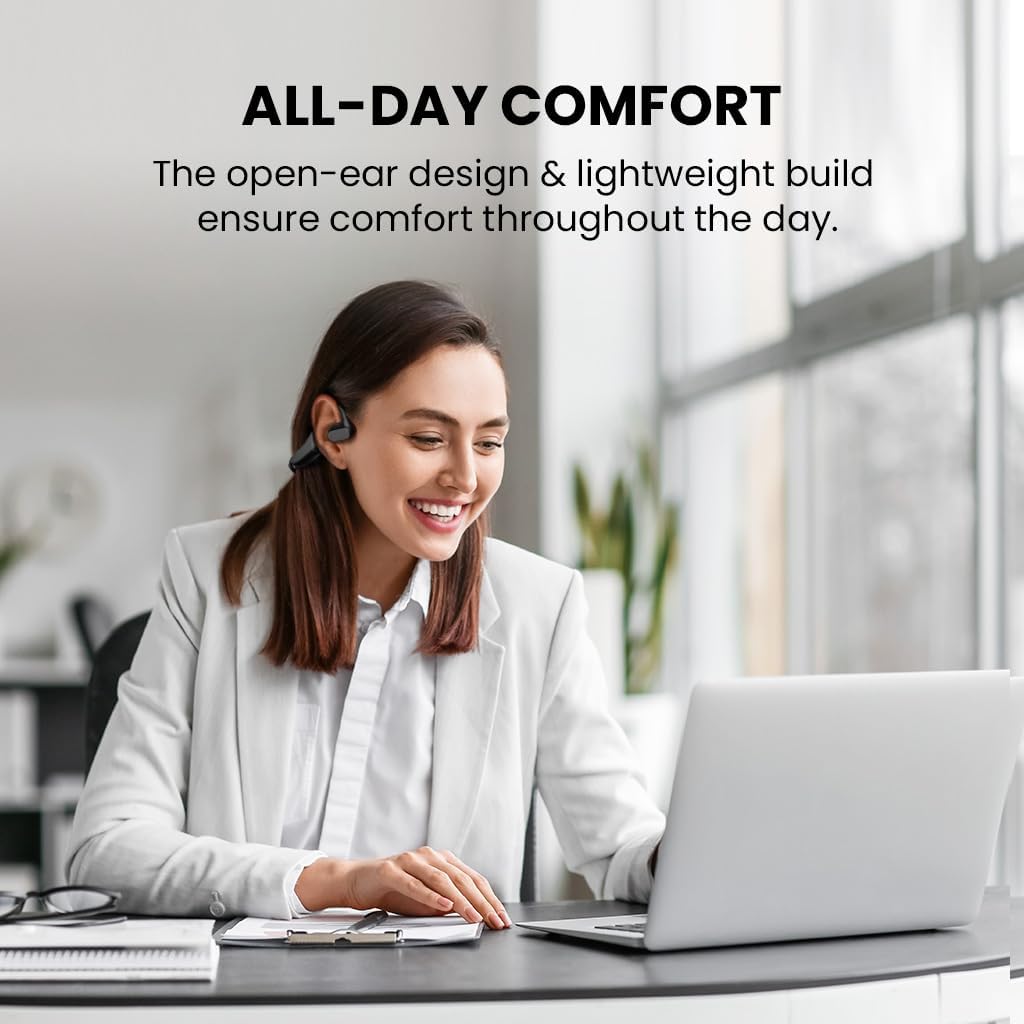
Image: The Avantalk Lingo N21 headset resting securely in its charging dock. The dock also features a slot for propping up a smartphone.

Image: The Lingo N21 headset charging dock, highlighting its dual function as a phone stand. A smartphone is shown propped up in the dock, displaying a video call.
2. Împerecherea cu dispozitivul dvs.
- Asigurați-vă că setul cu cască este încărcat și oprit.
- Press and hold the Multi-function button on the headset until the LED indicator flashes blue and red alternately. This indicates pairing mode.
- On your device (smartphone, laptop, PC, tablet), go to Bluetooth settings and enable Bluetooth.
- Caută "Avantalk Lingo N21" in the list of available devices and select it to connect.
- După conectare, indicatorul LED de pe căști va clipi lent în albastru.
Interactive Setup Guide Video
Video: An interactive setup guide for the Avantalk Lingo N21 headset. This video demonstrates the step-by-step process of setting up and connecting your headset to various devices, including scanning a QR code for an interactive portal.
Instrucțiuni de operare
Purtând căștile
The Lingo N21 features an open-ear hook design for comfortable, all-day wear. Position the ear hooks over your ears so the speakers rest gently outside your ear canal. Adjust the boom microphone for optimal voice pickup, ensuring it is close to your mouth.

Image: A woman wearing the Avantalk Lingo N21 headset, demonstrating its comfortable open-ear design during work at a laptop.

Image: A close-up of the Avantalk Lingo N21 headset, illustrating the 240-degree rotatable boom microphone for flexible positioning.
Comenzi și indicatoare
The headset features intuitive buttons for managing calls and media playback. Refer to the diagram below for button locations and functions.
- Buton multifuncțional: Power On/Off, Play/Pause, Answer/End Call, Voice Assistant.
- Butoane de creștere / reducere volum: Reglați volumul audio.
- Buton mut: Dezactivați/dezactivați sunetul microfonului în timpul apelurilor.
- Indicator LED: Afișează starea de alimentare, asociere și încărcare.

Imagine: O imagine detaliată view of the Avantalk Lingo N21 headset, highlighting the easily accessible mute button on the microphone boom.
Managementul apelurilor
- Răspundeți/Terminați apelul: Apăsați o dată butonul multifuncțional.
- Respinge apelul: Apăsați și mențineți apăsat butonul multifuncțional timp de 2 secunde.
- Dezactivare microfon: Press the dedicated Mute button on the microphone boom.
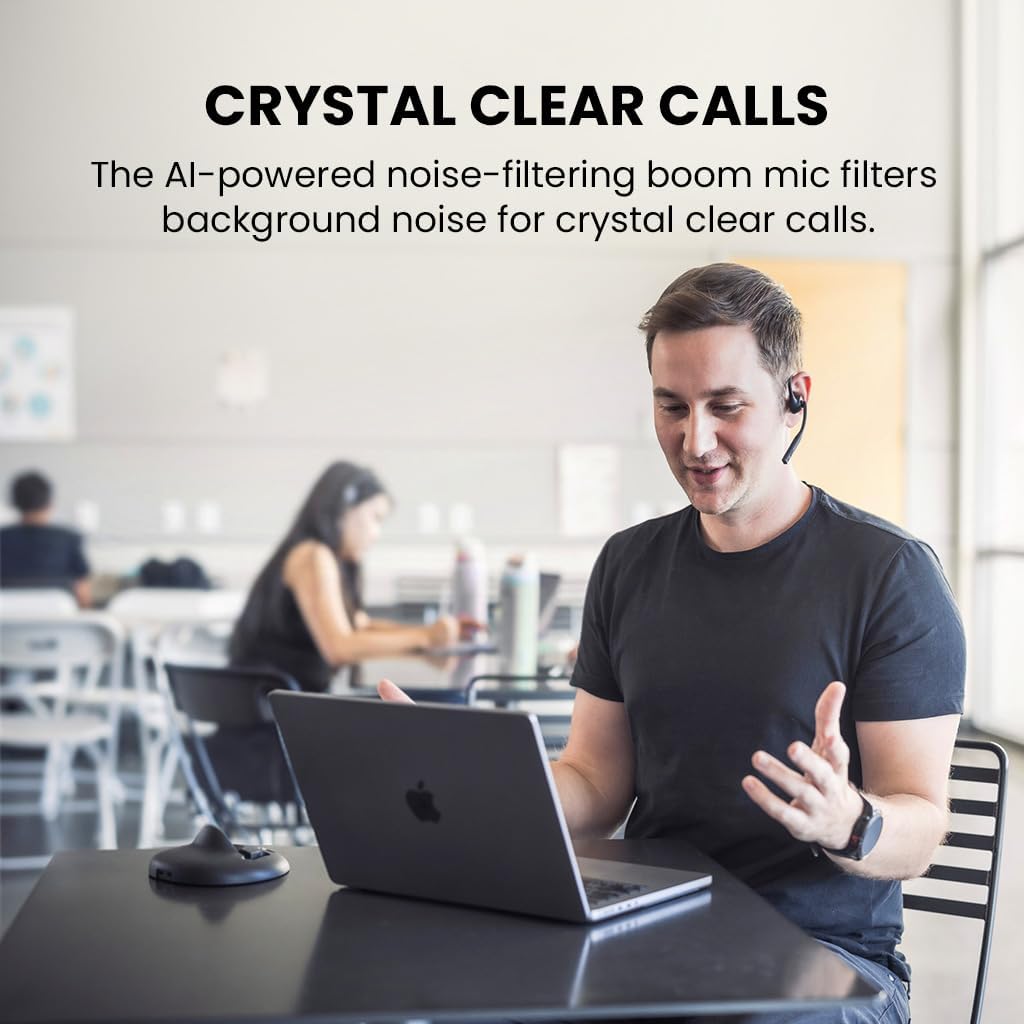
Image: A man engaged in a clear conversation using the Avantalk Lingo N21 headset with its boom mic, demonstrating its effectiveness for calls in an office setting.
Întreţinere
Curatenie
Wipe the headset and charging dock with a soft, dry, lint-free cloth. Avoid using harsh chemicals, cleaning solvents, or strong detergents. Do not immerse the headset or dock in water.
Îngrijirea bateriei
- To prolong battery life, fully charge the headset before first use.
- Recharge the headset when the battery is low. A full charge takes approximately 2 hours.
- The headset provides up to 15 hours of average use per charge.
- Depozitați setul cu cască într-un loc răcoros și uscat atunci când nu îl utilizați.

Image: The Avantalk Lingo N21 headset on its charging dock, with an overlay indicating "15 hours per charge" for extended playtime.
Depanare
Headset Not Powering On
- Ensure the headset is fully charged. Connect it to the charging dock or cable and check the LED indicator.
- Press and hold the Multi-function button for a few seconds to power on.
Nu se poate asocia cu dispozitivul
- Make sure the headset is in pairing mode (LED flashing blue and red alternately).
- Ensure Bluetooth is enabled on your device and it is within 10 meters of the headset.
- Forget/remove "Avantalk Lingo N21" from your device's Bluetooth list and try pairing again.
- Reporniți atât setul cu cască, cât și dispozitivul.
Fără sunet sau calitate audio slabă
- Verificați nivelurile de volum atât pe căști, cât și pe dispozitivul conectat.
- Ensure the headset is selected as the audio output device in your device's sound settings.
- Apropiați-vă de dispozitiv pentru a evita interferențele sau problemele de rază de acțiune.
- If using for calls, ensure the microphone is not muted.
Specificatii tehnice
| Numele modelului | Lingo N21 |
| Numărul de model | ATBH-NB21M |
| Marca | Avantalk |
| Tehnologia de conectivitate | Bluetooth 5.3 |
| Gama Bluetooth | 10 metri |
| Plasarea urechii | Deschide Urechea |
| Microfon | Noise-reducing boom mic |
| Durata de viață a bateriei (medie) | 15 de ore |
| Timp de încărcare a bateriei | 2 de ore |
| Metoda de control | Buton, Atinge |
| Greutate | 175 grame |
| Material | Acrilonitril Butadien Stiren (ABS) |
| Dispozitive compatibile | Cellphones, Laptops, PC, Computer, Desktops, Tablets |
Garanție și suport
Informații despre garanție
The Avantalk Lingo N21 comes with a 24 luni garantie. Product registration may cover the first 12 months of return shipment costs. Please refer to the official Avantalk website-ul pentru termenii și condițiile complete ale garanției.
Asistență pentru clienți
For extensive support, including chat, email, phone, online clinic, video tutorials, and FAQs, please visit the Avantalk support portal:
You can also email support at support@avantalk.com.