
1. Introducere
The MAUL Commercial Calculator MXL16 is designed for commercial use, offering a stable and resilient build with an extra-large case (20.5 x 15.5 cm) for comfortable operation. It features a large, angled 16-digit display for improved readability and large, distinctively colored buttons for quick and accurate input. This calculator combines precision and reliability for both desk and mobile use.
Caracteristicile cheie includ:
- 16-digit LCD display with 1 line.
- Angled display for optimal viewing.
- Solar and battery powered (LR44 battery included).
- Automatic shut-off to conserve energy.
- Comprehensive functions including tax calculation, 3-button memory, root calculation, and percentage.
- Durable plastic buttons for easy cleaning.
2. Configurare
Sursa de alimentare 2.1
The MAUL MXL16 calculator operates using both solar power and a single LR44 battery. The solar panel provides power in well-lit environments, while the battery ensures operation when light is insufficient. An LR44 battery is included with the calculator.

Figura 2.1: Fund view of the calculator, indicating the battery compartment.
2.2 Utilizare inițială
Upon first use, ensure the calculator is exposed to adequate light for solar power or that the included LR44 battery is correctly installed. The calculator features an automatic shut-off function to conserve power when not in use.

Figura 2.2: Latura view showing the angled display for better reading.
3. Instrucțiuni de utilizare
The MAUL MXL16 calculator provides a range of functions for commercial calculations. The buttons are color-coded for easier identification and faster operation.
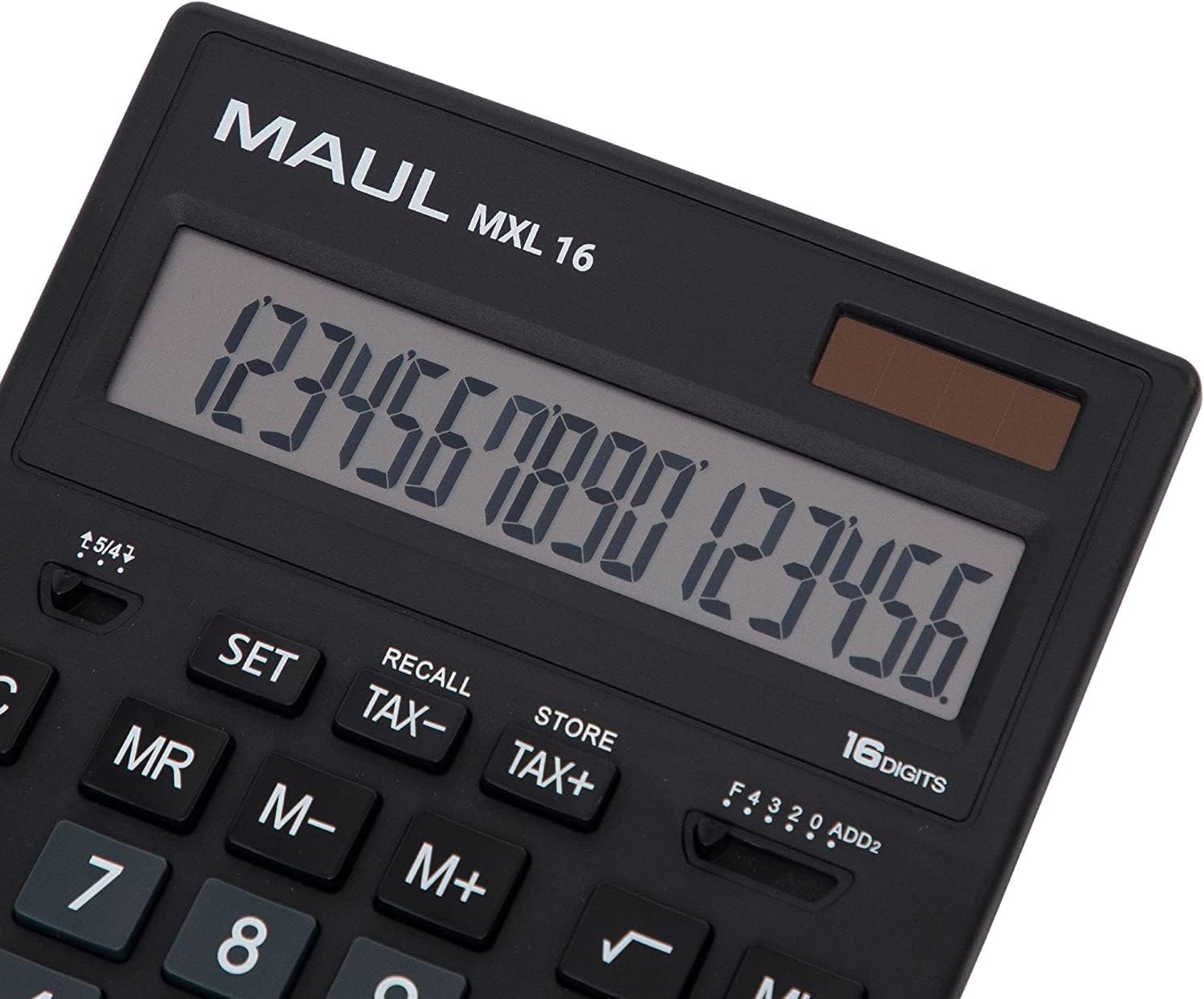
Figura 3.1: Display and key layout of the MAUL MXL16.
3.1 Operații de bază
- ON/AC: Pornește calculatorul sau șterge toate intrările și memoria.
- CE/C: Clears the last entered number or the current calculation without affecting memory. Pressing twice may clear all.
- Tastele numerice (0-9): Input numerical values.
- Decimal Point (.): Introduce un punct zecimal.
- Operatori aritmetici (+, -, ×, ÷): Perform addition, subtraction, multiplication, and division.
- Egal (=): Displays the result of a calculation.
3.2 Funcții speciale
- Calculul impozitului (TAX+, TAX-): Allows for easy calculation of prices with or without tax. Use the SET button to configure the tax rate.
- Memory Functions (MR, M-, M+):
- M+: Adaugă valoarea afișată în memorie.
- M-: Scade valoarea afișată din memorie.
- DL: Reapelează valoarea stocată în memorie.
- MC: Clears the memory (often by pressing MR twice or a dedicated MC button).
- Root Calculation (√): Calculează rădăcina pătrată a numărului afișat.
- Procenttage (%): Efectuează procentetagcalcule.
- Schimbare semn (+/-): Schimbă semnul numărului afișat (de la pozitiv la negativ sau invers).
- Double Zero (00) / Triple Zero (000): For quick entry of multiple zeros.
- Comma Selector Switch: Adjusts the decimal point display.
- Automatic Rounding: Allows selection of how numbers are rounded (e.g., up, down, or standard).
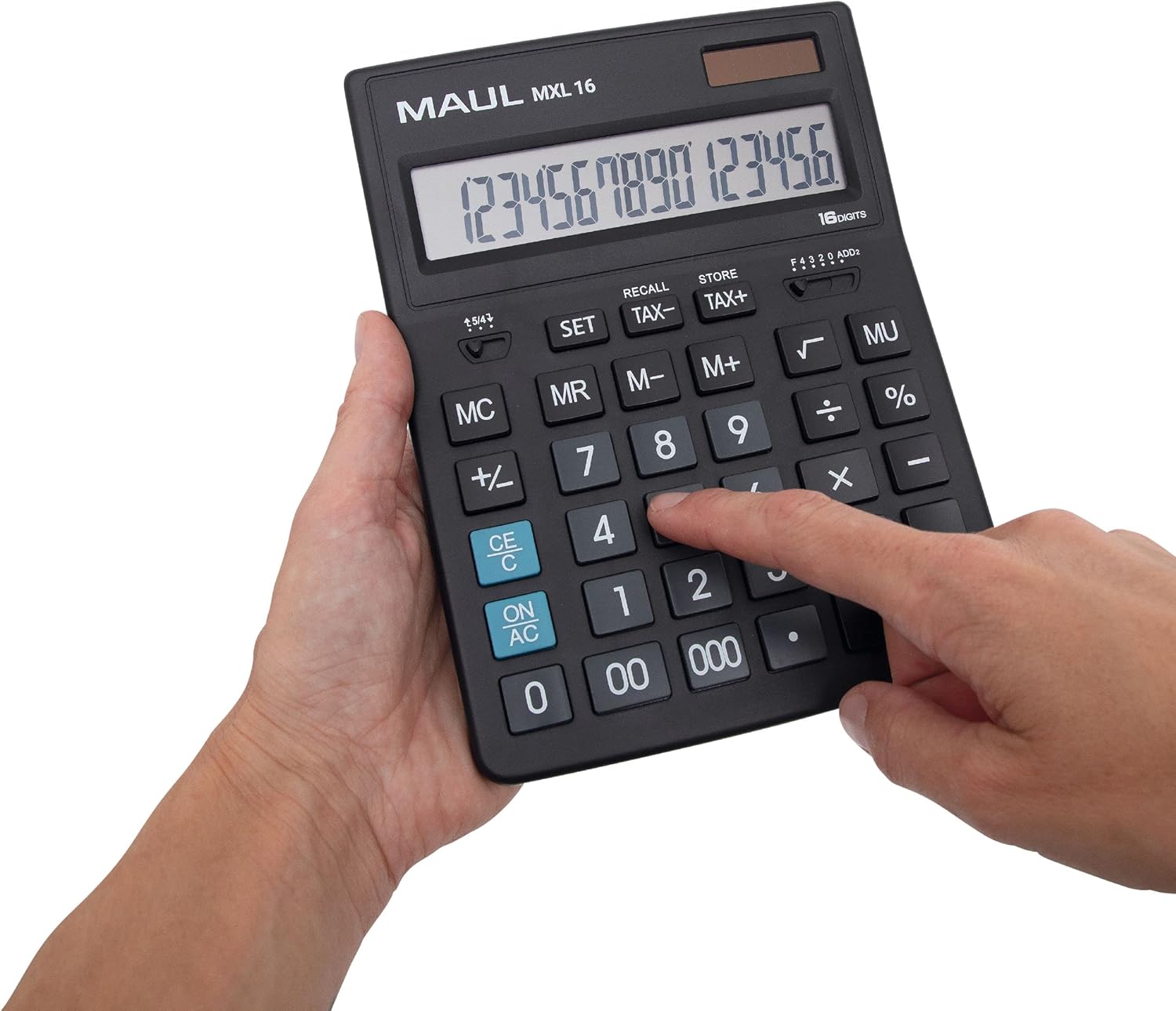
Figura 3.2: User interacting with the calculator keys.
4. Întreținere
The MAUL MXL16 calculator is designed for durability with sturdy plastic buttons that are easy to clean.
- curatenie: Use a soft, dry cloth to wipe the calculator's surface and keys. For stubborn dirt, a slightly damp Se poate folosi o lavetă cu săpun delicat, asigurându-vă că nu pătrunde lichid în dispozitiv.
- Depozitare: Depozitați calculatorul într-un loc răcoros și uscat, ferit de lumina directă a soarelui și de temperaturi extreme.
- Înlocuire baterie: If the display becomes dim or the calculator functions intermittently in low light, the LR44 battery may need replacement. Refer to the battery compartment on the underside of the calculator for access.
5. Depanare
- Calculatorul nu pornește:
- Asigurați-vă că calculatorul este expus la suficientă lumină pentru a primi energie solară.
- Check if the LR44 battery is correctly installed and has sufficient charge. Replace if necessary.
- Calcule incorecte:
- Press the ON/AC button to clear all previous entries and memory, then re-enter the calculation.
- Verify the correct input of numbers and operations.
- Afișajul este slab sau pâlpâie:
- Ensure adequate lighting for the solar panel.
- Înlocuiți bateria LR44.
6. Specificații
| Numele modelului | MXL16 |
| Numărul de model | 7267890 |
| Afişa | 16 Digits, 1 Line LCD, Angled |
| Dimensiuni (L x l) | 20.5 x 15.5 cm |
| Sursa de alimentare | Solar and 1 x LR44 Battery (included) |
| Material | Plastic (housing and buttons) |
| Funcții | Tax calculation, 3-button memory, Root, Percent, Sign change, Automatic rounding, Double/Triple zero buttons, Comma selector switch |
| Oprire automată | Da |
7. Garantie
The MAUL Commercial Calculator MXL16 comes with a 5 an garanțieVă rugăm să păstrați dovada achiziției pentru reclamațiile în garanție. Garanția acoperă defectele de fabricație în condiții normale de utilizare.
8. Suport
For further assistance, technical support, or warranty inquiries, please contact your retailer or the MAUL customer service department. Refer to the product packaging or the MAUL official website pentru informații de contact.