
1. Introducere
This manual provides essential information for the safe and efficient operation of your Coocaa 43Y72 4K Ultra HD Smart IPS Google LED TV. Please read it thoroughly before using the television and retain it for future reference. This television features a 108 cm (43 inches) frameless 4K Ultra HD IPS display, powered by Google TV, offering a comprehensive entertainment experience.

Image: The Coocaa 43Y72 TV showcasing its Google TV interface with personalized content and app recommendations.
2. Ce se află în cutie
La despachetare, vă rugăm să vă asigurați că sunt prezente toate următoarele articole:
- 1 x Coocaa 43Y72 LED TV
- 1 x telecomandă
- 1 x Cablu de alimentare
- 1 x Ghid de pornire
- 1 x card de garanție
- 2 baterii AAA (pentru telecomandă)
- 1 x Set de suporturi de bază
- 4 x Șuruburi (pentru suporturile de bază)
3. Configurare
3.1 Configurarea fizică
- Despachetarea: Carefully remove the TV from its packaging. It is recommended to have two people for this process.
- Instalare stand: If using the included base stands, align them with the mounting holes on the bottom of the TV. Secure them using the provided screws. Ensure the TV is placed on a stable, flat surface.
- Montare pe perete (opțional): If wall mounting, refer to the instructions provided with your wall mount kit. Ensure the wall mount is compatible with VESA standards for your TV model and installed by a qualified professional.
- Conexiune de alimentare: Connect the power cord to the TV's power input and then to a suitable electrical outlet.
3.2 Pornirea inițială
- Apăsați butonul de alimentare de pe televizor sau de pe telecomandă pentru a porni televizorul.
- Follow the on-screen instructions to complete the initial setup, including language selection, network connection, and Google account sign-in.
4. Conectivitate
Your Coocaa 43Y72 TV offers multiple connectivity options for various devices.

Imagine: O imagine detaliată view of the TV's side panel, illustrating the arrangement of USB, Digital Audio, AV, HDMI, and LAN ports.
4.1 Conexiuni cu fir
- Porturi HDMI (3): Conectați set-top box-uri, playere Blu-ray, console de jocuri sau alte dispozitive compatibile HDMI.
- Porturi USB (2): Conectați hard disk-uri, unități flash USB sau alte dispozitive USB pentru redarea media.
- Port LAN: Pentru o conexiune stabilă la internet prin cablu.
- Ieșire audio digitală: Conectați-vă la sisteme audio externe pentru un sunet îmbunătățit.
- Intrare AV: Pentru conectarea dispozitivelor mai vechi folosind cabluri video compozite și audio stereo.
- Port IR: To control connected devices like DVD/STB players.
4.2 Conexiuni wireless
- Wi-Fi (bandă duală): Conectați-vă la rețeaua de domiciliu pentru acces la internet și streaming.
- Bluetooth: Pair with compatible devices such as headphones, speakers, or game controllers.
5. Operarea televizorului
5.1 Telecomandă
The included remote control allows you to navigate the TV's features. It supports voice commands and has dedicated buttons for popular streaming services.

Image: The Coocaa remote control, highlighting its ergonomic design and dedicated buttons for smart features and streaming services.
- Buton de alimentare: Pornește sau oprește televizorul.
- Butonul Asistent Google: Activează controlul vocal pentru căutarea de conținut, controlul dispozitivelor inteligente pentru casă și multe altele.
- Bloc de navigare: Folosiți butoanele direcționale și butonul OK pentru a naviga prin meniuri.
- Butoane de volum/canal: Reglați volumul și schimbați canalele.
- Butoane de acces rapid: Direct access to Netflix, Prime Video, and YouTube.
5.2 Interfața Google TV
Google TV organizes movies, shows, live TV, and more from your apps and subscriptions into one personalized interface.
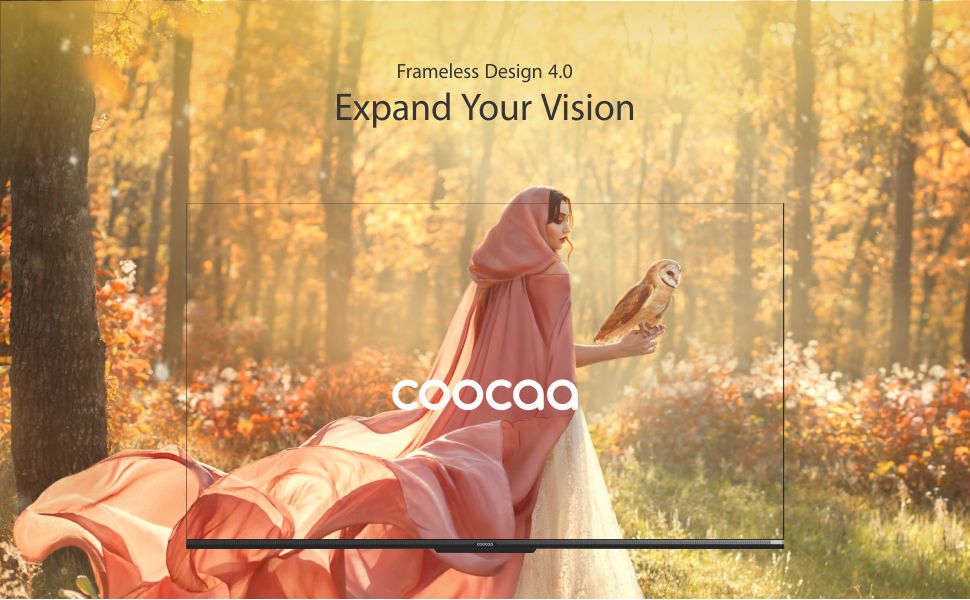
Image: The Google TV home screen, demonstrating personalized content suggestions and easy access to various applications.
- Personalized Homescreen: Content recommendations are tailored to your viewobiceiuri.
- Content Catalog: Access a vast library of movies and TV shows from services like Prime Video, Netflix, Hotstar, Zee5, Sony LIV, YouTube, and more.
- Google Duo Support: Engage in video calls directly from your TV (requires compatible camera, sold separately).
- Swaiot Home Feature: Integrate and control compatible smart home devices.
- Chromecast încorporat: Transmiteți conținut de pe smartphone sau tabletă direct pe televizor.
- Asistentul vocal Google: Use voice commands for navigation, search, and control.
6. Funcții de afișare și audio
Tehnologie de afișare 6.1
- 4K HDR (3840 x 2160) Resolution: Delivers sharp, detailed images with vibrant colors.
- Display IPS: Oferă largă viewing angles (178 degrees), ensuring consistent picture quality from various positions.
- Durable A+ Grade DLED Panel: Ensures reliability and consistent performance.
- Ultra Bright Screen: Maintains picture clarity even in well-lit rooms.
- Design fără cadru: Maximizează spațiul ecranului pentru o experiență captivantă viewexperiență.
- Chameleon Extreme 2.0 Picture Engine: Enhances picture quality by optimizing color, contrast, and clarity.
- HDR 10 și HLG: Supports high dynamic range content for improved contrast and color accuracy.

Image: The Coocaa TV featuring its frameless design, designed to provide an expansive visual experience.
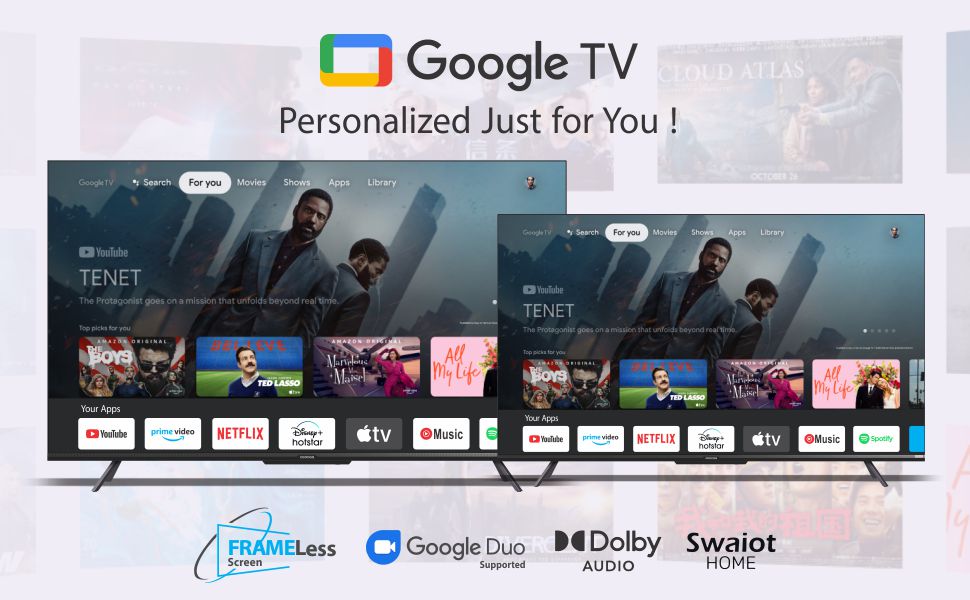
Image: Visual representation of the Chameleon Extreme 2.0 Picture Engine, highlighting its role in bringing out every detail.
6.2 Tehnologie audio
- Putere de ieșire de 30 wați: Oferă un sunet clar și puternic.
- Dolby Audio: Delivers rich, clear, and powerful sound for an immersive audio experience.
- DTS Tru Surround: Enhances audio with virtual surround sound for remarkable sound quality.
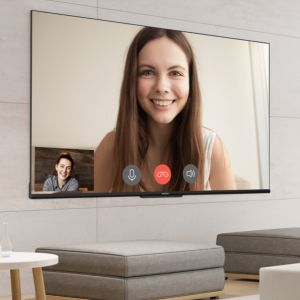
Image: Logos for Dolby Audio and DTS TruSurround, signifying advanced audio processing for superior sound.
7. Specificații
Detailed technical specifications for the Coocaa 43Y72 TV:

Image: Technical drawing illustrating the precise dimensions of the Coocaa 43Y72 TV, including screen size, width, height, and depth.
| Caracteristică | Detaliu |
|---|---|
| Model | 43Y72 |
| Dimensiunea ecranului | 108 cm (43 inchi) |
| Rezoluţie | 4K HDR (3840 x 2160) |
| Rata de reîmprospătare | 60 Herți |
| Viewunghiul ing | 178 de grade |
| Tip de afișare | LED IPS |
| Ieșire sunet | 30 wați |
| Tehnologia audio | Dolby Audio, DTS Tru Surround |
| Sistem de operare | Google TV (Android) |
| RAM | 2 GB |
| Depozitare | 16 GB |
| Porturi HDMI | 3 |
| Porturi USB | 2 |
| Conectivitate wireless | Dual-band Wi-Fi, Bluetooth |
| Dimensiuni (Lxlxh) | 95.07 x 19.09 x 56.06 cm |
| Greutatea articolului | 6 kg |
| Sursa de alimentare | AC 200 Volts, 100 Watts |
8. Depanare
Dacă întâmpinați probleme cu televizorul, consultați următoarele probleme și soluții frecvente:
- Fără putere:
- Ensure the power cord is securely connected to both the TV and the electrical outlet.
- Verificați dacă priza funcționează conectând un alt dispozitiv.
- Apăsați butonul de pornire de pe televizor, nu doar de pe telecomandă.
- Fără imagine, dar sunet:
- Verificați dacă este selectată sursa de intrare corectă (de exemplu, HDMI 1, AV).
- Verificați conexiunile prin cablu dintre televizor și dispozitivele externe.
- Fără sunet, dar imagine:
- Măriți volumul.
- Verificați dacă televizorul este dezactivat.
- Asigurați-vă că cablurile audio sunt conectate corect dacă utilizați difuzoare externe.
- Verificați setările de ieșire audio din meniul televizorului.
- Telecomanda nu funcționează:
- Replace the batteries (2 AAA batteries).
- Asigurați-vă că nu există obstacole între telecomandă și senzorul IR al televizorului.
- Re-pair the Bluetooth remote if it's a smart remote.
- Probleme de conexiune Wi-Fi:
- Reporniți routerul și modemul.
- Verificați parola Wi-Fi.
- Asigurați-vă că televizorul se află în raza de acțiune a routerului Wi-Fi.
For persistent issues, please contact Coocaa customer support.
9. Întreținere
Întreținerea corespunzătoare asigură longevitatea și performanța optimă a televizorului dumneavoastră:
- Curățarea ecranului: Use a soft, lint-free cloth specifically designed for electronics. Do not use harsh chemicals or abrasive materials. Lightly dampClătiți laveta cu apă, dacă este necesar, și ștergeți ușor.
- Curățarea corpului: Ștergeți rama și suportul televizorului cu o lavetă moale și uscată.
- Ventilare: Asigurați o circulație adecvată a aerului în jurul televizorului. Nu blocați orificiile de ventilație.
- Opriți când nu este utilizat: Turn off the TV and unplug it during lightning storms or when leaving it unused for extended periods.
10. Garanție și asistență
Your Coocaa 43Y72 TV comes with a standard brand warranty. Please refer to the included Warranty Card for specific terms, conditions, and duration of coverage.
- Acoperire garanție: Typically covers manufacturing defects and malfunctions under normal use.
- Contactați asistența: For warranty claims, technical assistance, or service requests, please refer to the contact information provided on your Warranty Card or the official Coocaa website-ul.
- Dovada cumpararii: Always retain your purchase receipt as proof of purchase for warranty validation.