
1. Introducere
The Viotek GN32DB is a 32-inch curved gaming monitor designed to deliver an immersive visual experience. It features a WQHD (2560x1440p) resolution, a 144Hz refresh rate, and AMD FreeSync technology, ensuring smooth and responsive gameplay. This manual provides essential information for setting up, operating, maintaining, and troubleshooting your monitor.

Image: The Viotek GN32DB monitor showcasing its 144Hz WQHD display capabilities.
2. Configurare
2.1 Despachetare și asamblare
Carefully remove the monitor and all components from the packaging. Ensure all parts are present before proceeding with assembly. Attach the stand base to the stand neck, then secure the assembled stand to the back of the monitor using the provided screws. The monitor also supports VESA mounting (75x75mm) for alternative installation options.
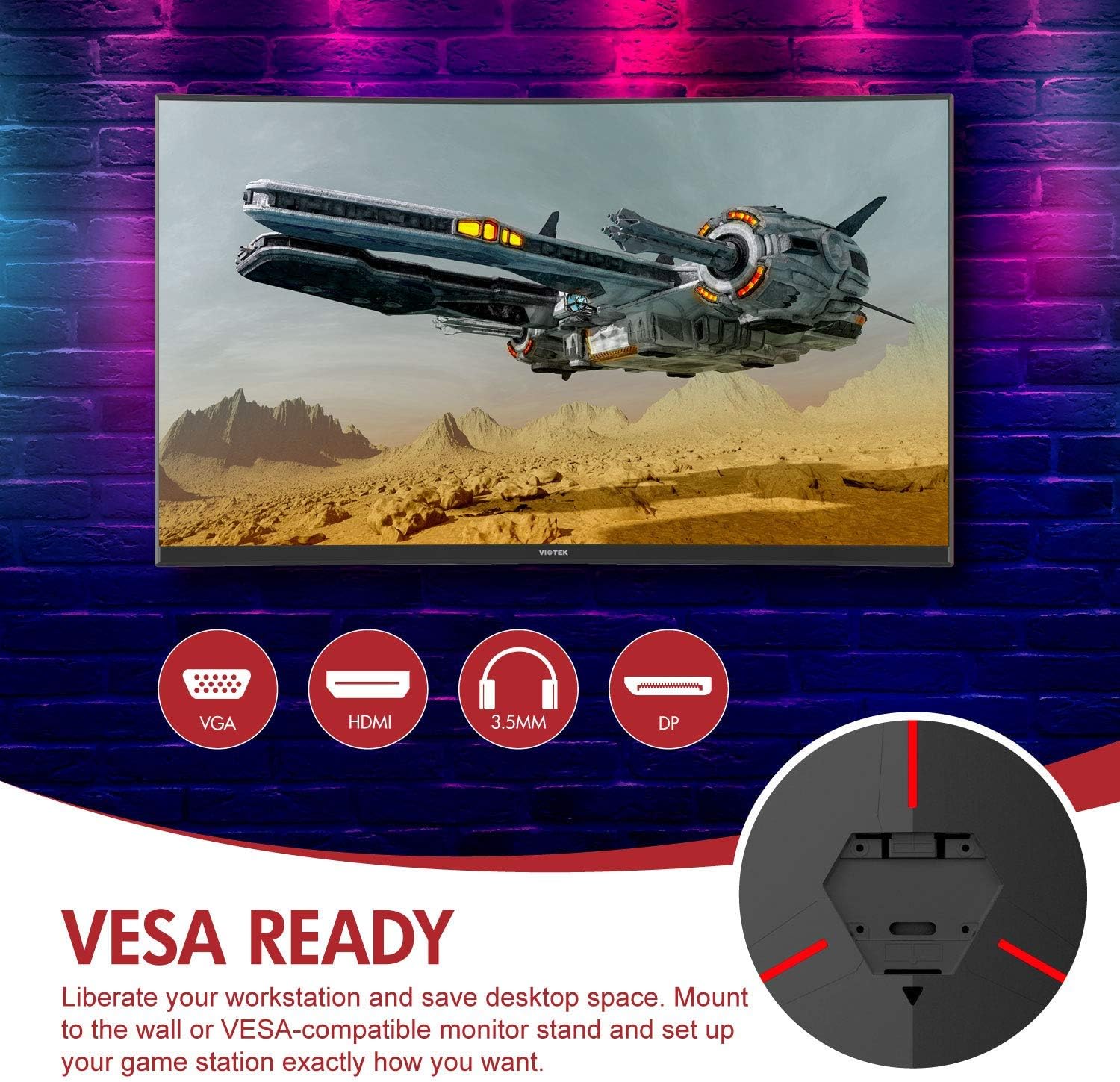
Imagine: Spate view of the monitor highlighting VESA compatibility and available ports.
2.2 Conectarea la un dispozitiv
Connect your computer or gaming console to the monitor using one of the available input ports:
- DisplayPort (DP 1.2): For optimal performance, including 144Hz refresh rate and FreeSync.
- HDMI (HDMI 2.0): Supports high-resolution and refresh rates.
- DVI: For compatible devices.
Connect the power adapter to the monitor and then to a power outlet. The monitor also features a 3.5mm audio output jack for external sound systems.

Imagine: Detaliată view of the monitor's rear panel with input ports.
3. Operarea monitorului
3.1 Pornire/Oprire
Apăsați butonul de alimentare situat pe monitor pentru a-l porni sau opri. Indicatorul luminos de alimentare va afișa starea monitorului.
3.2 Meniul de afișare pe ecran (OSD).
Navigate the OSD menu using the buttons or joystick (if present) on the monitor. The OSD allows you to adjust various settings:
- Setări imagine: Reglați luminozitatea, contrastul, claritatea și temperatura culorii.
- Moduri de culoare: Select from predefined color profiles sau personalizați-vă propria.
- Sursa de intrare: Manually select the active input (DP, HDMI, DVI).
- Audio: Adjust volume for the 3.5mm audio output.
3.3 Caracteristici de joc
- AMD FreeSync: This technology synchronizes the monitor's refresh rate with your GPU's frame rate to eliminate screen tearing and stuttering. Ensure FreeSync is enabled in both the monitor's OSD and your graphics card settings.
- Moduri FPS/RTS: Optimize display settings for specific game genres.
- Joc Plus: Activate on-screen crosshairs for improved aiming accuracy.

Image: Visual demonstration of AMD FreeSync technology in action.
3.4 Low Blue Light Mode
Activate the Low Blue Light mode to reduce blue light emissions, which can help minimize eye strain during extended use.
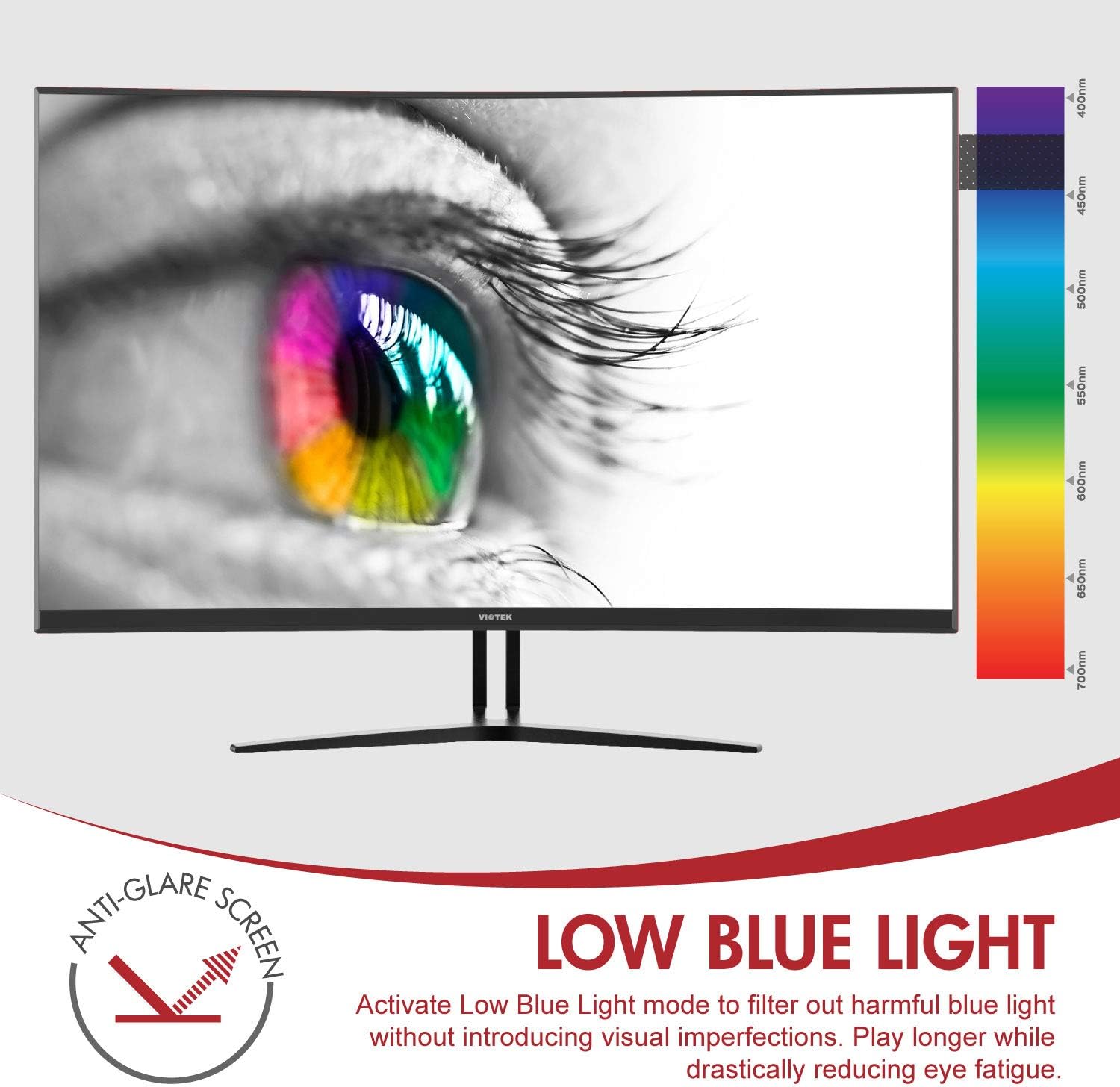
Image: The monitor's Low Blue Light feature for eye comfort.
3.5 Console Compatibility
The GN32DB is compatible with various gaming consoles, including Xbox One S/X and PlayStation 4, via DP 1.2 or HDMI connections. Enjoy FreeSync compatibility with supported Xbox consoles for smoother gameplay.

Image: Monitor compatibility with gaming consoles and adjustable tilt angle.
4. Întreținere
To ensure the longevity and optimal performance of your Viotek GN32DB monitor, follow these maintenance guidelines:
- Curățarea ecranului: Ștergeți ușor ecranul cu o lavetă moale, fără scame. Pentru petele persistente, ștergeți ușorampCurățați laveta cu apă sau cu o soluție de curățare specifică pentru ecran. Evitați utilizarea substanțelor chimice dure sau a materialelor abrazive.
- Curatenie generala: Folosiți o cârpă moale și uscată pentru a curăța monitorul.asing and stand.
- Ventilare: Asigurați-vă că orificiile de ventilație ale monitorului nu sunt blocate pentru a preveni supraîncălzirea.
- Depozitare: Când nu este utilizat pentru perioade lungi de timp, depozitați monitorul într-un loc răcoros și uscat, de preferință în ambalajul original.
5. Depanare
Dacă întâmpinați probleme cu monitorul, consultați următoarele probleme și soluții frecvente:
| Problemă | Cauza posibila | Soluţie |
|---|---|---|
| Nicio imagine pe ecran | Power cable disconnected, incorrect input source, faulty video cable. | Check power connections. Select correct input source via OSD. Replace video cable. |
| Imagine pâlpâitoare sau distorsionată | Loose video cable, incorrect resolution/refresh rate, FreeSync issue. | Ensure video cable is secure. Adjust display settings on your device. Verify FreeSync settings. |
| No sound from 3.5mm audio out | Volume too low, external speakers not connected, audio source issue. | Increase monitor volume. Connect speakers correctly. Check audio settings on your device. |
| Monitorul nu pornește | Power supply issue, faulty power button. | Verify power outlet and adapter. Contact support if issue persists. |
If the problem persists after attempting these solutions, please contact Viotek customer support.
6. Specificații
| Caracteristică | Detaliu |
|---|---|
| Marca | Viotek |
| Numărul de model | GN32DB |
| Dimensiunea ecranului | 31.5 inchi |
| Rezoluţie | QHD Wide 1440p (2560x1440) |
| Raportul de aspect | 16:9 |
| Rata de reîmprospătare | 144 Hz |
| Timp de răspuns | 4 Milliseconds (with Automatic Overdrive) |
| Tip de afișare | LED (Samsung VA Panel) |
| Curbură | 1800R |
| Gama de culori | 115% sRGB / 85% NTSC |
| Raport de contrast | 3000:1 (Static), 1,000,000:1 (Dinamic) |
| Luminozitate | 250 cd/m² |
| Viewunghiul ing | 178 de grade |
| Sincronizare adaptivă | FreeSync |
| Conectivitate | 1x DisplayPort 1.2, 1x HDMI 2.0, 1x DVI, 1x 3.5mm Audio Output |
| Tip de montare | Suport VESA (75x75mm) |
| Caracteristici suplimentare | Anti-Glare Screen, Low Blue Light, FPS/RTS Modes, Game Plus |
| Greutatea articolului | 17.2 lire sterline |
7. Garantie
The Viotek GN32DB monitor is protected by a Garanție limitată de 3 ani. This warranty includes a Politica de toleranță zero privind pixelii morți, ensuring that your monitor is free from dead pixels upon purchase. For detailed terms and conditions, please refer to the official Viotek warranty documentation.

Image: Viotek's 3-Year Limited Warranty and Zero-Tolerance Dead Pixel Policy.
8. Suport
For any questions, technical assistance, or warranty claims, please contact Viotek's customer service. Our 100% U.S.-based customer service team is available 7 days a week to provide support.
Contact information can be found on the official Viotek webpe site sau în ambalajul produsului.