
Viotek NB24CW
Viotek NB24CW 24-Inch Curved Monitor User Manual
Model: NB24CW
Introducere
This manual provides essential information for the safe and efficient operation of your Viotek NB24CW 24-Inch LED Curved Monitor. Please read this guide thoroughly before using the product and retain it for future reference.
The Viotek NB24CW is a 24-inch curved LED monitor featuring a 1920x1080p Full-HD resolution, 75Hz refresh rate, and FreeSync technology. It includes built-in speakers, VGA and HDMI 1.4 ports, and is VESA mount compatible. Its bezel-less design offers an immersive viewexperiență atât pentru muncă, cât și pentru divertisment.
Informații de siguranță
Pentru a asigura o funcționare sigură și a preveni deteriorarea, respectați următoarele precauții:
- Nu expuneți monitorul la ploaie, umezeală sau temperaturi extreme.
- Evitați amplasarea monitorului în apropierea surselor de căldură sau în lumina directă a soarelui.
- Folosiți doar adaptorul de alimentare furnizat împreună cu monitorul.
- Nu blocați orificiile de ventilație.
- Curățați ecranul cu o lavetă moale, fără scame. Evitați substanțele de curățare abrazive.
- If any issues arise, disconnect the power cable and contact customer support.
Conținutul pachetului
Verificați dacă toate articolele sunt prezente în colet:
- Viotek NB24CW Monitor
- Suport monitor (bază și gât)
- Adaptor de alimentare
- Cablu HDMI
- VESA Adapter (75x75mm)
- Manual de utilizare (acest document)
Înființat
1. Asamblarea standului
- Scoateți cu atenție monitorul din ambalaj.
- Atașați gâtul suportului la panoul monitorului folosind șuruburile furnizate.
- Fixați baza suportului la gâtul suportului.
- Așezați monitorul asamblat pe o suprafață stabilă și plană.
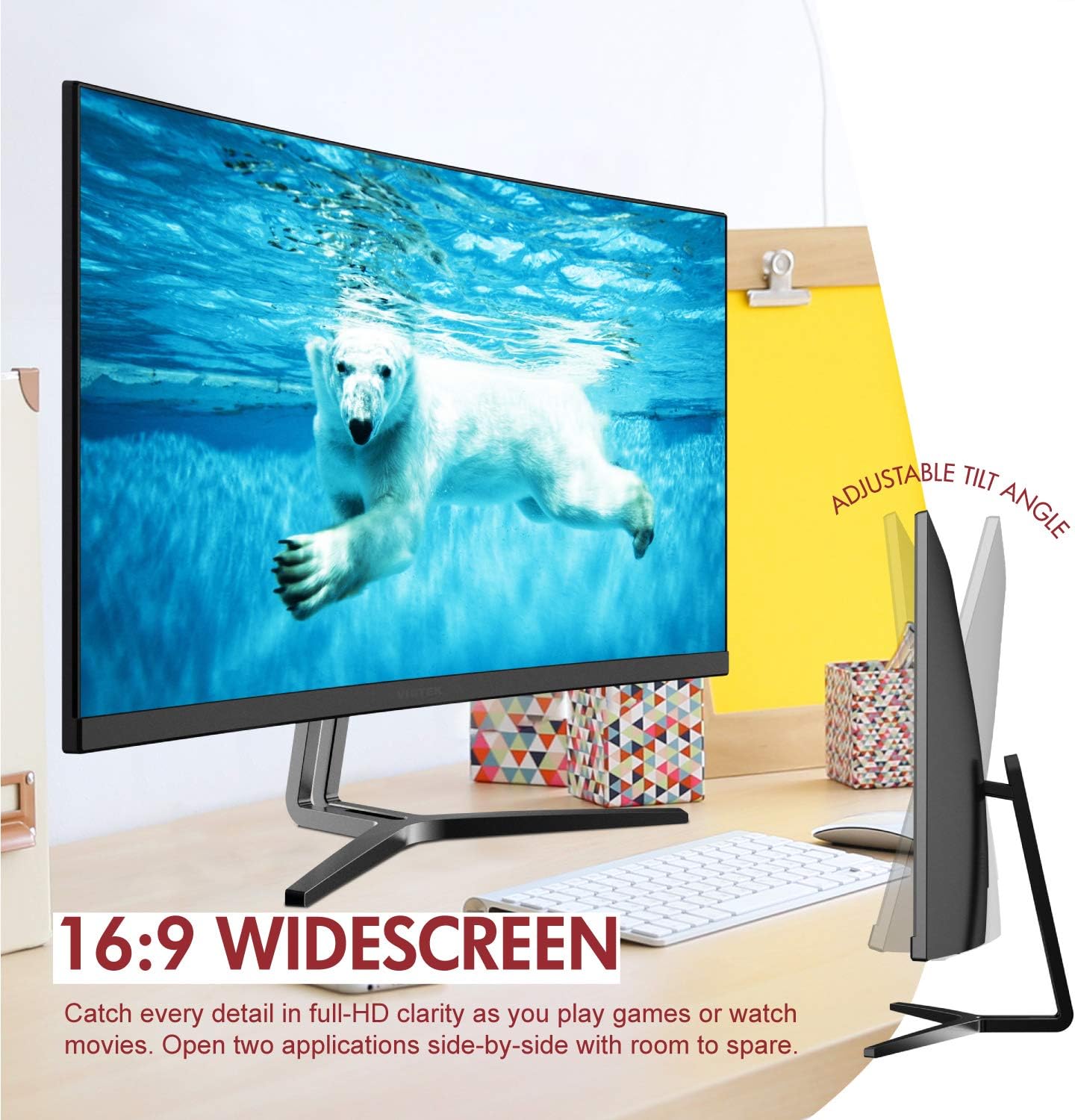
Image: The Viotek NB24CW monitor with its stand, highlighting the 16:9 widescreen aspect ratio and adjustable tilt angle. The monitor is shown displaying a polar bear underwater.
2. Conectarea la un dispozitiv
The monitor supports HDMI and VGA connections.
- Conexiune HDMI: Connect one end of the HDMI cable (included) to the HDMI port on your computer or gaming console, and the other end to the HDMI 1.4 port on the monitor.
- Conexiune VGA: Connect one end of the VGA cable (not included) to the VGA port on your computer, and the other end to the VGA port on the monitor.

Imagine: O imagine detaliată view of the monitor's rear panel, illustrating the HDMI 1.4 and VGA input ports for connecting to various devices.
3. Conexiune la alimentare
Conectați adaptorul de alimentare la intrarea de alimentare a monitorului, apoi introduceți adaptorul într-o priză.
4. Montare VESA (opțională)
The monitor is VESA 75x75mm compatible. Use the included VESA adapter to mount the monitor to a wall or compatible monitor arm.

Image: The back of the Viotek NB24CW monitor, highlighting its VESA mounting capability, integrated speakers, and connectivity options including VGA and HDMI.
Instrucțiuni de operare
1. Pornire/Oprire
Apăsați butonul de alimentare situat în partea dreaptă jos a monitorului pentru a-l porni sau opri.
2. Meniul de afișare pe ecran (OSD).
Use the buttons next to the power button to navigate the OSD menu. This menu allows you to adjust various settings such as brightness, contrast, color temperature, input source, and audio volume.
3. Reglarea setărilor de afișare
- Luminozitate/Contrast: Ajustați aceste setări pentru un confort vizual optim.
- Setări de culoare: Select from preset color modes or customize RGB values.
- Sursa de intrare: Manually select between HDMI and VGA inputs if auto-detection fails.
- Lumină albastră scăzută: Activate this feature to reduce eye strain during prolonged use.
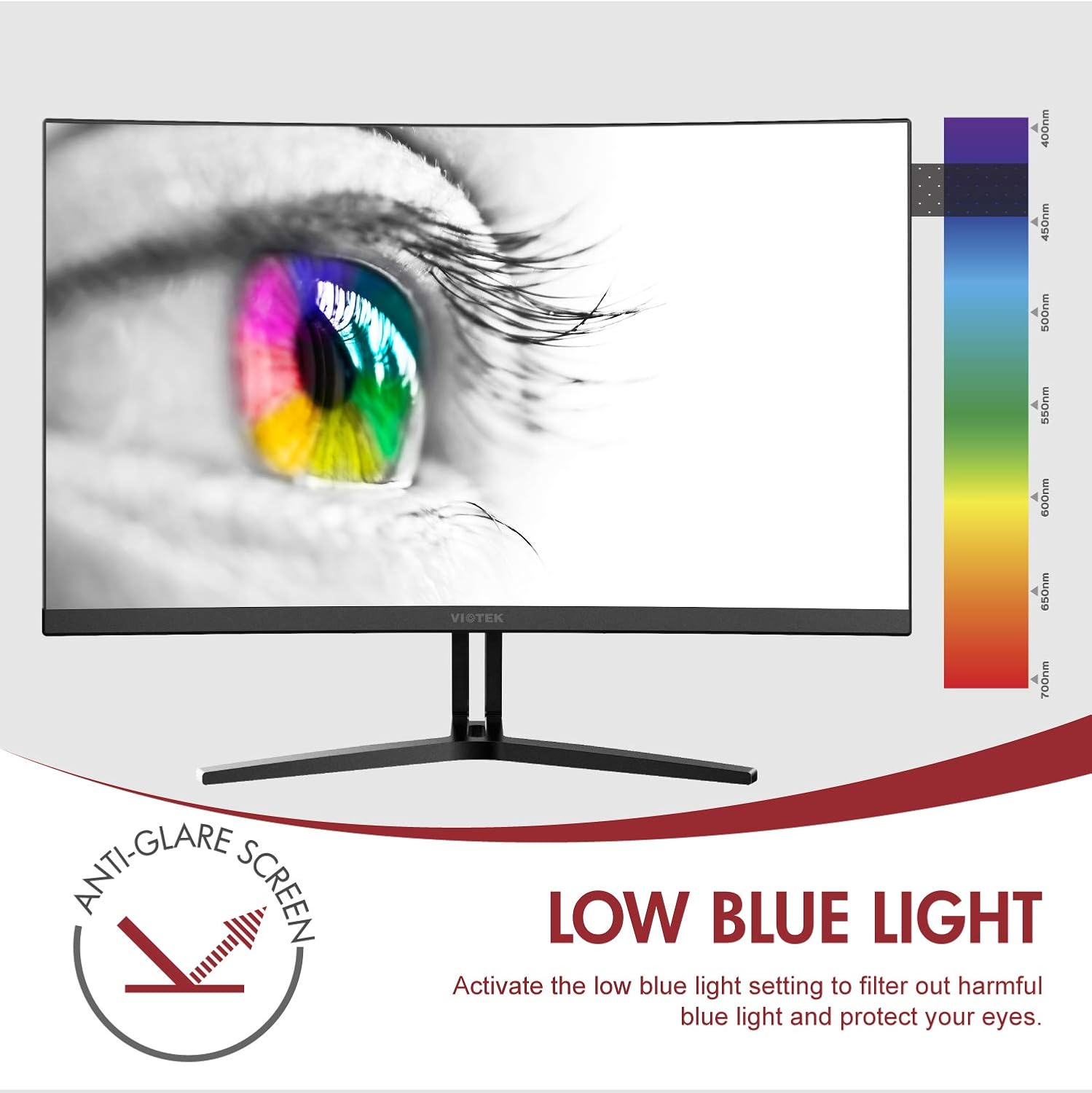
Image: The monitor screen showing an eye with a color spectrum, indicating the Low Blue Light feature designed to protect vision.
4. Caracteristici de joc
The NB24CW monitor includes features optimized for gaming:
- FreeSync: Enable FreeSync in the OSD menu and on your compatible graphics card to eliminate screen tearing and stuttering.
- GamePlus: Access GamePlus features like integrated crosshairs for improved aiming in FPS/RTS games.
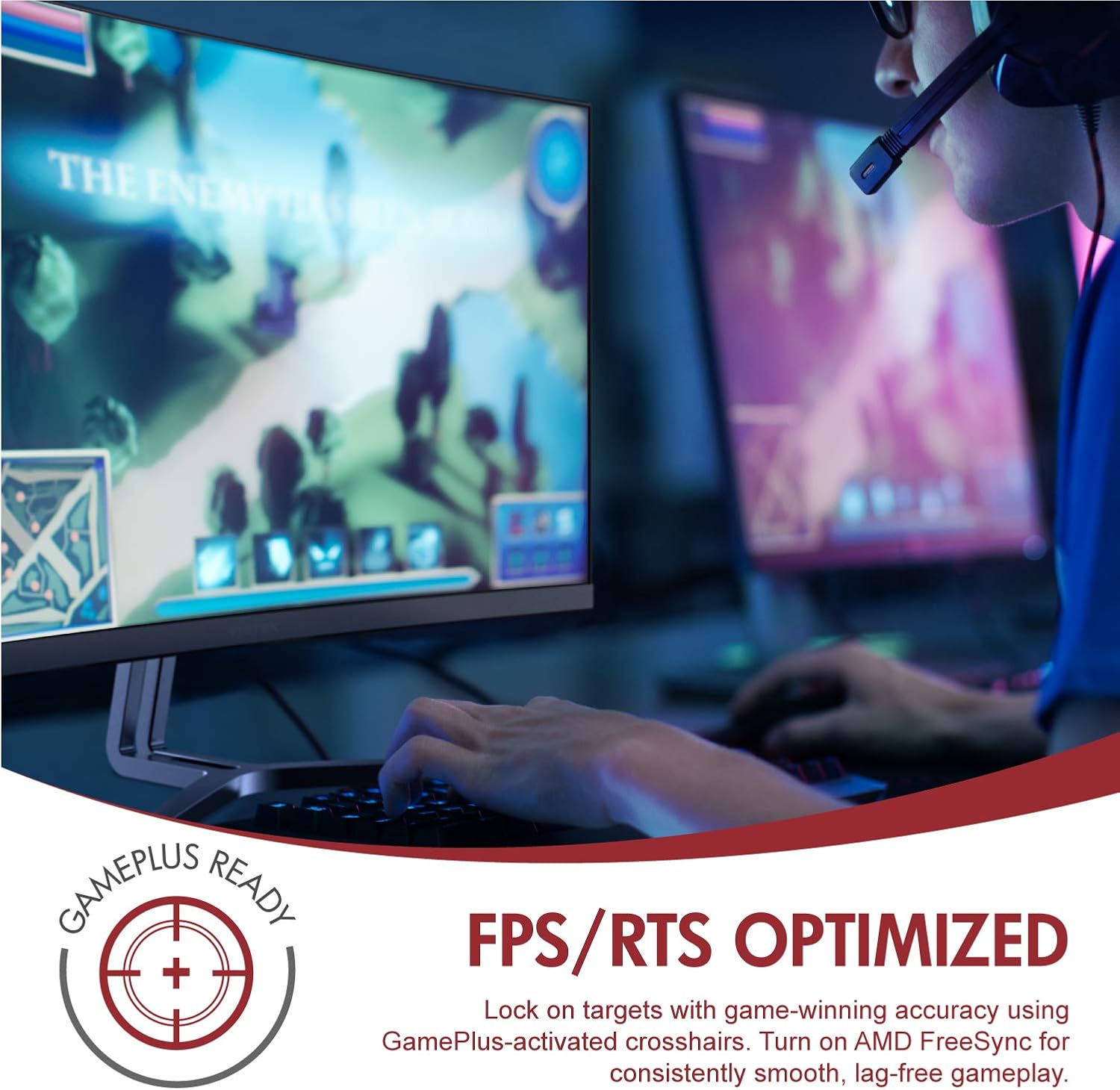
Image: A user engaged in gaming on the Viotek NB24CW monitor, highlighting its FPS/RTS optimized features and GamePlus functionality for enhanced gameplay.
Întreţinere
- Curățarea ecranului: Ștergeți ușor ecranul cu o lavetă moale, uscată și fără scame. Pentru petele persistente, ștergeți ușorampCurățați laveta cu apă sau cu o soluție de curățare specifică ecranului. Nu pulverizați lichid direct pe ecran.
- Curățarea C-uluiasing: Folosiți o cârpă moale și uscată pentru a curăța partea monitorului.asing. Evitați utilizarea substanțelor chimice dure sau a materialelor abrazive.
- Depozitare: If storing the monitor for an extended period, disconnect it from power, pack it in its original packaging, and store in a cool, dry place.
Depanare
| Problemă | Cauza posibila | Soluţie |
|---|---|---|
| Nicio imagine pe ecran | Power cable disconnected, incorrect input source, video cable loose. | Check power connections, select correct input source via OSD, ensure video cable is securely connected. |
| Imaginea este neclară sau distorsionată | Rezoluție incorectă, cablu video defect. | Set display resolution to 1920x1080p, try a different HDMI cable. |
| Fără sunet din difuzoare | Volume too low, audio source not selected, external speakers connected. | Increase volume in OSD and computer settings, ensure audio is routed to monitor, disconnect external speakers if not needed. |
| Ecranul pâlpâie | Refresh rate mismatch, faulty cable, FreeSync issue. | Ensure refresh rate is set to 75Hz, try a different video cable, disable FreeSync temporarily to diagnose. |
Specificații
| Caracteristică | Detaliu |
|---|---|
| Model | NB24CW |
| Dimensiunea ecranului | 24 inchi |
| Tip panou | LED Curved |
| Curbură | 1800R |
| Rezoluţie | 1920 x 1080 (Full HD) |
| Raportul de aspect | 16:9 |
| Rata de reîmprospătare | 75 Hz |
| Timp de răspuns | 5 ms |
| Viewunghiul ing | 178° |
| Raport de contrast | 1,000,000:1 (dinamic) |
| Suport de culoare | 16.7 milioane de culori, 96% sRGB |
| Conectivitate | 1x HDMI 1.4, 1x VGA |
| Audio | Built-in Speakers (2x4Ω/3W) |
| Compatibilitate VESA | 75x75mm (Adapter Included) |
| Sincronizare adaptivă | FreeSync |
| Ajustare înclinare | -5° până la 15° |
| Caracteristici speciale | Bezel-less design, GamePlus, FPS/RTS modes, Low Blue Light, Anti-glare screen |

Image: The Viotek NB24CW monitor showcasing its key performance specifications: 1080p resolution, 1800R curvature, 75Hz refresh rate, and 5ms response time.
Informații despre garanție
Your Viotek NB24CW monitor is covered by a Garanție limitată a producătorului de 3 ani. This warranty covers defects in materials and workmanship under normal use. Additionally, Viotek offers an industry-leading Politica de toleranță zero privind pixelii morți, ensuring your display is free from dead pixels.
For full warranty terms and conditions, please refer to the official Viotek website-ul sau contactați asistența pentru clienți.

Image: A visual representation of Viotek's commitment to quality, featuring a "3 Year Warranty" and "Zero Dead Pixel - Parts & Labor" guarantee.
Asistență pentru clienți
For technical assistance, warranty claims, or general inquiries, please contact our 100% U.S.-based Customer Support Team. They are available 7 days a week via live-chat, email, and social media support.
- Website: www.viotek.com
- E-mail: Refer to the Viotek website for specific email contact.
- Chat live: Available on the official Viotek website-ul.
Produs terminatview Video
Video: Un produs oficial încheiatview video for the Viotek NB24CB (similar model to NB24CW) monitor, showcasing its curved display, thin design, connectivity ports, and key features like 75Hz refresh rate, FreeSync, and built-in speakers. This video provides a visual guide to the monitor's design and capabilities.
Ask a question about this manual
Ask about setup, troubleshooting, compatibility, parts, safety, or missing instructions. Manuals+ will review the question and use this page’s manual context to help answer it.