
Produs terminatview
This PROSCAN SRCD243 Portable CD Player with AM/FM Radio Boombox offers versatile audio playback. It features an AM/FM radio, a CD player compatible with CD-R discs, skip and search functions, and a 20-track programmable memory. The unit can be powered by AC or batteries.
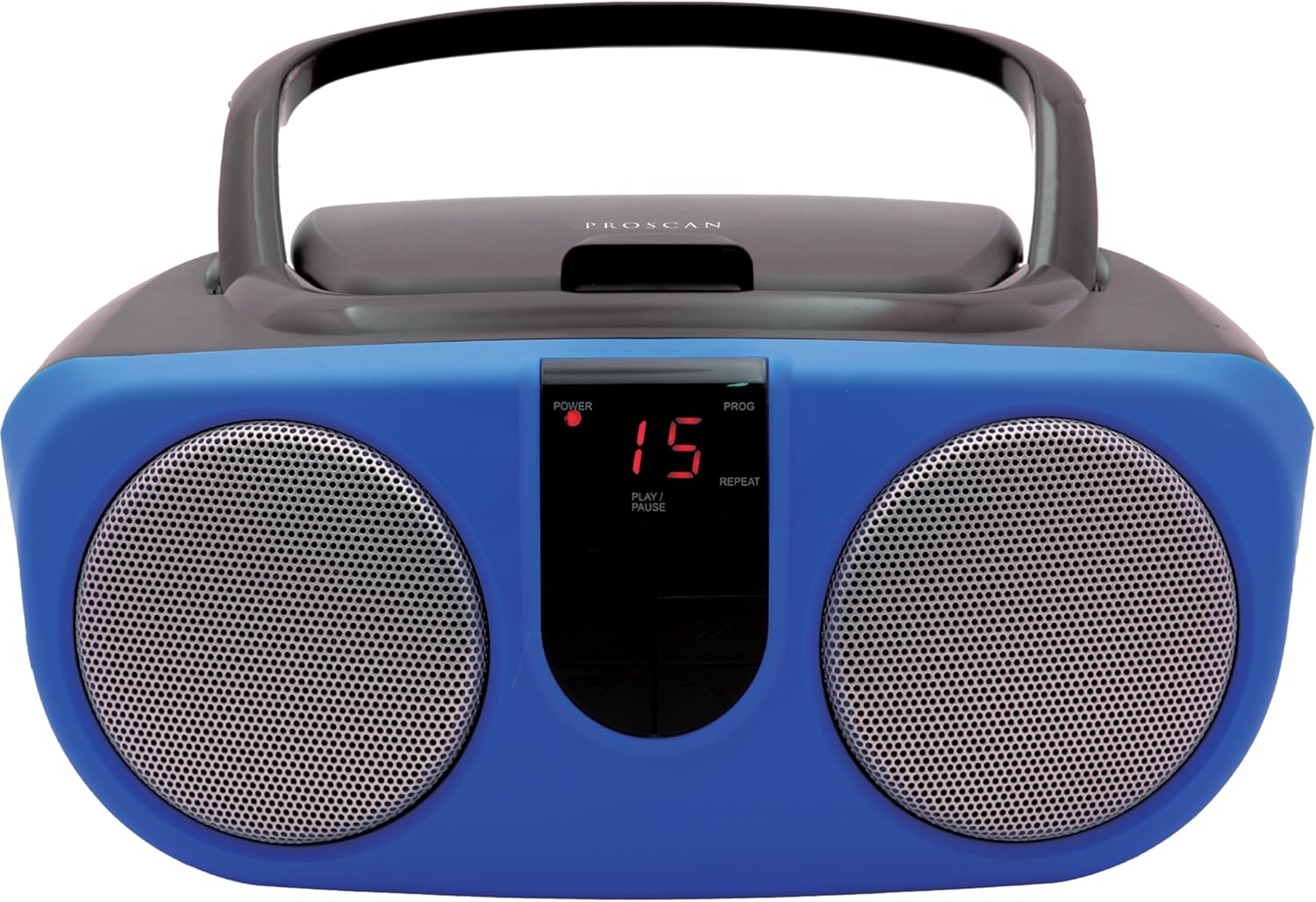
Descriere: față view of the PROSCAN SRCD243 Portable CD Player with AM/FM Radio Boombox in blue, showcasing its dual speakers and central control panel.
Ce este în cutie
- Sylvania SRCD243 Portable CD Player with AM/FM Radio, Boombox (Blue)
Înființat
Alimentarea unității
The SRCD243 can be powered in two ways:
- Putere AC: Connect the included AC adapter to the AC IN jack on the back of the unit and plug it into a standard 120V/60Hz wall outlet.
- Putere baterie: For portable use, insert 8 'C' (UM-2) size batteries into the battery compartment located on the bottom of the unit. Ensure correct polarity.
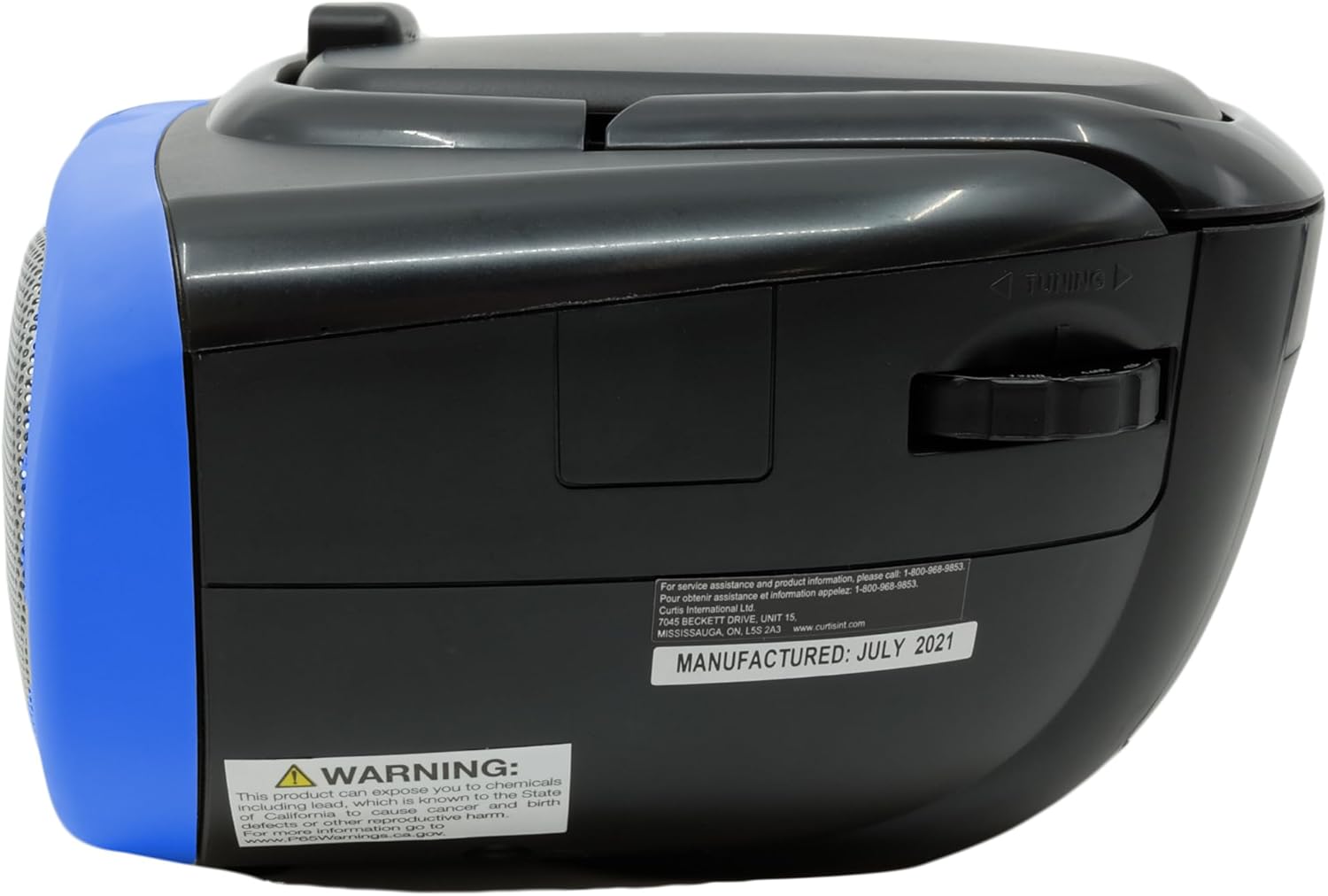
Description: This image displays the rear of the boombox, highlighting the AC power input and the battery compartment area. It also shows the product's manufacturing details and a Proposition 65 warning.
Instrucțiuni de operare
Redare CD
Pentru a reda un CD:
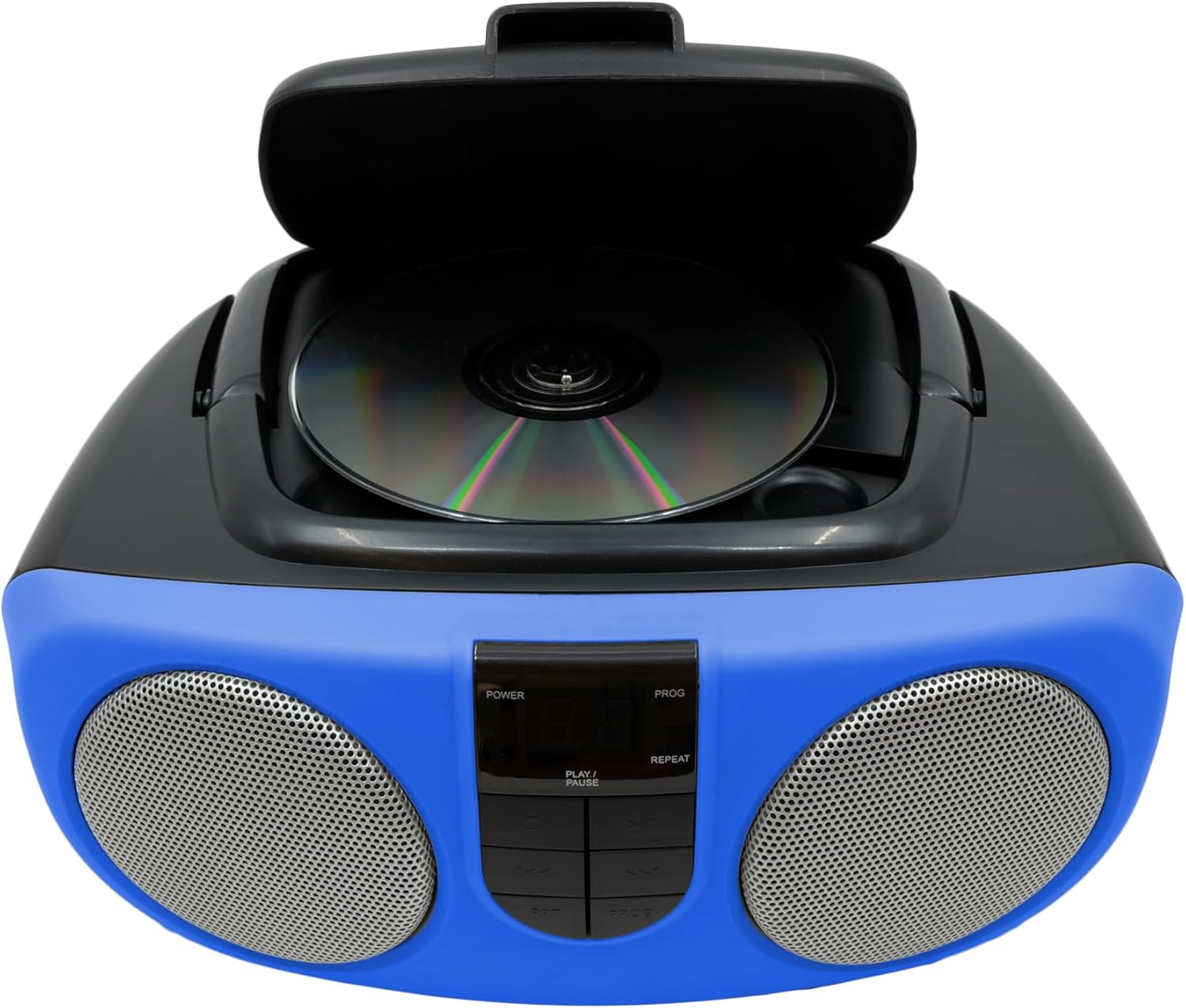
- Lift the CD compartment lid located on the top of the unit.
- Place a CD or CD-R disc onto the spindle, label side up.
- Închideți bine capacul compartimentului pentru CD-uri.
- Slide the FUNCTION switch (located on the side) to the "CD" position.
- Apăsați butonul PLAY/PAUSE pentru a începe redarea.
- Use the SKIP/SEARCH buttons to navigate between tracks or fast-forward/rewind within a track.
- Apăsați butonul STOP pentru a opri redarea.
- The unit features a 20-track programmable memory and Repeat 1/All functions.

Description: This image shows the top of the boombox with the CD lid open, illustrating how to insert a compact disc for playback. The central control panel is also visible.
Radio AM/FM
Pentru a asculta radioul:
- Slide the FUNCTION switch (located on the side) to the "RADIO" position.
- Extindeți antena telescopică pentru o recepție FM optimă.
- Use the TUNING dial (located on the side) to select your desired AM or FM station.
Description: This image provides a side view of the boombox, clearly showing the manual tuning dial used for selecting AM/FM radio frequencies.
Intrare auxiliară
The Aux In jack allows you to connect external audio devices (e.g., MP3 players, smartphones) to play music through the boombox speakers.
- Connect one end of a 3.5mm audio cable (not included) to the Aux In jack on the side of the boombox.
- Conectați celălalt capăt al cablului la mufa pentru căști sau la ieșirea audio a dispozitivului extern.
- Slide the FUNCTION switch to the "AUX IN" position (if available, otherwise ensure it's not on CD or Radio).
- Adjust the volume using the VOLUME control on the boombox and your external device.

Description: This image displays the side of the boombox, featuring the auxiliary input jack and the function switch for selecting different audio sources.
Comenzi terminateview
The front panel features an LED display and various control buttons:
- PUTERE: Pornește / oprește unitatea.
- STOP: Oprește redarea CD-ului.
- PROG (Program): Folosit pentru programarea pieselor de pe CD.
- REDARE/PAUZĂ: Pornește sau întrerupe redarea CD-ului.
- SKIP/SEARCH (<< / >>): Skips tracks or fast-forwards/rewinds.
- REP (Repetare): Repeats the current track or all tracks.
- VOLUME (Side Dial): Reglează nivelul general al sunetului.
- FUNCTION (Side Switch): Selects between CD, OFF, and RADIO modes.

Description: This image provides a detailed front view of the boombox, highlighting the central control panel with its buttons for playback, programming, and the LED display.
Întreţinere
Curatenie
Ștergeți unitatea cu un dispozitiv moale, damp cloth. Do not use abrasive cleaners or solvents. For the CD lens, use a specialized CD lens cleaner.
Depozitare
If storing the unit for an extended period, remove batteries to prevent leakage and damage.
Depanare
| Problemă | Cauza posibila | Soluţie |
|---|---|---|
| Fără putere | AC adapter not connected or batteries depleted/incorrectly inserted. | Check AC connection or replace/reinsert batteries. |
| CD-ul nu se redă sau sare | CD is dirty, scratched, or inserted incorrectly. Unit is on an unstable surface. | Clean CD, reinsert correctly. Place unit on a stable, flat surface. |
| Recepție radio slabă | Antenna not extended or unit is in an area with weak signal. | Extend and adjust the telescopic antenna. Try relocating the unit. |
| Nici un sunet | Volume too low or incorrect function selected. | Increase volume. Ensure FUNCTION switch is set to CD, RADIO, or AUX IN as desired. |
Specificații
| Caracteristică | Detaliu |
|---|---|
| Marca | PROSCAN |
| Numărul de model | SRCD243M-BLUE |
| Dimensiunile produsului | 10 x 9 x 5.7 inci |
| Greutatea articolului | 2.64 lire sterline |
| Sursa de alimentare | AC 120V/60Hz or 8 x 'C' (UM-2) batteries |
| Compatibilitate CD | CD, CD-R |
| Trupe de radio | AM/FM |
| Conectivitate | Intrare auxiliară (3.5 mm) |
Informații importante privind siguranța
Acest produs conține substanțe chimice cunoscute de statul California pentru a provoca cancer și malformații congenitale sau alte vătămări ale reproducerii. Pentru mai multe informații, vizitați www.P65Warnings.ca.gov.