 User Manual Q&A
Answer

Dec 08, 2025 - 08:48 PM
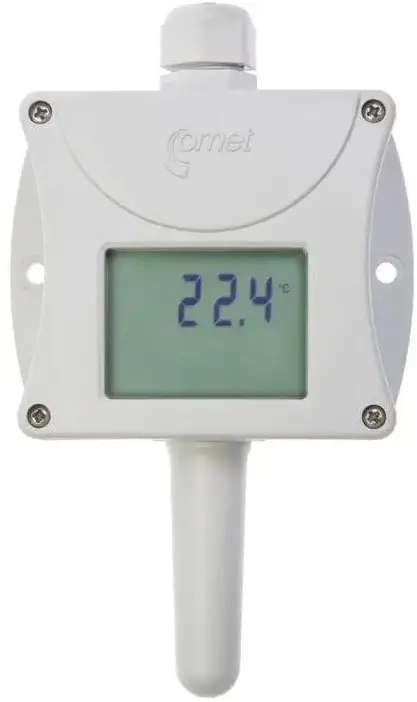
To adjust the settings of the T0110 Transmitter, follow these steps:


1. Connect a PC to the T0110 Transmitter using the optional SP003 communication cable.

2. Download and install the Tsensor program for transmitter setting from www.cometsystem.com.

3. Adjust the transmitter settings using the Tsensor program to set the measured range, turn on/off the LCD display, and adjust the device.

4. For the TxxxxL version of the transmitter, connect the output cable to the watertight male connector RSFM4.

5. Read the instruction manual before connecting the device, as modifications to the settings can only be made by means of a PC using the procedure described at the end of the document.


By following these steps and using the Tsensor program, you can easily adjust the settings of the T0110 Transmitter to suit your specific requirements.


Add New Comment