 User Manual Q&A
Answer

Dec 08, 2025 - 01:54 PM
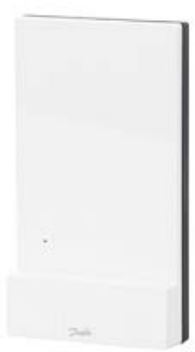
If you encounter any connection issues between the  and the Radio Module, you can refer to the Troubleshooting section of the installation guide provided with the product. Here are some general troubleshooting steps you can follow:


1. Check the physical connections: Ensure that all cables are securely connected to their respective ports on both the Danfoss IconTM Master system and the Radio Module. Make sure there are no loose connections or damaged cables.


2. Power cycle the devices: Turn off both the Danfoss IconTM Master system and the Radio Module, wait for a few seconds, and then power them back on. Sometimes, a simple restart can resolve connectivity issues.


3. Verify the distance: Confirm that the Radio Module is within the maximum distance of 30m from the Danfoss IconTM Master system as specified in the product information.


4. Check for interference: Ensure that there are no sources of interference such as other electronic devices or obstacles blocking the radio signal between the two components.


5. Reset the devices: If the issue persists, you can try resetting both the Danfoss IconTM Master system and the Radio Module to their default settings. Refer to the user manual for instructions on how to perform a reset.


6. Contact customer support: If you have followed these steps and are still experiencing connection problems, it is recommended to contact Danfoss customer support for further assistance. You can find their contact information in the product documentation or visit their website for support options.


By following these troubleshooting steps and referring to the detailed instructions in the installation guide, you should be able to address most common connection issues between the Danfoss IconTM Master system and the Radio Module.


Add New Comment