 User Manual Q&A
Answer

Nov 03, 2025 - 03:13 PM
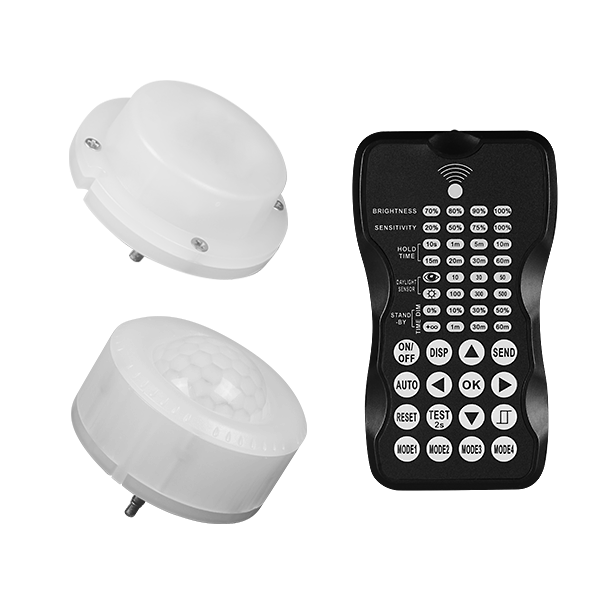
To change the sensitivity of the sensor using the NICOR H12VSENSOR Sensors Remote Programmer, follow these steps:


1. Press the DISP button on the remote control. The LED indicators on the remote will display the latest parameters you have set.

2. Press the UP or DOWN button to enter the setting condition. The parameter LEDs on the remote control will flash to be selected.

3. Navigate to the "SENSITIVITY" setting by pressing the appropriate arrow buttons (LEFT ARROW or RIGHT ARROW).

4. Adjust the sensitivity level as desired.

5. Press OK to confirm the setting and save it.

6. Aim the remote at the target sensor and press SEND to upload the new sensitivity parameter. The LED light on the sensor will confirm the change.


By following these steps, you can easily adjust the sensitivity of the sensor connected to the NICOR H12VSENSOR using the Remote Programmer.


Add New Comment