 User Manual Q&A
Answer

Oct 16, 2025 - 04:04 PM
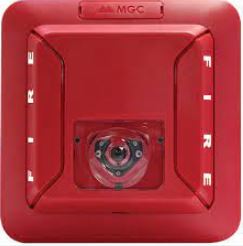
To adjust the candela setting on the Mircom FS-400C Ceiling Mount LED Strobe, follow these steps:


1. Locate the device settings on the back of the unit to prevent tampering.

2. Using a small flat-head screwdriver, carefully adjust the candela setting to the desired level. The candela settings available are 15, 15/75, 30, 75, and 110 cd.

3. Ensure that the candela setting is clearly visible through the front window for easy identification.

4. Once the desired candela setting is selected, secure the setting to prevent accidental changes.


Refer to the Mircom FS-400C Ceiling Mount LED Strobe Owner's Manual for detailed instructions and illustrations on adjusting the candela setting.


Add New Comment