 User Manual Q&A
Answer

Oct 16, 2025 - 02:36 PM
To set the address on the MIX-M500SAPA Supervised Control Module, follow these steps as per the installation guide:


1. Ensure the module is powered off before proceeding with the address setting.

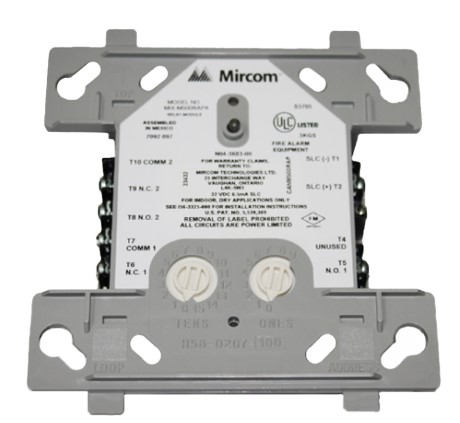
2. Locate the built-in rotary decade switches on the module. These switches are used to select the individual address of each module.

3. Refer to the job drawings provided for your specific installation to determine the correct address setting for the module.

4. Use the rotary switches to set the desired address according to the instructions in the job drawings.

5. Once the address is set, secure the module to the electrical box as shown in Figure 2A of the installation guide.


By following these steps, you can successfully set the address on the MIX-M500SAPA Supervised Control Module for proper operation in your intelligent, two-wire system.


Add New Comment