 User Manual Q&A
Answer

Oct 15, 2025 - 04:28 PM
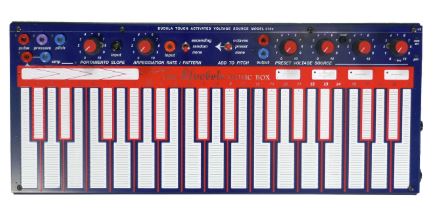
To reset your Buchla 218e-V3 Capacitive Keyboard Controller to its factory default settings, follow these steps:


1. Enter the edit mode by holding down all four preset pads until they flash quickly.

2. While still in edit mode, hold down all four preset pads until the LEDs flash to reset the keyboard response and MIDI settings back to the factory defaults.

3. Once the LEDs flash, the reset process is complete, and your Buchla 218e-V3 should now be restored to its original factory settings.


This reset process will revert all configurations and settings back to the default values, allowing you to start fresh with your Buchla 218e-V3.


Add New Comment