 User Manual Q&A
Answer

Sep 22, 2025 - 12:40 PM
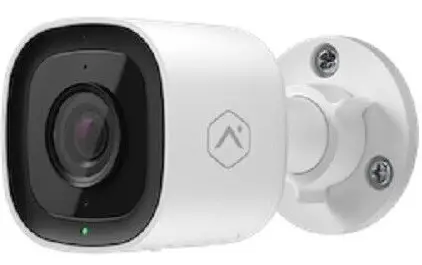
If you are facing connectivity issues with your ADC-VC727P Mini-Bullet Camera, here are some troubleshooting steps you can follow based on the installation guide:


1. **Power Cycle the Camera:** If you are having trouble connecting the camera to your Alarm.com account, try power cycling the camera. Turn off the camera, wait for a few seconds, and then turn it back on. This simple step can sometimes resolve connectivity issues.


2. **Reset the Camera to Factory Defaults:** If power cycling doesn't work, you can reset the camera to its factory defaults. Press and hold the Reset button on the camera until the LED starts flashing Green and Red (approximately 15 seconds). Release the button, and the camera will reboot with factory settings. Note that if the camera was previously linked to an Alarm.com account, it must be deleted before reinstallation.


3. **Delete and Re-Add the Camera:** If the above steps do not solve the problem, consider deleting the camera from your Alarm.com account and then re-adding it. Follow the on-screen instructions to add the camera back to your account.


4. **Contact Support:** If you continue to experience connectivity issues, it may be beneficial to contact your service provider or Alarm.com support for further assistance. They can provide additional troubleshooting steps or guide you through the process of resolving the problem.


By following these troubleshooting steps, you should be able to address most common connectivity issues with the ADC-VC727P Mini-Bullet Camera and successfully connect it to your Alarm.com account.


Add New Comment